Best Work Management Software in 2026: 9 Tools Compared
By ToolNimba Editorial Team November 9, 2026 9 min read

- Top pick
 monday.com
Visual boards for non-technical teams
Starting price$9 per seat per monthCheck out monday.comRead our review - Runner-up
 Asana
Structured timelines and cross-team work
Starting price$10.99 per user per monthCheck out AsanaRead our review - Also great
 ClickUp
Most features per dollar
Starting price$7 per user per monthCheck out ClickUpRead our review
How we researched this
We compared official pricing and feature pages, app store listings, privacy policies and public user reviews. Prices change, so check the provider's site before you pay.
Key takeaways
- ClickUp offers the most features per dollar, with Unlimited at $7 per user per month billed annually and a genuinely usable free plan.
- monday.com is the easiest for non-technical teams to adopt, thanks to visual boards, starting at $9 per seat per month.
- Asana suits structured, cross-team work with timelines and portfolios, starting at $10.99 per user per month.
- Trello remains the cheapest real team tool at $5 per user per month, and Zoho Projects undercuts everyone at $4.
- Every tool here offers a free plan, so try two or three with a real project before paying.
Quick comparison
| Name | Best for | Starting price | Free plan | |
|---|---|---|---|---|
| monday.com | Visual boards for non-technical teams | $9 per seat per month | Yes | Visit |
| Asana | Structured timelines and cross-team work | $10.99 per user per month | Yes | Visit |
| ClickUp | Most features per dollar | $7 per user per month | Yes | Visit |
 Trello | Simple kanban for small groups | $5 per user per month | Yes | Visit |
 Notion | Tasks plus docs and wikis | $10 per user per month | Yes | Visit |
 Smartsheet | Spreadsheet-style planning | $9 per user per month | Free trial | Visit |
 Wrike | Approval workflows and marketing teams | $10 per user per month | Yes | Visit |
 Teamwork.com | Agencies managing client projects | $9.99 per user per month | Yes | Visit |
 Zoho Projects | Budget-conscious small teams | $4 per user per month | Yes | Visit |
The best work management software
Work management software exists to cut down on "work about work": status meetings, hunting for updates, and asking who is doing what. The tools below all centralize tasks in one place, but they think differently. Some use boards, some use timelines, some use spreadsheets, and one mixes tasks with documents. Pick by how your team already thinks.
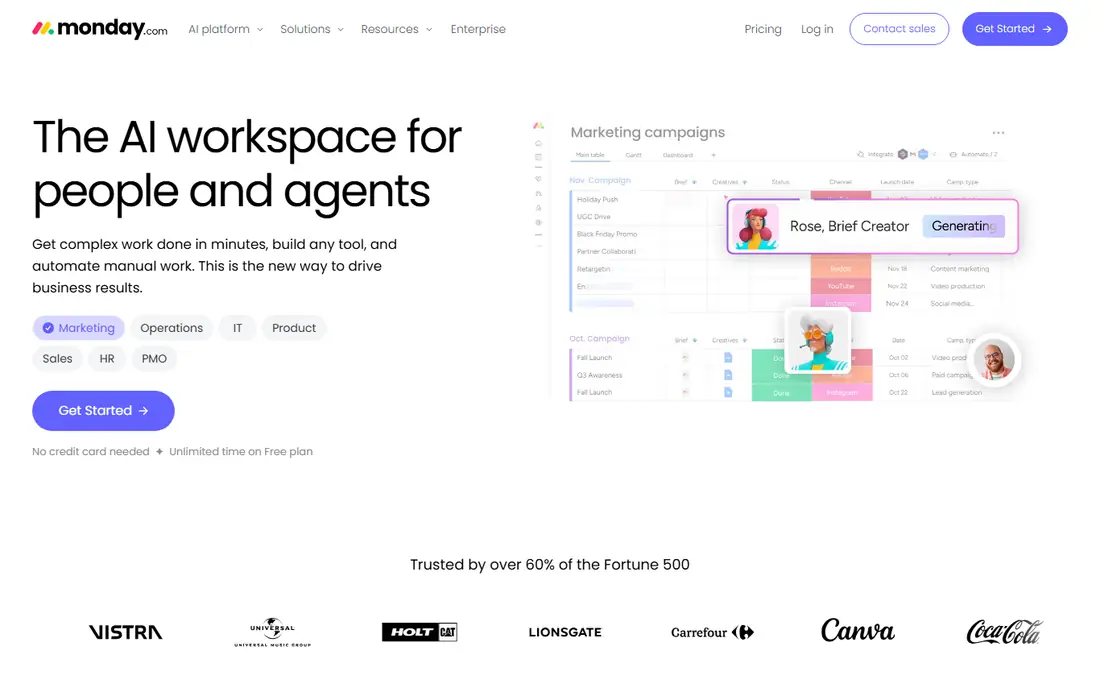
monday.com wins on approachability. Boards are color-coded and visual, so marketing, HR, and operations teams adopt it faster than more technical tools. Templates for campaign tracking, hiring pipelines, and content calendars mean most teams start from something close to what they need, and the free plan covers two users.
The Basic tier at $9 per seat per month billed annually requires at least three seats, and serious reporting lives on higher tiers. For non-technical teams that need a shared view of work without a learning curve, monday.com is our top pick.
- Boards anyone can read at a glance
- Strong template library
- Fast adoption by non-technical teams
- Basic tier has a 3-seat minimum
- Costs rise with higher tiers
- Reporting depth needs pricier plans
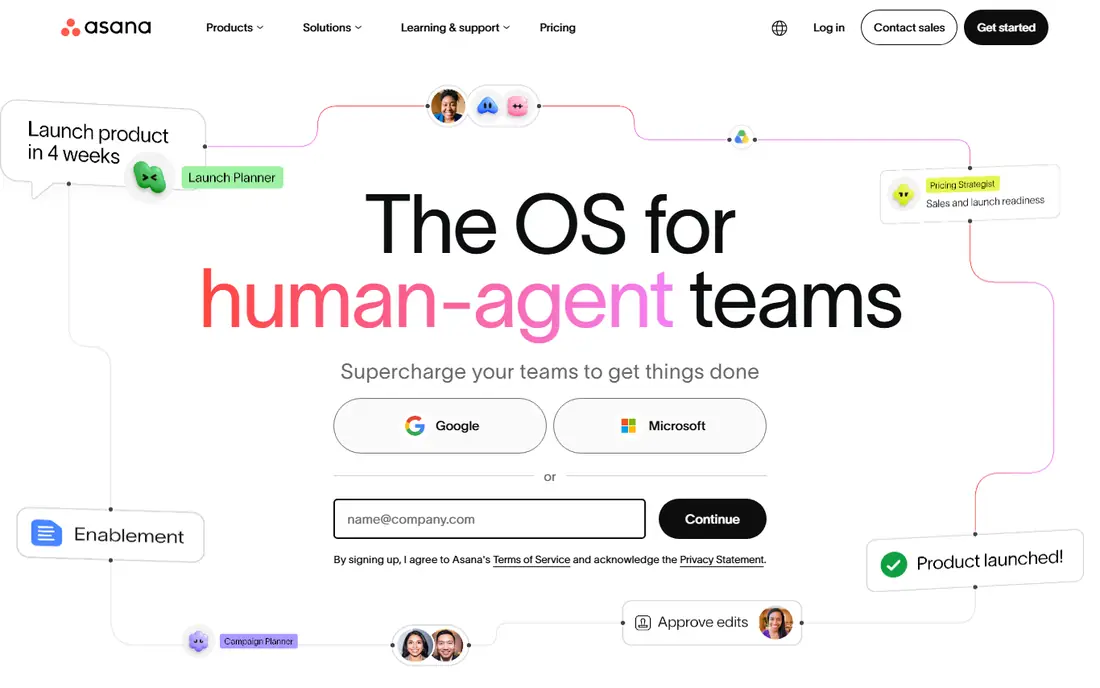
Asana suits teams that coordinate across departments. Tasks roll up into projects, projects into portfolios, and portfolios into goals, which gives managers a clear view without constant status meetings. Timelines show dependencies well, and automations handle routine handoffs. Starter costs $10.99 per user per month billed annually, with a free plan for small teams.
Simpler teams may find Asana more structured than they need, and the best reporting sits above Starter. For organizations where cross-team coordination is the main pain, Asana is the most proven choice.
- Timelines, portfolios, and goals for coordination
- Clean task structure
- Strong automations
- Starter price is mid-range
- Advanced features need higher tiers
- Can feel rigid for simple teams
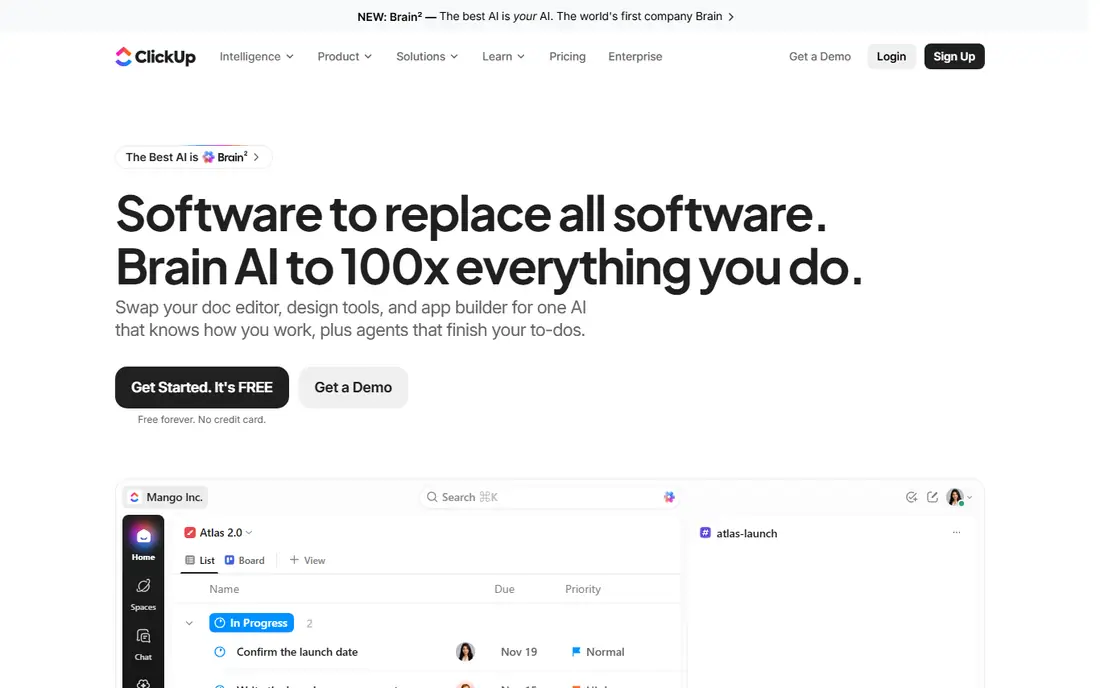
ClickUp's Unlimited plan at $7 per user per month billed annually delivers what rivals charge twice for: unlimited storage, Gantt charts, custom fields, native time tracking, integrations, and 1,000 automation runs a month. The free plan covers unlimited tasks and members, which no competitor matches.
The honest catch is complexity. ClickUp ships so many features that teams without a dedicated owner end up with messy workspaces. Turn off what you do not use, appoint an admin, and it is the best value in this category. Skip it if nobody will own the setup.
- Unlimited plan packs in Gantt, custom fields, and time tracking
- Free plan covers unlimited tasks and members
- Every view imaginable
- Overwhelming interface
- Setup needs a dedicated owner
- AI features cost extra
Trello is the simplest tool on this list, and that is its strength. Boards, lists, and cards map to how small teams already talk about work, and new members are productive within minutes. Standard costs $5 per user per month billed annually, the cheapest paid tier here, and the free plan is genuinely useful.
Complex projects outgrow Trello fast. Dependencies, portfolios, and deep reporting need other tools or add-ons. For small groups that want a shared board without ceremony, Trello remains the fastest path to organized work.
- Simplest kanban boards
- Cheapest paid tier here
- Fast onboarding
- Limited depth for complex projects
- Reporting is thin
- Power-Ups needed for advanced features
Notion mixes tasks with documents, wikis, and databases in one workspace, which suits teams tired of jumping between a docs app and a task app. You can build a project tracker, a meeting notes hub, and a company wiki that all link together. Plus costs $10 per user per month billed annually, with a free plan for individuals and small teams.
Dedicated project features like advanced timelines and workload views trail Asana and monday.com, and a flexible tool can turn messy without conventions. For teams that live in documents as much as tasks, Notion is the best all-in-one workspace.
- Tasks, docs, and wikis in one workspace
- Flexible databases
- Great for small teams
- Project features trail dedicated tools
- Can get messy without structure
- Plus costs $10 per user per month
Smartsheet thinks in rows and columns, which suits operations teams that already plan in spreadsheets. The grid view is familiar, while Gantt, calendar, and card views cover different working styles, and reporting rolls up cleanly for managers. Pro costs $9 per user per month, with a 30-day free trial.
There is no permanent free tier, and the interface feels more corporate than monday.com or Trello. For teams that plan in spreadsheets today and want that model with real project features, Smartsheet is the natural upgrade.
- Familiar grid interface
- Gantt and card views
- Strong reporting for operations
- Free trial only, no permanent free tier
- Interface feels corporate
- Learning curve for advanced features
Wrike is built for teams with volume and approvals: marketing departments, agencies, and professional services. Proofing tools let stakeholders comment directly on creative work, approval workflows route it properly, and reporting handles high project counts without falling apart. Team costs $10 per user per month billed annually, with a free plan for small groups.
The interface takes longer to learn than Trello or monday.com, and tiny teams will find it more than they need. For marketing and creative operations with real approval chains, Wrike is the strongest fit.
- Strong approval and proofing workflows
- Handles high-volume projects
- Good reporting
- Interface takes learning
- Team tier is $10 per user per month
- Overkill for tiny teams
Teamwork.com is built for agencies and client-service firms. Projects track time, budgets, and profitability together, so you can see which clients make money and which do not. The Basics tier costs $9.99 per user per month billed annually, with a free plan for small teams.
The Basics tier requires at least three seats, and the interface is workmanlike rather than beautiful. For agencies juggling many client projects, the built-in profitability view is a genuine advantage over generic task tools.
- Client project features with time and budgets
- Profitability views
- Good for agencies
- Basics tier has a 3-seat minimum
- Less known than Asana or monday.com
- Interface is workmanlike
Zoho Projects undercuts the whole category at $4 per user per month, while still covering tasks, Gantt charts, milestones, and time tracking. Teams already using Zoho CRM, Books, or Mail get extra value from the shared suite, and a free plan covers small teams.
The interface is less polished than Asana or monday.com, and third-party integrations are fewer. For budget-conscious small teams that need real project features at the lowest price, Zoho Projects is the best value pick after ClickUp.
- Cheapest paid tier here at $4
- Solid task, Gantt, and time features
- Integrates with Zoho suite
- Interface trails the leaders
- Smaller third-party integration range
- Support is thinner
How we picked these
We compared official pricing pages and independent 2026 comparisons of work management software, favoring tools with current availability in October 2026, a real free plan or trial, and adoption by teams like yours. We mixed board, timeline, spreadsheet, and document-first tools so different working styles are covered. Prices change often and several vendors set seat minimums, so confirm on each vendor page before you buy. We did not deploy every tool hands-on; our comparison rests on published features, pricing, and public reviews.
Rolling it out without the usual mess
Pick one pilot team and two or three real projects, not the whole company on day one. Use a template close to your workflow, then customize it once the team has used it for two weeks. Appoint one tool champion who answers questions and keeps the workspace tidy, since messy workspaces are the top reason teams abandon these tools.
Watch the real cost drivers: seat minimums, automation limits, and which features sit above the entry tier. A $7 plan that caps automations at 1,000 runs a month can cost more than a $10 plan once your team automates heavily. Trial the tier you will actually buy, with your real projects, before committing.
Sources
- https://rankite.com/blog/best-work-management-software
- https://rankite.com/blog/best-task-management-app-for-teams
- https://www.techrepublic.com/article/project-management-software/?id=r00520011204aue01.htm
- https://www.monday.com
- https://www.asana.com
- https://www.clickup.com
- https://www.trello.com
- https://www.notion.com
- https://www.smartsheet.com
- https://www.wrike.com
- https://www.teamwork.com
- https://www.zoho.com
Frequently asked questions
What is the best work management software for small teams?
ClickUp offers the most features per dollar and a strong free plan, while Trello is simplest and cheapest at $5 per user per month. monday.com suits non-technical teams that want visual boards, and Zoho Projects is cheapest of all at $4 per user per month. Try two with a real project before deciding.
Is there free work management software?
Yes. ClickUp, Asana, monday.com, Trello, Notion, Wrike, Teamwork.com, and Zoho Projects all offer free plans, though most limit users, features, or storage. Smartsheet offers a 30-day trial instead of a permanent free tier. Free plans work well for small teams with straightforward projects.
What is the difference between work management and project management software?
Work management covers everyday task coordination across a team or company, while project management focuses on defined projects with deadlines, budgets, and deliverables. The tools overlap heavily: Asana and monday.com do both, while Smartsheet and Wrike lean more toward formal projects.
How much does work management software cost?
Entry paid tiers here run from $4 to $10.99 per user per month billed annually, with Zoho Projects cheapest and Asana priciest. Most vendors charge per user per month, and some set seat minimums, so check the total for your team size rather than the headline rate.
Can work management software replace email for task updates?
Largely, yes. Tasks with assignees, due dates, and comments replace most status emails, and automations can notify people only when something changes for them. Teams still use email or chat for discussion, but the task itself should live in one place everyone can see.