Best Workflow Software in 2026: 9 Tools Compared
By ToolNimba Editorial Team November 5, 2026 10 min read

- Top pick
 monday.com
Visual team workflows
Starting price$9 per user per monthCheck out monday.comRead our review - Runner-up
 Asana
Project plus workflow
Starting price$10.99 per user per monthCheck out AsanaRead our review - Also great
 ClickUp
All-in-one on a budget
Starting price$7 per user per monthCheck out ClickUpRead our review
How we researched this
We compared official pricing and feature pages, app store listings, privacy policies and public user reviews. Prices change, so check the provider's site before you pay.
Key takeaways
- monday.com is the easiest starting point for teams that want visual workflows without a long setup project.
- Asana and ClickUp suit teams that want workflows inside a broader project tool, with Asana cleaner and ClickUp cheaper.
- Pipefy and Process Street are the pure workflow specialists, for intake and approvals and for repeatable checklists respectively.
- Kissflow suits larger companies with governance and compliance needs, but it is too much for small teams.
- Price the plan you need for automation limits and seats, since free plans often cap the automations that make workflows useful.
Quick comparison
| Name | Best for | Starting price | Free plan | |
|---|---|---|---|---|
| monday.com | Visual team workflows | $9 per user per month | Yes | Visit |
| Asana | Project plus workflow | $10.99 per user per month | Yes | Visit |
| ClickUp | All-in-one on a budget | $7 per user per month | Yes | Visit |
 Wrike | Enterprise project workflows | $10 per user per month | Yes | Visit |
 Trello | Simple board workflows | $5 per user per month | Yes | Visit |
 Pipefy | Intake and approvals | $22 per user per month | Yes | Visit |
 Process Street | Repeatable checklists | $25 per user per month | No | Visit |
 Kissflow | No-code process apps | See website | No | Visit |
 Smartsheet | Spreadsheet-style tracking | $9 per user per month | No | Visit |
The best workflow software
Workflow software turns a repeatable process into steps, owners, and rules, so the same request gets handled the same way every time. That covers intake forms, approvals, handoffs, and deadlines. The tools below split into two groups: project tools with workflow features, and specialists built for processes first.
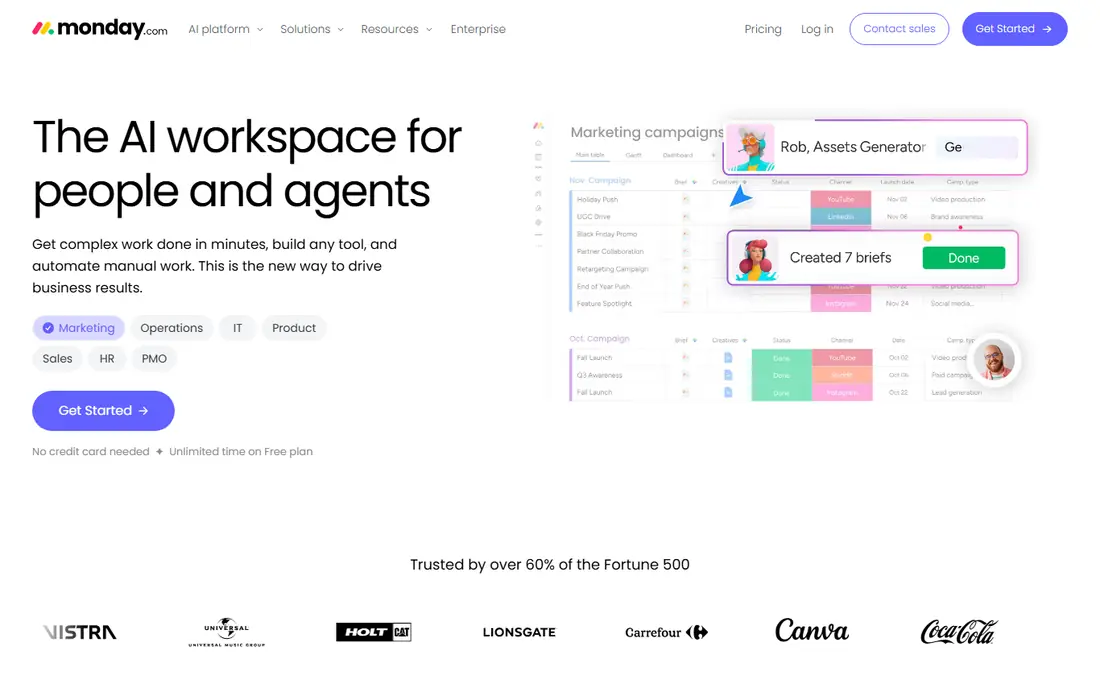
monday.com is our pick for teams that want workflows without a heavy setup. Boards show work as cards, timelines, or tables, and automations move items, notify owners, and set due dates when a status changes. Templates for marketing, HR, sales, and operations give new teams a working process in an afternoon rather than a blank board.
The free plan covers up to two seats, which suits a tiny team testing the tool. Paid plans start at 9 dollars per user per month on annual billing, with a three-seat minimum, and lower plans cap automation actions. Teams that run many automations should price the tier that fits their monthly action count, not just the seat price.
- Very visual boards
- Many templates
- Automations and integrations
- Easy for non-technical teams
- Three-seat minimum on paid plans
- Automation actions capped on lower plans
- Costs grow with seats
Asana suits teams that manage projects and want workflows inside the same tool. Tasks, dependencies, and timelines show how work flows from intake to delivery, and rules automate handoffs such as assigning a reviewer when a task reaches a stage. Forms collect requests in a standard shape, which cuts the vague briefs that slow teams down.
Asana is a project platform first, so strict approval chains and audit controls are less deep than in a specialist such as Pipefy. Paid plans start at 10.99 dollars per user per month on annual billing. For teams that already plan projects in Asana, adding workflows there beats buying a second tool.
- Clean timelines and dependencies
- Workflow rules on paid plans
- Strong templates
- Good reporting
- Pure approval governance is secondary
- Costs rise with team size
- Advanced features need higher plans
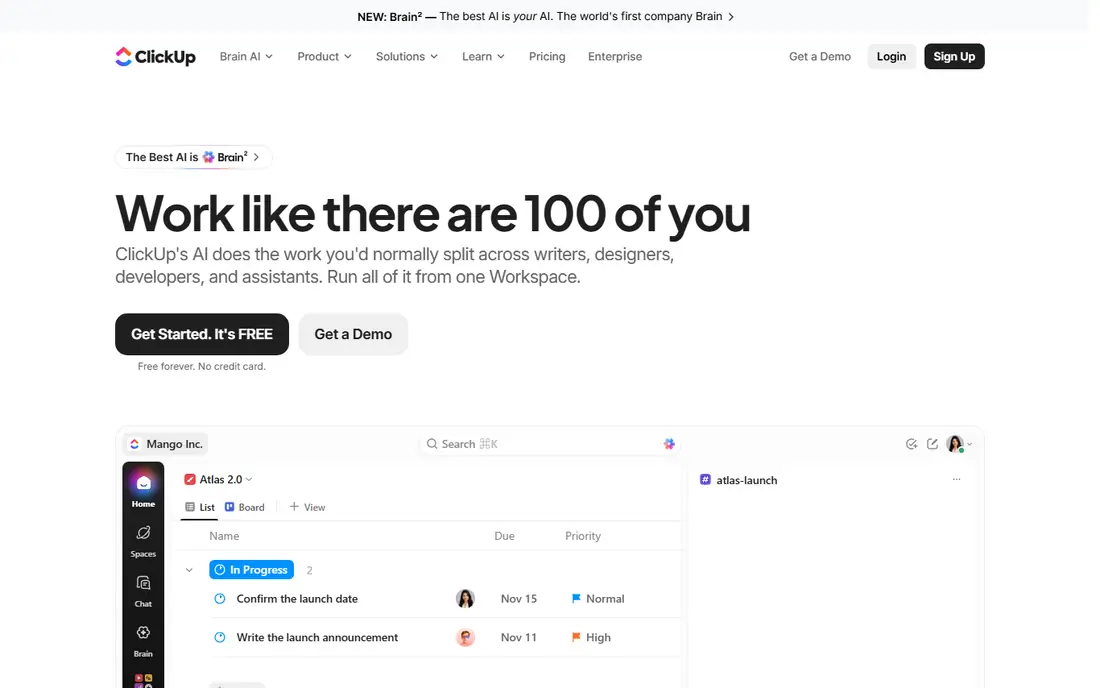
ClickUp is the best budget all-in-one in this list. It combines tasks, docs, goals, whiteboards, and automations, so a small team can run workflows without stitching several tools together. The free plan is genuinely useful, and the paid plan starts at 7 dollars per user per month, undercutting most rivals.
The breadth is also the risk. New teams can drown in views, fields, and settings if they turn everything on at once. Start with one workflow, one board, and a few automations, then add depth only where it helps. For cost-conscious teams that want one tool for most work, ClickUp is hard to beat.
- Low starting price
- Tasks, docs, goals, and automations in one place
- Generous free plan
- Many views
- Feature depth can overwhelm new users
- Setup takes care to stay simple
- Performance varies on huge workspaces
Wrike suits larger teams that need workflows plus reporting across departments. Gantt charts, workload views, and proofing tools help marketing, product, and operations teams track handoffs in one place. Approval workflows route creative and document reviews with a clear trail of who approved what and when.
The free plan covers basic work but no automation, so real workflow value starts on paid plans from 10 dollars per user per month. Setup and training take longer than with monday.com or Trello. Enterprises that need analytics and governance across many teams will find that effort worthwhile.
- Strong cross-team analytics
- Gantt charts and proofing
- Approval workflows
- Enterprise security options
- Free plan has no automation
- Learning curve for new users
- Higher tiers cost much more
Trello is the best pick when the workflow is simple. Cards move across lists, checklists track steps, and labels and due dates keep ownership clear. Small teams, freelancers, and community groups can run a hiring pipeline, content calendar, or support queue with almost no training. The free plan covers the basics, and paid plans start at 5 dollars per user per month.
Complex processes expose its limits. Multi-stage approvals, conditional routing, and detailed reporting need a stronger tool. Trello also gets messy when a board holds hundreds of active cards. Use Trello while the process fits on one board, and move to Asana, monday.com, or Pipefy when it stops fitting.
- Simplest board workflow
- Very easy to learn
- Free plan covers small teams
- Butler automations on paid plans
- Weak for complex approvals
- Reporting is basic
- Large workflows outgrow boards fast
Pipefy is a pure workflow specialist built around intake and approvals. Teams create a portal where requests arrive in a standard form, then move through defined phases with owners, deadlines, and approval steps. That structure suits HR requests, purchase approvals, finance intake, and service tickets, where the request shape matters as much as the task list.
Pricing starts higher than project tools, with Business plans around 22 dollars per user per month, though a free Starter plan covers up to 10 users for basic use. Setup also demands real process mapping before building. If your main problem is messy intake and approval chains, Pipefy solves it more directly than any project tool here.
- Form-driven intake portals
- Structured approval chains
- Kanban views
- Free Starter plan for small teams
- Paid plans cost more than project tools
- Setup needs process mapping
- Reporting depth varies by plan
Process Street is built for work that repeats the same way every time. Employee onboarding, client setup, monthly close, and quality checks become checklists with owners, due dates, conditional steps, and an audit trail. Managers can see exactly which step is done, who did it, and what is blocked, which matters for compliance and training.
Paid plans start at 25 dollars per user per month, and there is no permanent free plan, so it costs more than Trello or ClickUp for the same seat count. It is also not a general project tool, so teams still need one for one-off work. For businesses whose quality depends on repeatable procedures, Process Street is the most focused pick here.
- Checklist workflows with audit trails
- Conditional logic
- Approvals and assignments
- Strong for SOPs
- No permanent free plan
- Price is high for small teams
- Not a general project tool
Kissflow suits mid-size and larger companies that need governed, no-code process apps. Teams build intake forms, approval apps, and case workflows without code, while admins keep control over roles, audit trails, and data rules. That governance focus separates it from lighter tools that let anyone reshape a process at will.
Pricing is quote-based, and published comparisons place it well above small-team tools, so small businesses should look elsewhere. Implementation also takes planning, since governed processes need mapping before building. For larger companies with compliance needs, Kissflow is a strong, serious pick.
- No-code process and case apps
- Governance and audit controls
- Forms, boards, and analytics in one platform
- Quote-based pricing
- Overkill for small teams
- Implementation takes time and planning
Smartsheet suits teams that think in spreadsheets. Work lives in a grid with rows, columns, formulas, and attachments, while automations send alerts, request approvals, and move rows when conditions change. Gantt, card, and calendar views sit on the same data, so managers and doers can each work in the view they prefer.
Paid plans start at 9 dollars per user per month, with a trial rather than a permanent free plan. The grid can feel dense for teams used to simple boards, and lower plans cap automations. For operations, finance, and project teams that already run on spreadsheets, Smartsheet turns those sheets into governed workflows with little retraining.
- Familiar spreadsheet grid
- Automated workflows and alerts
- Gantt and card views
- Strong reporting
- No permanent free plan
- Interface can feel dense
- Automation caps on lower plans
How we picked these
We compared official feature pages, pricing pages, and automation limits, and we checked that each homepage loads and belongs to the product named. We looked for real workflow support: intake, routing, approvals, and automation, not just task lists. We included project tools and specialists, free and paid options, and small-team and enterprise fits.
How to choose the right workflow software
Start by mapping one real process on paper: intake, steps, owners, approvals, and deadlines. If that map fits on a board, a simple tool such as Trello or monday.com will do. If it needs conditional approvals and audit trails, shortlist Pipefy, Process Street, or Kissflow. Buying before mapping is the most common way teams end up with a tool they fight.
Next, test automations at real volume. Free plans often cap automation actions, and a workflow that works for 10 requests a month can break at 200. Run a two-week trial with real requests, and count actions, seats, and reporting needs. Price the tier that fits that volume, not the cheapest tier on the pricing page.
Finally, keep ownership clear. Every step needs one owner and one deadline, and every request needs one intake form. A workflow tool only helps when the process behind it is clear. Review the process quarterly, and remove steps that no longer earn their place.
Sources
Frequently asked questions
What is the best workflow software?
monday.com is the best starting point for most teams, thanks to visual boards, templates, and easy automations. Asana suits project-heavy teams, while Pipefy suits intake and approvals and Process Street suits repeatable checklists. The best pick follows the process you need to run.
What are the best workflow management tools for small teams?
Trello, ClickUp, and monday.com are the strongest small-team picks, with free plans and low starting prices. Trello suits simple boards, ClickUp suits teams that want many features in one cheap tool, and monday.com suits teams that want visual workflows with templates.
What is the best workflow app for approvals?
Pipefy is the best approval-focused pick, with form-driven intake and structured approval chains. Process Street also handles approvals inside repeatable checklists, and Wrike covers approvals for creative and document reviews. Map your approval chain before choosing.
Is there free workflow software?
Yes. Trello, ClickUp, monday.com, Asana, Wrike, and Pipefy all offer free plans, though automation and reporting are capped. Smartsheet and Process Street offer trials rather than permanent free plans. Start free, and pay when automation limits or reporting needs force an upgrade.
How is workflow software different from project management software?
Project software tracks tasks and deadlines for one-off work, while workflow software encodes a repeatable process with intake, routing, and approvals. Many tools do both, but specialists such as Pipefy and Process Street focus on the repeatable process. Pick based on whether your work repeats or is unique each time.