Best YouTube SEO Software in 2026: 9 Tools Compared
By ToolNimba Editorial Team November 11, 2026 8 min read

- Top pick
 vidIQ
Ideation and keyword scoring
Starting price$19 per monthCheck out vidIQRead our review - Runner-up
 TubeBuddy
Thumbnail testing and bulk edits
Starting price$15 per monthCheck out TubeBuddyRead our review - Also great
 MorningFa.me
Low-cost channel analytics
Starting price$4.90 per monthCheck out MorningFa.meRead our review
How we researched this
We compared official pricing and feature pages, app store listings, privacy policies and public user reviews. Prices change, so check the provider's site before you pay.
Key takeaways
- vidIQ is our pick for most creators, with a free plan, keyword scores and AI video ideas in one browser tool.
- TubeBuddy suits creators with a large back catalog, thanks to bulk editing and thumbnail A/B testing.
- MorningFa.me offers the cheapest paid entry for data-driven channel strategy, from about $4.90 per month.
- Keyword Tool and TubeRanker cover pure keyword research for creators who do not need a full suite.
- No tool replaces good videos, so use these tools to pick topics and package videos, then let watch time do the rest.
Quick comparison
| Name | Best for | Starting price | Free plan | |
|---|---|---|---|---|
| vidIQ | Ideation and keyword scoring | $19 per month | Yes | Visit |
| TubeBuddy | Thumbnail testing and bulk edits | $15 per month | Free trial | Visit |
| MorningFa.me | Low-cost channel analytics | $4.90 per month | Free trial | Visit |
 Keyword Tool | Pure YouTube keyword research | $89 per month | Yes | Visit |
 TubeRanker | Affordable keyword and audit tools | $9.90 per month | No | Visit |
 YT Cockpit | Keyword research and tracking | $19 per month | No | Visit |
 Taja AI | Automated titles and chapters | $19.99 per month | Free trial (7 days) | Visit |
 1of10 | Outlier video research | See website | No | Visit |
 Social Blade | Channel stats and tracking | Free | Yes | Visit |
The best YouTube SEO software
YouTube SEO tools help you find topics people search for, write titles and descriptions that match, and test thumbnails that earn clicks. The tools below differ in whether they focus on research, packaging, analytics or all three.
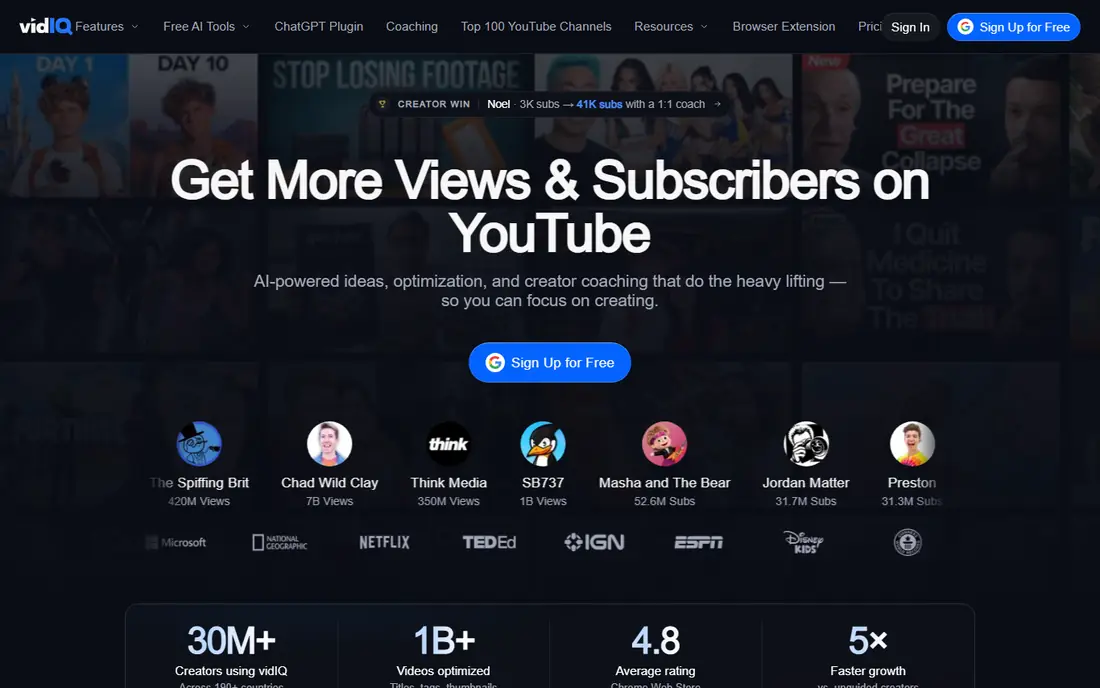
vidIQ is the strongest all-around pick for most creators. Its browser tool scores keywords, surfaces trending topics, suggests video ideas and tracks competitors, all inside YouTube itself. The free plan includes 150 AI credits a month, limited keyword results, daily ideas and competitor tracking, which is enough to test the workflow.
Boost costs $19 per month on monthly billing in some comparisons, or about $16.58 on annual billing, and adds unlimited keyword results and more competitors. Max costs about $39 per month on annual billing. If finding the next video idea is your bottleneck, vidIQ is the tool to start with.
- Free plan with AI credits
- Keyword scores and trends
- Competitor tracking
- Boost monthly price is high
- A/B testing trails TubeBuddy
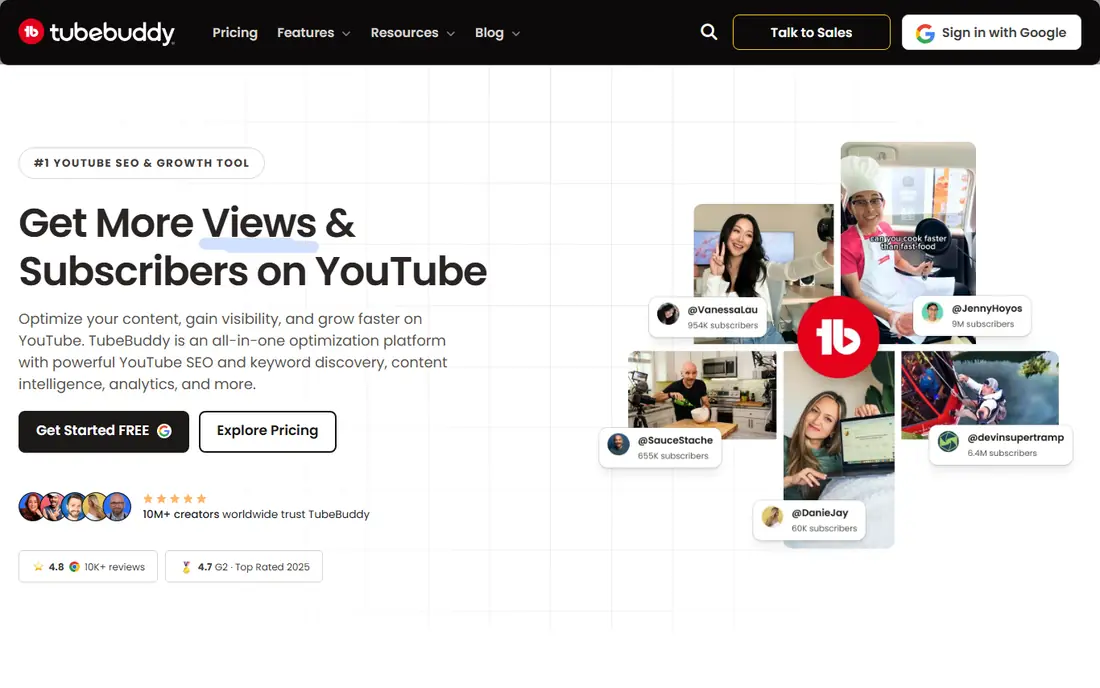
TubeBuddy shines once a channel has a back catalog to optimize. Its Legend plan offers A/B testing for thumbnails and titles, bulk find and replace across descriptions and cards, and scheduled publishing, none of which YouTube Studio covers well. The SEO Studio checklist walks creators through title, tag and description basics for each upload.
Pro costs $15 per month, or $12 on annual billing, while Legend costs $32.99 monthly, or $26.39 annually. Note that TubeBuddy pricing page no longer clearly advertises a free plan, even though older pages mention one, so check the sign-up flow. For packaging and catalog work, TubeBuddy leads.
- Thumbnail A/B testing
- Bulk processing
- Strong SEO Studio checklist
- Free plan no longer clearly advertised
- Keyword data trails vidIQ
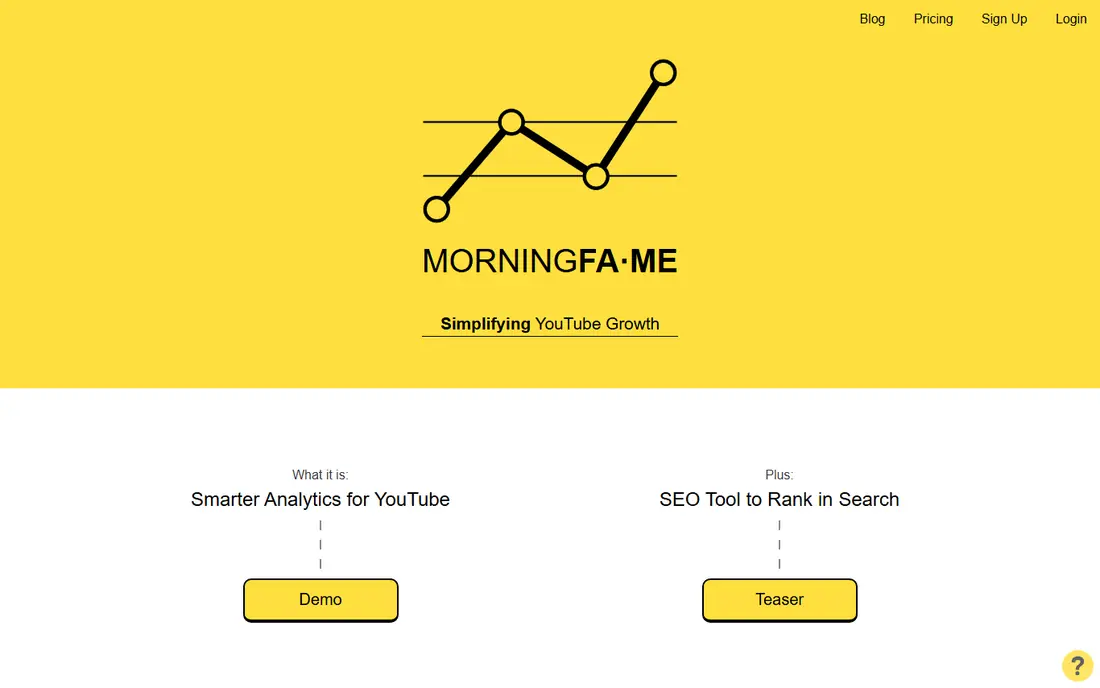
MorningFa.me, often written Morningfame, gives small creators a data-driven view of their channel for about $4.90 per month, with the first month free in some offers. It analyzes your videos, suggests topics based on your own performance, and tracks keyword rankings without the complexity of a full suite.
The feature set is narrower than vidIQ or TubeBuddy, with no bulk editing or A/B testing. For creators on a tight budget who want clear guidance on what to publish next, MorningFa.me is the cheapest credible paid option here.
- Very low price
- Data-driven video suggestions
- Clear analytics
- Smaller feature set than vidIQ
- No bulk editing tools
Keyword Tool does one job well: it generates hundreds of YouTube keyword suggestions from a seed term, using autocomplete data. That breadth suits creators who need long-tail ideas and search volume estimates without a full channel suite. A free version covers basic suggestions.
Paid plans start at $89 per month in recent comparisons, which is steep for a single-purpose tool. Creators who only need keyword discovery may prefer TubeRanker or YT Cockpit at lower prices, while teams that need volume data at scale will find Keyword Tool useful.
- Huge YouTube keyword suggestions
- Search volume data
- Simple interface
- High paid price
- No channel analytics or thumbnail tools
TubeRanker offers YouTube keyword research, tag generation and video audits from $9.90 per month. That price undercuts the big two by a wide margin, and the tool covers the basics well: find a keyword, check competition, audit your video metadata and fix gaps.
It lacks A/B testing, bulk editing and the deep competitor data of vidIQ. For creators who want affordable keyword help without a suite, TubeRanker is a practical choice, especially as a second tool beside YouTube Studio.
- Low price
- Keyword research and video audits
- Tag suggestions
- Smaller brand and support resources
- No A/B testing
YT Cockpit is a dedicated YouTube keyword tool that shows search volume, competition and related terms for video topics. It suits creators who plan content around search demand and want to track how their videos rank for target keywords over time.
Starting at $19 per month, it sits between TubeRanker and vidIQ on price. It does not offer thumbnail testing or bulk tools, so pair it with TubeBuddy if packaging is your bottleneck. For pure research at a mid-range price, YT Cockpit is solid.
- Focused YouTube keyword data
- Competition scores
- Tracking included
- No thumbnail testing
- Interface feels dated to some users
Taja AI automates the metadata work that eats time after editing. It reads your video transcript, writes titles, descriptions and timestamped chapters, and suggests tags matched to search queries. That automation helps creators who publish often and struggle to finish metadata well.
A 7-day trial lets you test it on real uploads, and paid plans start at about $19.99 per month in recent comparisons. AI output still needs human review, since titles must match the video and avoid clickbait that hurts watch time. For high-volume creators, Taja saves real hours.
- Auto titles, descriptions and chapters
- Transcript-based metadata
- Saves editing time
- Output needs human review
- Newer tool with a smaller track record
1of10 helps creators find outlier videos, meaning videos that perform far better than a channel usual average, in any niche. Studying outliers reveals topics, titles and packaging that already work, which is often more useful than raw keyword volume alone.
Pricing is not published clearly, so check the site for current plans. 1of10 is a research tool, not an optimizer, so it pairs best with vidIQ or TubeBuddy for execution. Creators stuck for ideas often get more from outlier research than from another keyword list.
- Finds outlier videos in any niche
- Strong for ideation
- Used by many large creators
- Quote-based pricing
- Research only, no optimization tools
How we picked these
We compared official pricing pages, feature lists and trial terms for each tool, and we checked that each homepage belongs to the product named. We favored tools that are actively maintained in October 2026, connect to real YouTube data, and serve a distinct need, from research to packaging to analytics. Prices change often and vary by billing term, so check the vendor site for the current price before you subscribe.
What to check before you pay
YouTube tools earn their keep only if they change what you publish or how you package it. A subscription that only confirms what you already knew is wasted money.
Start free, then pay for the bottleneck
Run vidIQ free plan and YouTube Studio first. Pay only when a limit actually blocks you, whether that is keyword volume, competitor tracking or A/B testing. Many creators never need a paid plan until their channel grows.
Test thumbnails properly
A/B testing only works with enough views to reach a clear result. Small channels may wait weeks for a test to finish, so focus on strong titles and topics first, and use thumbnail testing once traffic is steady.
Do not chase scores over watch time
Keyword scores and SEO checklists help videos get found, but watch time and click-through rate decide whether YouTube keeps showing them. A well-optimized video that viewers abandon quickly will still fade, so keep content quality first.
Sources
Frequently asked questions
What is the best YouTube SEO software for small channels?
vidIQ is the best choice for small channels, since its free plan covers keyword research, daily ideas and competitor tracking at no cost. When you outgrow the free limits, Boost adds unlimited keyword results at about $16.58 per month on annual billing.
Is TubeBuddy or vidIQ better?
vidIQ is better for research and video ideas, while TubeBuddy is better for thumbnail A/B testing and bulk editing. Many serious creators use both free tiers, then upgrade the one that fixes their biggest bottleneck.
Can YouTube SEO tools guarantee more views?
No. These tools improve topic choice, titles, descriptions and thumbnails, which help videos get discovered and clicked. Watch time, audience retention and content quality still decide how far YouTube promotes a video.
Do I need a paid YouTube SEO tool?
Not at first. YouTube Studio plus vidIQ free plan covers research and analytics for new channels. Pay when free limits block you, or when you need A/B testing and bulk tools for a large catalog.
Does YouTube penalize videos optimized with AI tools?
No, YouTube does not penalize creators for using tools to research topics or draft descriptions. The algorithm rewards click-through rate and watch time, so optimization that attracts real viewers who watch is safe.
Social Blade
Best for: Channel stats and tracking
Social Blade tracks public YouTube statistics, including subscriber counts, view growth and estimated earnings ranges, for any channel. Creators use it to benchmark competitors, spot growth trends and check whether a niche is rising or fading.
It does not offer keyword research, title scoring or thumbnail testing, and its earnings figures are estimates, not exact data. The free tier covers most tracking needs. As a free research companion to a paid optimizer, Social Blade is genuinely useful.