Best Chrome Alternatives in 2026: 9 Browsers Compared
By ToolNimba Editorial Team November 9, 2026 9 min read

- Top pick
 Brave
Privacy without extensions
Starting priceFreeCheck out BraveRead our review - Runner-up
 Firefox
Independent engine and privacy
Starting priceFreeCheck out FirefoxRead our review - Also great
 Microsoft Edge
Windows and Microsoft 365 users
Starting priceFreeCheck out Microsoft EdgeRead our review
How we researched this
We compared official pricing and feature pages, app store listings, privacy policies and public user reviews. Prices change, so check the provider's site before you pay.
Key takeaways
- Brave, Firefox, and Vivaldi cover most switchers, with privacy, independence, and customization as their main strengths.
- Chromium browsers keep Chrome extension compatibility, while Firefox and its forks use a different engine and add-on system.
- Every browser here is free to download, so the real cost is time spent moving passwords, bookmarks, and extensions.
- Tor Browser offers the strongest anonymity, but it is slower and is not meant as an everyday browser for most people.
- Check sync, mobile apps, and extension support before you switch, since those details matter more than a new interface.
Quick comparison
| Name | Best for | Starting price | Free plan | |
|---|---|---|---|---|
| Brave | Privacy without extensions | Free | Yes | Visit |
| Firefox | Independent engine and privacy | Free | Yes | Visit |
| Microsoft Edge | Windows and Microsoft 365 users | Free | Yes | Visit |
 Vivaldi | Deep customization | Free | Yes | Visit |
 Opera | Built-in tools and sidebar apps | Free | Yes | Visit |
 Arc | Workspace-style browsing | Free | Yes | Visit |
 Zen Browser | Clean Firefox-based browsing | Free | Yes | Visit |
 DuckDuckGo Browser | Simple private browsing | Free | Yes | Visit |
 Tor Browser | Maximum anonymity | Free | Yes | Visit |
The best Chrome alternatives
These browsers range from privacy-focused tools to workspace browsers, and all of them run well for everyday work, streaming, and shopping.
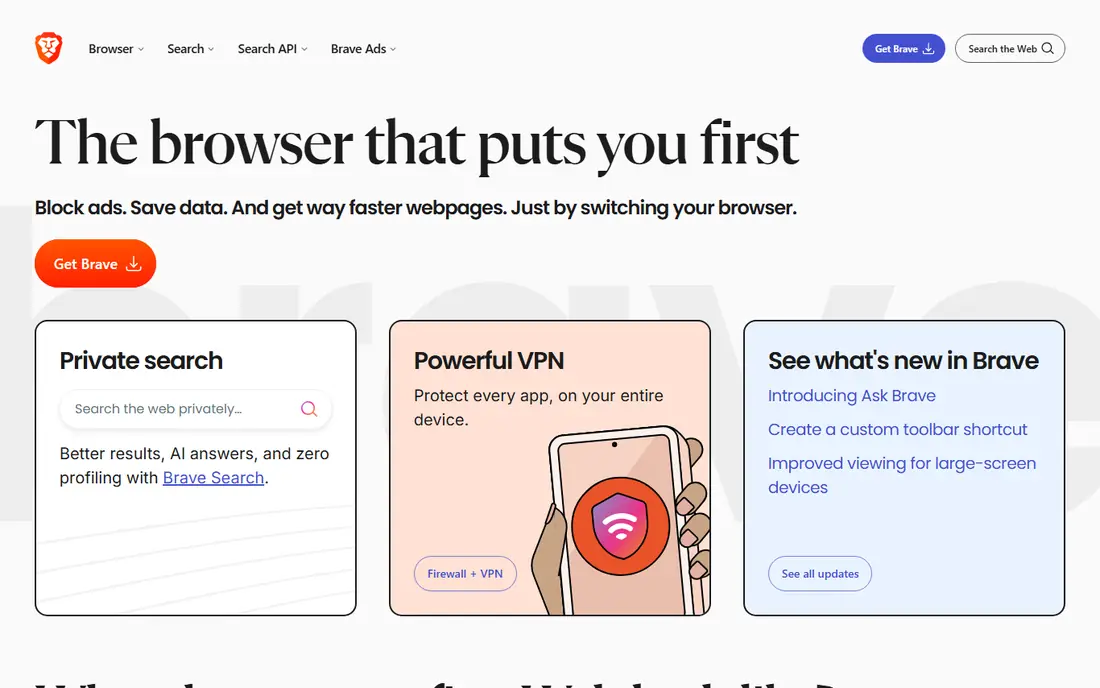
Brave is the easiest Chrome replacement for most people because it is built on Chromium. That means Chrome extensions, site compatibility, and familiar menus carry over with little adjustment. Its built-in Shields block ads and trackers by default, which often makes pages load faster and feel cleaner.
The trade-off is a set of optional extras, including Brave Rewards and a built-in wallet, that some users will want to turn off right away. Once those are hidden, Brave feels like a calmer version of Chrome. It also offers a paid VPN and a premium AI assistant, but neither is needed for normal browsing.
- Blocks ads and trackers by default
- Runs Chrome extensions
- Fast page loads
- Rewards prompts can annoy
- Sync is less deep than Chrome

Firefox is the last major browser that does not use Google's Chromium engine, and that independence matters for web diversity. It offers Enhanced Tracking Protection, container tabs for separating work and personal browsing, and a large extension library. For users who want to reduce reliance on one engine, Firefox is the clear pick.
Most sites work fine, but a few corporate tools and new web apps are tested mainly in Chromium browsers, so occasional quirks can appear. Firefox also syncs bookmarks, passwords, and tabs across desktop and mobile once you sign in. If you value privacy and independence over perfect Chromium compatibility, it is a strong daily browser.
- Non-Chromium engine
- Strong tracking protection
- Good extension library
- Some sites are tested less on Firefox
- Sync needs a Mozilla account
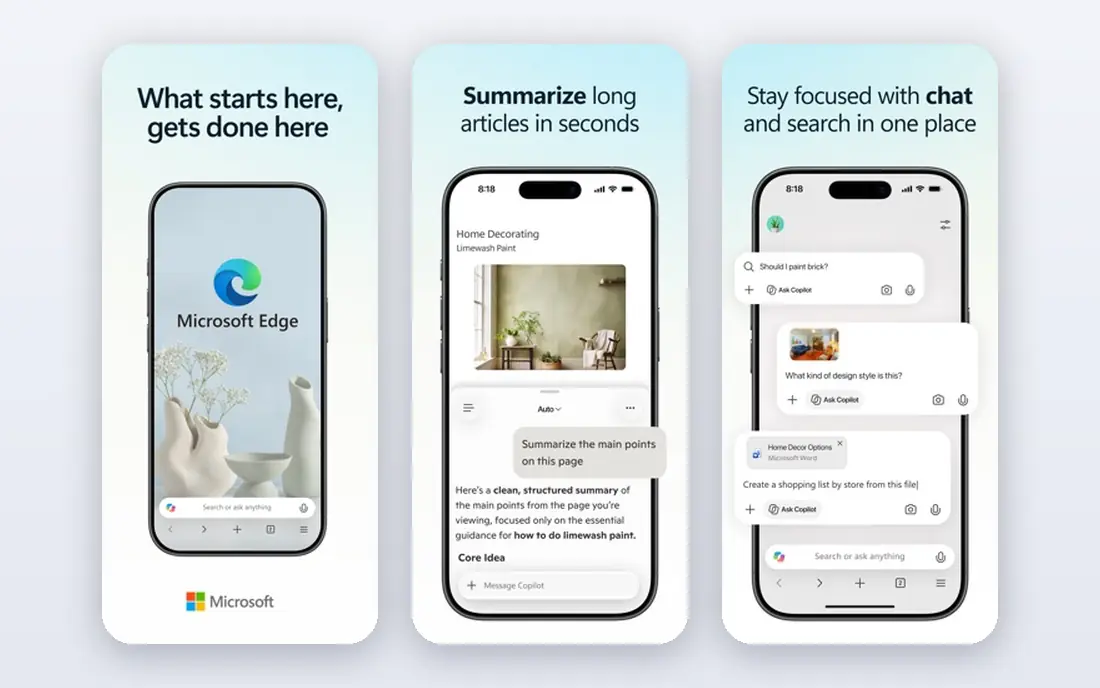
Edge is already installed on Windows, which makes it the lowest-effort switch for many Chrome users. It runs Chrome extensions, imports Chrome data easily, and adds sleeping tabs, vertical tabs, and collections for research. For Microsoft 365 users, sign-in and document handling feel well integrated.
The main downside is clutter. Edge can push news, shopping, and Microsoft service prompts into the start page and sidebar, so a few minutes of settings cleanup helps a lot. Privacy controls are present, but they are not as strict by default as Brave or Firefox. If you live in Windows and Office apps, Edge is a practical choice.
- Runs Chrome extensions
- Sleeping tabs save memory
- Deep Windows integration
- Microsoft prompts and news feed can clutter
- Privacy settings need review
Vivaldi is built for people who want their browser to fit their exact habits. Tab stacks, tab tiling, workspaces, web panels, notes, and a built-in mail client let you shape the layout in detail. It also blocks ads and trackers and syncs with end-to-end encryption across desktop and mobile.
That depth is also the catch. The settings menu is large, and a heavily customized setup can feel slower to start. New users should start with the defaults and add one feature at a time. If you juggle many tabs and research projects, Vivaldi rewards that effort.
- Tab stacks and tiling
- Built-in notes and mail
- Highly adjustable interface
- Many options can overwhelm
- Startup can be slower with heavy setups
Opera bundles features that usually need extensions elsewhere, including a free built-in VPN, an ad blocker, a battery saver, and sidebar access to messengers. Workspaces help separate projects, and the interface feels polished on desktop and mobile. For users who want tools built in rather than added, Opera is appealing.
The VPN is a browser proxy rather than a full-device VPN, so it only protects Opera traffic. Some users also prefer browsers from independent or nonprofit makers, and Opera's ownership history is worth reading before you commit. As a feature-rich daily browser, though, it is easy to use.
- Free built-in VPN
- Sidebar messengers
- Ad blocker included
- Owned by a larger group with mixed privacy history
- Fewer extensions than Chrome
Arc rethinks the browser around spaces, pinned tabs, and a sidebar instead of a traditional tab bar. That design suits people who organize work by project, client, or class, since each space can hold its own tabs and folders. Little touches, such as auto-archiving old tabs, help keep the workspace tidy.
The new layout takes time to learn, and users who love a classic tab bar may not enjoy the change. Arc also leans on Chromium, so extensions and site compatibility are familiar. If your tab chaos is the main problem, Arc offers a fresh way to manage it.
- Spaces and pinned tabs
- Clean sidebar design
- Good for project work
- Learning curve
- Windows version arrived later than Mac
Zen Browser is an open source browser built on Firefox, with a modern sidebar, workspaces, split view, and compact mode. It strips much of Firefox telemetry and aims for a calm, Arc-like feel without moving to Chromium. For users who want a fresh interface plus Firefox privacy, Zen is an interesting middle path.
Because it is a community-driven project, support and update timing differ from a large vendor browser. Some features are still maturing, and business users who need formal support may prefer Firefox itself. For personal use, Zen is free, fast, and pleasant to live with.
- Free and open source
- Sidebar and workspaces
- No telemetry by design
- Smaller team and support base
- Some features still maturing
DuckDuckGo Browser focuses on simplicity and privacy. It blocks trackers, offers a Fire Button to clear tabs and data in one tap, and pairs naturally with DuckDuckGo search. Mobile versions are polished, and the desktop browser keeps the same clean approach.
Power users will miss the deep extension libraries and customization of Brave, Firefox, or Vivaldi. DuckDuckGo Browser is best for people who want a private default without tuning settings. If you mainly browse, shop, and read news, it covers the basics well.
- Tracker blocking by default
- Simple interface
- Private search built in
- Fewer extensions
- Fewer power-user features
Tor Browser routes traffic through multiple volunteer relays, which makes it much harder for sites and network observers to link browsing to a person. It is based on Firefox and includes strong protections against fingerprinting, plus a security slider for higher-risk use. For journalists, researchers, and people in censored regions, it is an important tool.
Speed is slower than a normal browser, and some sites block Tor exits or demand extra checks. Streaming and heavy web apps are often frustrating over Tor. Use it when anonymity matters most, and keep a faster browser for everyday tasks.
- Routes traffic through Tor
- Strong fingerprint protection
- Free and open source
- Slower speeds
- Some sites block Tor
- Not ideal as a main browser
How we picked these
We compared official feature pages, privacy policies, and platform support for browsers that are actively maintained and truly usable as a Chrome replacement. We included Chromium and non-Chromium options, privacy-first tools, and workspace browsers, and we left out abandoned forks and browsers with no current desktop or mobile support. We did not claim hands-on testing, and we focused on facts users can verify on each vendor site.
How to switch without losing your setup
Start by exporting or syncing your Chrome bookmarks, passwords, and history, then use the new browser's import tool during setup. Install your must-have extensions first and test the sites you use daily, especially banking, work tools, and streaming. Keep Chrome installed for a week as a backup while you confirm that logins, extensions, and sync work as expected.
Pay attention to sync and mobile apps. A browser that looks great on desktop is less useful if its mobile version lacks sync or blocks your favorite extensions. Also review privacy settings after import, since defaults vary widely. A few minutes of cleanup now saves repeated prompts and surprises later.
Sources
Frequently asked questions
What is the best Chrome alternative for privacy?
Brave and Firefox are the strongest everyday picks. Brave blocks ads and trackers by default while keeping Chrome extensions, and Firefox adds an independent engine with strong tracking protection. Tor Browser offers more anonymity, but it is slower and best used for sensitive browsing rather than daily use.
Will my Chrome extensions work in another browser?
They work in Chromium browsers such as Brave, Edge, Vivaldi, Opera, and Arc. Firefox and Zen Browser use Firefox add-ons instead, so you will need to find matching versions. DuckDuckGo Browser and Tor Browser support fewer extensions by design.
Is Microsoft Edge a good Chrome alternative?
Yes, especially on Windows. Edge runs Chrome extensions, imports Chrome data easily, and adds sleeping tabs and collections. You may want to turn off extra news and shopping features to keep the start page clean.
Which Chrome alternative is best for many tabs?
Vivaldi and Arc handle heavy tab use best, thanks to tab stacks, tiling, workspaces, and spaces. Zen Browser also offers workspaces and split view for users who prefer a Firefox base. Try one for a week with your real tab load before deciding.
Are these browsers really free?
Yes, all nine are free to download and use for normal browsing. Some offer optional paid extras, such as a VPN or premium AI features, but those are not required. Open source options, including Firefox, Zen Browser, and Tor Browser, are free with no paid tier for core browsing.
Can I use a Chrome alternative on my phone too?
Most of these browsers offer Android and iOS apps with sync, including Brave, Firefox, Edge, Vivaldi, Opera, DuckDuckGo Browser, and Tor Browser on Android. Arc and Zen Browser have more limited mobile coverage, so check your phone platform before you switch.