Best Confluence Alternatives in 2026: 9 Tools Compared
By ToolNimba Editorial Team November 9, 2026 10 min read

- Top pick
 Notion
Flexible wikis and projects
Starting price$10 per monthCheck out NotionRead our review - Runner-up
 Nuclino
Fast, minimal team wikis
Starting price$6 per monthCheck out NuclinoRead our review - Also great
 Slite
AI search and doc freshness
Starting price$10 per monthCheck out SliteRead our review
How we researched this
We compared official pricing and feature pages, app store listings, privacy policies and public user reviews. Prices change, so check the provider's site before you pay.
Key takeaways
- Notion is our pick for most teams leaving Confluence, because it combines wikis, docs, databases, and projects in one flexible workspace.
- Nuclino and Slab suit teams that want a simpler wiki, with less setup and a cleaner reading experience than Confluence.
- GitBook is the best choice for product and developer documentation, while Document360 suits public help centers and support teams.
- Slite stands out for keeping docs fresh, with verification and AI search that help teams find current answers instead of old pages.
- BookStack is the best self-hosted option, since it is free and open source, and you pay only for hosting and maintenance.
Quick comparison
| Name | Best for | Starting price | Free plan | |
|---|---|---|---|---|
| Notion | Flexible wikis and projects | $10 per month | Yes | Visit |
| Nuclino | Fast, minimal team wikis | $6 per month | Yes | Visit |
| Slite | AI search and doc freshness | $10 per month | Free trial | Visit |
 GitBook | Product and developer docs | See website | Yes | Visit |
 Slab | Simple, clean team wikis | $6.67 per month | Yes | Visit |
 ClickUp | Docs next to tasks | $7 per month | Yes | Visit |
 Guru | AI answers across tools | See website | Free trial | Visit |
 Document360 | Public help centers | See website | Free trial | Visit |
 BookStack | Self-hosted wikis | Free | Yes | Visit |
The best Confluence alternatives
We compared official pricing pages, feature pages, and public reviews, and we focused on tools that can replace Confluence for internal wikis, handbooks, product docs, and team knowledge.
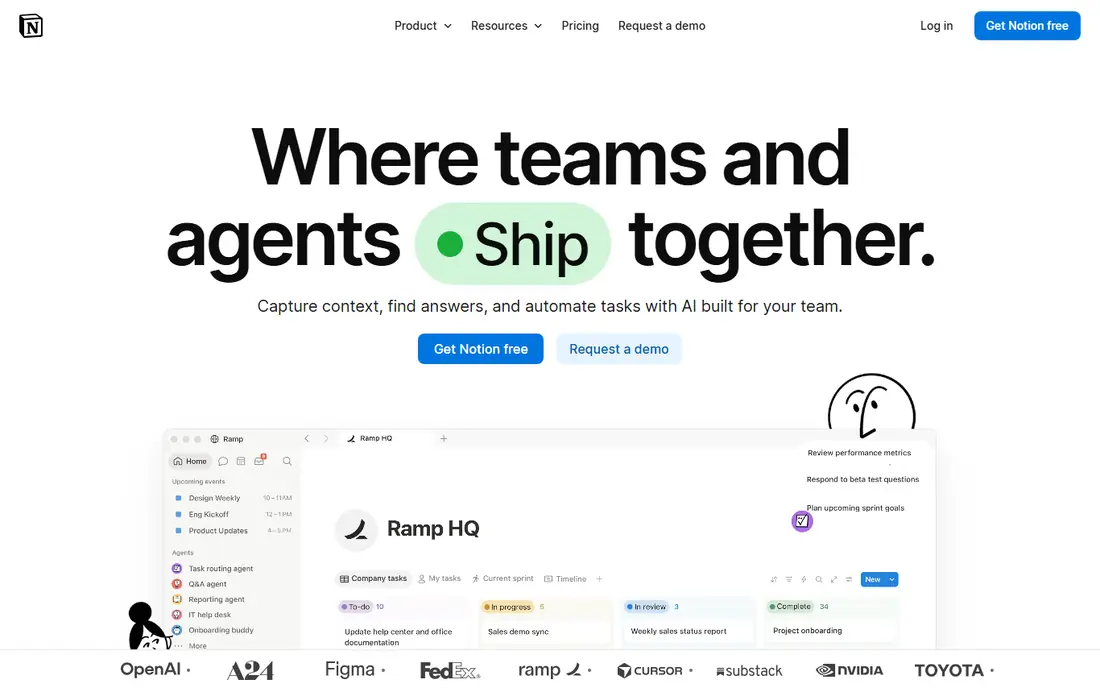
Notion is the most common Confluence replacement for a simple reason: most teams do not only need a wiki. They also need project trackers, meeting notes, roadmaps, and databases, and Notion puts those in the same workspace as the handbook. That mix reduces the number of tools a team must open each day, and its templates help a new wiki look organized from the start.
Plus starts at $10 per member per month billed annually, or $12 per month on monthly billing, with Business at $20 per member per month annually. The free plan works for individuals and small tests. The catch is governance. Because anyone can build a new structure, a growing workspace needs naming rules, owners for key pages, and regular cleanup, or it becomes as messy as the Confluence space it replaced.
- Wikis, docs, databases, and projects in one workspace
- Large template library
- Strong search and collaboration
- Flexible workspaces need clear conventions or they drift
- Full AI features sit on higher plans
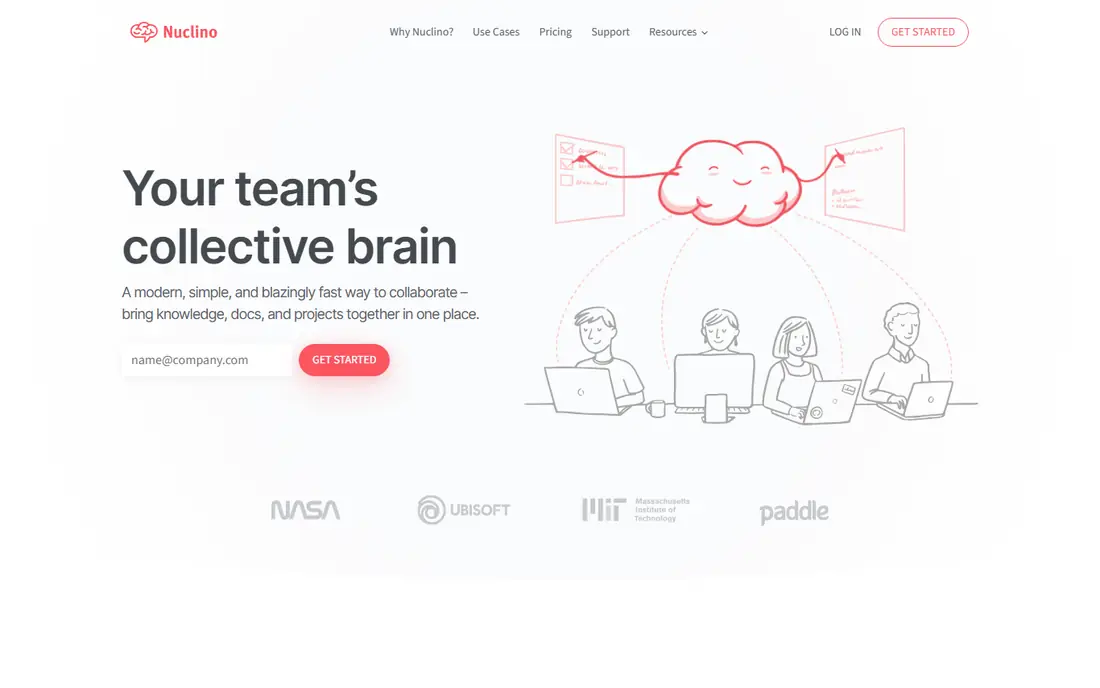
Nuclino is the pick when a team wants a wiki that people will actually read and update. Its editor is simple, pages load fast, and the graph view shows how topics connect without a complex setup. For small teams, startups, and internal handbooks, that simplicity is a feature, not a gap.
Starter starts at $6 per user per month billed annually, or $8 per month monthly, with a free plan limited to 50 items. That free limit is enough to test the editor, but a real team wiki will need a paid plan quickly. Larger enterprises that need deep permissions, audit controls, and a large app ecosystem may find Nuclino too light, but for most small and mid-size teams it is a refreshing change from Confluence.
- Very fast and easy to learn
- Visual graph view of pages
- Real-time collaborative editing
- Fewer advanced admin controls and integrations than Confluence
- Free plan is limited to 50 items
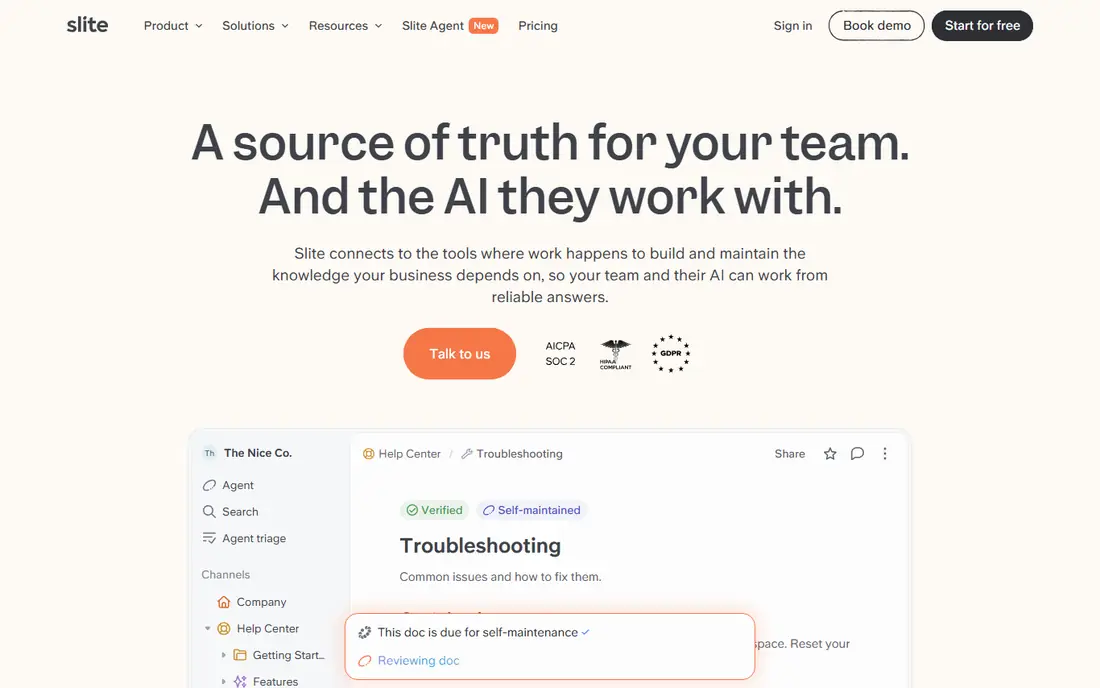
Slite focuses on a problem many Confluence users know well: finding an answer, then wondering if it is still true. Its verification features let owners mark docs as current, and its AI search helps teams ask a question and get an answer from across their docs. That combination suits remote and async teams that cannot rely on asking a colleague in the office.
Basic starts at $10 per user per month billed annually, with Pro at $20 per user per month annually, and a 14-day free trial. Slite is less configurable than Confluence for a full intranet, and its integration list is smaller. If your main pain is stale docs and weak search, Slite addresses it directly. If you need a large marketplace of apps, Notion or ClickUp may fit better.
- AI search across docs
- Verification to flag outdated pages
- Clean editor for async teams
- Smaller app ecosystem than Confluence
- Less configurable for very complex intranets
GitBook is the best Confluence alternative when the audience is outside the company, especially developers and product users. It produces clean, searchable documentation sites with versioning, and it fits teams that already use Git for code and docs. API references, guides, and changelogs look polished without a separate docs website build.
Pricing is structured differently from a simple per-user wiki: recent summaries list paid plans from $65 per site per month plus $12 per additional user, billed annually, with a free plan and a 14-day trial. Confirm the current structure on the vendor site before budgeting. For internal handbooks alone, GitBook may feel narrow, but for product docs it is a clear leader.
- Clean docs sites for users and developers
- Git-based workflows and version control
- Strong API documentation support
- Less suited to broad company-wide collaboration outside documentation
- Pricing is per site plus per user
Slab is a focused wiki that does not try to be a project tool as well. Its pages are easy to read, its search reaches across connected tools, and its structure is simple enough that new team members can find the handbook without training. That focus is why teams that found Confluence heavy often settle on Slab.
Startup is listed at $6.67 per user per month billed annually, or $8 per month monthly, with Business at $12.50 per user per month annually, and a free plan for small teams. Slab will not replace a full workspace tool, so teams that also need databases and task tracking should pair it with their existing project tool or choose Notion or ClickUp instead.
- Clean reading experience
- Cross-tool search
- Free plan for up to 10 users in recent summaries
- Smaller feature range than Notion
- Less suited to complex project management
ClickUp suits teams that already manage work in ClickUp or want docs and tasks in one place. A process doc can link directly to the tasks that carry it out, and a project page can hold both the plan and the working notes. That closeness helps operations teams, agencies, and product teams that live in task lists all day.
Unlimited starts at $7 per user per month billed annually, or $10 per month monthly, with Business at $12 per user per month annually, and a free plan for basic use. The trade-off is focus. ClickUp is a large platform, and a team that only wants a quiet wiki may find it noisy. If docs plus tasks is the real workflow, it is a strong Confluence replacement.
- Docs live beside tasks, goals, and projects
- Strong task and workflow tools
- Free plan for basic use
- Large platform can feel crowded if you only need a wiki
- Docs are less polished than a dedicated docs site
Guru is built for teams that need answers while they work, not just a wiki to browse. Its browser extension and AI search surface verified knowledge inside tools like Slack, Zendesk, and Salesforce, which helps support and sales teams answer consistently without hunting through pages. Verification workflows help owners keep key answers current.
Pricing is not a simple starter rate for most teams, and recent summaries describe it as quote-based or package-based, so confirm terms with the vendor. Guru is also less ideal if your main goal is a traditional, page-by-page company wiki. For knowledge that must be trusted and reused across many tools, it is a strong enterprise option.
- Verified knowledge and AI answers inside browsers and apps
- Strong for support and sales teams
- Search across connected tools
- Pricing is quote-based for many teams
- Less suited to building a traditional page-based wiki from scratch
Document360 is the pick for teams whose docs are a product in themselves: help centers, customer knowledge bases, and internal SOP libraries that need structure, search, and reporting. It handles categories, versions, and analytics well, so a support team can see which articles help and which ones readers abandon. That reporting is a real advantage over a simple wiki.
The catch is buying. Pricing is custom and sales-led in recent summaries, so small teams cannot easily compare a starter price. It also feels more formal than Nuclino or Slab, which suits public docs but can slow informal team notes. If your priority is a polished, measurable help center, Document360 belongs on the shortlist.
- Structured knowledge bases with version control
- Analytics on what readers actually use
- Public and private docs in one platform
- Pricing is custom and sales-led
- Less room for informal team collaboration than a wiki-first tool
BookStack is the best option for teams that want to own their wiki outright. Its book, chapter, and page hierarchy is easy to understand, and because it is open source, there is no per-user fee. A team can host it on its own server, control access, and keep data inside its own infrastructure, which matters for privacy-sensitive or regulated work.
The cost is responsibility. You pay for hosting, and you handle updates, backups, and security yourself, which needs someone comfortable with server work. BookStack also has fewer ready-made integrations than Notion or Confluence. For teams with that skill in-house, it is a clean, free, and durable Confluence alternative.
- Free and open source
- Clear book, chapter, and page structure
- Full control over hosting and data
- You handle hosting, updates, and backups
- Fewer integrations than cloud wikis
How we picked these
We compared official pricing pages, feature pages, and public reviews, with a focus on wiki structure, search, collaboration, permissions, and migration fit. We favored tools with a free plan, trial, or published pricing, and we kept a mix of all-in-one workspaces, dedicated wikis, product docs tools, and a self-hosted option. We did not claim hands-on testing.
Moving from Confluence without losing knowledge
Audit before you migrate
List the spaces people actually use, and archive the rest. Migrating every old page, including duplicates and drafts, only moves the mess to a new tool.
Assign owners for top pages
Give each key handbook, process, and product page an owner and a review date. Tools like Slite and Guru help with verification, but ownership is what keeps docs current.
Test search with real questions
Before you commit, ask the questions new hires and support staff actually ask, and see if the new tool returns the right page. A wiki that looks clean but cannot be searched will not be used.
Sources
Frequently asked questions
What are the best confluence alternatives for small teams?
Nuclino, Slab, and Notion are strong for small teams. Nuclino and Slab are simpler and faster to adopt, while Notion adds databases and projects for teams that want one workspace. Start with a free plan and test search and editing with real pages.
What are alternatives to confluence for developer documentation?
GitBook is the strongest choice for developer and product documentation, thanks to its clean docs sites and Git workflows. Document360 also works well for structured help centers, and BookStack suits teams that want a self-hosted docs site.
What are atlassian confluence alternatives for enterprises?
Notion, Guru, Document360, and SharePoint-style intranets are common enterprise options, depending on governance needs. Guru suits AI answers across tools, Document360 suits help centers, and Notion suits flexible workspaces, while self-hosted BookStack suits teams that need full data control.
Is Notion a good replacement for Confluence?
Yes, for most teams. Notion replaces wikis and adds databases, projects, and templates, and its free plan makes testing easy. The main risk is drift, so set naming rules and page owners early, especially as the workspace grows.
Can I self-host a Confluence alternative for free?
Yes. BookStack is free and open source, and you pay only for hosting and maintenance. Other open options exist, but BookStack is the simplest self-hosted wiki in this list for teams that want a clear book and page structure.
How much does a Confluence alternative cost?
Costs range from free for BookStack and free plans on Notion, Nuclino, and Slab, to $6 to $10 per user per month for paid starter plans, and custom pricing for Guru and Document360. Per-user costs add up fast, so count every editor and viewer who will need access before choosing.