Customer Service Best Practices in 2026: 8 Tools Compared
By ToolNimba Editorial Team November 10, 2026 10 min read

- Top pick
 Zendesk
Large omnichannel teams
Starting price$55 per agent per monthCheck out ZendeskRead our review - Runner-up
 Freshdesk
Value omnichannel help desk
Starting price$19 per agent per monthCheck out FreshdeskRead our review - Also great
 Intercom
Chat-first SaaS support
Starting price$29 per seat per monthCheck out IntercomRead our review
How we researched this
We compared official pricing and feature pages, app store listings, privacy policies and public user reviews. Prices change, so check the provider's site before you pay.
Key takeaways
- Answer fast, in the channel the customer chose, and never make them repeat their problem when they switch channels.
- A shared inbox with clear ownership beats a bigger tool that nobody updates, especially for small teams.
- Self-service, clear SLAs, and honest AI handoffs reduce repeat contacts more than any single feature.
- Zendesk suits large omnichannel teams, while Freshdesk, Help Scout, and Zoho Desk suit smaller budgets.
- Measure first response, resolution time, and customer satisfaction together, since speed alone can hide poor answers.
Quick comparison
| Name | Best for | Starting price | Free plan | |
|---|---|---|---|---|
| Zendesk | Large omnichannel teams | $55 per agent per month | Free trial | Visit |
| Freshdesk | Value omnichannel help desk | $19 per agent per month | Yes | Visit |
| Intercom | Chat-first SaaS support | $29 per seat per month | Free trial | Visit |
 Help Scout | Simple shared inbox teams | $25 per user per month | Yes | Visit |
 Zoho Desk | Lowest-cost full help desk | $7 per user per month | Yes | Visit |
 HubSpot Service Hub | CRM-native support teams | See website | Yes | Visit |
 Front | Collaborative shared inboxes | See website | Free trial | Visit |
 Gorgias | Ecommerce support teams | $10 per month | Free trial | Visit |
The best customer service best practices
Good customer service is mostly a set of habits supported by the right tool. The practices below, paired with the tools that make them practical, cover the habits that matter most: fast first replies, clear ownership, useful self-service, and honest measurement. Each tool earns its place by making at least one of those habits easier.
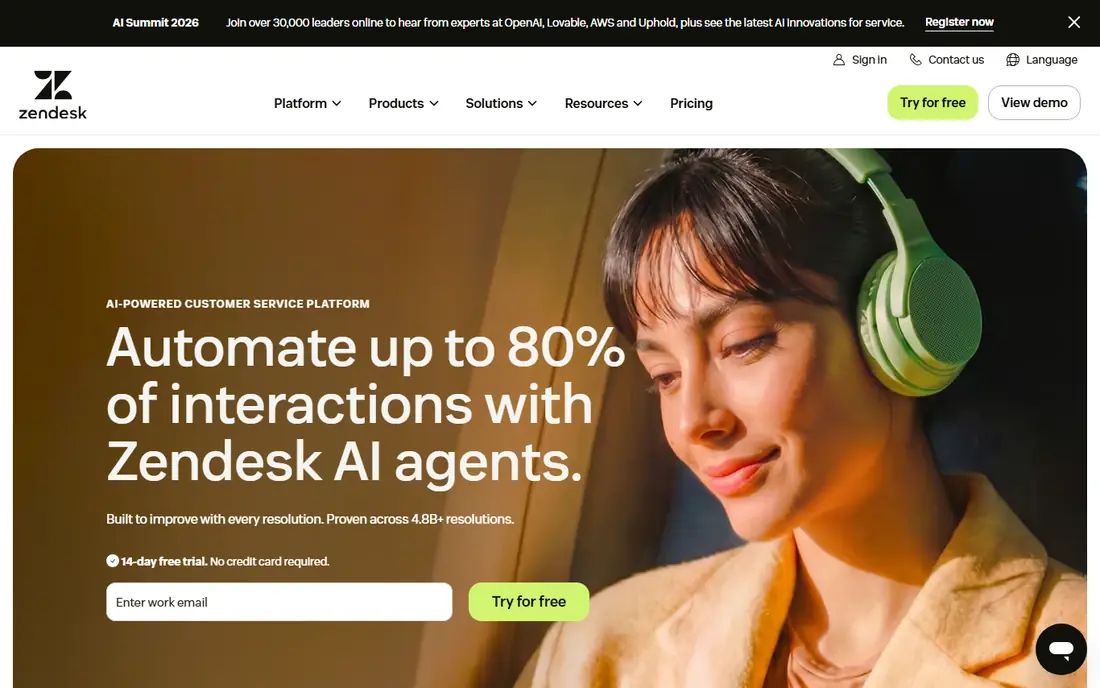
Zendesk is the standard for teams that support customers across email, chat, phone, and social from one queue. Its routing, SLA policies, and reporting turn best practices such as clear ownership and response-time targets into enforced workflows rather than good intentions. The marketplace adds integrations for CRMs, phones, and analytics that smaller tools cannot match.
The cost is real. Suite Team starts at $55 per agent per month billed annually, and AI agent resolutions add further charges, so a mid-size team's bill can run well above the sticker price. For large or fast-growing support teams, that depth is worth it. For a five-person team, a simpler tool will deliver the same habits for less.
- Deep omnichannel ticketing and routing
- Strong SLA and reporting tools
- Huge app marketplace
- Highest entry price here
- AI resolutions add per-resolution costs on top of seats
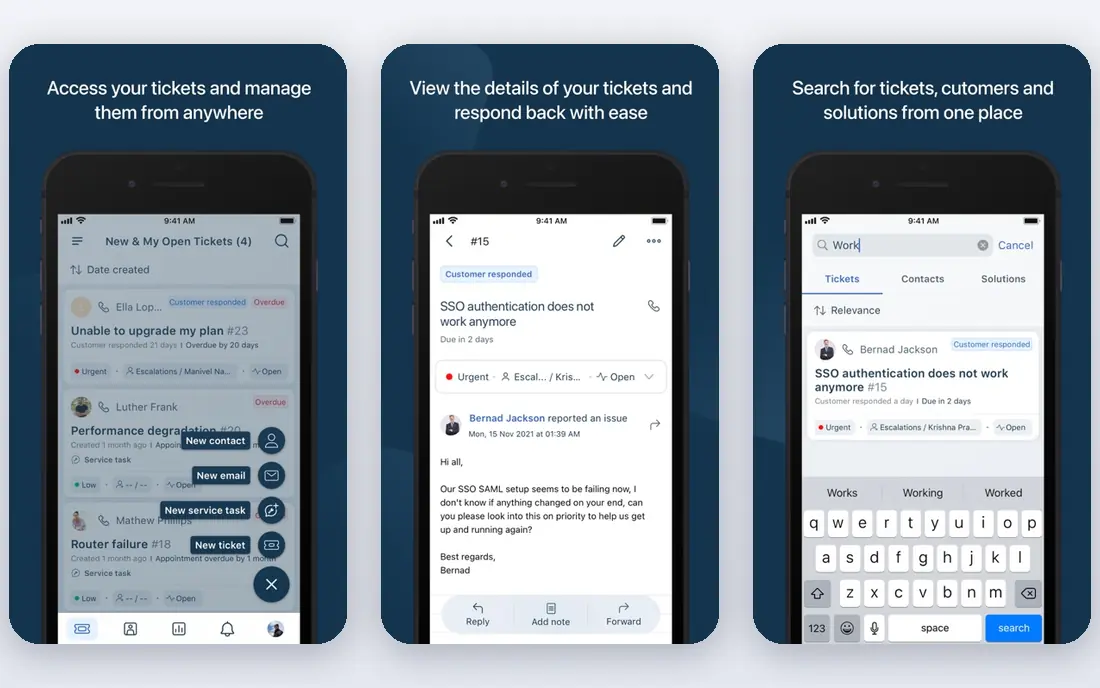
Freshdesk is the value pick for teams that want a real help desk without enterprise pricing. Growth starts at $19 per agent per month billed annually, and it covers email ticketing, a knowledge base, automations, and reporting that small teams actually use. Its free tier handles basic ticketing for very small teams getting started.
The honest catch is AI metering. Freddy AI sessions and copilot features are limited or charged beyond allowances, so budget for AI separately if you plan heavy automation. For teams that want solid ticketing, SLAs, and self-service at a fair price, Freshdesk remains the best balance on this list.
- Full help desk at a low entry price
- Knowledge base included
- Freddy AI on higher plans
- AI sessions are metered, not unlimited
- Freshdesk is distinct from the pricier Freshdesk Omni suite

Intercom suits SaaS teams whose customers expect help inside the product, not in an email queue. Its Messenger, shared inbox, and help center work together, so a user can read a help article, start a chat, and get an AI answer without leaving your app. Fin, its AI agent, resolves routine questions autonomously, which is the fastest way to cut first-response times.
Pricing needs care. Essential starts at $29 per seat per month, but Fin outcomes are billed separately per resolution, so AI-heavy teams should model that cost. Advanced workflows also sit on higher plans. If your support is chat-first and product-led, Intercom's experience justifies the structure; if email dominates, a traditional help desk fits better.
- Messenger-led support inside your product
- Fin AI agent for autonomous resolutions
- Strong help center
- Fin outcomes are billed separately per resolution
- Advanced workflows need higher plans
Help Scout is the pick for teams that want support to feel like email, not enterprise software. Its shared inbox, collision detection, and saved replies make the core best practices, clear ownership and fast, personal replies, easy for a small team to follow. Docs, its knowledge base, gives customers a self-service path that reduces repeat questions.
Standard starts at $25 per user per month, with a free tier for very small contact volumes, but user limits and extra inboxes add cost as you grow. AI Answers are billed per resolution on top. For email-first teams that value simplicity over breadth, Help Scout is the most pleasant tool here.
- Email-style shared inbox that teams learn fast
- Docs knowledge base
- Simple workflows and reports
- User limits and extra inbox charges on lower plans
- AI Answers billed per resolution
Zoho Desk is the budget champion. Entry pricing starts around $7 per user per month, and the free plan covers three agents, which is enough for a small business to run real support without paying. It covers multichannel ticketing, SLAs, a knowledge base, and automations that rival tools charge far more for.
The trade-offs are polish and AI placement. The interface feels more functional than modern, and Zia AI features sit on higher tiers, so teams that want AI assistance should check the Professional tier. Inside the Zoho ecosystem, with CRM and books alongside support, Zoho Desk is especially strong. Outside it, it still wins on price alone.
- Lowest entry price for a full desk
- Free plan for three agents
- Strong inside the Zoho ecosystem
- Interface feels less modern than rivals
- AI features sit on higher tiers
HubSpot Service Hub suits teams already running sales and marketing on HubSpot. Tickets sit next to the full customer record, so an agent sees purchase history, past conversations, and deal context without switching tools. That context is itself a best practice: customers should not have to repeat their history to every agent.
Free tools cover basic ticketing for small teams, with paid Service Hub tiers adding automation, SLAs, and AI features. Check the current HubSpot pricing page, since seat and credit structures change. If your company already lives in HubSpot, Service Hub is the natural support home; if not, a standalone desk is simpler and cheaper.
- Tickets tied directly to CRM contacts and deals
- Free tools for small teams
- Strong reporting inside HubSpot
- Full value needs the wider HubSpot platform
- Paid tiers and AI credits add cost
Front is built for teams whose support is mostly email and messaging handled collaboratively. Shared inboxes with assignments, internal comments, and collision detection keep ownership clear when several agents touch the same thread. That collaboration model suits operations, finance, and support teams that live in email rather than ticket queues.
Front's pricing sits above simple shared inbox tools, so check the Front pricing page for your team size, and its help desk depth is less than Zendesk for complex routing. For email-heavy teams that want collaboration without a full enterprise platform, Front hits a useful middle ground between a plain inbox and a heavy desk.
- Shared inboxes with internal comments and assignments
- Strong for teams handling email at scale
- Broad integrations
- Pricing is not the cheapest for small teams
- Help desk depth is less than Zendesk
Gorgias is the ecommerce specialist. Its Shopify integration lets agents refund, replace, or update an order from inside the ticket, without opening a separate admin panel. Automation rules handle the repeat questions every store gets, such as shipping status and returns, which cuts first-response times for the bulk of tickets.
The starting price is $10 per month for a small ticket allowance, with higher tiers by volume, and AI resolutions add per-resolution charges. Outside ecommerce, Gorgias loses its main advantage, so non-retail teams should pick a general desk instead. For Shopify and direct-to-consumer brands, its order actions save more agent time than any generic feature list suggests.
- Native Shopify order actions inside tickets
- Automation rules for common ecommerce questions
- Flat starting price
- Ecommerce focus limits fit for other industries
- AI add-ons cost extra per resolution
How we picked these
We compared official pricing pages and recent independent comparisons, and kept only tools that support real support teams today with ticketing, shared inboxes, or chat. We favored tools with clear pricing, self-service options, and honest AI cost structures, and we paired each tool with the practice it best supports rather than ranking on features alone. Prices change often, so confirm the current figure on each vendor site before you buy.
The practices that matter most
First, answer in the channel the customer chose, and keep context when they switch channels. A customer who starts in chat and moves to email should not repeat their order number. Second, set clear ownership: every ticket has one owner, one next step, and one promised reply time, even if that reply is only an update. Third, publish self-service that actually answers the top ten questions, and measure whether it deflects contacts or just frustrates people.
Fourth, be honest about AI. An AI agent should identify itself, answer routine questions, and hand off to a human quickly when it cannot help, with full context attached. Fifth, close the loop: after resolution, ask for feedback, review the worst tickets weekly, and fix the product or policy cause, not just the ticket. Tools help with all five, but the habits matter more than the software.
Measuring without gaming the numbers
Track first response time, resolution time, customer satisfaction, and reopen rate together. Speed alone rewards rushed answers, while satisfaction alone can hide slow replies. Review a sample of tickets each week, not just dashboards, and look for repeat causes: if twenty customers ask the same question, the fix is usually a clearer page, a better email, or a product change, not more agents.
Sources
Frequently asked questions
What are the most important customer service best practices?
Answer fast in the customer's chosen channel, give every ticket a clear owner and next step, keep context across channels, offer useful self-service, and hand off honestly from AI to humans. Measure first response, resolution time, and satisfaction together rather than chasing one number.
Which tool is best for a small support team?
Help Scout suits email-first small teams, Freshdesk suits teams that want a full help desk at a low price, and Zoho Desk suits the tightest budgets. Start with the free tier or trial, and move up only when ticket volume or channels demand it.
Should AI answer customer questions?
AI works well for routine questions with clear answers, such as order status or password resets, provided it identifies itself and hands off to a human with context when it cannot help. Sensitive, angry, or complex cases should reach a person quickly.
How fast should a support team reply?
Targets vary by channel: chat and phone expect minutes, email usually expects hours, and social expects a same-day reply. Set a public SLA per channel, staff to it, and send an update when a reply will be late rather than going silent.
Is Zendesk worth the price for a small business?
Usually not at first. Zendesk suits large or fast-growing omnichannel teams that need deep routing and reporting. Small teams get the same core habits from Freshdesk, Help Scout, or Zoho Desk at a fraction of the price.
How do I reduce repeat customer contacts?
Publish self-service for your top questions, fix the product or policy cause behind repeat tickets, and review resolved tickets weekly for patterns. Automation helps, but a clearer checkout page or shipping email prevents more contacts than any chatbot.