Free Kahoot Alternatives in 2026: 8 Tools Compared
By ToolNimba Editorial Team November 1, 2026 8 min read

- Top pick
 Quizizz
Most classrooms and large groups
Starting priceFreeCheck out QuizizzRead our review - Runner-up
 Blooket
Game variety for younger students
Starting priceFreeCheck out BlooketRead our review - Also great
 Gimkit
Strategy games for older students
Starting priceFreeCheck out GimkitRead our review
How we researched this
We compared official pricing and feature pages, app store listings, privacy policies and public user reviews. Prices change, so check the provider's site before you pay.
Key takeaways
- Quizizz is our pick for most teachers because its free plan supports large groups and self paced play.
- Blooket is the closest free match for game variety, with many modes that keep younger students engaged.
- Baamboozle suits low tech rooms, since it can run from one shared screen with no student devices.
- Mentimeter and AhaSlides suit adult and corporate groups better than classroom game tools.
- Always check current free limits before a large session, since participant caps change.
Quick comparison
| Name | Best for | Starting price | Free plan | |
|---|---|---|---|---|
| Quizizz | Most classrooms and large groups | Free | Yes | Visit |
| Blooket | Game variety for younger students | Free | Yes | Visit |
| Gimkit | Strategy games for older students | Free | Yes | Visit |
 Baamboozle | Low tech and young learners | Free | Yes | Visit |
 Mentimeter | Presentations with polls | Free | Yes | Visit |
 AhaSlides | Quizzes plus full slide decks | Free | Yes | Visit |
 Socrative | Quick formative checks | Free | Yes | Visit |
 Poll Everywhere | Audience response at events | Free | Yes | Visit |
The best free Kahoot alternatives
Kahoot made live quizzes fun, but its free plan now caps participants, which hurts large classes and events. The tools below offer free plans that cover live games, polls, or self paced study. We compared official pricing pages, free plan limits, question types, and public reviews to sort them by setting, not just by game style.
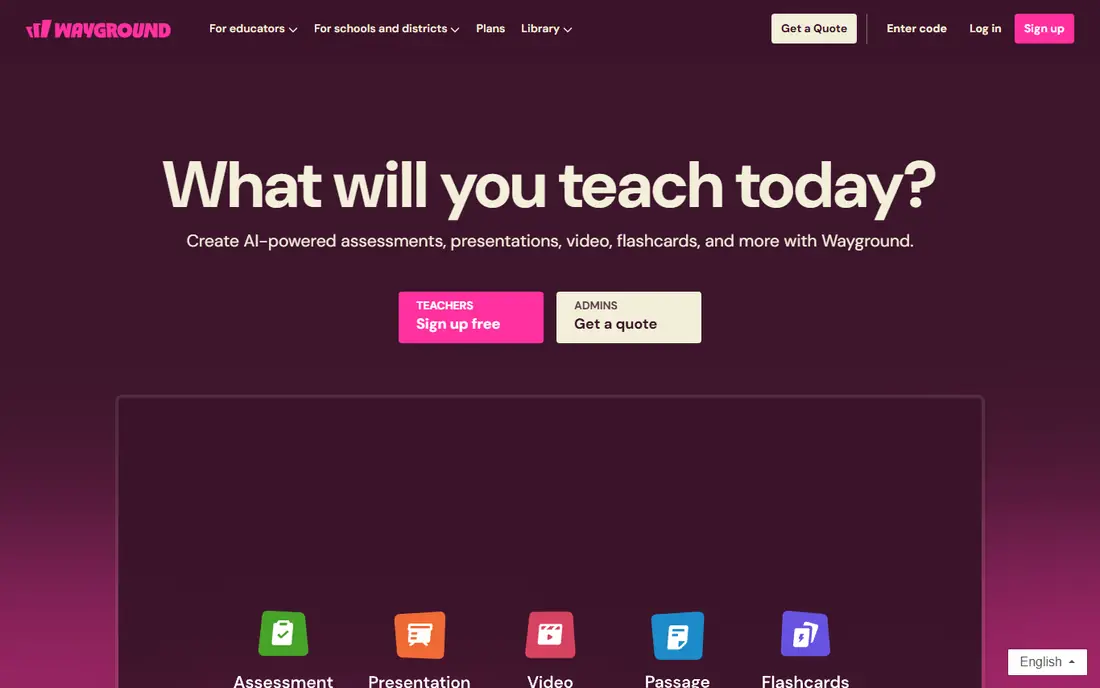
Quizizz, now also known as Wayground, is our pick for most teachers because it covers both live games and homework style play. Students can join live, work at their own pace, or join in teams, and teachers can reuse a large library of ready made quizzes. Google Classroom integration makes assignment sharing simple.
The trade off is energy. Quizizz feels calmer than Kahoot, with less emphasis on speed and sound effects. For large groups, that calm is often a plus, since it reduces chaos and lets students focus on answers. Advanced reporting sits behind paid plans, but core quizzing works well free.
- Free plan supports large groups in public listings
- Live and self paced modes
- Google Classroom integration
- Some advanced reports and features need paid plans
- Game style is less frantic than Kahoot
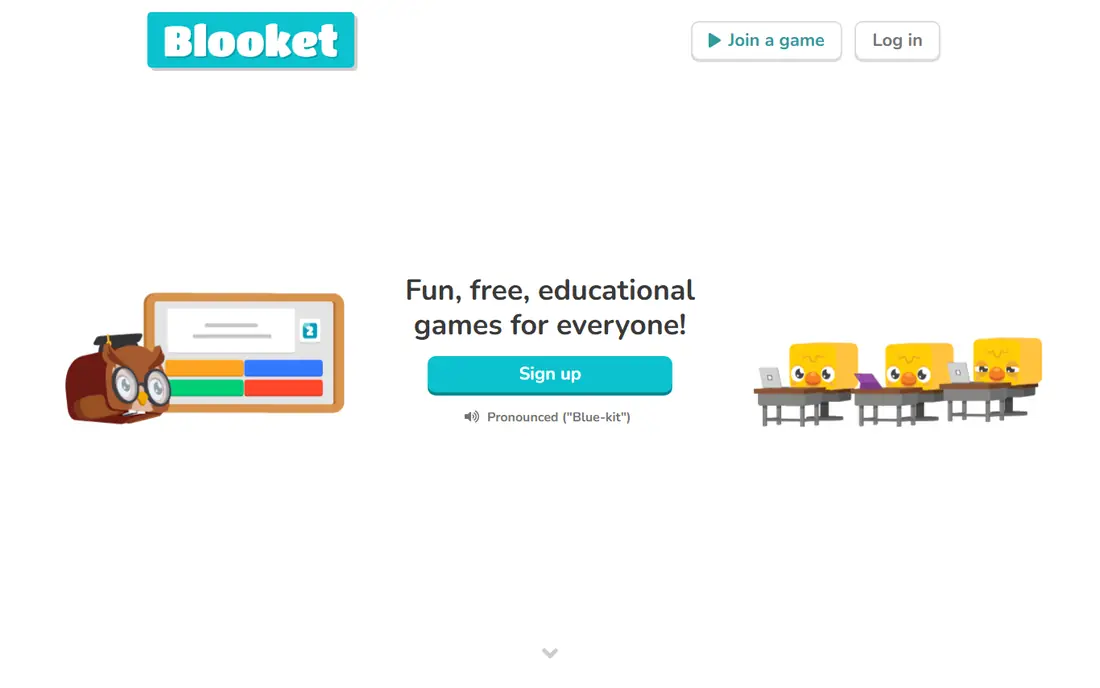
Blooket is the best free choice when game variety matters most. Instead of one quiz format, it offers many modes where correct answers earn power ups, coins, or progress in a game. That variety keeps elementary and middle school students engaged across repeated review sessions.
The catch is balance. The games can overshadow the questions if a teacher does not set clear goals. Used for review rather than first teaching, Blooket is excellent. Its free plan also suits large groups, which makes it a practical Kahoot replacement for whole classes.
- Many distinct game modes
- No hard player cap on free sessions in public listings
- Strong student engagement
- Game focus can distract from content
- Paid plan adds features teachers may want
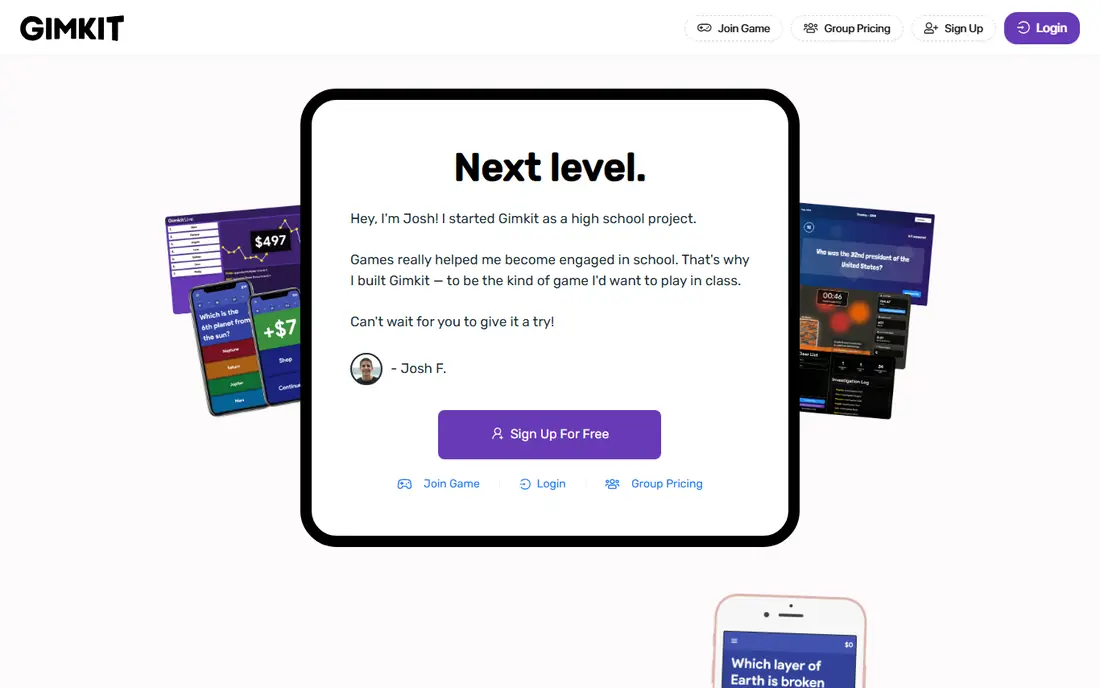
Gimkit suits middle and high school students who enjoy strategy. Correct answers earn in game money, which students spend on upgrades and power ups. That economy encourages repetition, since students replay to improve scores and strategies. It feels more like a game and less like a test than a standard quiz.
The free plan covers core quiz games for large groups in public listings, but some featured modes are limited. Teachers should test the mode they plan to use before a full class session. For review days, Gimkit is one of the most replayable free options here.
- In game economy drives repetition
- Unlimited players on free quiz games in public listings
- Customizable modes
- Free plan limits some modes for full classes
- Learning curve for new teachers
Baamboozle is the outlier that solves a real problem: rooms with weak wifi or few devices. It can run from one shared screen, with teams answering aloud or from the front of the room, so a teacher does not need every student on a device. That makes it ideal for young learners and low tech settings.
The limits are analytics and library size. Teachers get less per student data than Quizizz or Socrative, and the shared library is smaller. For quick checks, warm ups, and young classes, those limits matter little. Baamboozle is simple, fast, and free, which is often enough.
- Single screen play with no student devices needed
- Simple setup
- Free plan covers most home and class use
- Analytics are limited
- Content library is smaller than larger platforms
Mentimeter suits lectures, meetings, and adult training better than classroom games. It turns a presentation into an interactive session with live polls, word clouds, quizzes, and Q and A, all with a polished look that fits corporate settings. Public listings note unlimited free participants, which helps large lectures.
The free plan limits the number of slides and questions per presentation, so long sessions need a paid plan or a split deck. For short interactive segments inside a talk, Mentimeter is excellent. It is not a direct Kahoot clone, but it is a better fit for professional audiences.
- Unlimited free participants in public listings
- Polished slides
- Polls, word clouds, and Q and A
- Free plan limits slides and questions
- Less game focused than Kahoot
AhaSlides is the best free choice for a full interactive presentation. It combines quizzes with polls, word clouds, open questions, spinner wheels, and Q and A inside one deck, so a facilitator does not need to switch tools mid session. Participants join by QR code or link with no login.
The cap is the catch. Free sessions support up to 50 participants in public listings, so very large classes need Quizizz or Blooket instead. For small to mid size groups, training sessions, and team meetings, AhaSlides gives the widest interaction range for free.
- More than 30 interactive slide types
- Quizzes, polls, word clouds, and Q and A
- No login needed for participants
- Free sessions cap at 50 participants in public listings
- Not ideal for very large free groups
Socrative suits teachers who want data more than games. Quick quizzes, exit tickets, and space races give a clear view of who understood a lesson and who needs help. Reports are clean and easy to read, which helps with grading and planning the next lesson.
The trade off is fun. Socrative is calmer and less game like than Kahoot, Blooket, or Gimkit, so students may find it less exciting. For formative assessment, that calm is a strength. Use Socrative to check understanding, and a game tool to review.
- Clean per student reporting
- Quick quizzes and exit tickets
- Teacher control over pacing
- Less game like than Kahoot
- Free plan limits some features
Poll Everywhere fits events, lectures, and meetings where the audience may not want to install an app. Participants can respond by text message or web link, and results appear live. That low friction setup helps with adult audiences and mixed device rooms.
The free limit is tight. Public listings cap free responses at 25, so large classes need another tool. For small groups, panels, and staff meetings, Poll Everywhere is a simple, professional choice that avoids game style distractions.
- Text message responses
- Works for events and lectures
- Live results
- Free plan caps responses at 25 in public listings
- Quiz features are lighter than Quizizz
How we picked these
We compared official pricing pages and free plan details, question and game types, participant limits, and public reviews. We did not claim hands on testing. We favored tools whose free plans actually cover classroom use, not just a short trial, and we noted caps honestly where they apply.
How to choose for your group
Start with group size. For large free groups, Quizizz, Blooket, and Gimkit are the safest picks in public listings. For groups under 50, AhaSlides and Mentimeter add presentation features. For small meetings, Poll Everywhere is enough.
Next, match the tool to the goal. Use Blooket or Gimkit for review games, Quizizz for homework and self paced work, Socrative for checks and exit tickets, and Mentimeter or AhaSlides for interactive talks. Using one tool for every job usually means a poor fit for at least one job.
Finally, test with a small group first. Check wifi load, join codes, and how results display on your screen. A tool that works for five students may behave differently for 50, so run a pilot before a high stakes session.
Sources
- https://quizizz.com
- https://www.blooket.com
- https://www.gimkit.com
- https://www.baamboozle.com
- https://www.mentimeter.com
- https://ahaslides.com
- https://www.socrative.com
- https://www.polleverywhere.com
- https://www.mentimeter.com/blog/education/kahoot-alternatives
- https://ahaslides.com/blog/similar-alternatives-to-kahoot/