Google Calendar Alternatives in 2026: 9 Tools Compared
By ToolNimba Editorial Team November 8, 2026 9 min read

- Top pick
 Microsoft Outlook Calendar
Microsoft 365 users
Starting priceFreeCheck out Microsoft Outlook CalendarRead our review - Runner-up
 Apple Calendar
Apple device owners
Starting priceFreeCheck out Apple CalendarRead our review - Also great
 Proton Calendar
Privacy focused users
Starting priceFreeCheck out Proton CalendarRead our review
How we researched this
We compared official pricing and feature pages, app store listings, privacy policies and public user reviews. Prices change, so check the provider's site before you pay.
Key takeaways
- Microsoft Outlook Calendar is the most direct replacement for Google Calendar, especially for households and teams already using Microsoft 365.
- Apple Calendar is the best free choice for people who live in the Apple ecosystem, since it is built into iPhone, iPad and Mac.
- Proton Calendar is our pick for privacy, with end-to-end encryption for events, though it has fewer integrations than Google or Microsoft.
- Fantastical suits Apple power users who want natural language input, templates and a polished design.
- Notion Calendar and Morgen are strong choices for time blocking, though Notion Calendar still needs a Google account to work.
Quick comparison
| Name | Best for | Starting price | Free plan | |
|---|---|---|---|---|
| Microsoft Outlook Calendar | Microsoft 365 users | Free | Yes | Visit |
| Apple Calendar | Apple device owners | Free | Yes | Visit |
| Proton Calendar | Privacy focused users | Free | Yes | Visit |
 Fantastical | Apple power users | Free | Yes | Visit |
 Notion Calendar | Time blocking in Notion | Free | Yes | Visit |
 Zoho Calendar | Zoho users and free scheduling | Free | Yes | Visit |
 Morgen | Cross-platform time blocking | See website | Free trial | Visit |
 Calendly | Booking links and appointments | Free | Yes | Visit |
 Teamup Calendar | Shared team schedules | Free | Yes | Visit |
The best Google Calendar alternatives
People leave Google Calendar for different reasons. Some want stronger privacy, some want better time blocking, some want a calendar that fits Microsoft or Apple tools, and some just want booking links that work without extra setup. We compared official pricing and feature pages for calendars that are actively maintained, and we judged each one on syncing, sharing, scheduling features and price.
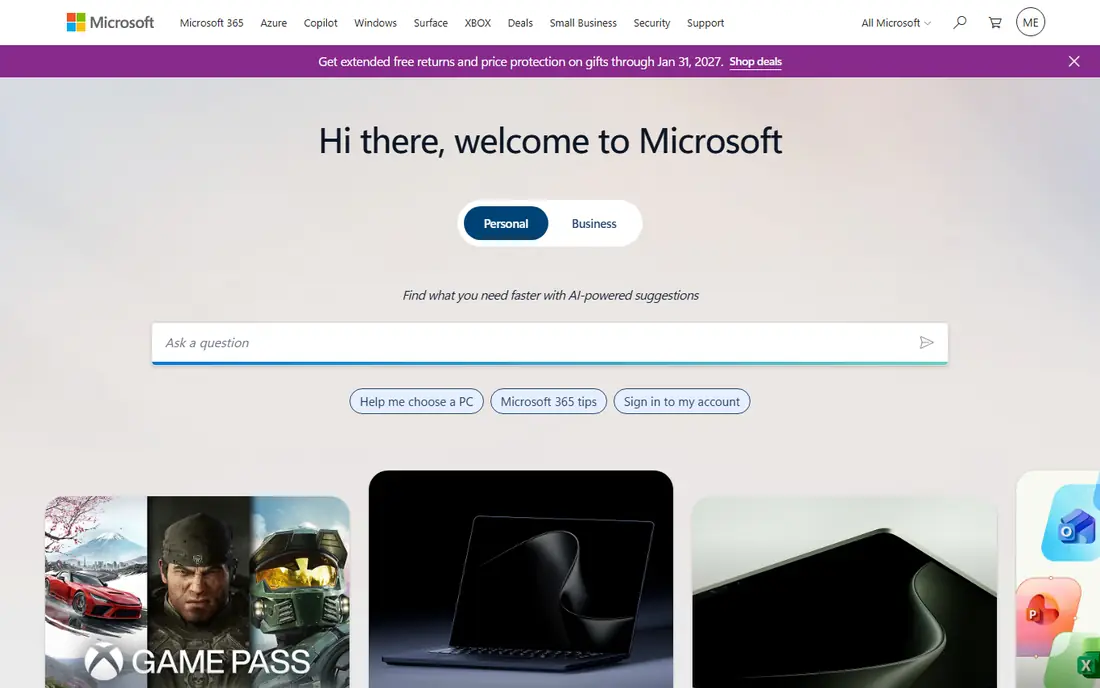
Outlook Calendar is the closest like-for-like replacement for Google Calendar. It handles shared calendars, meeting invites, scheduling polls and room booking, and it works naturally with Outlook mail, Teams and OneDrive. A free Outlook.com account covers personal use, while Microsoft 365 adds more storage and the full Office apps.
The catch is that the best experience sits inside the paid Microsoft 365 bundle, and the interface packs in a lot of options that casual users may never touch. If your work or household already uses Microsoft tools, Outlook Calendar is the natural switch.
- Free on Outlook.com
- Deep Microsoft 365 and Teams integration
- Strong shared calendar and scheduling tools
- Full features need a Microsoft 365 plan
- Interface can feel busy
- Some AI features are paid
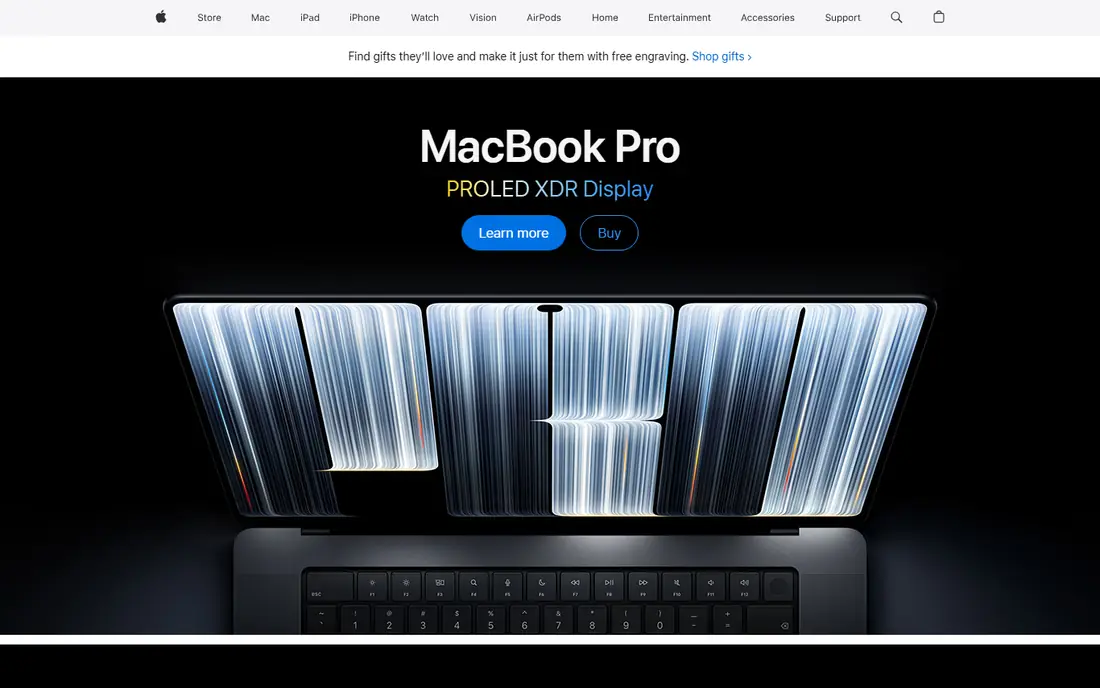
Apple Calendar is already on every iPhone, iPad and Mac, and for Apple-only users it needs no introduction. Events sync through iCloud, Siri can create events from speech, and shared family calendars work with little setup. It is free, fast and hard to beat for simple personal scheduling.
It is less useful if you mix Windows and Android devices, and it lacks the booking pages and deep automation of Calendly or Morgen. If your devices are all Apple, start here before you pay for anything else.
- Free with Apple devices
- Clean and fast
- Siri integration and iCloud sync across devices
- Best only inside the Apple ecosystem
- Fewer booking and automation features
- Web version is limited
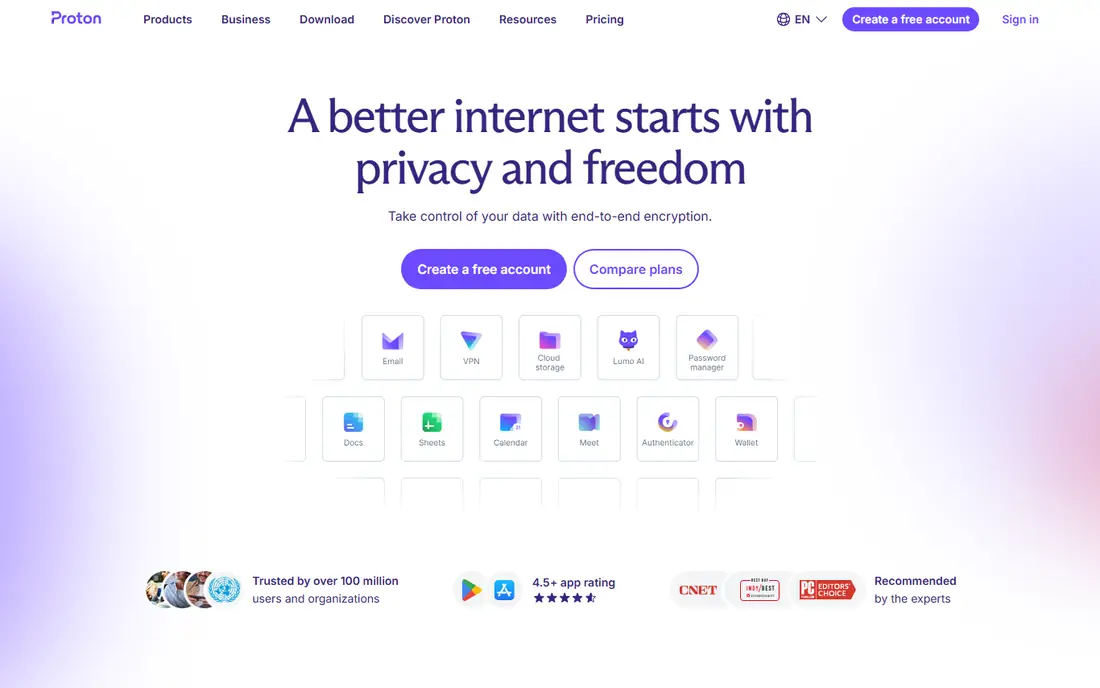
Proton Calendar is built for people who do not want their schedule mined for advertising. Events are end-to-end encrypted, so even Proton cannot read your event details, and it ties in with Proton Mail for secure invites. The free plan covers personal calendars, while paid plans add more calendars and sharing.
You give up some convenience. Integrations with other apps are thinner than Google or Microsoft, and a few collaboration features sit behind paid tiers. If privacy is your main reason for leaving Google, Proton Calendar is the clearest answer.
- End-to-end encryption for events
- Works with Proton Mail
- No advertising based on your schedule
- Fewer third-party integrations
- Some sharing features need paid plans
- Smaller feature set than Google
Fantastical has been a favorite Apple calendar for years, and it still earns that reputation. Type an event in plain language, such as a lunch next Tuesday at noon, and it parses the details for you. Templates, sets of calendars you can switch on and off, and a beautiful day view make it pleasant for people who live in their calendar.
The free tier covers basics, but the features that make Fantastical special need the paid Flexibits Premium subscription. Windows and Android users should look elsewhere, but Apple users who want more than Apple Calendar offers will likely enjoy it.
- Natural language event creation
- Templates and interesting calendars
- Polished Apple design
- Weather and time zone tools
- Premium features need a paid subscription
- Apple only
- Free tier is limited
Notion Calendar, formerly Cron, gives Notion users a calendar that shows events beside their notes, tasks and project timelines. Time blocking feels natural here, since you can drag events and see linked Notion work in the same view. It is free, and booking links are included.
The big limit is that it is not a full replacement for Google Calendar. You still need a Google account behind it, and Microsoft Calendar users are out of luck. If you already use Notion daily and you keep Google Calendar, Notion Calendar is a strong upgrade to how you view your day.
- Free
- Clean time blocking view
- Connects calendar events with Notion pages and databases
- Still needs a Google Calendar account to work
- No Microsoft Calendar integration
- Not a standalone replacement
Zoho Calendar is a quiet, capable free option. It offers group calendars, a meeting scheduler, calendar embedding and reminders, and it fits naturally if you already use Zoho Mail, CRM or other Zoho apps. For a small team that wants a free shared calendar without Google, it is a practical choice.
It will not wow you with design, and some paid features require a Zoho Mail plan. If you value a free, no-fuss calendar and you already use Zoho, it is worth trying before you pay for a premium tool.
- Free standalone calendar
- Group calendars and meeting scheduler
- Embeds on websites
- Zoho ecosystem integration
- Interface is plainer than rivals
- Advanced features tie to Zoho Mail plans
- Smaller third-party app support
Morgen is built for people who plan their day in blocks. It pulls in Google and Microsoft calendars, lets you drag tasks onto your schedule, and includes booking links for other people to grab time with you. Linux support is a welcome bonus, since few polished calendars cover it.
There is no permanent free tier for full use, so expect a subscription. If time blocking is your main workflow and you switch between platforms, Morgen is one of the best tools for that job.
- Works on Windows, Mac and Linux
- Strong time blocking and task integration
- Booking links included
- Paid plans needed for full use
- Smaller ecosystem than Google or Microsoft
- Learning curve for new users
Calendly is not a calendar in the Google sense. It is a scheduling layer that sits on top of your calendar and lets other people book time with you through a link, without the email back and forth. That distinction matters, and it is why so many sales, recruiting and support teams use it alongside Google or Outlook.
The free tier covers one event type and basic booking, while paid plans add team scheduling, routing and integrations. If your problem is booking meetings rather than viewing your own day, Calendly solves it directly.
- Free tier for basic booking
- Easy booking pages
- Buffer times and availability controls
- Wide integrations
- Not a full calendar replacement
- Team features need paid plans
- Per-seat pricing adds up for large teams
Teamup Calendar is built for shared schedules: shift rotas, room bookings, team availability and event calendars that many people need to see. You can create sub-calendars for different teams or locations, control who can edit each one, and share links with people who do not need an account.
It is less suited to personal time blocking or task management than Morgen or Notion Calendar. For a club, clinic, school or small business that needs one shared calendar everyone can read, Teamup is simple and effective.
- Free tier for shared calendars
- Sub-calendars with access control
- No account needed for many viewers
- Good for rotas
- Plainer design
- Fewer personal productivity features
- Advanced features need paid plans
How we picked these
We compared official pricing pages, feature documentation and platform support for calendars that are actively maintained and available in the United States. We favored tools with reliable syncing, sharing controls and a clear free or paid path, and we excluded calendars that are no longer updated or that only work inside a single niche app. Check sync support for your devices and mail provider before you switch, since that decides whether a calendar works in practice.
How to switch without losing your schedule
Export your Google Calendar first, and keep that file as a backup before you import anything. Most alternatives accept standard calendar files or sync directly with Google during a trial period, which lets you run both calendars side by side for a week. Test the pieces you rely on daily: shared calendars, recurring events, time zones and mobile notifications.
Pay attention to booking and sharing. If other people book time with you, set up your booking links before you announce the switch, and tell regular contacts where to find you. A week of parallel running catches most sync problems before they cost you a meeting.
Sources
- https://www.microsoft.com
- https://www.apple.com
- https://proton.me
- https://flexibits.com
- https://www.notion.so
- https://www.zoho.com
- https://morgen.so
- https://calendly.com
- https://www.teamup.com
- https://www.flozic.ai/blog/alternatives/google-calendar-alternatives
- https://www.proofhub.com/articles/google-calendar-alternatives
Frequently asked questions
What is the best alternative to Google Calendar?
For most people, Microsoft Outlook Calendar is the closest replacement, and Apple Calendar is best for Apple-only users. Proton Calendar is the best choice if privacy is your priority, while Morgen suits time blockers.
Are there free calendar alternatives to Google Calendar?
Yes. Apple Calendar, Proton Calendar, Zoho Calendar, Notion Calendar and Teamup Calendar all offer free tiers, and Outlook Calendar is free on Outlook.com. Paid plans add sharing, booking and storage features.
What is the best Google Calendar alternative for privacy?
Proton Calendar, with end-to-end encryption for events and no advertising based on your schedule. Self-hosted options such as Nextcloud also suit privacy focused teams that want full control of their data.
Can I use Notion Calendar without Google Calendar?
No, Notion Calendar still needs a Google Calendar account to work, and it does not integrate with Microsoft Calendar. It is best viewed as a better front end for Google Calendar inside Notion, not a standalone replacement.
What calendar app is best for booking appointments?
Calendly is the best known booking tool, with free booking pages and availability controls. Morgen and Zoho Calendar also include booking links, and Teamup suits shared schedules such as rotas and room bookings.