Best Google Drive Alternatives in 2026: 9 Services Compared
By ToolNimba Editorial Team November 9, 2026 10 min read

- Top pick
 Dropbox
Reliable sync across devices
Starting priceSee websiteCheck out DropboxRead our review - Runner-up
 Microsoft OneDrive
Microsoft 365 users
Starting price$1.99 per monthCheck out Microsoft OneDriveRead our review - Also great
 Box
Business collaboration and controls
Starting priceSee websiteCheck out BoxRead our review
How we researched this
We compared official pricing and feature pages, app store listings, privacy policies and public user reviews. Prices change, so check the provider's site before you pay.
Key takeaways
- Dropbox still has one of the most reliable sync engines, while OneDrive is the natural pick for Microsoft 365 households and workplaces.
- Privacy-focused readers should look at Proton Drive, Sync.com, and MEGA, which use end-to-end encryption for stored files.
- pCloud stands out for lifetime plans, which can beat monthly billing for people who plan to keep the same storage for years.
- Free tiers range from 2 GB to 20 GB, so check the free allowance before judging a paid plan.
Quick comparison
| Name | Best for | Starting price | Free plan | |
|---|---|---|---|---|
| Dropbox | Reliable sync across devices | See website | Yes | Visit |
| Microsoft OneDrive | Microsoft 365 users | $1.99 per month | Yes | Visit |
| Box | Business collaboration and controls | See website | Yes | Visit |
 pCloud | Lifetime storage value | See website | Yes | Visit |
 Proton Drive | Privacy and encryption | See website | Yes | Visit |
 Sync.com | Private client file sharing | See website | Yes | Visit |
 MEGA | Large free tier | See website | Yes | Visit |
 Apple iCloud | Apple device owners | $0.99 per month | Yes | Visit |
 Internxt | Open-source privacy storage | See website | Yes | Visit |
The best Google Drive alternatives
People leave Google Drive for different reasons: privacy, price, ecosystem fit, or better sharing controls. The services below cover those cases without forcing a single winner. Pick by how you work, not by storage size alone.
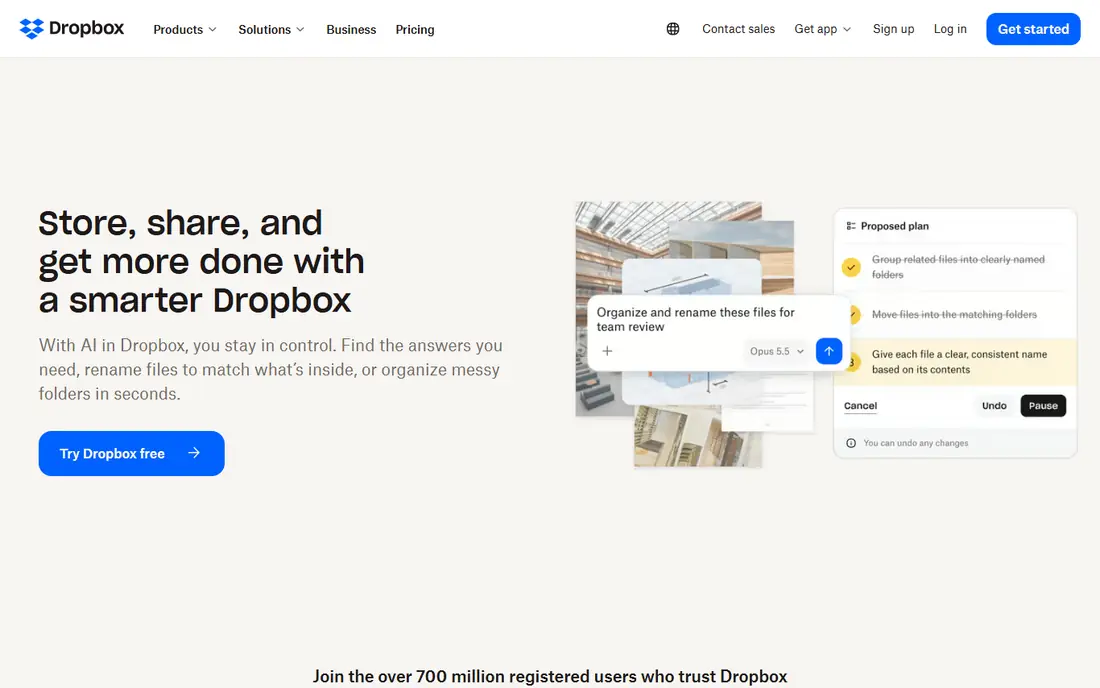
Dropbox earned its reputation on sync that simply works. Files update quickly across computers, phones, and tablets, and conflicts are rare even when files are edited on more than one device. For teams and individuals who move files often, that reliability is worth paying for.
Sharing is also straightforward. Links, folder permissions, and file requests cover most everyday needs, and previews handle many common file types without opening another app. Dropbox also integrates with a wide range of productivity tools, which helps it fit into existing workflows.
The drawback is value. The free tier is only 2 GB, and paid plans cost more per gigabyte than several rivals on this list. Dropbox makes sense when sync quality matters more than getting the cheapest storage, but price shoppers should compare pCloud or MEGA first.
- Fast and reliable sync
- Wide app support
- Easy link sharing
- Free tier is small at 2 GB
- Paid storage costs more than some rivals
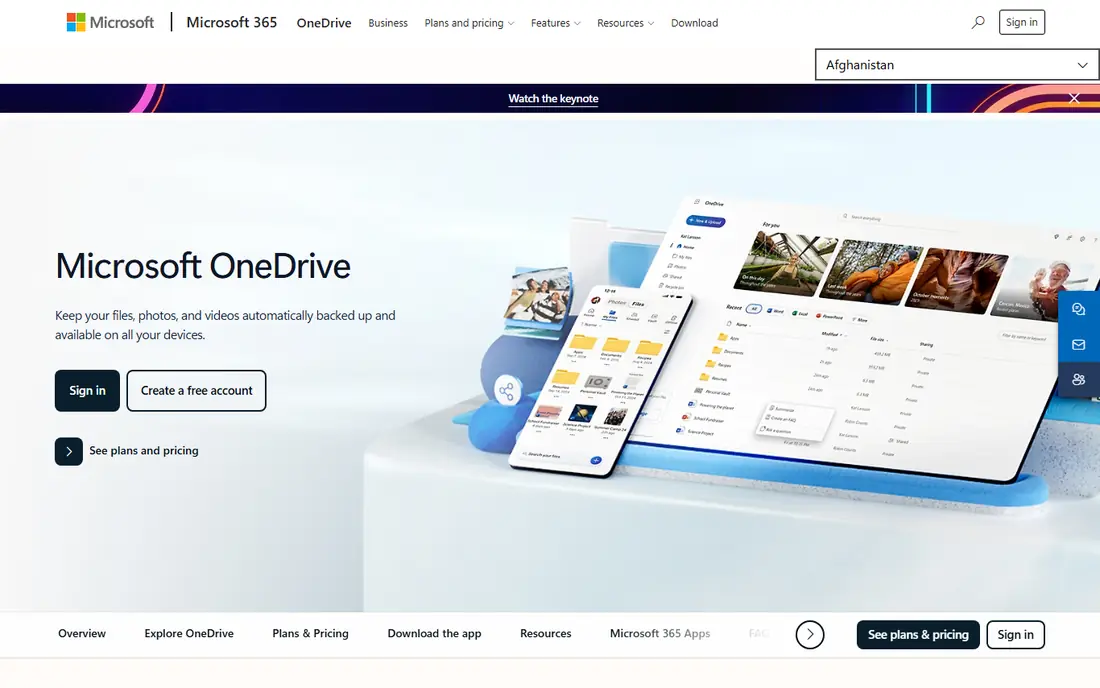
OneDrive is the obvious alternative for anyone already living in Word, Excel, and Teams. Files open directly in Office apps, changes save back to the cloud, and sharing controls fit naturally into Microsoft accounts. On Windows, it feels built in rather than bolted on.
The standalone price starts low, but the real value appears inside Microsoft 365 plans, which bundle Office apps with 1 TB of storage per user on many tiers. That bundle often beats buying storage and office software separately. Personal Vault also adds an extra layer of protection for sensitive files.
The limits are modest but real. The free tier is 5 GB, which fills quickly with photos and documents. People who do not use Office may also find the interface less appealing than Dropbox or pCloud. OneDrive is best when Microsoft tools are already part of daily work.
- Deep Office integration
- Good value inside Microsoft 365
- Strong Windows support
- Free tier is only 5 GB
- Best value requires a Microsoft 365 plan

Box is built for workplaces that need control over shared files. Admins can set permissions, track activity, and manage external sharing with more care than consumer tools allow. That focus makes Box popular with larger teams and regulated industries.
Collaboration features are practical rather than flashy. Shared folders, comments, task assignments, and integrations with office suites help teams review documents without endless email attachments. Version history also makes it easier to recover from a bad edit.
For personal use, Box is less compelling. The free tier is 10 GB, but paid individual plans cost more than rivals that offer similar storage. Box earns its price in a business setting, where governance and audit features matter more than bargain storage.
- Strong admin controls
- Good compliance options
- Solid collaboration tools
- Individual plans cost more
- Less appealing as a personal photo store
pCloud appeals to people who dislike monthly bills. Its lifetime plans charge once for a set amount of storage, which can save money over several years compared with subscriptions. The service is based in Switzerland, which some privacy-minded users also value.
Day-to-day use is smooth, with desktop sync, mobile apps, and media playback for music and video stored in the cloud. File versioning and trash recovery help when a file is changed or deleted by mistake. The free tier starts at 10 GB, with more available through optional steps.
The catch is the Crypto add-on. Client-side encryption, which means only the user holds the key, costs extra rather than being included on all plans. Buyers should also think honestly about lifetime plans: they pay off over years, but they tie the buyer to one provider. For long-term storage, though, pCloud is a strong pick.
- Lifetime plans available
- Optional client-side encryption
- Good media playback
- Encryption add-on costs extra
- Lifetime value depends on long-term use
Proton Drive is the pick for readers who put privacy first. Files are end-to-end encrypted, which means Proton cannot read the contents, and the service sits under Swiss privacy law. That design matters for sensitive documents, even if it adds some limits on sharing and search.
The wider Proton ecosystem is a plus. Users who already use Proton Mail, Calendar, or VPN can keep accounts and billing in one place. Apps for desktop and mobile cover the basics, and sharing links can include passwords and expiry dates.
The trade-off is breadth. Storage allowances on lower plans are smaller than some rivals, and integrations are fewer than Dropbox or OneDrive. Proton Drive suits people who will trade some convenience for stronger privacy, not people chasing the cheapest gigabyte.
- End-to-end encryption by default
- Swiss privacy laws
- Ties into Proton Mail and VPN
- Smaller storage on entry plans
- Fewer third-party integrations
Sync.com combines strong privacy with a straightforward interface. Its zero-knowledge encryption means the provider cannot access file contents, which is useful for accountants, lawyers, and other professionals sharing client files. Sharing links and folder permissions are easy to set without a manual.
Teams get useful controls too, including remote wipe for shared folders and activity tracking. The service is based in Canada, and its plans scale from individuals to business teams. For client-facing work, the balance of privacy and usability is a real strength.
The limits are familiar for privacy tools. The free tier is 5 GB, and the integration list is smaller than mainstream rivals. Sync.com is best when confidential sharing is the main job, rather than deep integration with office suites.
- Zero-knowledge encryption
- Simple sharing controls
- Good for teams
- Fewer integrations
- Free tier is 5 GB
MEGA stands out immediately because its free tier offers 20 GB, far more than Dropbox or OneDrive. That makes it a practical choice for students and casual users who need real space without paying. End-to-end encryption is also built in, not sold as an add-on.
Sync apps for desktop and mobile work well, and the web interface handles uploads, sharing, and folder management without fuss. Chat and file sharing features add value for small groups that want one place for files and messages.
The weaknesses are in support and business depth. Business controls and integrations are thinner than Box or Dropbox, and pricing can vary by region and currency. MEGA is a strong free and personal option, but larger teams should test its admin tools before switching.
- Generous 20 GB free tier
- End-to-end encryption
- Good sync apps
- Support and business features lag rivals
- Paid tiers vary by region
Apple iCloud is the path of least resistance for Apple users. It backs up iPhones and iPads, syncs photos, and keeps documents available across Mac, iPhone, and iPad with almost no setup. For families using Apple devices, shared storage plans also simplify billing.
The entry paid price is low, and larger plans cover photos, backups, and documents in one place. Features such as Private Relay and Hide My Email come with some paid iCloud plans, which add privacy value beyond storage alone.
Outside Apple hardware, the experience drops off. Windows support exists but feels secondary, and Android users get a web-only view. The 5 GB free tier also fills fast once device backups start. iCloud is excellent inside the Apple world and merely adequate outside it.
- Built into iPhone, iPad, and Mac
- Easy photo and backup sync
- Low entry price
- Free tier is only 5 GB
- Windows and Android experience is weaker
Internxt is a privacy-first option with open-source code, which lets independent reviewers inspect how it works. Files are end-to-end encrypted, and storage is based in the EU. For readers who want transparency as well as privacy, that combination is appealing.
The apps cover desktop and mobile sync, file sharing, and backups, and the interface is clean. Lifetime plans are also offered for people who want to avoid ongoing billing. The free tier gives a small starting allowance for testing the service.
The main risk is scale. Internxt is smaller than Dropbox, OneDrive, or Box, so its integration range and support resources are thinner. It fits privacy-focused individuals better than large teams. Try the free tier with non-critical files before moving a full archive.
- Open-source code
- End-to-end encryption
- EU-based storage
- Smaller service than rivals
- Fewer integrations
How we picked these
We compared official pricing pages, free tiers, encryption claims, sync apps, and sharing controls, and we checked that each homepage loads and belongs to the listed service. We favored services with a clear use case, current availability in the US, and a track record of stable operation. We did not claim hands-on testing, and we excluded services that had shut down or no longer offer consumer storage.
How to choose the right alternative
Start with the ecosystem you already use. A Microsoft household gains the most from OneDrive, an Apple household from iCloud, and a privacy-focused user from Proton Drive, Sync.com, or MEGA. Switching ecosystems for a small price saving often creates more friction than it saves.
Storage, sharing, and privacy
Check the free tier, the cost of the next tier up, and whether sharing links support passwords and expiry dates. For sensitive files, prefer end-to-end encryption and read the privacy policy for data location and retention. For team files, check admin controls, version history, and audit logs before price.
Migration tips
Move files in stages, starting with a small folder, and confirm sync works on every device before deleting the originals. Keep a local backup during the move, since cloud migration errors are rare but costly. Also check file size limits and upload speeds, which matter more for video archives than for documents.
Sources
Frequently asked questions
What is the best Google Drive alternative?
Dropbox is the best all-round alternative for reliable sync, while OneDrive suits Microsoft 365 users and Proton Drive suits privacy-focused users. The best pick depends on ecosystem, budget, and privacy needs. Try the free tier of two services before paying for a year.
What are the best free alternatives to Google Drive?
MEGA offers the largest free tier on this list at 20 GB, followed by Box and pCloud at 10 GB. OneDrive and iCloud offer 5 GB free, while Dropbox offers 2 GB. Free tiers often limit features, so check sharing and version history before relying on one for important files.
Is there a Google Drive alternative with lifetime pricing?
Yes, pCloud and Internxt both offer lifetime plans that charge once for storage. Lifetime plans can save money over several years, but they tie the buyer to one provider. Read the terms for storage limits, account activity rules, and what happens if the service changes.
Which alternative is best for privacy?
Proton Drive, Sync.com, MEGA, and Internxt all use end-to-end encryption, which keeps file contents private from the provider. Proton Drive adds Swiss privacy law and a wider privacy ecosystem. For the strongest privacy, also use strong passwords and two-factor authentication.
Can I use more than one cloud storage service?
Yes, many people use one service for work, one for photos, and one for backups. That approach adds resilience, but it can also scatter files and increase costs. Keep a simple map of where each file type lives, and avoid storing the only copy of an important file in a single free account.
Is OneDrive better than Google Drive?
OneDrive is better for Microsoft Office users and Windows PCs, while Google Drive is better for Google Docs and Gmail users. Both offer similar storage and sharing features. The deciding factor is usually which office suite and email system a person already uses every day.