Best Grammarly Alternatives in 2026: 8 Tools Compared
By ToolNimba Editorial Team November 9, 2026 9 min read

- Top pick
 QuillBot
Paraphrasing and student writing
Starting price$19.95 per monthCheck out QuillBotRead our review - Runner-up
 ProWritingAid
Long-form and manuscript editing
Starting price$30 per monthCheck out ProWritingAidRead our review - Also great
 LanguageTool
Multilingual grammar checks
Starting priceSee websiteCheck out LanguageToolRead our review
How we researched this
We compared official pricing and feature pages, app store listings, privacy policies and public user reviews. Prices change, so check the provider's site before you pay.
Key takeaways
- QuillBot is the strongest pick for students, because paraphrasing, summarizing and citation tools sit next to its grammar checker.
- ProWritingAid is the closest like-for-like replacement for long-form writers, with deep manuscript reports Grammarly does not offer.
- LanguageTool is the best free-first option, especially if you write in languages other than English.
- Wordtune wins for quick sentence rewrites, while Rytr suits people who need to generate drafts rather than polish them.
- Grammarly Pro itself costs $12 per month billed annually or $30 billed monthly, so any of these paid plans should be judged against that bar.
Quick comparison
| Name | Best for | Starting price | Free plan | |
|---|---|---|---|---|
| QuillBot | Paraphrasing and student writing | $19.95 per month | Yes | Visit |
| ProWritingAid | Long-form and manuscript editing | $30 per month | Yes | Visit |
| LanguageTool | Multilingual grammar checks | See website | Yes | Visit |
 Wordtune | Sentence rewrites and tone | $9.99 per month | Yes | Visit |
 Sapling | Business and support teams | $25 per month | Yes | Visit |
 Rytr | Generating new drafts | $9 per month | Yes | Visit |
 Hemingway Editor | Clear, plain writing | See website | No | Visit |
 Slick Write | Free quick style checks | Free | Yes | Visit |
The best Grammarly alternatives
Grammarly is popular for good reason, but it is not the only writing helper, and it is not the cheapest. We compared official pricing pages and feature lists to find tools that cover grammar, style, paraphrasing or drafting at a lower cost or with a different strength.
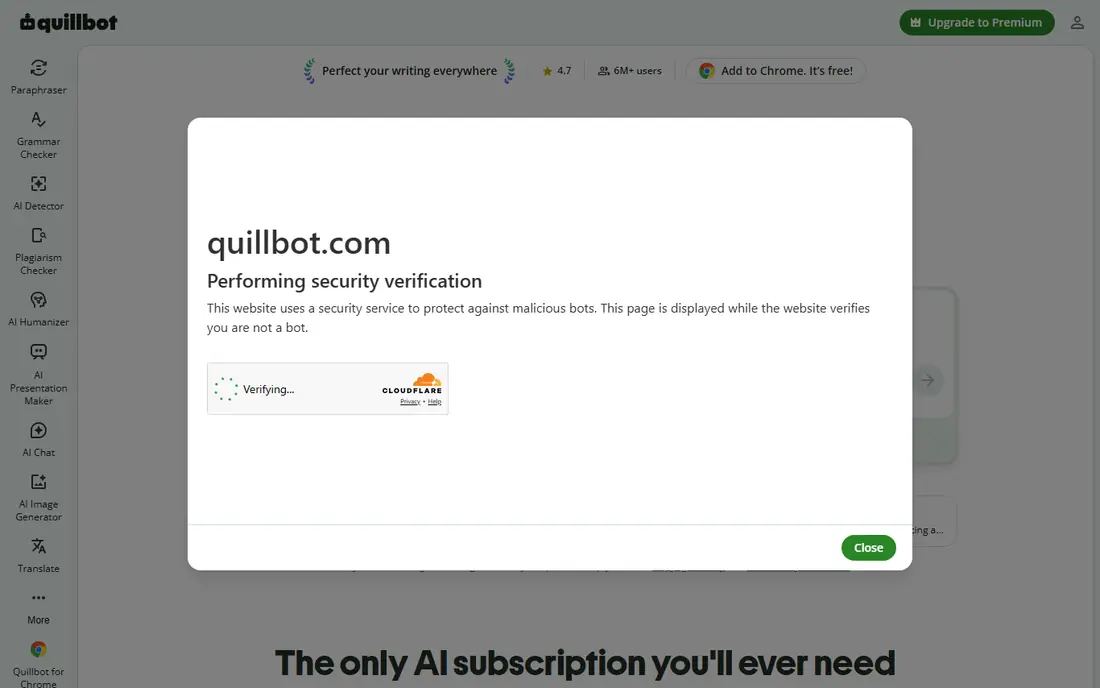
QuillBot is our pick for students and anyone who rewrites existing text more than they generate new text. The paraphraser offers several modes that shift tone and structure, and the summarizer and citation generator cover two jobs Grammarly does not try to do. The free tier handles basic paraphrasing and grammar checks, which is enough to judge the tool honestly.
The weakness is depth. QuillBot catches everyday grammar and spelling slips, but it does not analyze a whole manuscript the way ProWritingAid does, and its suggestions can flatten a distinctive voice if you accept them all. Use it to rework sentences and sources, and keep a careful eye on the final wording.
- Strong paraphraser with multiple modes
- Summarizer and citation generator included
- Genuinely useful free tier
- Grammar checking is less deep than a dedicated editor
- Premium pricing varies by billing period
- Best features sit behind Premium
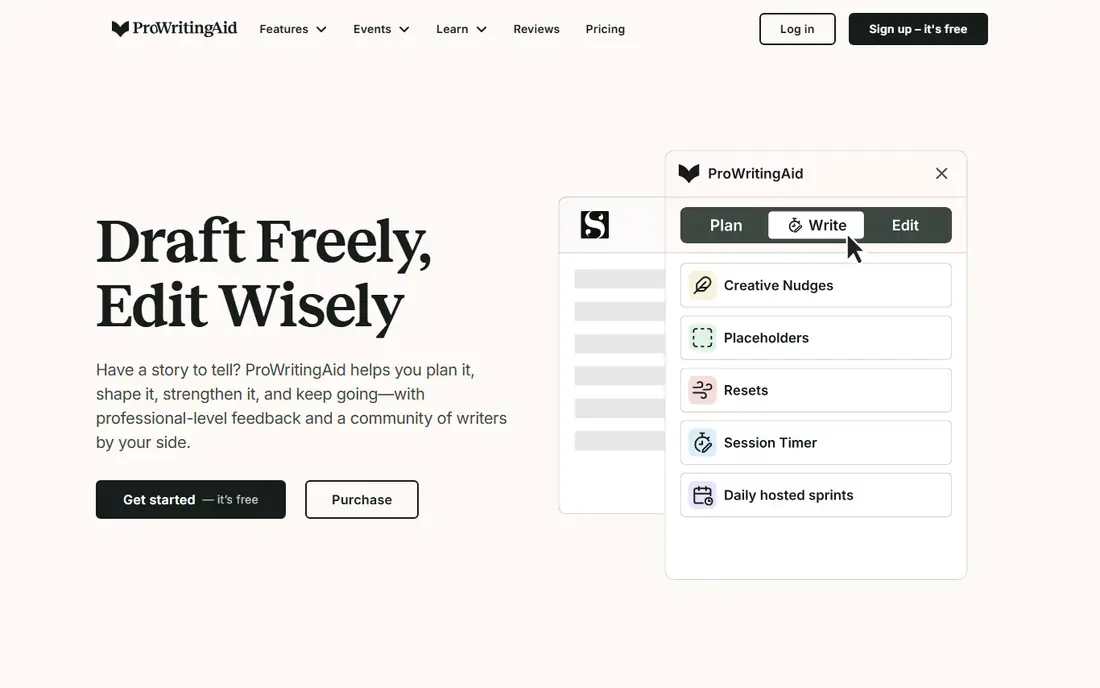
ProWritingAid is the closest like-for-like Grammarly replacement for authors and long-form writers. Where Grammarly corrects sentence by sentence, ProWritingAid adds reports on pacing, repeated words, sticky sentences, dialogue tags and more across a whole document. That document-wide view is what makes it valuable for a novel, thesis or long report.
Pricing is the catch. Premium costs $30 per month billed monthly or $120 per year, and Premium Pro costs more, so the monthly rate is no bargain next to Grammarly. The lifetime license, listed at $399 for Premium, changes the math for writers who will use it for years. Short-form writers will not need most of these reports.
- More than 25 document-wide reports
- Works with Scrivener and major writing apps
- Lifetime license option available
- Monthly price matches Grammarly
- Interface can feel busy
- Plagiarism checking costs extra
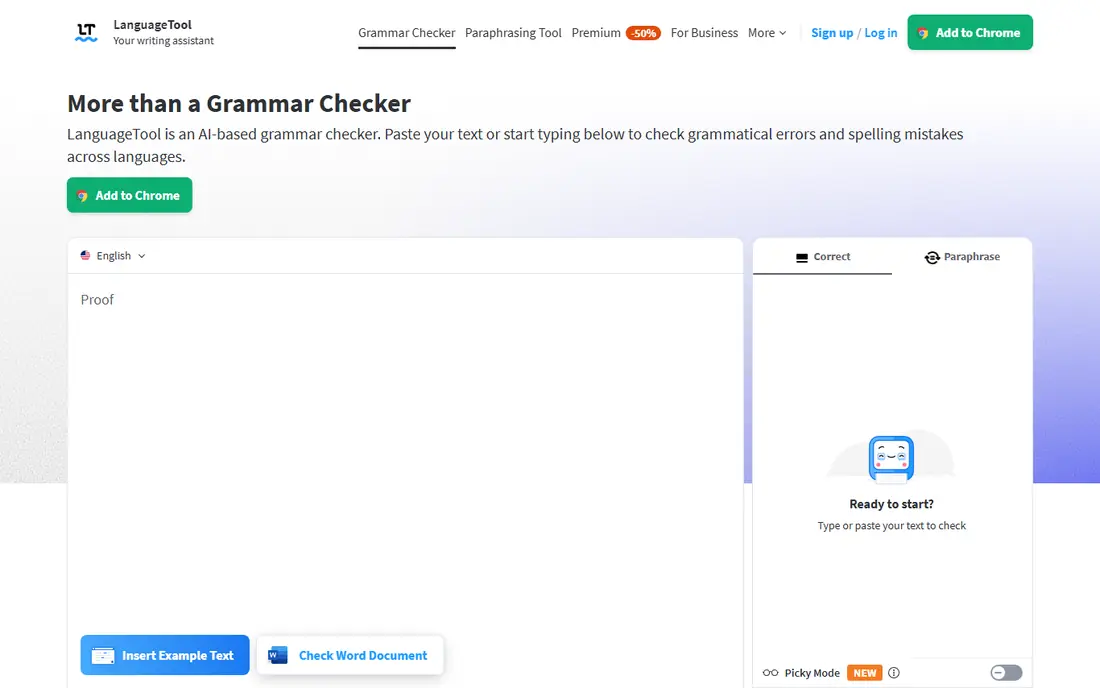
LanguageTool is the strongest free-first pick, and it is the best choice if you write in a language other than English. Its rule-based checking covers many languages, and the open-source server can be self-hosted by technical users who want their text to stay on their own machine. Browser extensions and integrations for common editors make it easy to live with.
The trade-off is polish. Style and tone guidance is thinner than what Grammarly offers, and the free tier caps check length. Writers who work mostly in English and want tone control will get more from Wordtune or ProWritingAid. Multilingual writers and privacy-minded users get the most value here.
- Strong support for many languages
- Open-source core with a self-hosted option
- Browser and word processor integrations
- Style advice is thinner than Grammarly
- Premium features vary by language
- Advanced AI rewrites are limited
Wordtune is the cheapest real alternative for people who already have a draft and want better sentences. Highlight a sentence and it offers several rewrites with different tones, which is faster than reworking each line by hand. The free tier covers grammar and spelling checks without a tight limit, so casual users may never pay.
The scope is narrow by design. Wordtune does not manage a manuscript, track a whole document or check plagiarism, so it pairs with other tools rather than replacing a full editor. If your main frustration is flat sentences rather than grammar errors, this is the tool to try first.
- Fast contextual sentence rewrites
- Formal and casual tone shifts
- Free tier includes unlimited grammar and spelling checks
- Focused on rewriting, not full document editing
- Rewrite suggestions need a human check
- Higher tier needed for unlimited rewrites
Sapling aims at business and support teams more than solo writers. Its browser extension, Google Docs and Outlook support cover the places teams write, and autocomplete plus shared snippets speed up repetitive replies. A developer API and team controls make it a practical choice for companies that want consistent language across staff.
Individuals will find the $25 monthly price hard to justify, since annual billing brings it to $12 per month but still buys team features a solo writer may not use. If you write support replies all day or manage a team inbox, Sapling fits. If you write essays, QuillBot or LanguageTool will serve you better.
- Grammar and spelling checks across browsers and docs
- Autocomplete and snippet features for teams
- Developer API available
- Monthly price is high for individuals
- Pro features matter most to teams
- Smaller ecosystem than Grammarly
Rytr answers a different question from the rest of this list: what if you need words on the page, not just corrections to words you already wrote? Give it a short brief and it drafts emails, posts, product copy and more, with tone options to steer the result. At $9 per month for the entry paid plan, it is one of the cheapest ways to beat a blank page.
The warning matters. Generated drafts need editing and fact-checking, and the tool will confidently produce claims that are wrong. Treat Rytr as a first-draft machine and run the result through a grammar checker or your own read-through before publishing anything under your name.
- Low starting price
- Generates drafts from a short prompt
- Many tones and use cases built in
- Generated text needs editing and fact-checking
- Not a grammar checker first
- Output quality varies by topic
Hemingway Editor does one job and does it well: it shows you where your writing is hard to read. Long sentences, dense paragraphs, adverbs and passive voice get highlighted in color, and the readability grade gives you a target to aim for. Writers who bury simple ideas in complex sentences will feel the difference fast.
It is not a Grammarly replacement in the full sense, because it does not check grammar or spelling the same way. There is no everywhere-you-type extension, so you paste text in, fix it, and paste it back. Use it as a second pass for clarity after a grammar checker has done its work.
- Highlights hard sentences, adverbs and passive voice
- Simple interface that forces clarity
- One-time purchase model for the app
- No grammar checking in the Grammarly sense
- No browser extension for everywhere-you-type editing
- Web version is limited
Slick Write is the no-cost, no-fuss option for a quick second opinion on a draft. Paste text into the browser tool and it flags grammar slips, passive voice, overly long sentences and flow problems, with settings you can tune. There is no account or payment standing between you and a check, which makes it easy to recommend to students.
The tool shows its age. There are no AI rewrites, no browser extension that follows you across apps, and no team features. If you want a free check before submitting a short piece, Slick Write is enough. If you want daily help everywhere you type, a paid tool above will fit better.
- Completely free
- Checks grammar, style and flow in the browser
- No account needed for basic checks
- Plain interface with no modern AI rewrites
- No everywhere-you-type extension
- Fewer integrations than paid tools
How we picked these
We compared official pricing pages, feature lists and public reviews for writing tools that genuinely replace part of what Grammarly does, whether grammar, style, paraphrasing or drafting. We favored tools with a usable free tier or a clear price advantage, and we left out pure AI chatbots and humanizer tools that solve a different problem. We did not claim hands-on testing, and prices reflect vendor list prices checked in October 2026.
How to choose the right alternative
Start from the job, not the brand. If your main need is fixing grammar everywhere you type, LanguageTool or Sapling covers that ground, with Grammarly Free itself still a fair benchmark. If you rewrite sentences and shift tone, Wordtune is the specialist. If you paraphrase sources and cite them, QuillBot is the obvious pick.
Watch the billing period, not just the monthly number
Most tools on this list look far cheaper on annual billing than monthly billing, and some vary prices by region or promotion. Grammarly Pro is $30 monthly but $12 monthly on annual billing, so compare annual to annual before declaring a saving. Set a renewal reminder for any tool you pay for yearly.
Try the free tier for a real week
A free tier that covers your actual writing, not just a demo, tells you more than any review. Run each finalist on your real documents for a week: emails, essays or posts you would write anyway. The tool whose suggestions you accept most often, and whose false flags annoy you least, is the right one.
Sources
Frequently asked questions
Is there a completely free Grammarly alternative?
Yes. LanguageTool and Slick Write both offer free grammar checking without a subscription, and QuillBot and Wordtune have useful free tiers. Free tiers usually cap document length or advanced features, so heavy writers will eventually hit a limit, but casual writers can often stay free.
Which Grammarly alternative is best for students?
QuillBot is our pick for students, because paraphrasing, summarizing and citation tools sit beside the grammar checker, and the free tier is genuinely usable. LanguageTool is the better choice for students writing in languages other than English, and ProWritingAid suits students working on long theses.
Which alternative is closest to Grammarly itself?
ProWritingAid is the closest like-for-like editor, with grammar, spelling and style checks plus deeper document reports. Sapling is also close for everyday typing across browsers and documents. Neither matches Grammarly exactly, so try the free tier of each before switching.
Can these tools replace Grammarly for professional writing?
For most professional writing, yes, with one caveat: check tone, plagiarism and publication rules for your field. ProWritingAid covers long documents well, and a combination of QuillBot for paraphrasing plus Hemingway for clarity can match Grammarly for many workflows. Editors at strict publications should confirm which tools are allowed.
Do Grammarly alternatives work in Google Docs and Word?
Most do. QuillBot, ProWritingAid, LanguageTool, Wordtune and Sapling offer browser extensions or integrations for Google Docs, Word or both, though exact support varies. Hemingway and Slick Write work by pasting text into a web tool instead, which suits occasional checks better than daily use.