Best Lightroom Alternatives in 2026: 9 Apps Compared
By ToolNimba Editorial Team November 9, 2026 9 min read

- Top pick
 Capture One
Studio and tethered shooting
Starting price$18 per monthCheck out Capture OneRead our review - Runner-up
 DxO PhotoLab
RAW quality and noise reduction
Starting price$249.99 one-timeCheck out DxO PhotoLabRead our review - Also great
 ON1 Photo RAW
All-in-one editing and organizing
Starting price$99.99 one-timeCheck out ON1 Photo RAWRead our review
How we researched this
We compared official pricing and feature pages, app store listings, privacy policies and public user reviews. Prices change, so check the provider's site before you pay.
Key takeaways
- Capture One and DxO PhotoLab lead for serious RAW work, with strong color tools and noise reduction.
- ON1 Photo RAW and Exposure offer one-time purchases for photographers who want to avoid a subscription.
- Affinity Photo, darktable, and RawTherapee cost nothing and still cover a large share of everyday editing.
- The right pick depends on whether you need a catalog, tethered shooting, layers, or simple RAW development.
- Check camera and lens support before you buy, since support varies by app and by camera model.
Quick comparison
| Name | Best for | Starting price | Free plan | |
|---|---|---|---|---|
| Capture One | Studio and tethered shooting | $18 per month | Free trial | Visit |
| DxO PhotoLab | RAW quality and noise reduction | $249.99 one-time | Free trial | Visit |
| ON1 Photo RAW | All-in-one editing and organizing | $99.99 one-time | Free trial | Visit |
 Luminar Neo | Fast AI edits and creative looks | See website | Free trial | Visit |
 Affinity Photo | Layer editing without a subscription | Free | Yes | Visit |
 darktable | Free RAW workflow | Free | Yes | Visit |
 RawTherapee | Detailed free RAW control | Free | Yes | Visit |
 Exposure | Film looks without a catalog | $129 one-time | Free trial | Visit |
 ACDSee Photo Studio Ultimate | Catalog plus layers on Windows | See website | Free trial | Visit |
The best Lightroom alternatives
These editors cover RAW development, catalogs, layers, and creative effects, so you can leave a subscription behind or simply find a better fit for your camera and workflow.
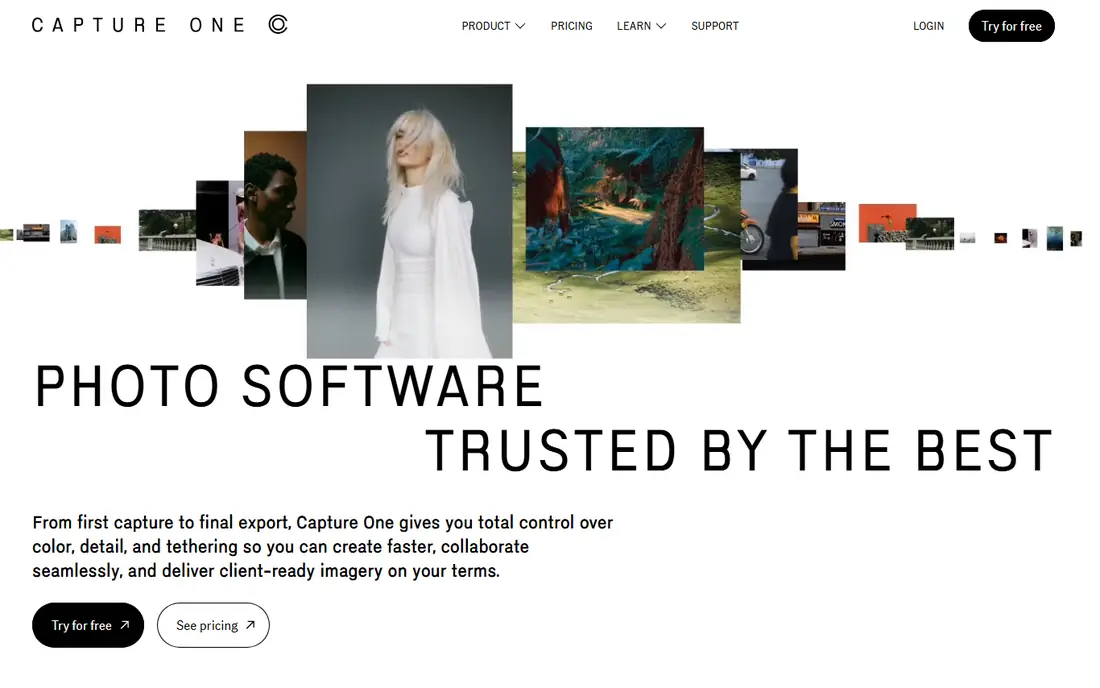
Capture One stands out for color work and for photographers who shoot tethered in a studio. Its color tools, layers, and masking give careful editors a lot of control, and the workspace can be rearranged to suit portrait, product, or event work. For large shoots, the catalog and session options help keep files organized without forcing one rigid system on every user.
The main trade-off is price and complexity. New users may find the interface dense at first, and the subscription cost adds up over time, even though a one-time license is also sold. If you shoot in a studio or care deeply about color, that cost is easier to justify than it is for casual editing.
- Strong color editing
- Tethered capture
- Customizable workspace
- Higher price than many rivals
- Steeper learning curve
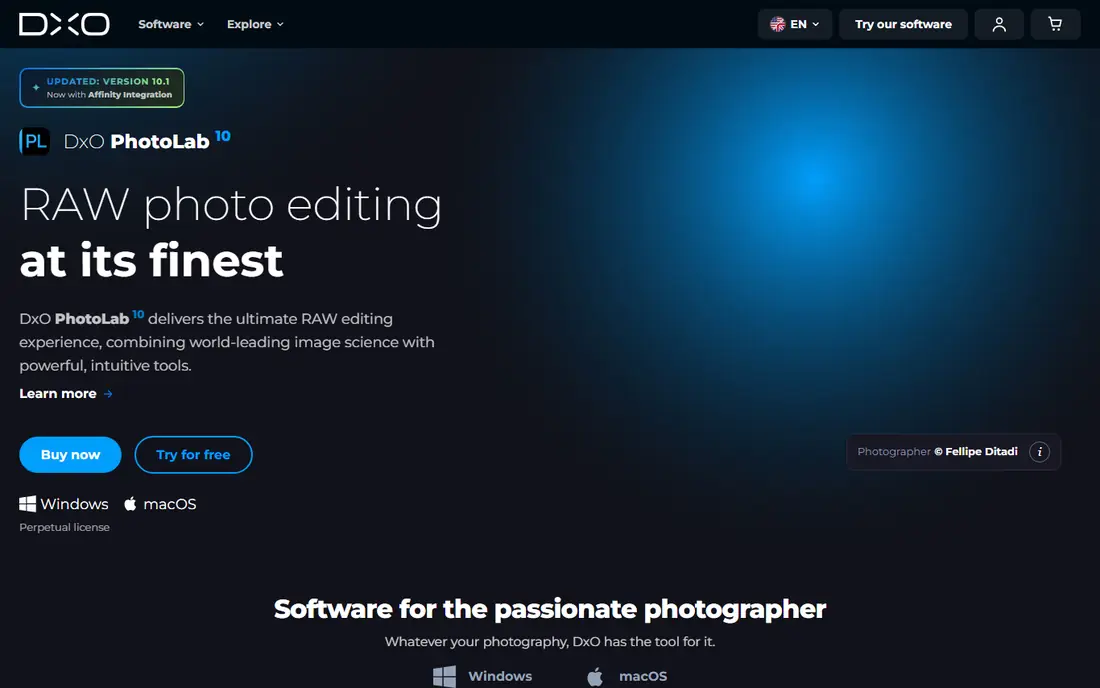
DxO PhotoLab earns its place through RAW quality, especially for high ISO files. Its DeepPRIME noise reduction cleans up grain while keeping detail, and its lens profiles correct distortion and vignetting for many camera and lens combinations. Editors who value clean files over flashy effects will find a lot to like here.
The app is less focused on creative presets and social sharing than some rivals, and its library tools are simpler than a full catalog system. For photographers who already organize files in folders, that simplicity is a plus. For those who want deep catalog search, it may feel limited.
- Excellent noise reduction
- Strong lens corrections
- One-time purchase
- Smaller preset ecosystem
- Interface can feel dense
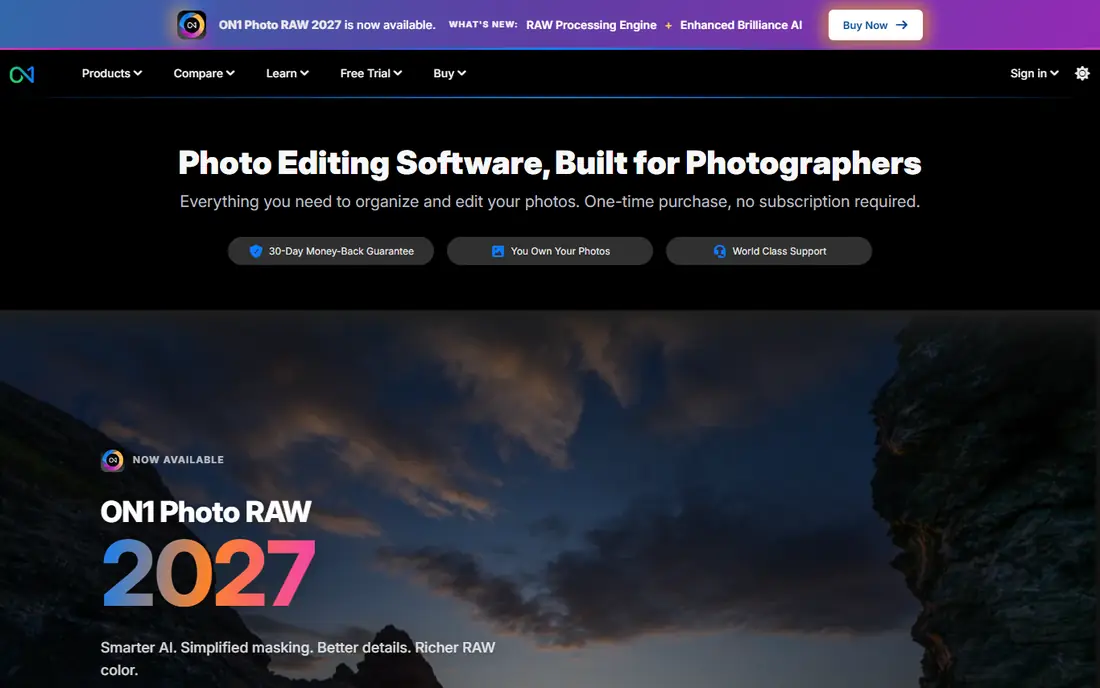
ON1 Photo RAW tries to do the whole job in one place, from browsing and culling to editing, effects, and resizing. That matters for photographers who do not want to jump between three apps for one shoot. Its AI masking, sky replacement, and portrait tools cover many common edits without extra purchases.
The catalog and browsing experience is not as smooth as some dedicated library apps, and heavy AI work can strain older computers. Still, the one-time price and broad feature set make it a strong value choice for photographers who want one main editor.
- Browse, edit, and effects in one app
- One-time purchase
- AI tools included
- Performance can vary on older machines
- Catalog is less polished
Luminar Neo is built for speed. Sky replacement, relighting, portrait retouching, and noise reduction are grouped into clear tools that need little manual masking. That makes it a good fit for photographers who want strong results quickly, especially for travel, portrait, and scenic photos.
It is not the best choice as a full catalog replacement, and some generative features require an active plan even after a one-time purchase. Used on its own, it covers most single-image edits well. Used as a plugin with another editor, it adds creative tools without changing your main workflow.
- Easy AI tools
- Good sky and portrait features
- Works as a plugin
- Less suited to deep catalog work
- Some AI features need a subscription
Affinity Photo is now free with a Canva account, which makes it one of the best values in photo editing. It offers layers, masks, retouching, and compositing tools that suit detailed pixel work, panoramas, and design-adjacent edits. Performance is generally fast, even on modest machines.
It does not try to be a Lightroom catalog, so photographers who need catalog search and batch RAW workflows will want a separate organizer or RAW developer. For layer work, retouching, and finishing images, it is hard to beat at this price.
- Free to use
- Full layer editing
- Fast performance
- No built-in RAW catalog
- Fewer AI tools than rivals
darktable is a free, open source RAW editor and organizer for Windows, Mac, and Linux. It offers non-destructive editing, tone mapping, color modules, and tethered shooting, which puts it closer to a pro workflow than many free editors. Photographers who like to tune every step of development will find deep controls here.
The interface takes time to learn, and the sheer number of modules can overwhelm new users. Documentation and community guides help, but expect a few evenings of practice before it feels natural. For photographers on a tight budget, that effort pays off.
- Free and open source
- Strong RAW tools
- Tethered shooting support
- Learning curve
- Interface is less polished
RawTherapee focuses on one job: developing RAW files with precision. Its tone curves, color tools, wavelet editing, and batch processing give experienced editors fine control over exposure and detail. It runs on Windows, Mac, and Linux, so it fits mixed-device setups.
There is no catalog, so you will need folders or another organizer for large libraries. The interface also looks dated next to newer editors, even though the underlying tools are strong. If RAW quality matters more than looks, RawTherapee is worth a serious look.
- Free and open source
- Detailed tone and color controls
- Cross-platform
- No catalog
- Interface feels dated
Exposure is for photographers who love film looks and want them without a catalog getting in the way. Its presets cover classic film stocks, grain, and color styles, and the editing tools are clear and direct. You can browse folders, edit, and export without importing everything into a library first.
That folder-based approach will not suit photographers who rely on catalog search, collections, and metadata for tens of thousands of images. For smaller libraries and for editors who value a clean, preset-led workflow, Exposure is a calm and capable choice.
- Strong film presets
- One-time purchase
- Simple workflow
- No catalog
- Fewer AI tools
ACDSee Photo Studio Ultimate
Best for: Catalog plus layers on Windows
ACDSee Photo Studio Ultimate combines fast photo browsing, catalog tools, RAW development, and layered editing on Windows. That mix suits photographers who want to organize, edit, and finish images without leaving one program. Its AI masking and object selection tools speed up common local edits.
Mac users should look elsewhere, since the full Ultimate edition is Windows focused. Pricing also varies by edition and by whether you choose a subscription or a license, so check the current page before you buy. For Windows photographers, it is a practical all-rounder.
- Fast browsing
- Catalog and layers in one app
- AI tools
- Windows focus
- Pricing varies by edition
How we picked these
We compared official feature pages, pricing pages, and app listings for RAW editors that truly replace Lightroom for editing, organizing, or both. We favored apps with current camera support, non-destructive editing, and a clear pricing model, and we mixed one-time purchases with free tools and subscriptions. We did not claim hands-on testing, and we left out tools that only do filters or only do pixel editing with no RAW workflow.
What to check before you switch
Start with your camera and lens. Open the support list for each app and confirm your exact models are covered, since RAW support arrives at different times for new cameras. Next, think about your library size. Folder browsers work well for smaller shoots, while catalog apps help when you search by keyword, rating, or date across years of work.
Also check export and preset needs. If you sell prints, deliver client galleries, or use presets heavily, make sure the new app exports the sizes, formats, and color profiles you need. Try a trial with your own files before you commit, and export a few finished images to compare color and detail side by side.
Sources
Frequently asked questions
Is there a free Lightroom alternative that is actually good?
Yes. darktable and RawTherapee both offer serious RAW editing for free, and Affinity Photo is free for layer and retouching work. They lack some polish and AI features found in paid apps, but they cover the core editing job well.
Which Lightroom alternative has no subscription?
ON1 Photo RAW, DxO PhotoLab, and Exposure all sell one-time licenses, and Capture One also offers a perpetual option. Check the current license terms, since upgrade pricing and included updates can change with new versions.
What is the best Lightroom alternative for beginners?
Luminar Neo is the easiest starting point here because its AI tools handle sky, portrait, and lighting edits with little manual work. ON1 Photo RAW is a good next step if you want more control and a catalog in the same app.
Can I keep my Lightroom presets and catalog?
Most alternatives cannot import a Lightroom catalog directly with all edits intact, though many can read folders, ratings, and some metadata. Plan to export finished images and keep Lightroom installed during the move, and rebuild key presets in the new app.
Do these alternatives work on Mac and Windows?
Most do, with darktable, RawTherapee, Capture One, DxO PhotoLab, ON1 Photo RAW, Luminar Neo, and Affinity Photo covering both. ACDSee Photo Studio Ultimate is Windows focused, so Mac users should choose another option from this list.
Which alternative is best for tethered shooting?
Capture One is the strongest pick for tethered studio work, thanks to its live view, capture tools, and color control. darktable also supports tethered shooting, which makes it a useful free option for studio tests.