Best Microsoft Teams Alternatives in 2026: 9 Apps Compared
By ToolNimba Editorial Team November 10, 2026 10 min read

- Top pick
 Slack
Chat-first teams
Starting priceFreeCheck out SlackRead our review - Runner-up
 Zoom
Video-first teams
Starting priceFreeCheck out ZoomRead our review - Also great
 Google Workspace
Google-based teams
Starting price$6 per user per monthCheck out Google WorkspaceRead our review
How we researched this
We compared official pricing and feature pages, app store listings, privacy policies and public user reviews. Prices change, so check the provider's site before you pay.
Key takeaways
- Slack is the best chat-first alternative to Teams, with a huge integration library and a clear channel model.
- Zoom is the best video-first alternative, especially for teams that live in meetings all day.
- Google Workspace suits teams already using Gmail, Docs, and Drive, since Chat and Meet come with the suite.
- Mattermost and Rocket.Chat are the strongest self-hosted options for regulated or privacy-sensitive teams.
- Free plans differ sharply on message history and meeting limits, so test those limits before you migrate a whole team.
Quick comparison
| Name | Best for | Starting price | Free plan | |
|---|---|---|---|---|
| Slack | Chat-first teams | Free | Yes | Visit |
| Zoom | Video-first teams | Free | Yes | Visit |
| Google Workspace | Google-based teams | $6 per user per month | Yes | Visit |
 Discord | Casual and community teams | Free | Yes | Visit |
 Webex | Enterprise video and security | Free | Yes | Visit |
 Mattermost | Self-hosted collaboration | Free | Yes | Visit |
 Rocket.Chat | Self-hosted chat | Free | Yes | Visit |
 Zoho Cliq | Small teams on a budget | Free | Yes | Visit |
 Pumble | Unlimited message history free | Free | Yes | Visit |
The best Microsoft Teams alternatives
Teams bundles chat, video, files, and Office apps in one place, which is convenient if you already pay for Microsoft 365. If you do not, or if Teams feels heavy and slow, a focused alternative often works better. The apps below cover chat-first, video-first, Google-based, and self-hosted teams.
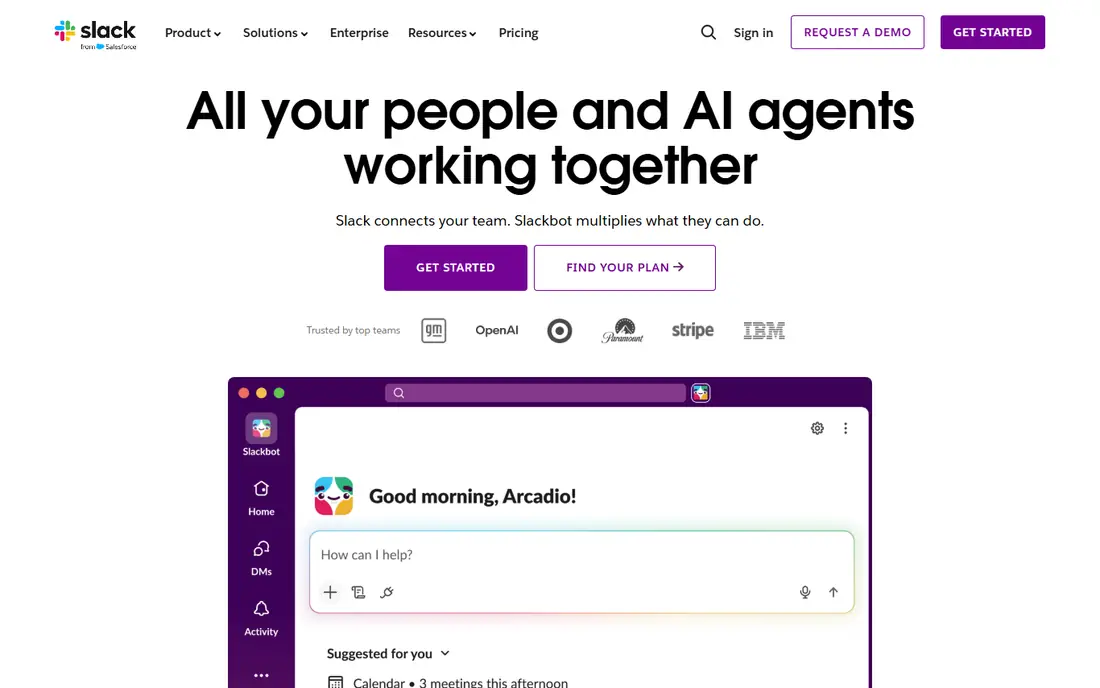
Slack is the most natural Teams alternative for teams that live in chat. Channels organize work by topic, threads keep side discussions tidy, and thousands of integrations connect Slack to project tools, code repos, and customer systems. Workflow automation handles routine approvals and notifications without extra software.
The free plan limits searchable message history, which pushes growing teams toward Pro, listed at $7.25 per user per month billed annually. Video calling works but does not match Zoom for large meetings. If chat is your main workspace and video is secondary, Slack is the best Teams replacement here.
- Huge integration library
- Clear channels and threads
- Strong workflow automation
- Free plan limits message history
- Video is weaker than Zoom
- Paid plans add up for large teams
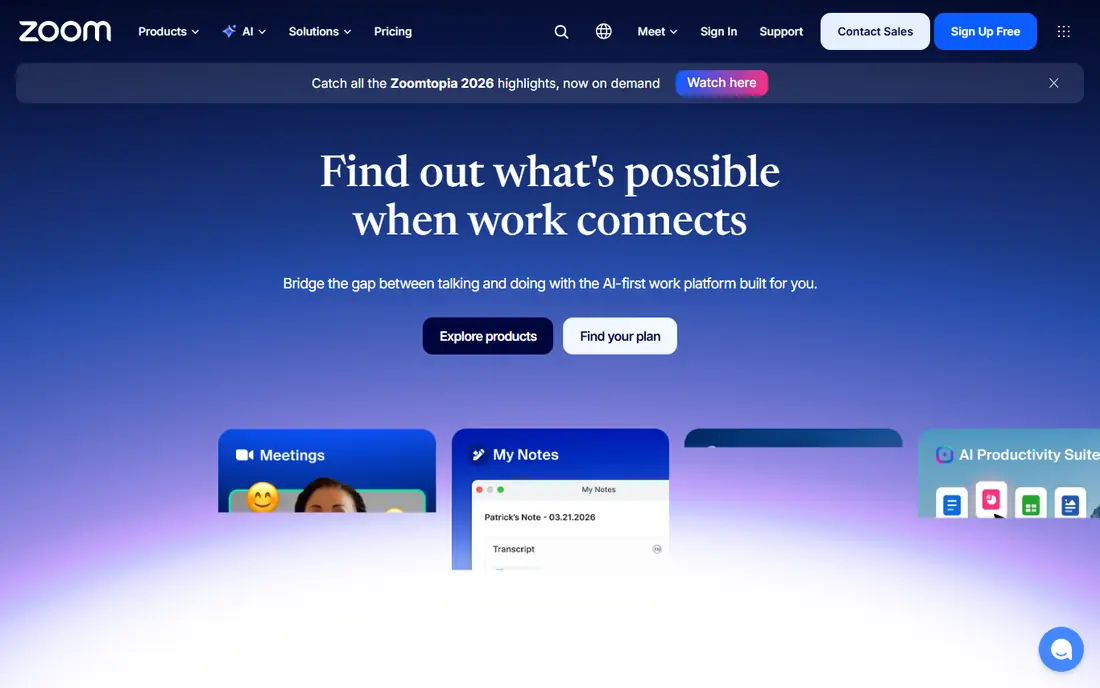
Zoom Workplace pairs reliable video with Team Chat, so a meeting-heavy team can run calls and keep chat in one account. Meeting quality, breakout rooms, and webinar tools are stronger than Teams for many users, and AI summaries on paid plans help teams that record a lot. Pro is listed at $14.16 per user per month billed annually, with a free Basic plan for group meetings up to 40 minutes.
The trade-off is chat depth. Zoom Team Chat covers the basics but lacks the channel culture and integration depth of Slack. If your team spends most of its day in video calls, Zoom is the right alternative. If chat is the main workspace, pair Zoom with Slack rather than forcing chat into Zoom alone.
- Reliable large meetings
- Team Chat built in
- Whiteboards, webinars, and AI summaries on paid plans
- Chat feels secondary to video
- Free meetings limited to 40 minutes for groups
- Paid plans cost more per user
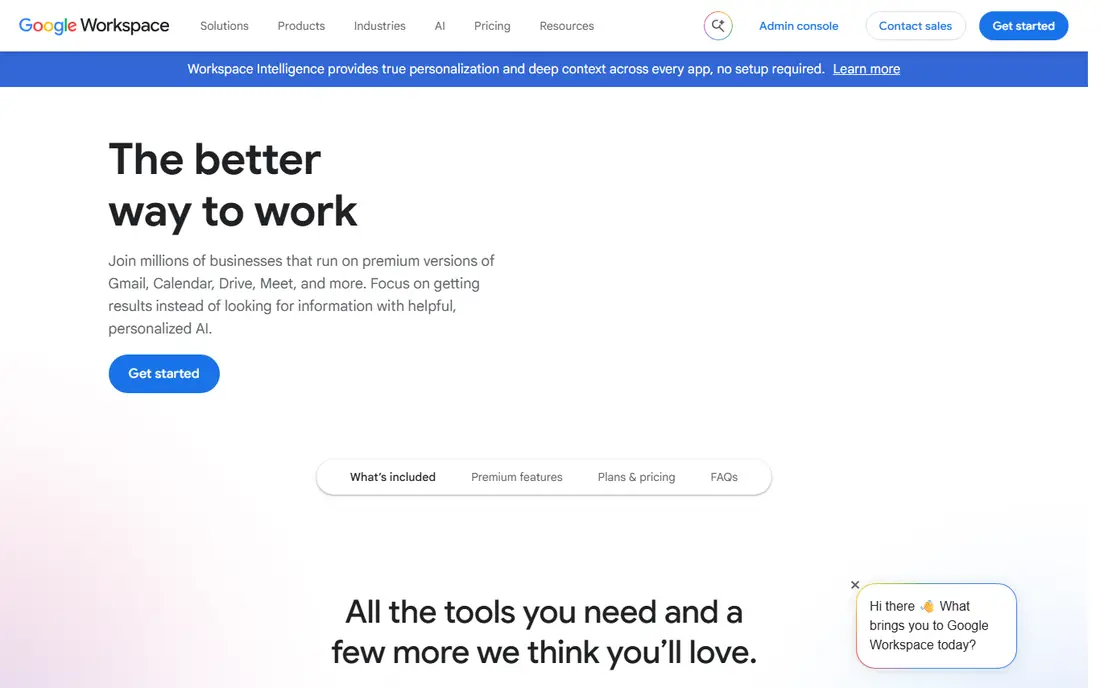
Google Workspace is the best Teams alternative for teams already using Gmail and Google Docs. Google Chat handles team messaging, Google Meet handles video, and Docs, Sheets, and Drive handle files, all under one login. Business Starter is listed at $6 per user per month, and free Google Meet covers group calls up to 60 minutes for personal accounts.
Chat itself is simpler than Slack, with fewer integrations and less workflow automation. Migration from Microsoft also takes planning, especially for SharePoint files and Teams channel history. For Google-centered teams, though, the suite fit outweighs those limits, and most staff need no new training.
- Chat and Meet built into Gmail, Docs, and Drive
- Simple admin
- Strong document collaboration
- Chat is simpler than Slack
- Meet features vary by plan
- Switching from Microsoft takes migration work
Discord works surprisingly well for small, casual teams and communities. Voice channels stay open all day, so teammates can drop in and talk without scheduling a call. Text channels, screen sharing, and video cover the rest, and the free plan is genuinely usable for a whole team.
Enterprise controls are the weak point. Discord lacks the admin, compliance, and audit tools that regulated companies need, and its informal feel can look unprofessional to clients. For creative teams, startups, gaming communities, and volunteer groups, Discord is a strong free Teams alternative. For regulated work, look at Mattermost or Webex instead.
- Free voice channels that stay open
- Easy server setup
- Strong community features
- Weak enterprise admin controls
- No native business compliance tools
- Can feel informal for clients
Webex, from Cisco, is the enterprise-grade alternative for teams that need security and compliance first. Meetings are reliable, encryption and admin controls are strong, and features like noise removal help in noisy home offices. A free plan covers basic meetings, and paid Meet plans start around $12 per user per month in recent listings.
The interface feels more formal than Slack or Discord, and chat does not have the same lively third-party ecosystem. For hospitals, banks, government teams, and large enterprises, those trade-offs are acceptable. Webex is built for organizations where a failed meeting or a compliance gap costs more than a prettier chat app saves.
- Strong security and compliance posture
- Reliable meetings
- Noise removal and transcription tools
- Interface can feel enterprise-heavy
- Paid plans cost more than some rivals
- Chat is less lively than Slack
Mattermost is the pick for teams that must control where their messages live. You can host it on your own servers, keep data inside your network, and meet strict security rules that cloud-only tools cannot. It is open source, with channels, threads, file sharing, and video plugins that cover the core Teams workflow.
Self-hosting is also the cost. Someone must install, update, and maintain the server, and the integration library is smaller than Slack. For government, healthcare, defense, and finance teams, that control is worth the effort. For small teams without IT support, a cloud tool like Slack or Pumble will be simpler.
- Self-hosted control of data
- Open source
- Strong security and compliance options
- Self-hosting needs IT time
- Fewer integrations than Slack
- Mobile experience varies
Rocket.Chat offers a similar self-hosted path to Mattermost, with open source code, channels, direct messages, and video calling. It also adds omnichannel messaging, which helps support teams handle web chat and social messages alongside internal chat. The self-hosted version is free to run on your own infrastructure.
Cloud pricing varies by plan, and the interface feels less polished than Slack for everyday users. Teams that need data control and a lower software cost, and that have IT help for setup, will find Rocket.Chat a flexible Teams alternative. Teams without IT help should favor a hosted option.
- Self-hosted option
- Open source
- Channels, video, and omnichannel messaging
- Setup and maintenance needed for self-hosting
- Cloud pricing varies
- Interface less polished than Slack
Zoho Cliq is the budget-friendly Teams alternative for small teams, especially those already using Zoho CRM, Books, or Projects. Chat, channels, audio and video calls, and bots cover the daily workflow, and paid plans start at a lower price point than Slack or Zoom for small teams. A free plan covers small teams with core features.
The third-party ecosystem is smaller than Slack, and video calling is functional rather than standout. If your team already lives in Zoho, Cliq fits naturally and keeps costs down. If you need hundreds of integrations, Slack remains the stronger choice.
- Low-cost paid plans
- Good Zoho app integration
- Channels, calls, and bots
- Smaller third-party ecosystem than Slack
- Video features are basic
- Best inside the Zoho suite
Pumble is the free plan hero on this list. Unlike Slack, its free plan offers unlimited message history and unlimited users, with paid plans starting around $2.49 per user per month billed annually. For a growing team that cannot justify Slack pricing yet, that free history alone is a strong reason to switch.
Integrations and video features are more basic than Slack or Zoom, so larger or meeting-heavy teams may outgrow it. For chat-first teams on a tight budget, though, Pumble removes the most painful free plan limit in the category. It is the best free alternative to Teams for teams that need to keep their history.
- Unlimited message history on the free plan
- Unlimited users free
- Simple Slack-like interface
- Fewer integrations than Slack
- Video features are basic
- Smaller community
How we picked these
We compared official pricing pages, feature pages, and recent Teams alternative roundups, checking which tools are still actively maintained and truly cover chat plus video or a clear part of the Teams workflow. We favored tools with a free or trial path, clear admin and security notes, and a realistic migration route. We did not claim hands-on testing we did not do. Our ranking balances chat quality, video quality, price, and data control, rather than rewarding one style of team above all others.
How to switch from Teams
Audit what you actually use in Teams
List which Teams features your team uses daily: chat, meetings, files, or Office collaboration. A chat-first team needs Slack or Pumble. A meeting-first team needs Zoom or Webex. A Google team needs Workspace. Switching to a tool that only covers half your workflow will push people back to Teams within weeks.
Test message history and meeting limits early
Free plan limits cause the most migration regret. Check message history, participant caps, meeting length, and storage before you move a whole team. Run a pilot with one team for two weeks, including a real meeting and a file-heavy project, before you commit company-wide.
Plan the history move
Channel history rarely transfers cleanly between platforms. Export important decisions, files, and links before you leave Teams, and store them in a shared doc or wiki. Tell the team what will move and what will stay in Teams as an archive, so no one loses a key decision in the switch.
Sources
Frequently asked questions
What is the best free alternative to Microsoft Teams?
Pumble offers the strongest free plan for chat, with unlimited message history and unlimited users. Slack also offers a free plan, but with limited history. Discord is free and strong for voice and community teams, while Zoom and Webex offer free meeting plans with time limits.
What are the alternatives to Microsoft Teams for small business?
Slack, Pumble, Zoho Cliq, and Google Workspace all suit small businesses, depending on budget and existing tools. Pumble and Zoho Cliq keep costs lowest, Slack offers the deepest integrations, and Google Workspace suits teams already using Gmail and Docs. Test the free plan with your real team before paying.
Is Slack better than Microsoft Teams?
Slack is better for chat-first teams that value integrations, channels, and a faster interface. Teams is better for organizations already paying for Microsoft 365, where Office, SharePoint, and OneDrive integration matters most. The better tool depends on which suite your team already lives in.
Can I use Zoom instead of Microsoft Teams?
Yes, if video meetings are your main need. Zoom Workplace includes Team Chat alongside reliable video, webinars, and whiteboards. Chat depth is weaker than Slack, so meeting-heavy teams often pair Zoom with a dedicated chat tool rather than using Zoom chat for everything.
What is the best self-hosted alternative to Microsoft Teams?
Mattermost is the strongest self-hosted alternative for regulated teams, with open source code and strong security controls. Rocket.Chat is a close second, with self-hosting plus omnichannel messaging for support teams. Both need IT time for setup and maintenance.
Does Google Chat replace Microsoft Teams?
Google Chat plus Google Meet can replace Teams for Google Workspace teams, covering chat, video, and document collaboration. Chat alone is simpler than Slack or Teams, so teams that need deep workflow automation or hundreds of integrations may still prefer Slack. For Gmail and Docs teams, the suite fit usually wins.