Best n8n Alternatives in 2026: 9 Tools Compared
By ToolNimba Editorial Team November 9, 2026 9 min read

- Top pick
 Zapier
Easiest no-code automation
Starting price$19.99 per monthCheck out ZapierRead our review - Runner-up
 Make
Visual multi-step scenarios
Starting price$9 per monthCheck out MakeRead our review - Also great
 Activepieces
Open source visual builder
Starting priceSee websiteCheck out ActivepiecesRead our review
How we researched this
We compared official pricing and feature pages, app store listings, privacy policies and public user reviews. Prices change, so check the provider's site before you pay.
Key takeaways
- Activepieces is the closest open source alternative to n8n, with a visual builder and a free self-hosted edition.
- Make is the best visual alternative for complex multi-step workflows without writing code.
- Zapier remains the easiest choice for non-technical teams, thanks to its huge app library.
- Node-RED and Windmill suit technical teams that want code-level control and self-hosting.
- Pricing units differ across tools, so compare tasks, credits, and executions against your real workflow volume.
Quick comparison
| Name | Best for | Starting price | Free plan | |
|---|---|---|---|---|
| Zapier | Easiest no-code automation | $19.99 per month | Yes | Visit |
| Make | Visual multi-step scenarios | $9 per month | Yes | Visit |
| Activepieces | Open source visual builder | See website | Yes | Visit |
 Pipedream | Code-first integrations | See website | Yes | Visit |
 Microsoft Power Automate | Microsoft 365 teams | $15 per user per month | Yes | Visit |
 IFTTT | Simple personal automations | $2.99 per month | Yes | Visit |
 Pabbly Connect | Flat-rate workflow pricing | $16 per month | Yes | Visit |
 Node-RED | Self-hosted event flows | Free | Yes | Visit |
 Windmill | Code-first internal tools | See website | Yes | Visit |
The best n8n alternatives
People look for alternatives to n8n for a few clear reasons. Some want a simpler hosted tool with no server to maintain. Some want a truly open source license with no limits on embedding. Others want a bigger app library, or pricing that does not grow with every execution. The tools below cover all of those paths.
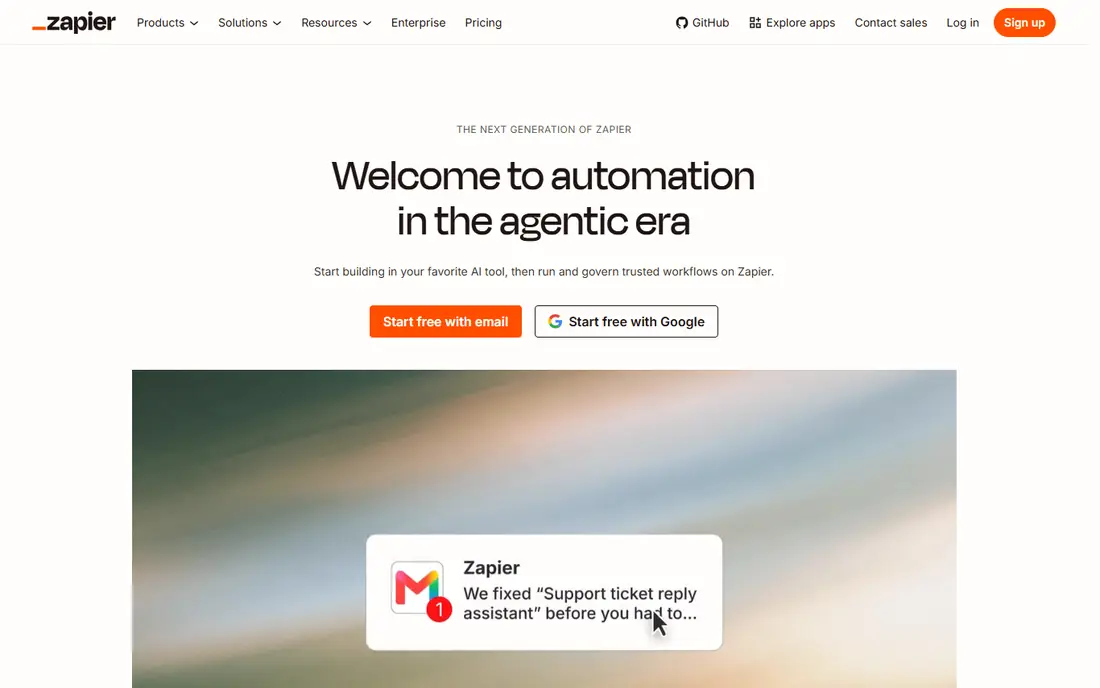
Zapier is the safest alternative for teams that want automation without learning a new platform. You pick a trigger app, pick an action app, and the workflow runs. The library covers thousands of apps, so most common connections already exist as templates. Support docs and community help are also stronger than most rivals can offer.
The bill is the catch. Zapier charges per task, and every step in a workflow counts. A busy workflow can burn through a monthly quota faster than expected, and the free plan covers only 100 tasks a month with two-step workflows. Pick Zapier when ease and app coverage matter more than per-task cost.
- Huge app library
- Very easy setup
- Strong templates and support
- Task-based pricing grows fast
- Multi-step logic costs more
- No self-hosting
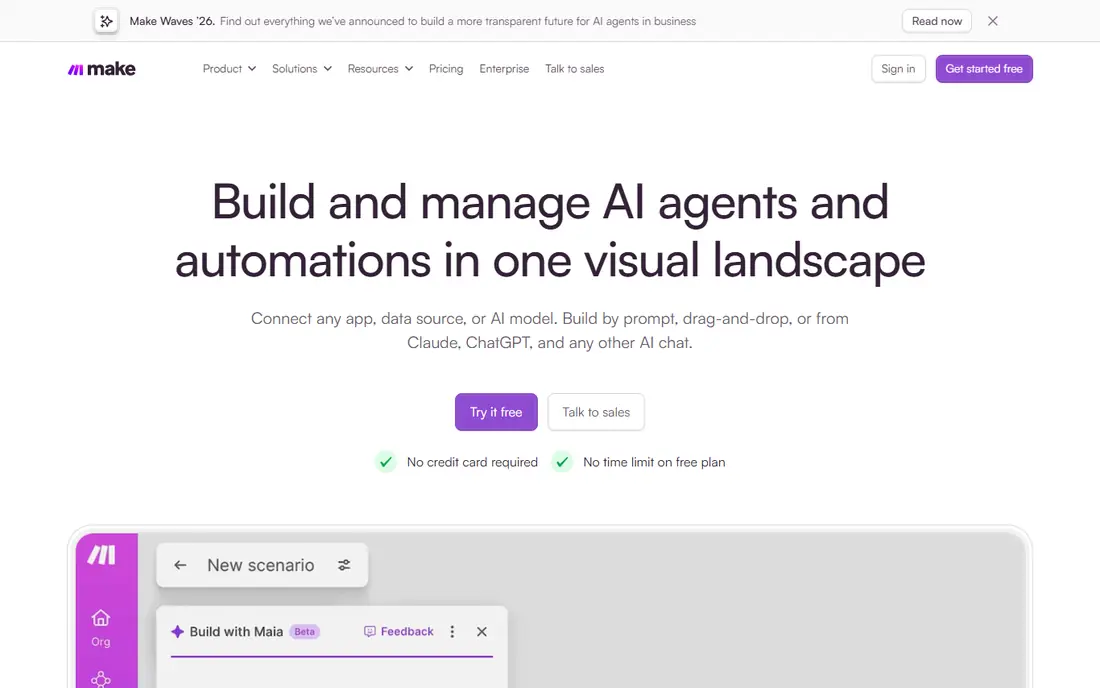
Make, formerly Integromat, is the best visual alternative for people who outgrow simple two-app workflows. Its canvas shows each step, branch, filter, and data transformation, so complex logic stays visible instead of hiding in menus. Routers, iterators, and aggregators handle jobs that Zapier makes awkward or expensive.
The free plan covers 1,000 credits a month, which suits testing and light use. Paid plans start at 9 dollars a month on annual billing. Credits work differently from tasks, so count operations in your real workflows before comparing prices. For visual builders who want power without code, Make is our pick.
- Visual scenario builder with branching
- Generous free tier
- Strong data tools and routers
- Learning curve is steeper than Zapier
- Pricing uses credits that need tracking
- No self-hosting
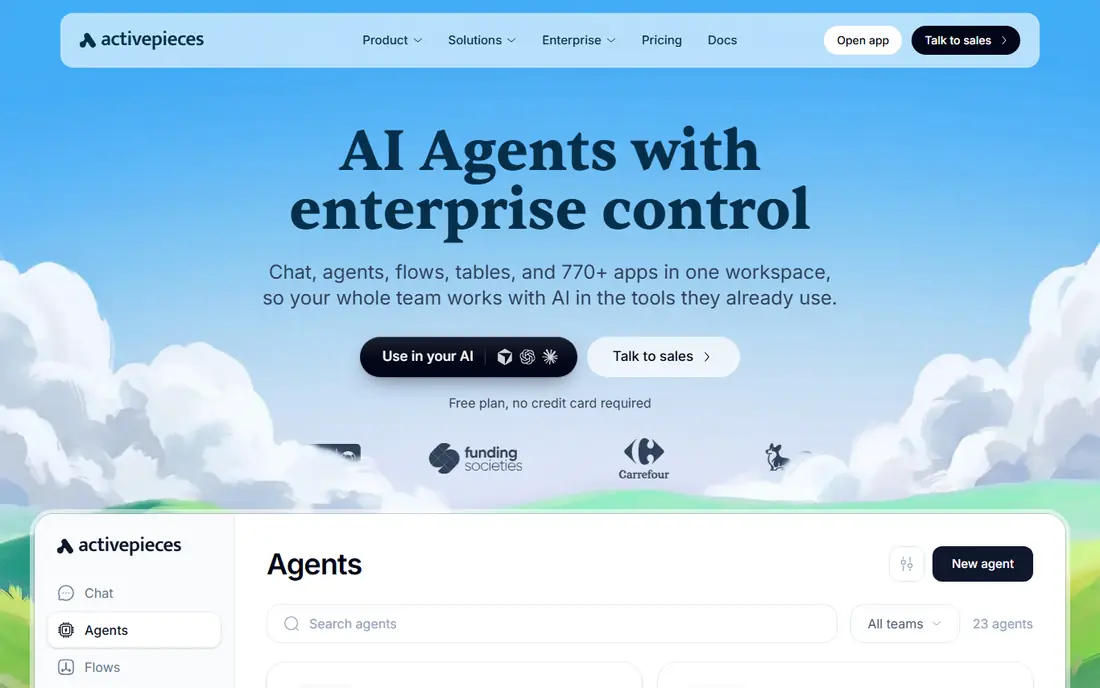
Activepieces is the closest like-for-like replacement for n8n. Its community edition is open source under the MIT license, so you can self-host it free with no per-task fee. The visual builder feels familiar to n8n users, and it includes AI steps and a growing set of integrations. Teams that left n8n over license limits often land here first.
The trade-off is maturity. The app library is smaller than n8n or Zapier, and very complex branching logic is less proven. Cloud plans also use a per-flow model that has shifted over time, so check the current pricing page before committing. For open source self-hosting with a visual builder, Activepieces leads this list.
- Open source community edition
- Self-hosting available
- Visual builder with growing app library
- Smaller app library than n8n
- Complex branching is less mature
- Cloud pricing has changed often
Pipedream suits developers who want to write real code inside workflows. You can drop in Node.js or Python steps, use packages, and handle webhooks with low latency. The component library covers many common apps, and the platform is built for event-driven work rather than simple scheduled syncs. Developers who found n8n nodes limiting often prefer this control.
Non-technical teams should skip it. Pipedream assumes comfort with code, APIs, and debugging, and its pricing has shifted as the company changed focus. Check the current plans and terms carefully before building production workflows on it. For developer-led automation, it remains a strong pick.
- Code steps in Node.js and Python
- Fast webhook handling
- Large component library
- Needs coding skill
- Pricing and plans have changed
- Less friendly for non-technical users
Power Automate is the natural alternative for teams already paying for Microsoft 365. It connects Outlook, Teams, SharePoint, Excel, and Dynamics with approvals, buttons, and scheduled flows. Many Microsoft plans include basic flows, so the extra cost can be zero for simple internal automation. Governance and admin controls also suit larger companies.
Outside the Microsoft world, its appeal drops fast. Premium connectors and per-user or per-flow plans add cost, and the builder feels dense next to Make or Zapier. If your team lives in Teams and SharePoint, Power Automate is the obvious pick. If it does not, look elsewhere.
- Deep Microsoft 365 and Teams integration
- Approvals built in
- Included in some Microsoft plans
- Best only inside Microsoft tools
- Premium connectors cost extra
- Interface can feel dense
IFTTT is the simplest tool here, and that is its strength. It connects apps and smart home devices with one trigger and one action, such as saving email attachments to Drive or turning on lights at sunset. The Pro plan starts at 2.99 dollars a month, which makes it the cheapest paid option in this list.
Business users should not expect much more. IFTTT lacks branching, data transformation, and error handling for serious workflows. It is a personal automation tool, not a business platform. Pick it for home routines and simple personal links, and pick a fuller tool for work.
- Very cheap
- Simple applets for home and personal use
- Wide smart home support
- Only simple triggers and actions
- Not built for business workflows
- Free plan limits applets
Pabbly Connect appeals to cost-conscious users who hate task meters. Paid plans allow unlimited workflows, with limits based on tasks rather than workflow count, and the company has offered lifetime-style deals in the past. That model suits small businesses running many simple automations that would cost far more on Zapier.
The app library is smaller, and the builder feels less polished than Make or Zapier. Complex logic and edge cases need more manual work. If your workflows are simple and numerous, and budget matters most, Pabbly Connect is worth a close look. Check current plan terms, since deal structures have changed over time.
- Unlimited workflows on paid plans
- Flat-rate style pricing
- One-time plan options have been offered
- Smaller app library than Zapier
- Interface is less polished
- Support is thinner
Node-RED is a free, open source flow editor built for events, devices, and messages. You run it on your own server or device, drag nodes onto a canvas, and wire them together. It shines for Internet of Things projects, home automation, and internal event routing, where business app connectors matter less than flexible message handling.
It is not a drop-in business replacement for n8n. The library of business app connectors is thinner, and you own hosting, updates, and backups. Technical teams who like owning their stack will enjoy that freedom. Non-technical teams will find the setup burden too high.
- Free and open source
- Visual flow editor
- Strong for devices, sensors, and messaging
- Needs hosting and upkeep
- Business app library is thin
- No hosted support by default
Windmill is built for engineering teams that treat workflows as code. You write scripts in Python, TypeScript, Go, or other languages, chain them into flows, and run them fast. It also builds internal apps and dashboards from those scripts, which makes it useful for ops tools and data jobs. Self-hosting is available for teams that want control.
Business users without developers will struggle, since Windmill assumes coding skill throughout. Its library of ready business connectors is also smaller than Zapier or Make. For engineering-led teams that want script-level control and speed, Windmill is one of the strongest n8n alternatives available.
- Code-first flows in Python, TypeScript, and more
- Fast execution
- Self-hosting available
- Needs developer skill
- Business app library is smaller
- Enterprise pricing is quote-based
How we picked these
We compared official feature pages, pricing pages, license terms, and hosting models, and we checked that each homepage loads and belongs to the product named. We included hosted tools, open source tools, and code-first tools, because n8n users leave for different reasons. We excluded tools that only do one narrow job, such as form syncing alone, and we favored tools still actively sold and supported in 2026.
How to choose the right n8n alternative
Start with hosting. If you never want to run a server, pick a hosted tool such as Zapier, Make, or Power Automate. If self-hosting or license freedom matters, shortlist Activepieces, Node-RED, and Windmill. That one choice cuts the list in half and avoids wasted trials.
Next, count your real volume in the tool's own billing unit. Tasks, credits, executions, and flows are not the same thing, so a cheaper headline price can cost more at your volume. Build one real workflow in each finalist, run it for a week, and compare the metered usage. Also check whether the apps you need exist as native connectors, since custom API steps add upkeep over time.
Finally, match skill to builder. Visual builders suit mixed teams, while code-first tools suit engineering teams. A tool your team avoids using is worse than a simpler tool they actually maintain. Pick the builder your team will still use in six months.
Sources
Frequently asked questions
What is the best alternative to n8n?
Activepieces is the closest open source alternative, with self-hosting and a visual builder. Make is the best visual hosted alternative for complex workflows, while Zapier is the easiest for non-technical teams. The best pick depends on hosting, skill, and budget.
Are there free alternatives to n8n?
Yes. Activepieces and Node-RED offer free self-hosted editions, and Windmill has a free open source edition. Zapier, Make, Pipedream, and Pabbly Connect also offer free plans with limits. Self-hosted tools are free to run but cost time for hosting and upkeep.
What is the best n8n alternative for non-technical users?
Zapier is the easiest for non-technical users, thanks to its huge app library and simple builder. Make is the next step up when workflows need branching and data handling. Both are hosted, so there is no server to maintain.
Is Activepieces really open source?
The Activepieces community edition uses the MIT license and can be self-hosted free. Enterprise features use a commercial license, which is common for open source tools with paid tiers. Check the current license page if embedding or reselling matters for your use.
Should I self-host or use a hosted automation tool?
Self-hosting gives control and can cut per-task costs, but you own updates, backups, and uptime. Hosted tools cost more at scale but remove that burden. Small teams usually gain more from hosted tools, while technical teams with steady volume often gain more from self-hosting.