Best Obsidian Alternatives in 2026: 8 Alternatives Compared
By ToolNimba Editorial Team November 9, 2026 9 min read

- Top pick
 Logseq
Free local linked notes
Starting priceFreeCheck out LogseqRead our review - Runner-up
 Notion
Teams and structured workspaces
Starting price$10 per user per monthCheck out NotionRead our review - Also great
 Joplin
Free open-source notebooks
Starting priceFreeCheck out JoplinRead our review
How we researched this
We compared official pricing and feature pages, app store listings, privacy policies and public user reviews. Prices change, so check the provider's site before you pay.
Key takeaways
- Logseq is the closest free replacement, keeping local Markdown files and an outliner that Obsidian users recognize.
- Notion suits teams and structured work, but it trades local files and offline speed for databases and collaboration.
- Joplin and Anytype are the best picks for privacy, with open formats and local-first storage.
- Capacities and Roam Research suit visual and daily-note thinkers, at different prices and learning curves.
- Evernote and OneNote suit people who value web clips, search, and a familiar notebook over linked notes.
Quick comparison
| Name | Best for | Starting price | Free plan | |
|---|---|---|---|---|
| Logseq | Free local linked notes | Free | Yes | Visit |
| Notion | Teams and structured workspaces | $10 per user per month | Yes | Visit |
| Joplin | Free open-source notebooks | Free | Yes | Visit |
 Anytype | Private local-first notes | Free | Yes | Visit |
 Capacities | Visual object-based notes | $9.99 per month | Yes | Visit |
 Roam Research | Daily linked notes | $15 per month | No | Visit |
 Evernote | Web clips and document search | $8.25 per month | Yes | Visit |
 Microsoft OneNote | Free notebooks in Microsoft 365 | Free | Yes | Visit |
The best Obsidian alternatives
People leave Obsidian for different reasons: they want built-in sync, easier collaboration, a simpler setup, or a different way of thinking. The eight alternatives below cover the main directions, from free local-first tools to team workspaces, with honest notes on what each one gives up.

Logseq is the alternative most Obsidian users try first, and the reason is simple: your notes stay as local Markdown files, and the outliner, backlinks, and graph view feel familiar from day one. It is free and open source, with no note limits, and it handles daily notes, tasks, and linked pages in a way that maps closely to an Obsidian vault.
The main gap is sync. Logseq has no free built-in sync, so you use your own cloud folder, Git, or a third-party service to move notes between devices. The interface is also less polished than Obsidian's. If you value free, local, linked notes above polish and built-in sync, Logseq is the closest replacement available.
- Free and open source
- Local Markdown files
- Outliner with backlinks and graph view
- No built-in free sync, so you arrange your own
- Interface feels rougher than Obsidian
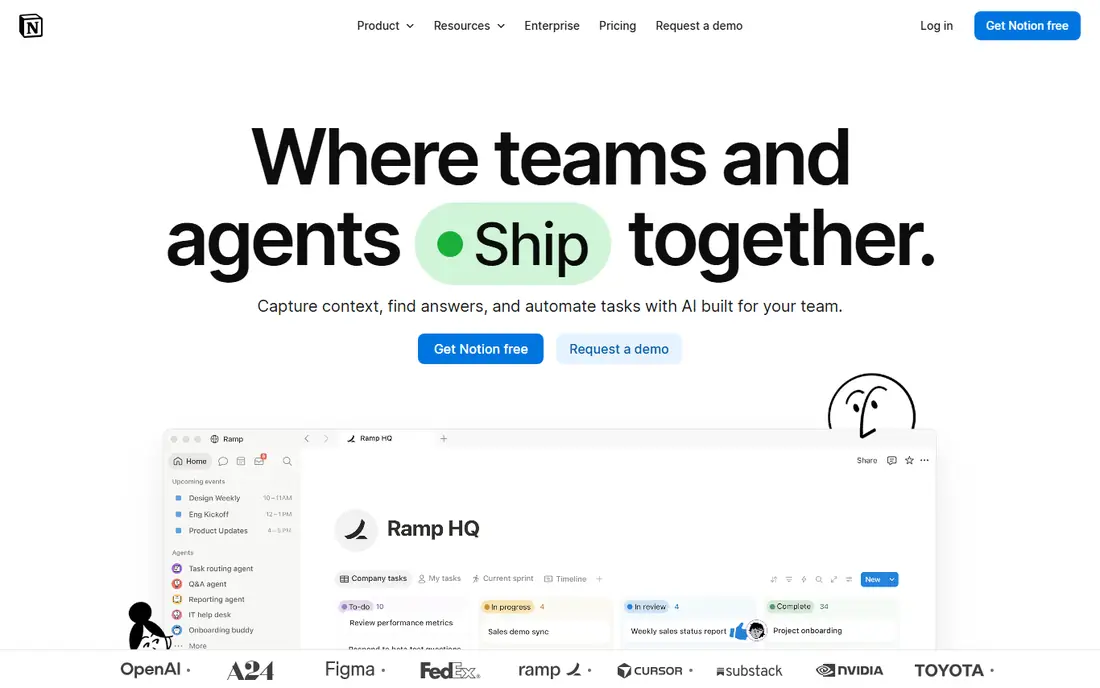
Notion is the right move when notes become team work. Its databases, boards, and wikis let a group plan projects, track tasks, and publish docs in one workspace, with permissions and comments that Obsidian was never built for. The template library covers everything from meeting notes to content calendars, so most teams start from something close to what they need.
The trade is ownership and offline access. Notion stores your notes in the cloud, offline use is limited, and there are no local Markdown files to take with you. Backlinks exist but feel secondary to databases. Plus costs $10 per user per month billed annually. Pick Notion when collaboration matters more than local files.
- Databases, wikis, and docs in one place
- Excellent collaboration
- Huge template library
- Cloud-based with limited offline use
- No local Markdown files
- Backlinks are weaker than Obsidian
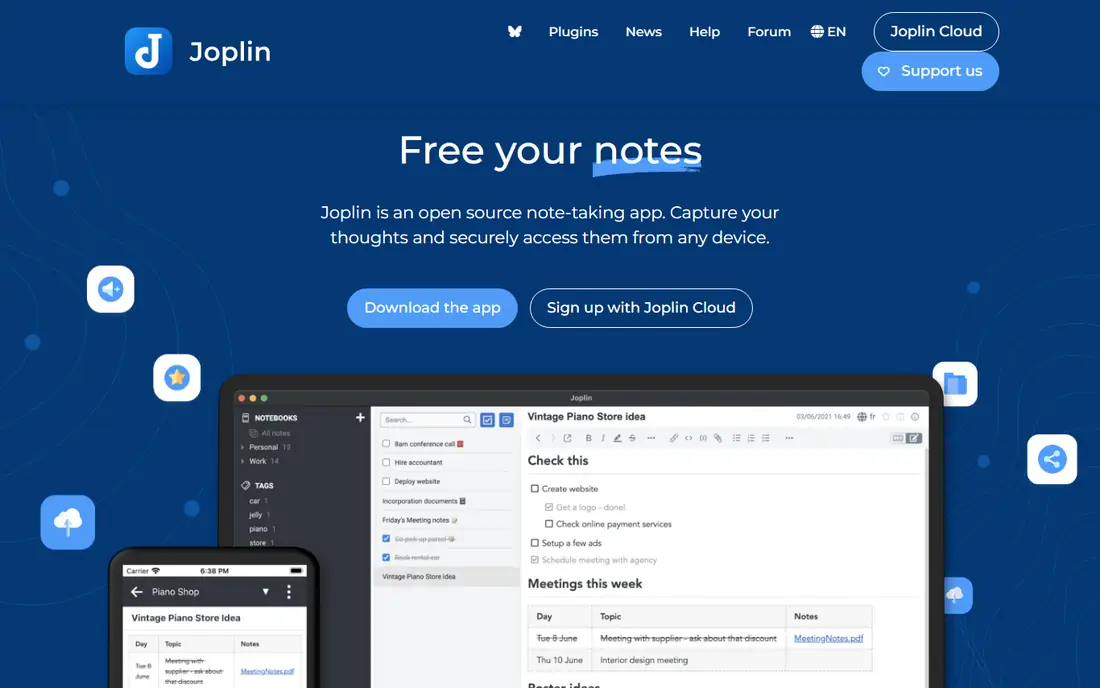
Joplin is the quiet workhorse of this list. It is free and open source, stores notes in an open format, and offers end-to-end encryption for users who want it. Sync works with Dropbox, OneDrive, Nextcloud, or Joplin Cloud, so you control where your notes live without paying for a proprietary sync service.
What Joplin lacks is the visual, linked-note experience. There is no graph view out of the box, and backlinks are less central than in Obsidian or Logseq. The interface is functional rather than beautiful. If you want free, private, reliable notebooks across devices, and you do not need a graph, Joplin is the most dependable pick here.
- Free and open source
- End-to-end encryption option
- Syncs with Dropbox, OneDrive, or Joplin Cloud
- No graph view by default
- Interface is plain compared with modern rivals
Anytype is built for people who want Obsidian-style ownership with stronger privacy. Notes live on your device first, sync is encrypted, and the free plan includes a remote storage allowance for moving between devices. Its object model, with types and relations, gives structure to people, projects, and notes without forcing a rigid database.
The ecosystem is younger than Obsidian's or Notion's, so plugins and templates are fewer, and team collaboration is less mature. For a solo user who values privacy and local files, those limits matter less than the core promise: your notes are yours, encrypted, and not locked into a cloud database. Anytype is free for personal use, with paid options for more storage.
- Local-first with end-to-end encryption
- Free remote storage allowance
- Objects and relations for structure
- Newer ecosystem with fewer plugins
- Collaboration is less mature than Notion
Capacities suits visual thinkers who like Obsidian's linking but want a prettier, more structured home for notes. Everything is an object, such as a person, book, or project, and objects link together into a web you can browse visually. The free plan allows unlimited objects with sync included, which is generous compared with most rivals.
The limits are offline access and price. Capacities is cloud-based, so offline work is limited, and Pro costs $9.99 per month billed annually for fuller features including AI tools and calendar integration. If you want a beautiful, structured second brain and do not mind the cloud, Capacities is the most enjoyable alternative here.
- Object-based structure with a visual feel
- Unlimited objects on the free plan
- Clean, modern interface
- Cloud-based with limited offline use
- Pro needed for full AI and calendar features
Roam Research invented much of the linked-note style that Obsidian later popularized. Its daily notes page, block references, and backlinks suit people who write every day and let links build structure over time. Researchers and writers who think in outlines will find Roam's model natural, and its community has built years of workflows around it.
The price is the barrier. Roam costs $15 per month, or $165 per year, with no free plan beyond a trial, making it the most expensive tool on this list. The interface also feels dated next to Capacities or Notion. If daily notes and block references are your core workflow and the price fits, Roam remains excellent; otherwise Logseq gives you most of the model for free.
- Daily notes and block references done well
- Strong for researchers and daily writers
- Mature linked-note model
- No free plan, only a trial
- Most expensive option here
- Interface is dated
Evernote is the veteran pick for people whose notes start as captures rather than writing. Its web clipper saves articles cleanly, its search finds text inside scanned documents, and its apps run on every major platform. For a user with years of clipped research, that search depth still matters.
The free plan is now narrow, limited to 50 notes, one notebook, and one device, so most users need a paid plan. Starter costs $99 per year, or $8.25 per month on that basis, with Advanced higher. Evernote has no graph view and no local Markdown files, so it suits collectors and searchers more than linked-note builders. Pick it for capture and retrieval, not for a second brain.
- Strong web clipper and document search
- OCR finds text in scans
- Apps on every platform
- Free plan is limited to 50 notes and one device
- No graph view or local Markdown files
OneNote is the easiest switch for anyone already in the Microsoft ecosystem. It is free with a Microsoft account, offers flexible pages where text, images, ink, and files sit anywhere, and collaboration works well for shared notebooks. Handwriting and drawing support make it a strong pick for tablet users and students.
The limits are structural. OneNote has no backlinks or graph view, and its freeform sections can feel loose once a collection grows into thousands of notes. Search is good, but discovery through links is not part of the model. If you want a free, familiar notebook for classes or team notes, OneNote is excellent; if linked thinking is the point, Logseq or Capacities fit better.
- Free with a Microsoft account
- Flexible freeform pages
- Strong collaboration and handwriting support
- No backlinks or graph view
- Notebook structure can feel loose for large collections
How we picked these
We compared official pricing pages and recent independent comparisons, and kept only tools that are maintained now and genuinely serve as note or knowledge bases. We favored tools with free plans or trials, clear storage models, and distinct strengths on privacy, collaboration, or linked thinking, and we left out pure task managers and whiteboards. Prices change often, so confirm the current figure on each vendor site before you buy.
How to migrate without losing your notes
Start by exporting a test vault, not your whole collection. Most tools here import Markdown, so export a small folder from Obsidian, import it, and check that links, images, and tags survive. That test reveals problems early, such as broken image paths or tag formats, before you move years of notes.
Then decide what you actually need to keep. Old daily notes and fleeting captures often matter less than project notes and reference pages, and a smaller, cleaner import performs better in any new tool. Keep your Obsidian vault as a backup until the new tool has held your notes for a month, and check sync on every device you use before deleting anything.
What to check before you commit
Confirm where your notes live, whether sync is included or paid, and whether you can export in an open format. Test offline access if you work on planes or in poor connectivity, and check plugin or template availability for your workflow. A tool that looks good in a demo but traps your notes is worse than a plainer tool that exports cleanly.
Sources
Frequently asked questions
What is the best free Obsidian alternative?
Logseq is the best free replacement for most Obsidian users, since it keeps local Markdown files, backlinks, and a graph view at no cost. Joplin is the best free pick if you prefer notebooks and encryption over linked notes.
Can I import my Obsidian vault into another app?
In most cases, yes, since Obsidian uses plain Markdown files that Logseq, Joplin, and other tools can import. Test with a small folder first, since links, images, and plugins may not transfer perfectly.
Is Notion a good replacement for Obsidian?
It depends on your priority. Notion is better for teams, databases, and shared workspaces, but worse for local files, offline use, and linked-note depth. Solo users who value ownership usually prefer Logseq, Joplin, or Anytype.
Does any alternative offer free sync?
Capacities includes sync on its free plan, and Anytype includes a free remote storage allowance. Joplin syncs free through Dropbox or OneDrive, while Logseq relies on your own cloud folder or Git setup.
Why is Roam Research so expensive?
Roam charges $15 per month with no free plan, reflecting its position as a mature, specialized tool for daily linked notes. Logseq offers a similar model for free, so Roam only makes sense if its specific workflow and community justify the price for you.
Should I switch from Obsidian at all?
Only if Obsidian fails you on a specific need, such as built-in sync, collaboration, or a simpler setup. Obsidian itself is free and powerful, and switching costs time. Move for a structural reason, such as team work or privacy, not for novelty.