QuickBooks Online Alternatives in 2026: 9 Apps Compared
By ToolNimba Editorial Team November 10, 2026 9 min read

- Top pick
 Xero
Growing teams
Starting price$27 per monthCheck out XeroRead our review - Runner-up
 FreshBooks
Service businesses
Starting priceSee websiteCheck out FreshBooksRead our review - Also great
 Wave
Very small businesses
Starting priceFreeCheck out WaveRead our review
How we researched this
We compared official pricing and feature pages, app store listings, privacy policies and public user reviews. Prices change, so check the provider's site before you pay.
Key takeaways
- Xero is the closest full replacement for most small businesses, with unlimited users on every plan and a starting price of $27 per month.
- Wave and Zoho Books both offer a free starting point, which makes them strong choices for very small businesses and sole traders.
- FreshBooks suits service businesses that bill by time or project, while Sage and AccountEdge suit owners who want more structure or desktop-style control.
- Check invoice limits, payroll availability, and payment fees before you switch, because the headline price is rarely the full monthly cost.
Quick comparison
| Name | Best for | Starting price | Free plan | |
|---|---|---|---|---|
| Xero | Growing teams | $27 per month | Free trial (30 days) | Visit |
| FreshBooks | Service businesses | See website | Free trial (30 days) | Visit |
| Wave | Very small businesses | Free | Yes | Visit |
 Zoho Books | Low-cost full accounting | Free | Yes | Visit |
 Sage Accounting | Simple invoicing and cash flow | See website | Free trial | Visit |
 FreeAgent | Freelancers and small companies | See website | Free trial (30 days) | Visit |
 Kashoo | Owners who want simplicity | See website | Free trial (14 days) | Visit |
 Bench | Owners who want done-for-you books | See website | No | Visit |
 AccountEdge | Desktop-style accounting | $20 per month | Free trial | Visit |
The best QuickBooks Online alternatives
Switching from QuickBooks Online is less about finding a cheaper copy and more about finding a better fit for how your business bills, pays staff, and works with an accountant.
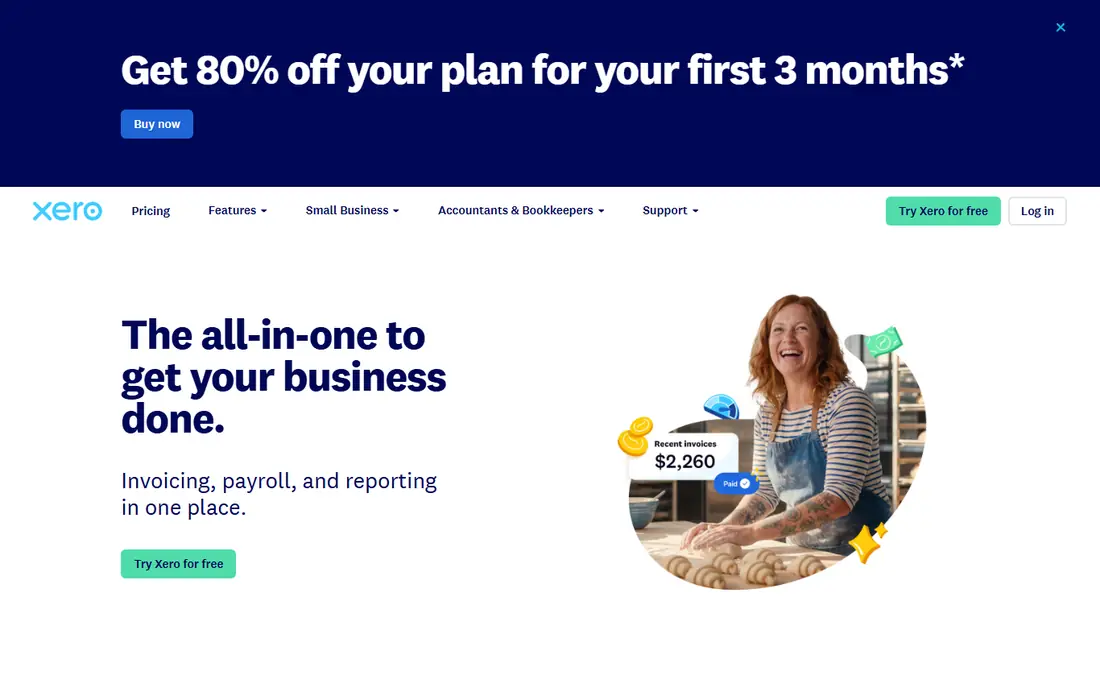
Xero covers the core work most small businesses need: invoicing, quotes, bank reconciliation, bills, and reporting. Its flat pricing is the main draw for teams, because adding a bookkeeper, an accountant, or a staff member does not raise the subscription price in the way per-seat pricing does. The interface is clean, and bank feeds usually match transactions with little manual work.
The catch is the entry plan. Early allows 20 invoices and 5 bills per month, so a busy business will need Growing at $59 per month or Established at $97 per month. US payroll is not built in on the same terms as some rivals, so check whether your payroll setup adds a second subscription before you commit.
- Unlimited users on every plan
- Strong bank reconciliation
- Large app marketplace
- Early plan caps invoices and bills
- US payroll is handled through partners
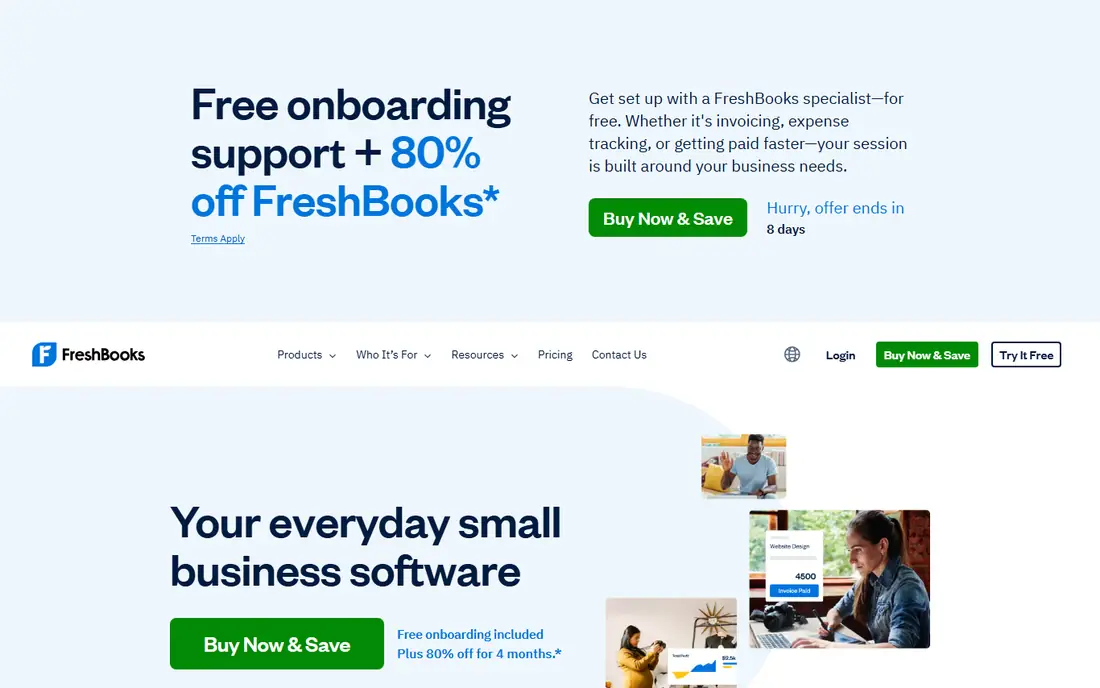
FreshBooks started as invoicing software, and that focus still shows. Invoices look professional, clients can pay online, and time tracking ties neatly to projects and bills. For consultants, designers, agencies, and other service firms, the daily workflow is faster than a full double-entry ledger.
It is less convincing for businesses that sell physical stock. Inventory tracking is basic, and double-entry accounting is not the main strength of the lower plans. If your business lives on purchase orders and stock counts, pair FreshBooks with another tool or pick a fuller accounting platform instead.
- Polished invoices and client portal
- Good time tracking
- Easy expense capture
- Limited inventory handling
- Extra team members cost more
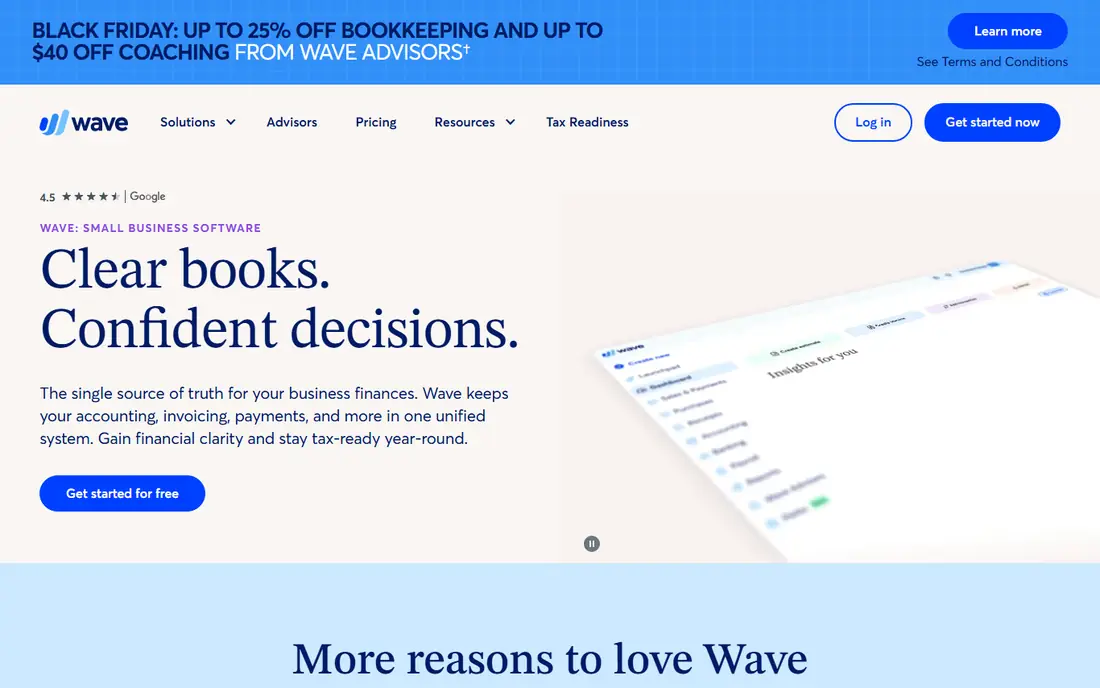
Wave gives sole traders and micro businesses real accounting without a monthly fee for the core tools. You can send invoices, track income and expenses, and view basic reports, which is enough for many one-person operations. Setup is quick, and the learning curve is gentle.
The trade-offs appear as you grow. Payroll and payment processing carry their own fees, and some automation sits behind the Pro plan. Wave is a strong starting point, not a long-term home for a business with complex inventory, multi-entity books, or a large team.
- Free core accounting and invoicing
- Simple setup
- Receipt scanning on paid plans
- No automatic bank import on the free Starter plan in some reports
- Support is mainly online
Zoho Books is the value pick in this list. The free plan is available to businesses with annual revenue under $50,000, and it includes invoicing, bank reconciliation, and expense tracking rather than a stripped-down trial. Paid plans add inventory, projects, and more users as the business grows.
The main limit is that free-plan eligibility depends on revenue, so a growing business will move to a paid plan sooner or later. Zoho Books also works best if you are comfortable with the Zoho style of menus and settings, which can feel dense at first. For cost-conscious owners, the trade is worth it.
- Full double-entry accounting on the free plan for smaller businesses
- Good automation
- Wide Zoho integrations
- Free plan has a revenue limit
- Higher plans add cost for extra users and features
Sage Accounting suits owners who want the basics done well: send an invoice, record a payment, watch cash flow, and hand clean records to an accountant. The layout is plain and practical, which helps owners who do not want to learn accounting jargon to run the business.
It is not the deepest tool here. Businesses that need project costing, advanced inventory, or multi-entity reporting will outgrow the lower plans. Check the current plan details on the Sage site, because feature bundles and trial terms change, and payroll may be sold separately.
- Clear cash flow view
- Straightforward invoicing
- Long track record in accounting software
- Higher plans are needed for fuller features
- Payroll is a separate product in many cases
FreeAgent takes a different approach from tiered rivals: one main plan that bundles invoicing, expenses, time tracking, projects, and tax overviews. That simplicity appeals to freelancers and small limited companies who do not want to work out which tier hides the feature they need.
US buyers should check availability and pricing carefully, because FreeAgent is best established in the UK and some bank feeds and tax features are market-specific. If you work with a US accountant who already uses QuickBooks or Xero, confirm they are happy to work with FreeAgent before you move your books.
- One plan with most features included
- Good tax and time tracking
- Clean dashboard
- US availability and pricing differ from its UK home market
- Smaller US accountant network
Kashoo is built for owners who do the books themselves and want the software to stay out of the way. Bank transactions are imported and categorised, invoices go out in a few clicks, and the dashboard shows income, expenses, and tax totals without a maze of menus. It is a good fit for freelancers and small service firms.
The price of that simplicity is depth. Businesses that need detailed inventory, job costing, or complex reporting will find Kashoo thin. It is best viewed as a step up from a spreadsheet, not as a replacement for a full finance system.
- Very easy to learn
- Automatic transaction categorisation
- Simple invoicing
- Fewer advanced reports than Xero or Sage
- Smaller integration marketplace
Bench is not just software. You connect your bank and card accounts, and a Bench bookkeeping team categorises transactions, reconciles accounts, and prepares monthly statements. Owners who hate bookkeeping, or who keep falling behind on it, often find this model easier than any app alone.
The catch is control and cost. Bench costs more than self-serve software, and owners who like to enter and check every transaction themselves may feel removed from the detail. If your main problem is time rather than tools, Bench solves the right problem. If your main problem is price, Wave or Zoho Books will suit you better.
- A dedicated bookkeeping team does the monthly work
- Clean financial statements
- Tax-ready records
- You do not do the books yourself in the app
- Monthly cost is higher than software alone
AccountEdge appeals to owners who prefer a traditional desktop accounting program with inventory, payroll, and job costing in one place. It handles the full ledger, and it suits businesses that work mainly from one office computer and want depth without a large monthly cloud bill.
Cloud collaboration is the weak point. Sharing live books with a remote accountant or a team in several places is less smooth than with Xero or QuickBooks Online. AccountEdge is a solid pick for a single-location business, and a poor pick for a distributed team.
- Full desktop accounting features
- Payroll add-on available
- One-time feel for owners who dislike subscriptions for everything
- Desktop focus makes cloud collaboration harder
- Interface looks dated next to cloud rivals
How we picked these
We compared official feature pages, pricing pages, app store listings, and public reviews for tools that offer invoicing, bank reconciliation, and reporting as a real alternative to QuickBooks Online. We favoured products that exist and work in the US in October 2026, cover small business needs without a large implementation project, and publish enough pricing detail to compare fairly. Where a price could not be verified from the vendor, we wrote See website rather than guessing.
What to check before you switch
Start with your invoice and bill volume, because entry-plan caps are the most common surprise. Xero Early, for example, limits monthly invoices and bills, while FreshBooks tiers limit billable clients. Count a typical month before you pick a plan, and leave room for a busy month.
Next, list the tools your books must connect to: your bank, your payment processor, your payroll provider, and your point-of-sale system. A cheaper accounting app that needs manual exports every week can cost more in time than a pricier one that connects directly. Ask your accountant which tools they already support, because their familiarity can save you fees at year end.
Finally, plan the migration. Export your chart of accounts, open invoices, and customer list from QuickBooks Online, and run both systems in parallel for one month if you can. Check that opening balances match, that recurring invoices moved across, and that sales tax settings are right before you cancel the old subscription.
Sources
Frequently asked questions
Is Xero cheaper than QuickBooks Online?
It can be, especially for teams. Xero starts at $27 per month with unlimited users, while QuickBooks Online charges by user tier, so a multi-user business may pay less with Xero. Compare the plan you actually need, including payroll and payment fees, rather than the entry price alone.
Can I switch from QuickBooks Online without losing my data?
Yes, in most cases. Export customers, vendors, invoices, and your chart of accounts, then import them into the new tool or use its migration service. Run both tools for a short overlap period and check that balances match before you close the old account.
Which QuickBooks alternative is free?
Wave offers free core accounting and invoicing, and Zoho Books offers a free plan for businesses under $50,000 in annual revenue. Both charge for payment processing, payroll, and some add-ons, so free does not mean every feature is free.
Do these alternatives handle payroll?
Some do, and some rely on partners. Gusto-style integrations, built-in payroll add-ons, and separate payroll products all appear in this list, so check payroll coverage for your states before you buy. Payroll tax filing rules vary by state, and a tool that files in one state may not file in all of them.
Is FreshBooks real accounting software?
FreshBooks handles invoicing, expenses, time tracking, and reports well, and it suits service businesses. It is lighter on double-entry accounting and inventory than Xero or Sage, so businesses with complex stock or reporting needs should test it carefully first.