RingCentral Alternatives in 2026: 8 Options Compared
By ToolNimba Editorial Team November 9, 2026 12 min read

- Top pick
 Nextiva
All round RingCentral replacement
Starting price$15 per monthCheck out NextivaRead our review - Runner-up
 Zoom Phone
Video first teams on Zoom
Starting price$10 per monthCheck out Zoom PhoneRead our review - Also great
 Dialpad
AI first phone teams
Starting price$15 per monthCheck out DialpadRead our review
How we researched this
We compared official pricing and feature pages, app store listings, privacy policies and public user reviews. Prices change, so check the provider's site before you pay.
Key takeaways
- Nextiva and Dialpad are the closest full replacements for RingCentral, with calls, messaging, video and AI features in one system.
- Zoom Phone is a strong value pick for teams already using Zoom, while Ooma suits small offices that want no annual contract.
- Grasshopper and OpenPhone suit solos and small teams that mainly need a business number, texting and simple call handling.
- Check per user pricing, contract terms, international calling and which features need a higher plan before you port a number.
Quick comparison
| Name | Best for | Starting price | Free plan | |
|---|---|---|---|---|
| Nextiva | All round RingCentral replacement | $15 per month | Free trial | Visit |
| Zoom Phone | Video first teams on Zoom | $10 per month | Free trial | Visit |
| Dialpad | AI first phone teams | $15 per month | Free trial | Visit |
 Vonage | Custom and API friendly teams | $13 per month | Free trial | Visit |
 Ooma | Small offices with no contract | $19 per month | Free trial | Visit |
 Grasshopper | Solos and micro teams | $14 per month | Free trial | Visit |
 OpenPhone | Modern small teams and startups | $15 per month | Free trial | Visit |
 8x8 | Global and larger teams | $25 per month | Free trial | Visit |
The best RingCentral alternatives
We compared official feature pages, pricing pages and public reviews for business phone systems that cover calls, messaging and video in one account. The list below includes full unified systems, simpler virtual phone options and video first options, so you can pick by team size, budget and whether you need desk phones or just an app.
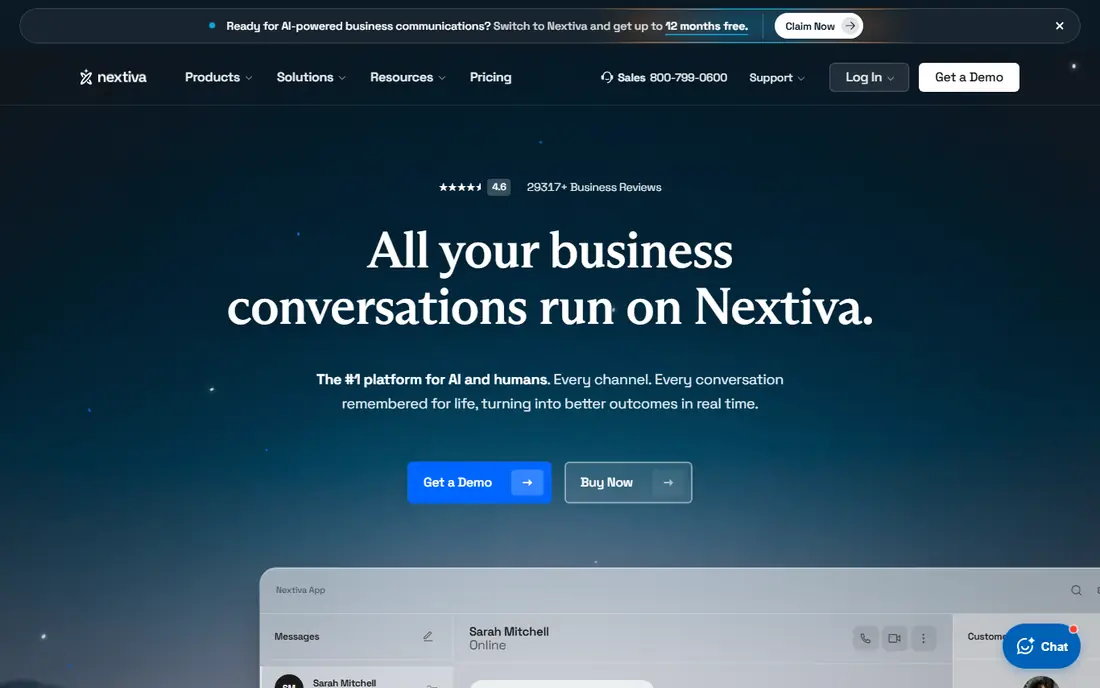
If teams that want one system for most communication is the main job, Nextiva deserves a close look. It bundles voice, text, video and team messaging with an auto attendant and integrations for small and mid sized teams. That approach suits teams that repeat the same task each week and want fewer manual steps.
In day to day use, Nextiva works best for teams that want one system for most communication. Unified calls, messaging and video is the reason most buyers pick it over a generic editor or a manual process. The value shows up when you repeat the same job often, because saved settings and templates cut repeat work and keep output consistent.
The catch is entry plan limits may push growing teams to a higher tier. That limit does not rule it out, but it does mean you should test it on a real job before you pay. Check the free plan or trial where one is offered, try a sample that matches your real work, and compare it with one rival before you commit.
- Calls, messaging and video in one system
- Strong support reputation
- AI front desk tools
- Best pricing needs annual billing
- Call recording can need a higher plan
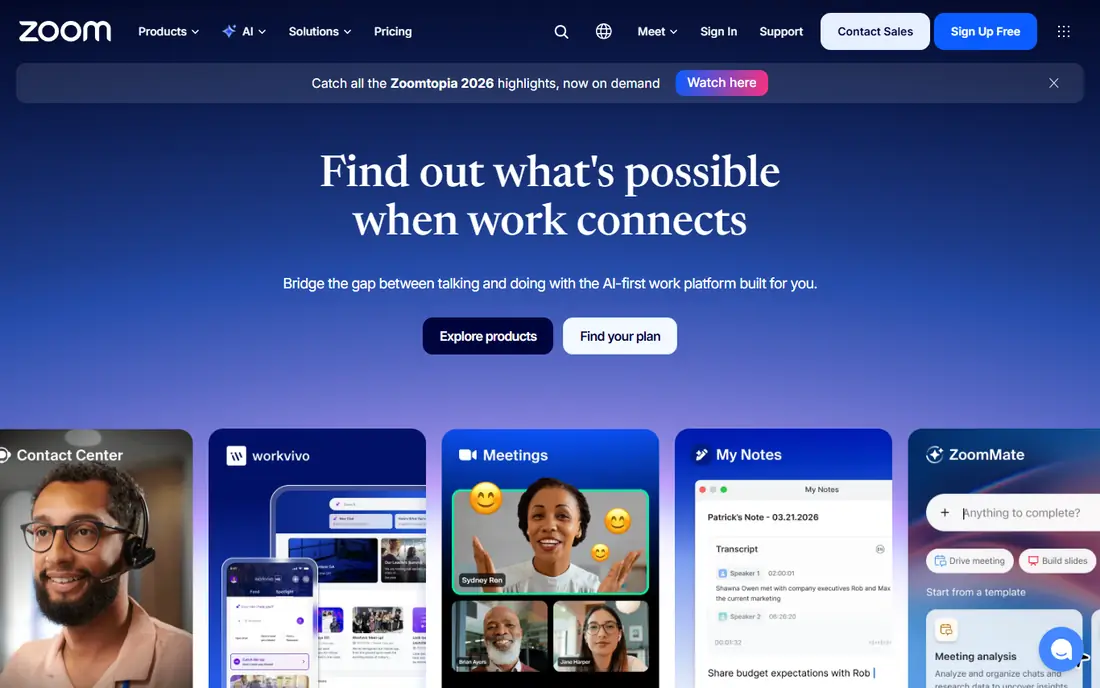
Zoom Phone stands out for phone service inside Zoom Workplace. It adds cloud calling to Zoom, so teams can move from a phone call to a video meeting without switching apps. It also helps when one person handles design, copy and publishing, because less switching is needed.
In day to day use, Zoom Phone works best for teams already using Zoom meetings daily. Phone service inside zoom workplace is the reason most buyers pick it over a generic editor or a manual process. The value shows up when you repeat the same job often, because saved settings and templates cut repeat work and keep output consistent.
The catch is teams that do not use Zoom may prefer a standalone phone system. That limit does not rule it out, but it does mean you should test it on a real job before you pay. Check the free plan or trial where one is offered, try a sample that matches your real work, and compare it with one rival before you commit.
- Easy escalation from call to meeting
- Unified admin for Zoom users
- Metered value option
- Full value needs a Zoom Workplace account
- Metered usage can add up for heavy callers
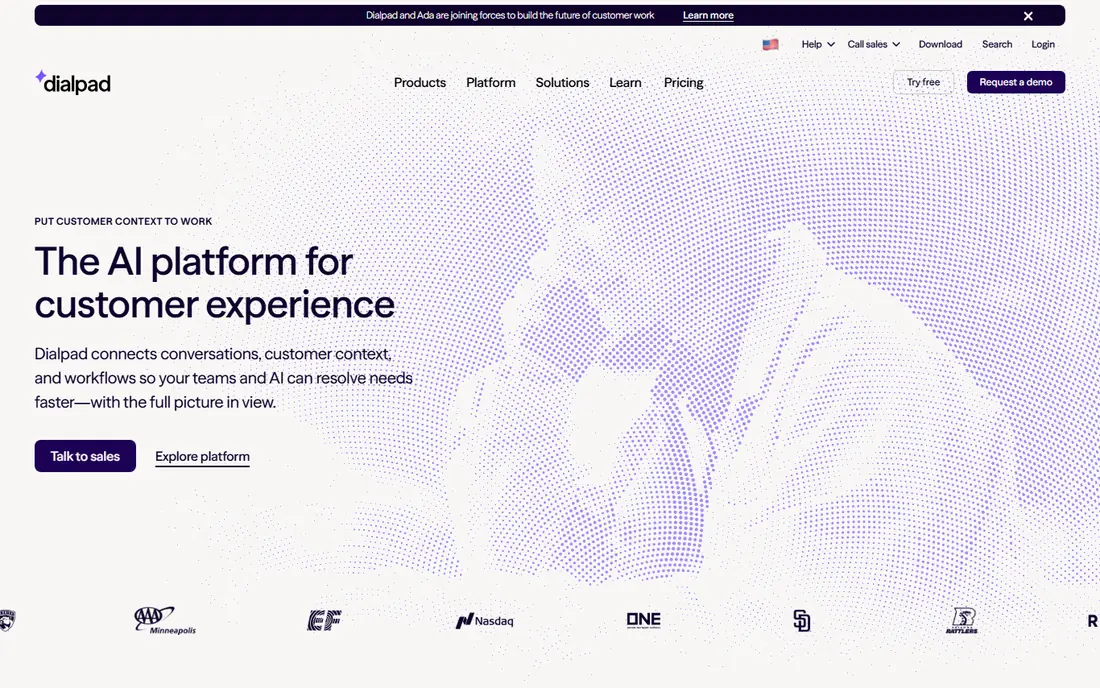
Teams that want AI transcription and call summaries without a long setup often land on Dialpad. It focuses on AI call notes, transcripts and coaching tools, which helps sales and support teams review calls faster. The benefit is clearest on a tight deadline, when a usable first draft beats a blank page.
In day to day use, Dialpad works best for sales and support teams that review many calls. Ai transcription and call summaries is the reason most buyers pick it over a generic editor or a manual process. The value shows up when you repeat the same job often, because saved settings and templates cut repeat work and keep output consistent.
The catch is very small teams may not need the AI depth. That limit does not rule it out, but it does mean you should test it on a real job before you pay. Check the free plan or trial where one is offered, try a sample that matches your real work, and compare it with one rival before you commit.
- AI transcription and summaries on calls
- Good mobile and desktop apps
- CRM integrations
- Some admin and security features need larger plans
- Meeting limits vary by plan
For teams that need custom integrations or APIs, Vonage offers a practical mix of speed and control. It offers business calling plus APIs for custom voice, SMS and video workflows, which suits teams that build their own tools. For small teams, that kind of focus keeps costs down and keeps the work moving.
In day to day use, Vonage works best for teams that need custom integrations or APIs. Programmable voice and messaging is the reason most buyers pick it over a generic editor or a manual process. The value shows up when you repeat the same job often, because saved settings and templates cut repeat work and keep output consistent.
The catch is simple users may find the options more complex than needed. That limit does not rule it out, but it does mean you should test it on a real job before you pay. Check the free plan or trial where one is offered, try a sample that matches your real work, and compare it with one rival before you commit.
- Flexible voice and messaging APIs
- Large app centre
- Business calling and video
- True cost rises with add ons
- Setup can need more technical help
Ooma is a good fit when small offices that want simple monthly pricing matters more than having every extra feature. It gives small offices a virtual receptionist, call handling and desk phone support with monthly pricing that does not lock you in. It works well as a starting point, and you can refine the result by hand where it matters most.
In day to day use, Ooma works best for small offices that want simple monthly pricing. Simple office phone service without a contract is the reason most buyers pick it over a generic editor or a manual process. The value shows up when you repeat the same job often, because saved settings and templates cut repeat work and keep output consistent.
The catch is larger teams may outgrow its integration range. That limit does not rule it out, but it does mean you should test it on a real job before you pay. Check the free plan or trial where one is offered, try a sample that matches your real work, and compare it with one rival before you commit.
- Simple pricing with no annual commitment
- Virtual receptionist
- Desk phone support
- Integrations are narrower than larger rivals
- Call recording needs a higher plan
Start with Grasshopper if solopreneurs who need separation from personal calls is your priority and you want a result quickly. It turns a personal phone into a business line with extensions, greetings and texting, without desk phones or complex setup. That balance is useful when quality matters but you cannot wait days for each new version.
In day to day use, Grasshopper works best for solopreneurs who need separation from personal calls. A virtual business number on your own phone is the reason most buyers pick it over a generic editor or a manual process. The value shows up when you repeat the same job often, because saved settings and templates cut repeat work and keep output consistent.
The catch is growing teams will need a fuller phone system. That limit does not rule it out, but it does mean you should test it on a real job before you pay. Check the free plan or trial where one is offered, try a sample that matches your real work, and compare it with one rival before you commit.
- Flat pricing for a virtual business number
- Works on existing phones
- Simple setup
- No full unified system features
- Limited video and team collaboration
What sets OpenPhone apart is shared inboxes and business texting, paired with a workflow that stays simple. It focuses on shared numbers, team inboxes and texting, which helps small remote teams handle calls and messages together. It keeps the core job in one place, which makes training a new team member simpler.
In day to day use, OpenPhone works best for remote small teams that text customers often. Shared inboxes and business texting is the reason most buyers pick it over a generic editor or a manual process. The value shows up when you repeat the same job often, because saved settings and templates cut repeat work and keep output consistent.
The catch is call centres may need a more advanced platform. That limit does not rule it out, but it does mean you should test it on a real job before you pay. Check the free plan or trial where one is offered, try a sample that matches your real work, and compare it with one rival before you commit.
- Shared team inboxes
- Business texting
- Simple setup and integrations
- Advanced call centre features are limited
- International coverage varies
When budget and speed both matter, 8x8 is worth testing for global teams and larger support operations. It bundles calling, video and contact centre features with international reach for teams that serve customers in many countries. That simplicity is the point, and it is why many smaller teams prefer it to a larger suite.
In day to day use, 8x8 works best for global teams and larger support operations. Global calling with contact centre options is the reason most buyers pick it over a generic editor or a manual process. The value shows up when you repeat the same job often, because saved settings and templates cut repeat work and keep output consistent.
The catch is small US only teams may pay for reach they do not use. That limit does not rule it out, but it does mean you should test it on a real job before you pay. Check the free plan or trial where one is offered, try a sample that matches your real work, and compare it with one rival before you commit.
- International calling options
- Video and contact centre tools
- Admin controls
- Pricing can need a sales quote for larger setups
- Entry plan may lack some contact centre depth
How we picked these
We compared official feature pages, pricing pages and public reviews for each provider, and we kept only providers that offer business calling in the United States in October 2026. We checked calling, texting, video, auto attendant, integrations and support, and we noted where pricing needs annual billing or a base licence. We did not claim hands-on testing that did not happen. Prices below are starting prices from vendor pricing pages or, where a price could not be verified, marked as See website.
How to choose a RingCentral alternative
Count users, numbers and call volume first
Per user pricing looks simple until you add toll free numbers, international calls, call recording and extra licences. List how many people need a phone, how many need only texting, and where your customers call from. That list will show whether a flat virtual phone plan, a per user system or a metered plan saves money, and it stops you paying for seats you never use.
Test call quality and the mobile app
A phone system lives or dies on call quality and on how easy it is to answer from a mobile phone. Test calls on office wifi, home wifi and mobile data, and check voicemail transcription, call transfer and texting in the app. Also check admin controls, because adding a new hire, changing hours and setting up an auto attendant should not need a support ticket every time.
Plan the number port and trial
Ask about number porting time, downtime risk and whether you can trial with a temporary number first. Keep your old system running until the new numbers test cleanly, and train the team on transfer, hold and voicemail before cutover day. A short trial with real calls will reveal audio problems and missing features faster than any demo.
Sources
Frequently asked questions
What is the best alternative to RingCentral?
Nextiva is a strong all round replacement for most small and mid sized teams, while Dialpad suits teams that want AI transcription on many calls. Zoom Phone suits teams already on Zoom, and Ooma suits small offices that want simple pricing. The best pick depends on team size, budget and whether you need desk phones.
Is there a cheaper alternative to RingCentral?
Yes, Zoom Phone metered plans and Grasshopper can cost less than a full unified system, especially for small teams. The saving depends on call volume, because metered plans charge for usage and virtual phone plans offer fewer features. Compare total monthly cost at your real user count, not just the headline price.
Can I keep my business number when I switch?
In most cases yes, through number porting, but timing and paperwork vary by provider and number type. Ask the new provider to check your numbers before you cancel the old service, and keep the old account active until porting is confirmed. Toll free and international numbers need an extra check.
Do I need desk phones for these systems?
No, most systems work well on a computer and mobile app alone. Desk phones help in offices with shared phones, reception desks or poor mobile coverage, but many small teams skip them entirely. Check whether desk phone rental or purchase is included before you budget.
What features should I check on a higher plan?
Call recording, advanced analytics, CRM integrations, multi level auto attendant and international calling often sit on higher plans. Make a list of must have features before you compare prices, because a cheap entry plan can cost more once you add the features you actually need.