Best ServiceTitan Alternatives in 2026: 9 Services Compared
By ToolNimba Editorial Team November 9, 2026 10 min read

- Top pick
 Jobber
Small home service teams
Starting priceSee websiteCheck out JobberRead our review - Runner-up
 Housecall Pro
Residential service teams
Starting priceSee websiteCheck out Housecall ProRead our review - Also great
 FieldPulse
Growing mobile-first teams
Starting priceSee websiteCheck out FieldPulseRead our review
How we researched this
We compared official pricing and feature pages, app store listings, privacy policies and public user reviews. Prices change, so check the provider's site before you pay.
Key takeaways
- Jobber is the easiest ServiceTitan alternative for small teams, with public pricing and a fast setup.
- Housecall Pro suits residential home service teams that want dispatch, payments, and customer messaging in one app.
- Service Fusion suits shops that dislike per-user pricing, while FieldEdge suits QuickBooks-heavy HVAC and plumbing firms.
- ServiceTitan itself is quote-based and built for larger operations, so smaller shops should compare total cost, not just features.
Quick comparison
| Name | Best for | Starting price | Free plan | |
|---|---|---|---|---|
| Jobber | Small home service teams | See website | Free trial | Visit |
| Housecall Pro | Residential service teams | See website | Free trial | Visit |
| FieldPulse | Growing mobile-first teams | See website | Free trial | Visit |
 FieldEdge | HVAC and plumbing specialists | See website | Free trial | Visit |
 Workiz | Call-heavy service businesses | See website | Free trial | Visit |
 Service Fusion | Flat-price team plans | See website | Free trial | Visit |
 Simpro | Larger trade operations | See website | Free trial | Visit |
 ServiceM8 | Mobile-first Apple-heavy crews | See website | Free trial | Visit |
 Kickserv | Small field service teams | See website | Free trial | Visit |
The best ServiceTitan alternatives
We compared scheduling, dispatch, invoicing, payments, pricing transparency, and trade fit, focusing on tools that real home service and trade businesses use as a ServiceTitan replacement.
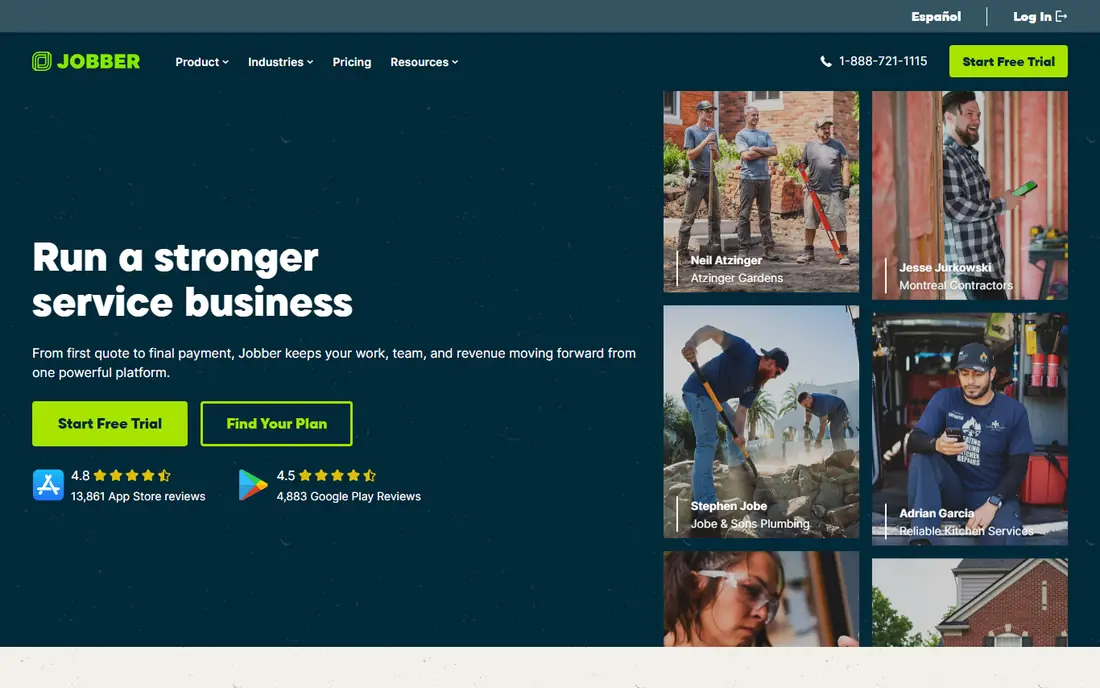
Jobber is our pick for a small team moving away from ServiceTitan because it is simple to learn and quick to set up. Scheduling, quotes, invoices, and customer records sit in one clean system, and the mobile app lets technicians see jobs, update status, and collect payment in the field. For a team of one to ten, that simplicity matters more than enterprise reporting, since adoption is what actually improves the business.
The limit is scale. Larger operations with complex dispatch, inventory, and payroll needs may find Jobber lighter than ServiceTitan or Simpro. Public pricing helps budgeting, but check the plan that includes the features your team needs, since add-ons can change the total. For most small home service businesses, Jobber is the most practical Servicetitan alternative to trial first.
- Simple scheduling, quoting, and invoicing
- Public pricing
- Easy onboarding for small teams
- Lighter than ServiceTitan for large operations
- Payroll and advanced reporting need care in planning
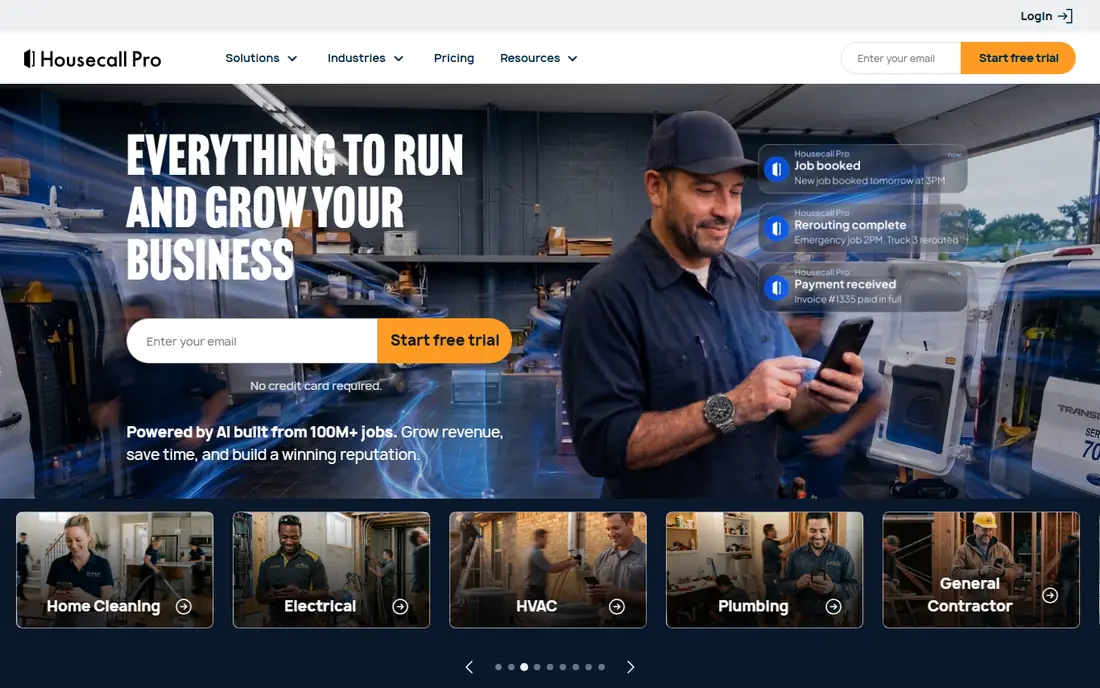
Housecall Pro suits residential teams that want a polished customer experience. Online booking, on-my-way texts, estimates, invoices, and payments work together, so customers get clear updates without extra phone calls. Review generation also helps local service businesses build reputation, which matters when most new work comes from search and word of mouth.
Pricing depends on the plan and the add-ons you choose, so compare the full package rather than the entry price alone. Commercial or very large operations may also need deeper job costing or asset tracking than Housecall Pro offers. For residential HVAC, plumbing, electrical, cleaning, and similar trades, it is one of the strongest alternatives to ServiceTitan.
- Strong dispatch and customer messaging
- Online booking and review tools
- Payments built in
- Pricing varies by plan and add-ons
- Larger commercial work may need a different system

FieldPulse fits growing teams that live on mobile. Technicians can manage jobs, estimates, and invoices from the field, while office staff handle scheduling and customer communication in one system. That mobile focus helps mixed residential teams that do varied work across homes, since the workflow stays consistent even when job types change.
It does not match ServiceTitan for very large, complex operations, and some advanced reporting and automation features sit on higher tiers. For a team moving from spreadsheets or a basic tool, FieldPulse offers a clear step up without a long implementation. Trial it with a real week of jobs to see whether dispatch and invoicing fit your crew.
- Mobile-first job management
- Estimates, invoicing, and customer records
- Good for mixed residential work
- Less enterprise depth than ServiceTitan
- Some advanced features need higher tiers
FieldEdge is built for HVAC, plumbing, and electrical firms that need trade-specific workflows. Dispatch, agreement management, equipment history, and price book tools reflect how those trades actually work, rather than forcing a generic job system onto a specialist business. QuickBooks integration is a major plus for firms that already run finance in QuickBooks and want job data to flow cleanly.
Pricing is quote-based, so request a clear total for your technician count and required modules. Setup also takes more planning than Jobber or Housecall Pro, especially for price books and agreements. For QuickBooks-heavy trade firms that want a ServiceTitan alternative with similar depth, FieldEdge is a serious option to compare.
- Trade-specific dispatch and workflows
- Strong QuickBooks integration
- Equipment and agreement tracking
- Quote-based pricing
- Implementation can take longer than simpler tools
Workiz stands out for businesses where the phone drives most bookings. A built-in phone system, call tracking, and messaging sit beside scheduling and invoicing, so office staff can book, confirm, and follow up without switching apps. That matters for locksmiths, garage door firms, appliance repair, and other trades where speed on the phone wins the job.
Per-user and feature-based pricing means the total depends on team size, so compare plans carefully. Very large commercial operations may need deeper asset or contract tools than Workiz offers. For call-heavy, smaller field service teams, Workiz is a practical alternative to ServiceTitan that centers communication as much as dispatch.
- Built-in phone system and messaging
- Scheduling and invoicing
- Useful for locksmith, garage door, and appliance work
- Pricing varies by users and features
- Some larger trade workflows are lighter than ServiceTitan
Service Fusion appeals to shops that dislike per-user pricing. Flat monthly plans with unlimited users can make budgeting easier as a crew grows, since adding a technician does not automatically raise the software bill in the same way. Core features cover scheduling, dispatch, estimates, invoicing, and customer records, which is enough for many growing service businesses.
The interface feels less polished than Jobber or Housecall Pro, and some advanced features depend on the plan you choose. Still, for a business where headcount is growing and per-user fees are the main complaint about ServiceTitan, Service Fusion deserves a close look. Compare the included features at the flat price, not just the headline monthly figure.
- Flat monthly pricing with unlimited users on many plans
- Dispatch, invoicing, and customer management
- Good value for larger crews
- Interface is less modern than some rivals
- Advanced features vary by plan
Simpro suits larger trade businesses that need job costing and project control, not just scheduling. Quotes, jobs, inventory, and invoicing connect to project reporting, which helps managers see margin and progress on bigger or longer jobs. Asset and maintenance tracking also suits commercial and contract work where equipment history matters.
That depth comes with a longer setup and a higher price than small-team tools, so it is not the best first step for a one-truck business. For a growing trade firm that has outgrown a simple scheduler, Simpro offers ServiceTitan-like depth with a different pricing and implementation path. Trial it with a real project to judge whether the reporting justifies the complexity.
- Strong job costing, quoting, and project tools
- Good for larger trade and commercial work
- Asset and maintenance tracking
- More complex setup
- Pricing is quote-based and can be higher than small-team tools
ServiceM8 is a mobile-first field service tool that works especially well for crews using Apple devices. Job cards, scheduling, quoting, and invoicing are built around field use, so technicians can update jobs, add photos, and invoice without returning to the office. That field focus helps small teams that value speed and simplicity over back-office complexity.
Larger firms with complex dispatch, payroll, or commercial contract needs may find ServiceM8 lighter than ServiceTitan or Simpro. Pricing also depends on job volume and add-ons, so check the plan for your monthly job count. For small, mobile, Apple-heavy teams, ServiceM8 is a clean and practical ServiceTitan alternative.
- Strong mobile job tracking
- Easy job cards and invoicing
- Good for small, mobile teams
- Apple-first design may suit some crews better than others
- Larger enterprise features are limited
Kickserv suits small field service teams that want the basics done well. Scheduling, customer records, estimates, invoicing, and payments cover the daily workflow without a long setup or a large monthly bill. For a business moving from paper, spreadsheets, or a basic invoicing app, Kickserv offers a clear step up in organization.
The feature set is smaller than ServiceTitan, FieldEdge, or Simpro, so teams with complex dispatch, inventory, or commercial contracts may outgrow it. That simplicity is also its strength, since adoption is fast and training is minimal. If your main need is tidy scheduling and invoicing for a small crew, Kickserv is worth trialing before paying for a larger platform.
- Simple scheduling and invoicing
- Customer records and payments
- Low learning curve
- Smaller feature set than ServiceTitan
- Limited advanced reporting and automation
How we picked these
We compared official feature and pricing pages, along with recent independent comparisons from 2026, and we kept only field service tools that are actively used by trade and home service businesses. We favored tools with clear scheduling, dispatch, invoicing, and mobile apps, and we noted where pricing is public, flat, per-user, or quote-based, since that changes the real cost for a crew. We treated vendor pricing claims as starting points to verify on the vendor site.
How to choose a ServiceTitan alternative by team size
Team size is the fastest filter. Small teams of one to ten usually do best with Jobber, Housecall Pro, or Kickserv, because setup is fast and pricing is clear. Growing teams of ten to twenty should compare FieldPulse, Workiz, and Service Fusion, especially on dispatch depth and pricing model. Larger or commercial operations should compare FieldEdge and Simpro, where job costing, assets, and contracts matter more than simple scheduling.
Trial with real jobs, not a demo
Run a trial with a real week of jobs, including a reschedule, a cancelled job, an invoice, and a payment. Check how technicians use the mobile app, how customers receive updates, and how cleanly data flows to QuickBooks or your accounting tool. A tool that looks good in a demo but slows technicians in the field will cost more in lost time than it saves in subscription fees.
Sources
Frequently asked questions
What is the best ServiceTitan alternative for small businesses?
Jobber is the best ServiceTitan alternative for most small businesses, because it is easy to set up, has public pricing, and covers scheduling, quoting, and invoicing. Housecall Pro is a close alternative for residential teams that want strong customer messaging. The best pick depends on trade, team size, and whether you need QuickBooks depth.
Are there cheaper alternatives to ServiceTitan?
Yes. Jobber, Housecall Pro, Kickserv, and Service Fusion are generally cheaper for small and growing teams, especially when ServiceTitan pricing is quote-based for larger operations. Total cost depends on users, add-ons, and contract terms, so compare the full package for your technician count. Flat-price plans can also save money as a crew grows.
What is the best alternative to ServiceTitan for HVAC?
FieldEdge is a strong alternative to ServiceTitan for HVAC, thanks to trade-specific dispatch, agreement tracking, and QuickBooks integration. Housecall Pro and Jobber also suit residential HVAC teams that want simpler setup. For commercial HVAC, Simpro and FieldEdge are better fits than small-team tools.
Can I migrate from ServiceTitan to another tool?
Yes, but migration needs planning. Export customer records, job history, price books, and agreements where possible, and test the import in the new tool before you switch. Some data, such as custom workflows and reports, may need rebuilding. Run both systems in parallel for a short period to catch missing records.
Do ServiceTitan alternatives include payments and invoicing?
Most do. Jobber, Housecall Pro, FieldPulse, Workiz, Service Fusion, and Kickserv all include estimates, invoicing, and payment collection in some form. Check processing fees, payout timing, and whether payments sync to your accounting tool, since those details affect cash flow more than the software subscription itself.
Is ServiceTitan worth it for a small team?
ServiceTitan can be worth it for larger operations that need its depth, reporting, and automation, but it is often more than a small team needs. Smaller shops usually get better value from a simpler tool with public pricing and faster setup. Compare total cost, implementation time, and the features your crew will actually use every day.