SharePoint Alternatives in 2026: 9 Tools Compared
By ToolNimba Editorial Team November 9, 2026 10 min read

- Top pick
 Confluence
Technical wikis and docs
Starting priceFreeCheck out ConfluenceRead our review - Runner-up
 Notion
Flexible wikis and databases
Starting priceFreeCheck out NotionRead our review - Also great
 Google Workspace
Full suite replacement
Starting price$6 per monthCheck out Google WorkspaceRead our review
How we researched this
We compared official pricing and feature pages, app store listings, privacy policies and public user reviews. Prices change, so check the provider's site before you pay.
Key takeaways
- Confluence is the closest wiki replacement for technical teams, especially those already using Jira.
- Notion suits teams that want docs, wikis, and databases in one flexible workspace they can shape themselves.
- Google Workspace is the best like-for-like swap if you want files, docs, email, and chat in one suite.
- Self-hosted Nextcloud suits teams that need full control over data and servers.
- Migration cost matters: check permissions, search, and how much content you must move before you switch.
Quick comparison
| Name | Best for | Starting price | Free plan | |
|---|---|---|---|---|
| Confluence | Technical wikis and docs | Free | Yes | Visit |
| Notion | Flexible wikis and databases | Free | Yes | Visit |
| Google Workspace | Full suite replacement | $6 per month | No | Visit |
 ClickUp | Docs next to tasks | Free | Yes | Visit |
 Box | Secure file sharing | $15 per month | No | Visit |
 Nuclino | Fast, simple team wikis | Free | Yes | Visit |
 Slite | Verified knowledge and AI search | $10 per month | No | Visit |
 Coda | Docs with tables and automations | Free | Yes | Visit |
 Nextcloud | Self-hosted intranet and files | Free | Yes | Visit |
The best sharepoint alternatives
We compared alternatives on wikis, file storage, permissions, search, integrations, and pricing. SharePoint itself is part of Microsoft 365, so alternatives are judged on whether they replace its wiki, intranet, or document functions, or all three.
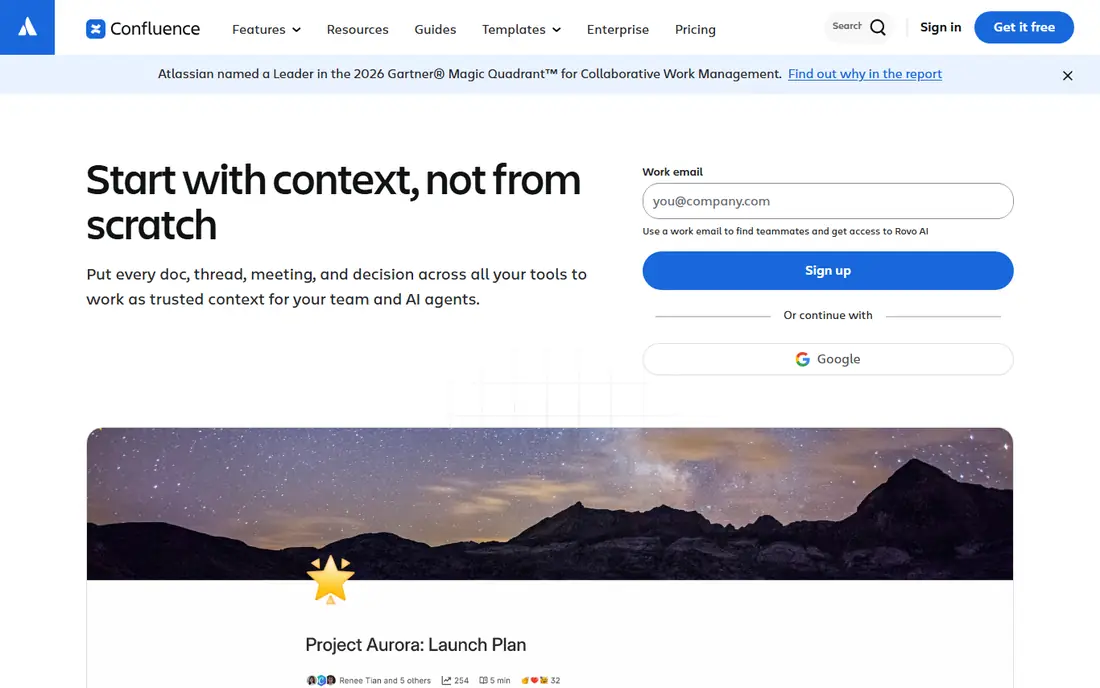
Confluence is the most direct wiki replacement for SharePoint, especially for software and product teams. Pages sit in a clear tree, templates cover common doc types, and inline comments and real-time editing keep documents alive. Its Jira integration links specs and plans to the work that implements them, which is a reason many technical teams choose it first.
The limits appear when you need enterprise document governance, retention policies, or large external portals, where SharePoint is stronger. Confluence also charges per user, with Standard pricing that varies by team size, so model the cost for your actual headcount. For documentation-first teams, it is a strong, proven pick.
- Free for up to 10 users
- Strong Jira integration
- Structured page trees
- Paid pricing varies by team size
- Not a full document management system at scale
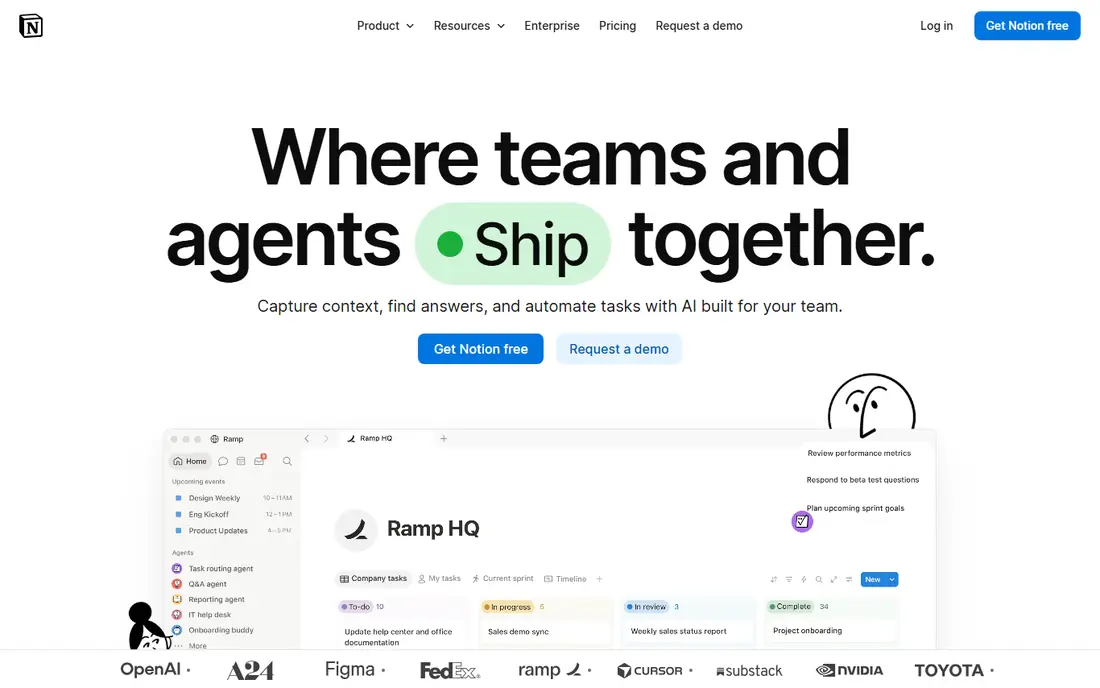
Notion replaces SharePoint pages and lists with a workspace you build yourself from pages, databases, and linked views. That freedom is its appeal: a small team can create a wiki, a project tracker, and a meeting notes system in one place, without IT help. Templates help you start, and the Business plan adds AI features such as meeting notes and enterprise search.
Freedom cuts both ways. Without clear naming, ownership, and structure, a Notion workspace can become as hard to navigate as an old SharePoint site. Plus plans start at 10 dollars per member per month billed annually, with Business at 20 dollars. Pick Notion if someone on the team will own structure, not if you want a rigid system out of the box.
- Docs, wikis, and databases in one place
- Many templates
- Easy to start
- Flexibility can lead to messy workspaces without rules
- Uploads capped on free plan
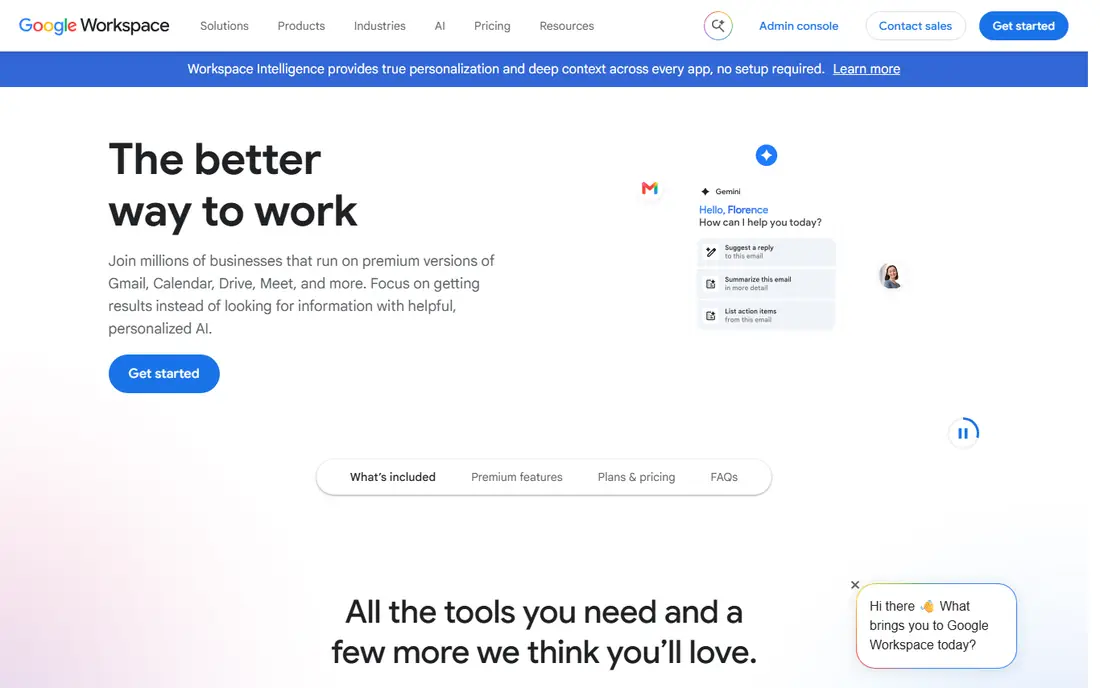
Google Workspace is the closest like-for-like swap for the whole Microsoft 365 stack, not just SharePoint. Drive and shared drives replace SharePoint libraries, Docs and Sheets handle real-time editing, and Sites covers simple internal pages, with Gmail and Meet for communication. Search across Drive and email is strong, and collaboration feels instant.
The cost is migration, not monthly price, which starts at 6 dollars per user per month for Business Starter. Moving files, permissions, and workflows takes planning, and some SharePoint-specific features have no exact Google match. If your team already uses Gmail, the move is far easier, and Workspace is often the simplest full replacement.
- Best real-time co-editing
- Drive and shared drives
- Gmail, Meet, and Sites included
- Switching suites is a large migration
- Admin controls differ from Microsoft 365
ClickUp suits teams whose main complaint about SharePoint is that docs sit apart from work. In ClickUp, a doc can live next to the task it describes, with checklists, comments, and status tracking in the same workspace. That closeness helps project-driven teams keep decisions and actions together, rather than hunting across sites.
The app is broad, with many views, automations, and settings, which can overwhelm a team that only wants a wiki. Paid plans start at 7 dollars per user per month billed annually. Choose ClickUp if your team manages projects in the same tool as its docs, and give new users a short guide to the views you actually use.
- Docs live beside tasks and projects
- Free plan available
- Many views and automations
- Feature depth can overwhelm new users
- Wiki structure needs setup
Box is a document and file platform with a focus on security, compliance, and external sharing, which makes it a SharePoint alternative for teams that mainly need governed file storage. Admins can set permissions, retention, and sharing rules, and external partners can access files without joining your full intranet. That control suits regulated firms and agencies that share with clients.
Box is less of a wiki or intranet builder than Notion or Confluence, so teams that need rich internal pages may pair it with another tool. Business plans start at 15 dollars per user per month. Pick Box when secure file governance is the priority, not when you need a flexible wiki first.
- Strong security and compliance controls
- Good external sharing
- Large file handling
- Higher starting price
- Wiki features are weaker than Confluence or Notion
Nuclino is built for teams that want a wiki without a learning curve. Pages are quick to create, search is fast, and real-time editing works without setup, which helps small teams that found SharePoint heavy. Its graph view shows how pages connect, which is useful for spotting gaps in documentation.
The trade-off is depth. Nuclino has fewer advanced admin controls and integrations than Confluence or SharePoint, so larger firms with complex compliance needs may outgrow it. Paid plans start at 6 dollars per user per month. For a small team that needs a wiki this week, Nuclino is one of the easiest starts.
- Very fast and simple to use
- Real-time collaboration
- Clean wiki structure
- Fewer admin controls and integrations than larger platforms
- Smaller app ecosystem
Slite focuses on a problem SharePoint users know well: docs that go out of date and no one notices. It adds verification, so owners confirm that a page is still current, and AI search helps staff find answers across the knowledge base. The editor is clean, and onboarding is quick for teams that want a focused wiki rather than a sprawling workspace.
Pricing starts at 10 dollars per user per month, with no free team plan, so it suits firms willing to pay for that focus. Slite is less configurable than Notion and has a smaller integration list than Confluence. Choose it if stale docs and slow search are your main SharePoint complaints.
- Content verification keeps docs current
- AI search across docs
- Clean editor
- No free plan for teams
- Smaller ecosystem than Notion or Confluence
Coda, now known as Superhuman Docs in some listings, turns documents into tools. A page can hold text, tables, buttons, and automations, so a team can build a tracker, a request form, or a dashboard inside a doc, without separate software. That blend suits operations teams that live in tables and want docs to do work, not just describe it.
The flexibility requires choices about structure, and paid pricing is based on Doc Makers, starting at 12 dollars per Doc Maker per month, which needs careful counting for larger teams. Coda fits teams that enjoy building their own workflows and that want SharePoint lists replaced by something more interactive.
- Docs that act like apps, with tables and buttons
- Automations
- Free plan available
- Building good docs takes design decisions
- Pricing is per Doc Maker on paid plans
Nextcloud is the alternative for teams that want to run their own SharePoint-like system. It is open source and self-hosted, with apps for files, documents, chat, and collaboration, and you control where data lives and who can access it. That control suits public sector teams, privacy-focused firms, and companies with data residency rules.
Self-hosting is also the cost. Your team handles servers, updates, backups, and security, unless you buy enterprise support, which starts at higher annual pricing. Nextcloud is free to install, but budget time and skill for running it. Pick it when data control outweighs convenience, not when you want a managed service.
- Self-hosted and open source
- Full data control
- Files, chat, and collaboration apps
- You manage hosting, updates, and security
- Setup takes technical skill
How we picked these
We compared vendor pricing pages, feature pages, and SharePoint alternative comparisons from 2026, focusing on wikis, file storage, permissions, search, and migration effort. We favored tools that are active, that state pricing clearly, and that cover different SharePoint uses, from wikis to full suites to self-hosting. We did not claim hands-on testing, and we list See website or current list prices where pricing varies by team size.
How to migrate without losing content
Audit before you move. List your SharePoint sites, libraries, and pages, note which are still used, and archive the rest, because migrating everything wastes time and money. Map permissions to the new tool, test search with real staff questions, and move one team first as a pilot. Train that team, fix the structure, then roll out to others, rather than moving everyone at once.
Permissions, search, and ownership
Assign an owner to every wiki space and every key document, with a review date, so content does not drift again. Check that external sharing rules match your policy, especially for client files, and that search finds the new content from day one. A migration that preserves files but loses findability will feel like a failure, even if the new tool is better on paper.
Sources
- https://www.atlassian.com/software/confluence
- https://www.notion.com
- https://workspace.google.com
- https://www.clickup.com
- https://www.box.com
- https://www.nuclino.com
- https://www.slite.com
- https://www.coda.io
- https://www.nextcloud.com
- https://usewhale.io/blog/best-sharepoint-alternatives/
- https://www.siit.io/tools/alternatives/confluence-alternatives
Frequently asked questions
What is the best SharePoint alternative for small teams?
Notion or Nuclino are strong for small teams, because both offer free plans and are quick to set up. Confluence is also free for up to 10 users and suits technical teams. Pick based on whether you want flexible databases, a simple wiki, or Jira integration.
Can Google Workspace fully replace SharePoint?
For many teams yes, because Drive, Docs, Sites, and Gmail cover files, pages, and communication. Some SharePoint-specific features, such as complex workflows and enterprise portals, may need another tool or a custom setup. Audit those features before you commit to a full switch.
Is there a free SharePoint alternative?
Yes. Confluence, Notion, ClickUp, Nuclino, Coda, and Nextcloud all offer free plans or free self-hosting, with limits on users, storage, or features. Free plans suit small teams and pilots, while larger teams usually need a paid plan for admin controls and support.
How hard is it to migrate from SharePoint?
It depends on how much content you have and how tangled permissions are. A small team with a few sites can move in weeks, while a large firm with many sites and workflows may need months. Start with an audit, move one team as a pilot, and keep SharePoint read-only during the transition.
What about security and compliance?
Box and Nextcloud are strong for governed file sharing and data control, while Confluence, Notion, and Google Workspace offer admin controls, permissions, and audit features on paid plans. Check each vendor's compliance pages for the standards your industry requires, and confirm data residency if that matters to you.
Should I pick a wiki or a full suite?
Pick a wiki if your main need is documentation and knowledge, and pick a suite if you also need email, files, and chat in one place. Many teams pair a wiki such as Confluence or Notion with a file platform such as Box or Drive, rather than forcing one tool to do everything.