Tableau Alternatives in 2026: 9 Tools Compared
By ToolNimba Editorial Team November 11, 2026 10 min read

- Top pick
 Power BI
Microsoft-centred teams
Starting price$14 per user per monthCheck out Power BIRead our review - Runner-up
 Looker Studio
Free Google dashboards
Starting priceFreeCheck out Looker StudioRead our review - Also great
 Qlik Sense
Associative exploration
Starting price$300 per monthCheck out Qlik SenseRead our review
How we researched this
We compared official pricing and feature pages, app store listings, privacy policies and public user reviews. Prices change, so check the provider's site before you pay.
Key takeaways
- Power BI is our pick for most teams leaving Tableau, thanks to a $14 per user price and strong Microsoft integration.
- Looker Studio is the best free starting point for Google-centred teams, while Metabase and Apache Superset suit technical teams that want open source control.
- Qlik Sense, Looker and ThoughtSpot suit larger teams that need governed data models or search-driven analytics.
- Do not list Tableau itself as an alternative, and budget for viewers as well as builders, since seat costs add up fast.
Quick comparison
| Name | Best for | Starting price | Free plan | |
|---|---|---|---|---|
| Power BI | Microsoft-centred teams | $14 per user per month | Yes | Visit |
| Looker Studio | Free Google dashboards | Free | Yes | Visit |
| Qlik Sense | Associative exploration | $300 per month | Free trial | Visit |
 Looker | Governed metrics | See website | Free trial | Visit |
 ThoughtSpot | Search-driven analytics | $25 per user per month | Free trial | Visit |
 Metabase | Open source BI | Free | Yes | Visit |
 Apache Superset | Technical open source BI | Free | Yes | Visit |
 Sisense | Embedded analytics | See website | Free trial | Visit |
 Zoho Analytics | Low-cost SMB BI | $24 per month | Yes | Visit |
The best Tableau alternatives
Tableau is known for rich visual exploration, but its price, seat model and learning curve push many teams to look elsewhere. The tools below cover free dashboards, Microsoft and Google ecosystems, open source options and embedded analytics. None of them is Tableau itself, and each fits a different kind of team.
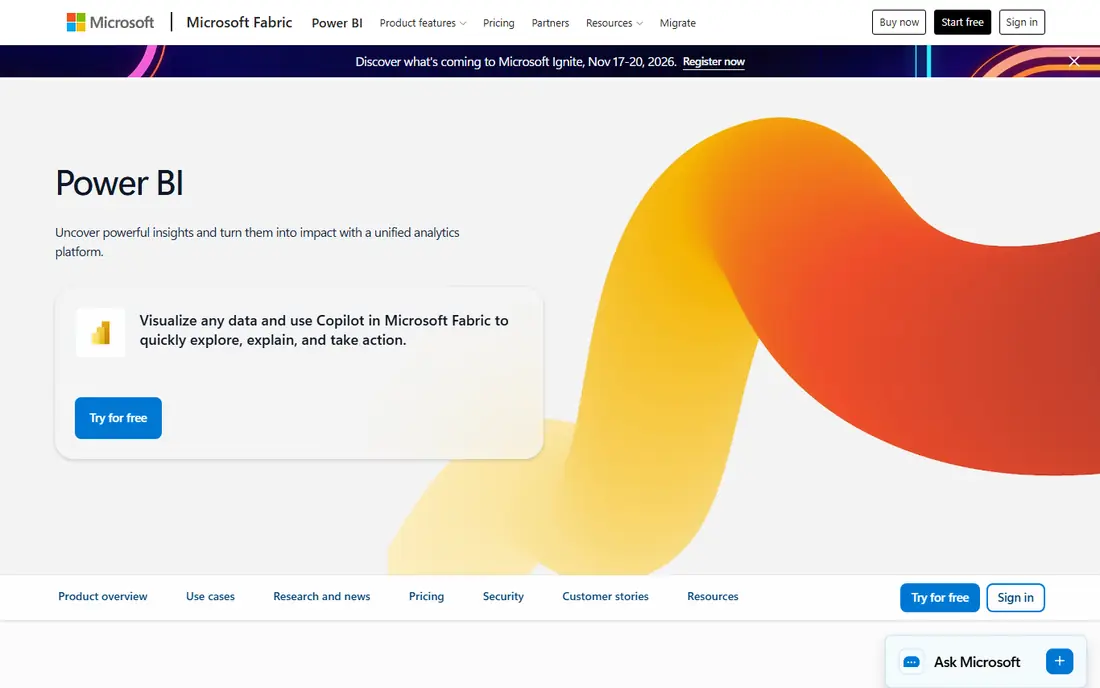
Power BI is the most common Tableau alternative for a simple reason: it offers solid dashboards and reporting at $14 per user a month for Pro on annual billing, with a free desktop app for building reports. Teams that already use Excel, Teams and Microsoft 365 can share data and reports without a new ecosystem, and the connector set covers databases, cloud warehouses and common SaaS apps.
The limits are ecosystem-based. The full experience is strongest on Windows and Microsoft cloud services, and sharing reports with colleagues usually needs paid Pro or Premium seats, so viewer costs matter. Visual exploration is also less free-form than Tableau for advanced analysts. For most business teams, Power BI gives the best balance of price and capability.
- Low per-user price
- Strong Excel and Microsoft 365 links
- Large connector set
- Best experience is on Windows and Microsoft cloud
- Sharing needs paid seats
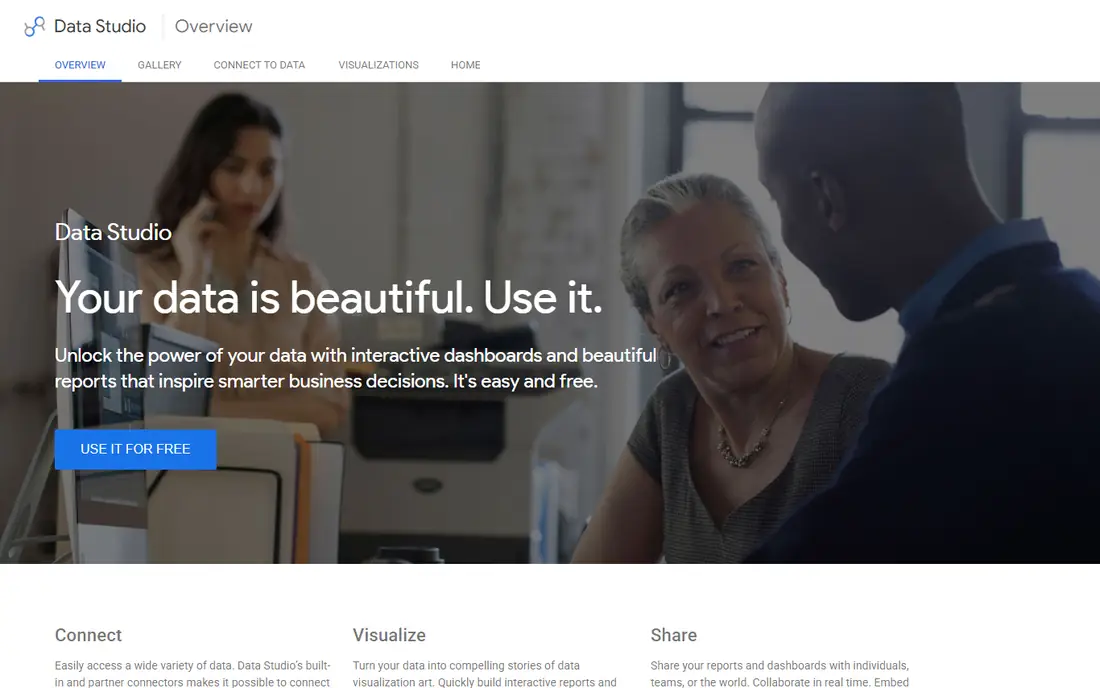
Looker Studio, formerly Google Data Studio, is the easiest free alternative for teams that live in Google tools. It connects natively to Google Analytics, Google Ads, Sheets and Search Console, and it lets you build and share dashboards without paying for seats. That makes it ideal for marketing reports, small business dashboards and client reporting on a tight budget.
The limits appear when data lives outside Google. Third-party connectors for CRM, ad platforms and databases often cost extra, and blending many sources can be slower than a full BI platform. Large datasets can also strain performance. If your data is mostly Google-based, Looker Studio is hard to beat for the price.
- Free to use
- Native Google Ads and Analytics links
- Easy sharing
- Limited outside Google data
- Third-party connectors can cost extra
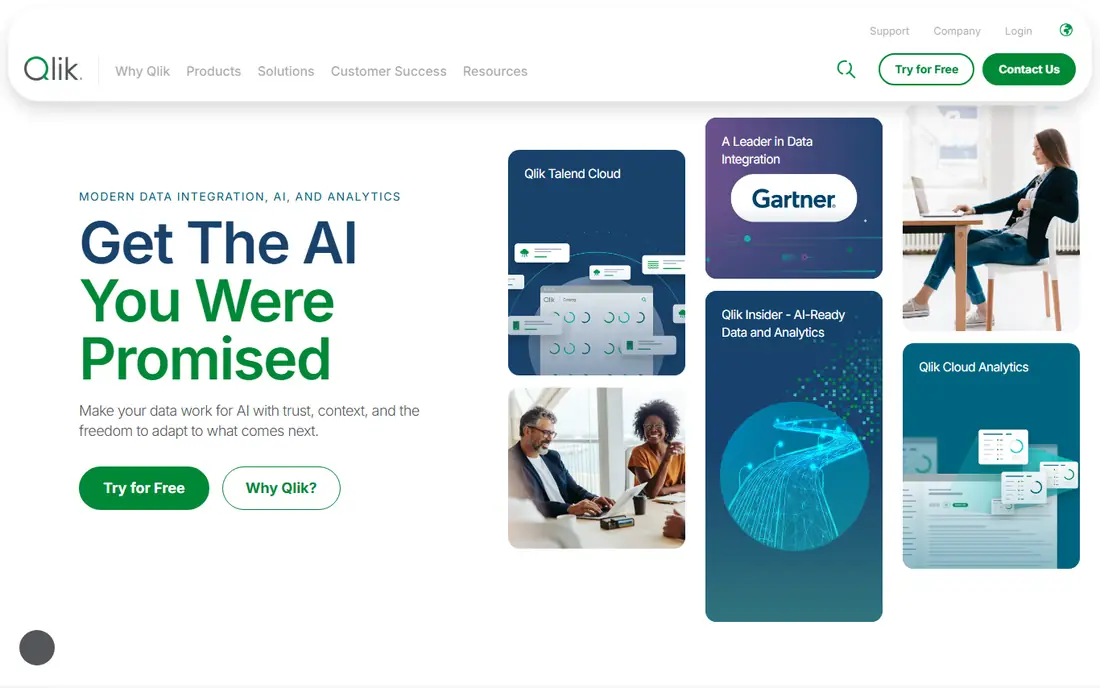
Qlik Sense uses an associative engine that lets users explore data from any angle without following a fixed query path. That approach helps analysts find links between data points that a rigid dashboard might hide, and its AI suggestions can surface charts and insights for less technical users. Cloud plans start at $300 a month for a Starter pack of 10 users on annual billing.
That entry price is higher than Power BI per user, and new users may need time to learn the associative model and data loading tools. Teams that want simple drag-and-drop dashboards may find Qlik heavier than needed. For power users who value exploration, Qlik Sense is a distinctive and capable Tableau alternative.
- Associative engine for free exploration
- Strong AI suggestions
- Scalable cloud plans
- Higher entry price
- Learning curve for new users
Looker, part of Google Cloud, is built around a governed semantic layer using LookML, which defines metrics once so every team uses the same numbers. That discipline helps larger organisations avoid conflicting reports, where sales and finance define revenue differently. It integrates well with BigQuery and other Google Cloud data tools, and it supports embedded dashboards for products.
Pricing is quoted by edition, and Looker needs data modelling skills, so it is not a quick tool for a small team that wants drag-and-drop charts. A team without a data modeller may struggle to get full value. For a data team that needs trusted, shared metrics, Looker is one of the strongest alternatives to Tableau.
- Strong semantic layer with LookML
- Governed metrics
- Google Cloud integration
- Quote-based pricing
- Needs data modelling skills
ThoughtSpot lets business users search data in plain language, such as asking for sales by region last quarter, and it returns charts without needing to build a dashboard first. That search-driven approach suits executives and managers who want answers quickly, provided the underlying data is clean and well modelled. Essentials starts at $25 per user a month on annual billing.
The catch is data preparation. ThoughtSpot works best on a tidy warehouse or modelled data, and messy source data will produce confusing answers. Some AI features also sit on higher plans. If your data is already well organised and your users want self-service answers, ThoughtSpot is a compelling alternative.
- Search data in plain language
- Good for non-technical users
- Liveboards
- Needs clean, modelled data
- Higher tiers add AI features
Metabase is an open source BI tool that teams can self-host for free, or run on Metabase Cloud from $100 a month for Starter. Its question builder lets non-technical users ask questions without SQL, while analysts can still write SQL when they need to. That balance makes it popular with startups and technical teams that want control over hosting and cost.
Advanced permissions, usage analytics and some enterprise features sit on paid plans, and self-hosting means your team handles updates, backups and scaling. It is also less polished for complex visual design than Tableau. For a technical team that wants open source freedom and a gentle learning curve, Metabase is an excellent pick.
- Free open source self-hosting
- Friendly question builder
- Low cloud entry price
- Advanced features need paid plans
- Scaling needs technical care
Apache Superset is a fully open source BI platform with SQL Lab, a large chart library and dashboard tools, maintained by a large community. Technical teams can run it on their own infrastructure, connect to many databases and warehouses, and customise it without licence fees. That freedom appeals to data teams that already manage their own stack.
Setup, security, updates and scaling are your responsibility, and there is no vendor support unless you pay a third-party provider. Non-technical users may also find it less friendly than Metabase or Power BI. For a skilled data team that wants open source control and no seat fees, Superset is a powerful Tableau alternative.
- Free and open source
- Many chart types
- SQL Lab for analysts
- Needs technical setup
- No vendor support without a provider
Sisense is best known for embedded analytics, where a SaaS product shows dashboards and insights to its own customers inside the product. Its API and SDK tools, plus support for cloud warehouses, make it a strong choice for product teams that need customer-facing analytics with custom branding and permissions. That embedding depth is its main advantage over general BI tools.
Pricing is quoted, and Sisense can be heavier than needed for a small team that only wants internal dashboards. Implementation also benefits from technical help, especially for embedding and data modelling. If your goal is analytics inside a product, Sisense deserves a top spot on the shortlist.
- Strong embedding for products
- API and SDK tools
- Warehouse flexibility
- Quote-based pricing
- Heavier for simple internal dashboards
Zoho Analytics offers business intelligence at a small business price, starting at $24 a month on annual billing, with a free plan for up to two users. It includes dashboards, AI assistant Zia, data blending and links to Zoho CRM, Books and other Zoho apps, plus common third-party sources. That makes it a practical choice for a small business that wants real BI without enterprise cost.
Large enterprises may find depth, governance and scale thinner than Looker, Qlik or Power BI, and advanced features sit on higher plans. Teams outside the Zoho ecosystem should check connector coverage for their core tools. For a small business on a budget, Zoho Analytics gives strong value.
- Low starting price
- Free plan for small teams
- Zoho app links
- Less depth for large enterprises
- Advanced features need higher plans
How we picked these
We compared official pricing pages, feature pages and public BI comparisons for Tableau alternatives available in October 2026. We kept only tools that build dashboards and support data exploration or reporting as a core job, and we excluded Tableau itself from the list. Where pricing is quoted, we used See website. We did not claim hands-on testing, and we did not use invented ratings.
What to check before you choose
Start with who will build and who will view. Many BI tools charge per seat, so a tool that looks cheap for five builders can become expensive when 50 viewers need access. Check viewer pricing, sharing rules and whether a free viewer tier exists. Also check whether builders need SQL or data modelling skills, because that decides who can actually use the tool.
Next, test with your own data. Connect a real database or spreadsheet, build three dashboards you actually need, and check performance, filtering and mobile viewing. A demo with sample data hides slow queries and missing connectors. Also test scheduled refresh, alerts and export options, since those daily features matter more than a single impressive chart.
Finally, plan migration carefully. Audit which Tableau dashboards people actually use, rebuild only those, and agree on metric definitions before you move. A governed semantic layer or a shared data model will prevent conflicting numbers later. Run old and new tools side by side for a short period, and train viewers, not just builders.
Sources
Frequently asked questions
What are good alternatives to Tableau?
Power BI, Looker Studio, Qlik Sense, Looker, ThoughtSpot, Metabase, Apache Superset, Sisense and Zoho Analytics are all strong alternatives to Tableau. Power BI suits Microsoft teams, Looker Studio suits Google teams, and Metabase suits technical teams that want open source. Your data stack and budget should narrow the list.
What is the best free alternative to Tableau?
Looker Studio is the best free alternative for Google-based reporting, while Metabase and Apache Superset are the best free open source options for teams that can self-host. Looker Studio is easiest for non-technical users, while the open source tools give more control. Check connector needs before you choose.
Is Power BI cheaper than Tableau?
Yes, Power BI Pro at $14 per user a month is usually cheaper than Tableau Creator pricing, though total cost depends on how many viewers and builders you need. Tableau also offers Viewer and Explorer roles at lower prices. Compare the full seat mix, not just one role price.
Do Tableau alternatives support embedded analytics?
Yes, Sisense, Looker, Power BI and Metabase all support embedding in different ways, with Sisense strongest for customer-facing product analytics. Check permissions, branding and API support for your product before you commit. Embedding usually needs a higher plan or a separate licence.
Can I migrate dashboards from Tableau easily?
Migration is rarely automatic, because chart logic, calculations and data models differ between tools. Plan to rebuild key dashboards, audit usage first, and agree on metric definitions. A short parallel run with old and new tools helps catch differences before you switch fully.