TeamViewer Alternatives in 2026: 8 Tools Compared
By ToolNimba Editorial Team November 9, 2026 8 min read

- Top pick
 AnyDesk
Direct TeamViewer replacement
Starting price$22.90 per monthCheck out AnyDeskRead our review - Runner-up
 Splashtop
Value remote work
Starting price$6 per monthCheck out SplashtopRead our review - Also great
 Chrome Remote Desktop
Free personal access
Starting priceFreeCheck out Chrome Remote DesktopRead our review
How we researched this
We compared official pricing and feature pages, app store listings, privacy policies and public user reviews. Prices change, so check the provider's site before you pay.
Key takeaways
- AnyDesk is the closest direct replacement for TeamViewer, with fast sessions and a free personal plan.
- Splashtop offers the best value for daily remote work, at a much lower price than TeamViewer commercial plans.
- Chrome Remote Desktop is the best free choice for personal access to your own computers.
- Teams that support clients should compare Zoho Assist, ScreenConnect and RealVNC Connect on admin tools, not just headline price.
Quick comparison
| Name | Best for | Starting price | Free plan | |
|---|---|---|---|---|
| AnyDesk | Direct TeamViewer replacement | $22.90 per month | Yes | Visit |
| Splashtop | Value remote work | $6 per month | Free trial | Visit |
| Chrome Remote Desktop | Free personal access | Free | Yes | Visit |
 RemotePC | Low-cost own-PC access | See website | Free trial | Visit |
 Zoho Assist | Budget team support | $10 per month | Yes | Visit |
 ConnectWise ScreenConnect | IT providers | $33 per month | Free trial | Visit |
 RustDesk | Open source self-hosting | Free | Yes | Visit |
 RealVNC Connect | Secure lightweight access | $8.25 per month | Yes | Visit |
The best TeamViewer alternatives
People look for TeamViewer alternatives for lower prices, simpler licensing, better performance or a self-hosted option. The tools below cover each reason, from free personal access to full IT support platforms, without assuming you need TeamViewer scale.
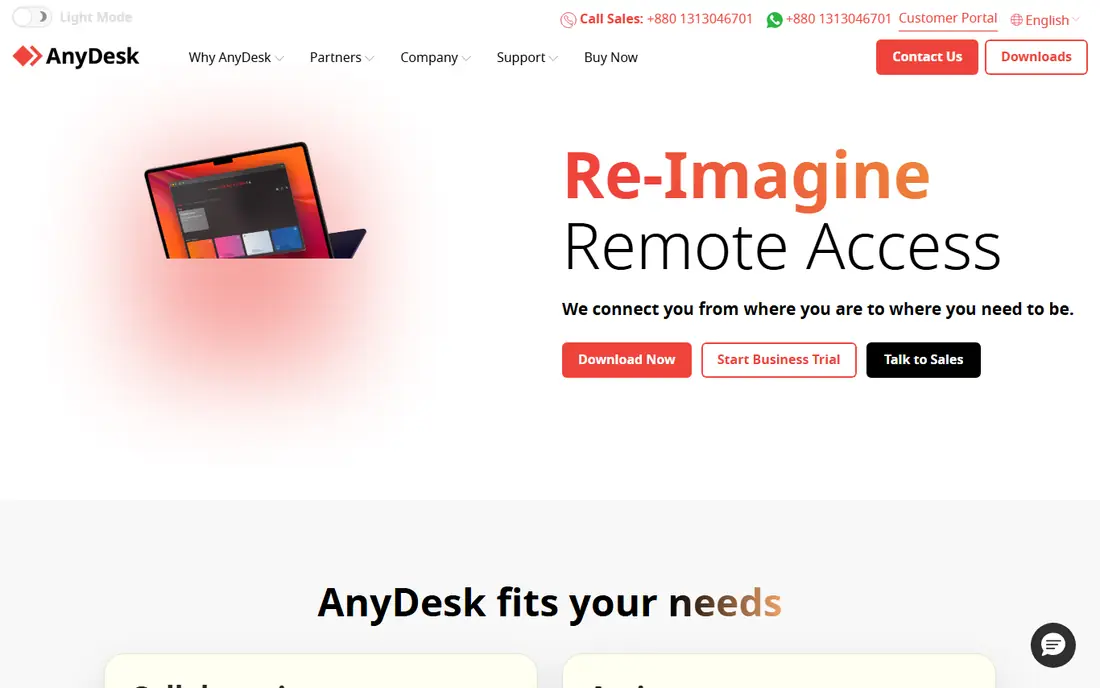
AnyDesk is the first tool most TeamViewer users try, because the workflow feels familiar. You share an address, connect, transfer files and control the remote screen, with unattended access for machines you manage. Sessions feel responsive, and the client is small enough to run on modest hardware.
It is not a full IT management suite, so larger teams may still need ticketing or inventory tools alongside it. For direct remote control at a lower price than many TeamViewer plans, AnyDesk is a strong, low-friction switch, and its free personal plan covers family help and home PCs.
- Fast, lightweight client
- Unattended access
- Cross-platform support
- Advanced admin features need higher plans
- Commercial use needs a paid plan
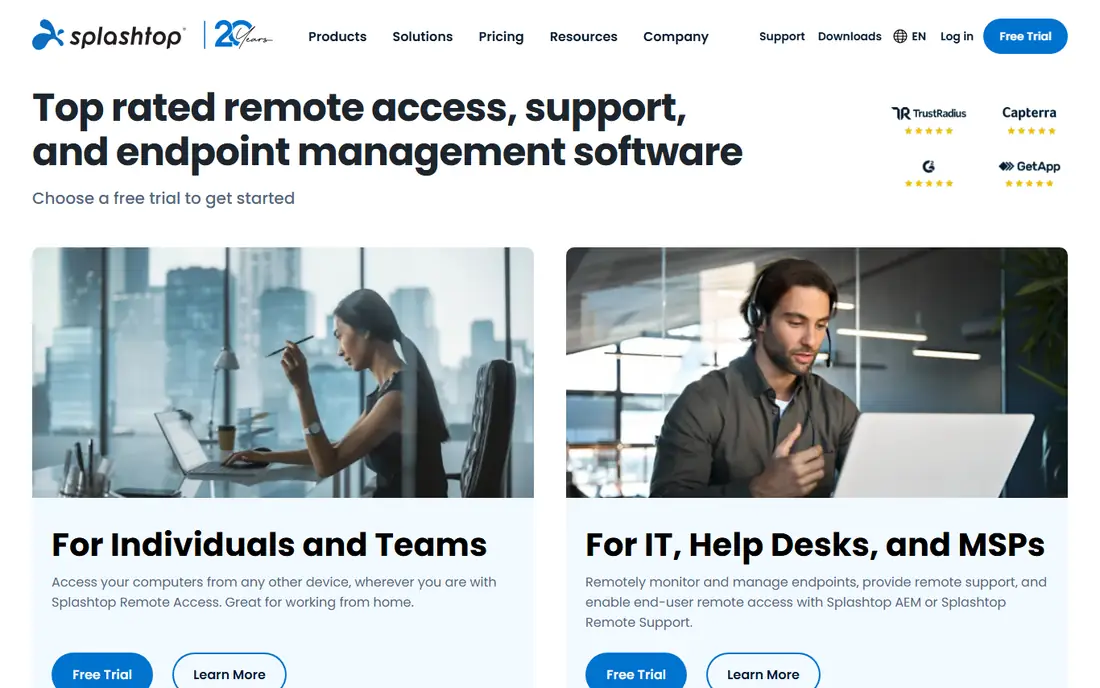
Splashtop is the value pick for people who use remote access every workday. Its business plans cost far less than TeamViewer commercial plans, yet still deliver smooth video, file transfer and multi-monitor handling. Remote workers connecting to an office PC will feel the saving over a year, without giving up core performance.
Higher editions add support, recording and compliance tools, so check which edition matches your job. For plain remote work access, the entry plans are enough. For a support business, compare Splashtop support editions against Zoho Assist and ScreenConnect before you choose.
- Low price
- Smooth video and multi-monitor support
- Business and support editions
- Some compliance and recording features need higher editions
- Brand less known in large firms
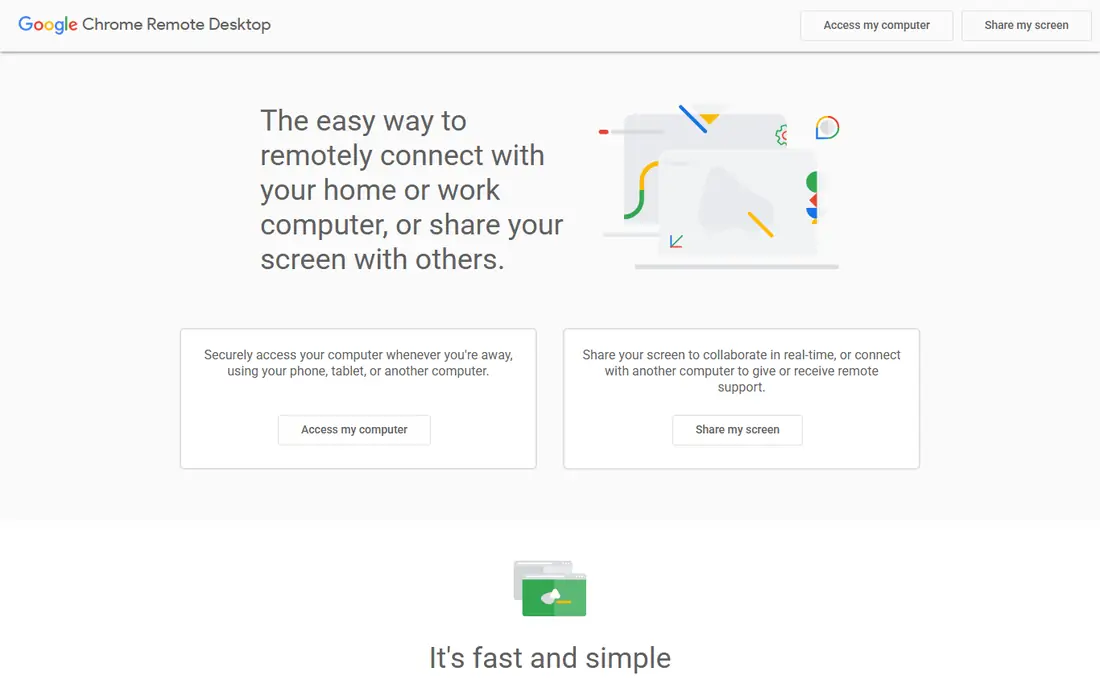
Chrome Remote Desktop is the simplest free alternative for personal use. Install it from the browser, link a computer to your Google account, and connect from another device. There is no subscription, no licence key to manage, and setup takes minutes.
It is not a business support tool. You will not get technician queues, session reports or central user management. If you left TeamViewer because you only need to reach your own PC or help a relative, Chrome Remote Desktop solves that job at no cost and with minimal setup.
- Free
- Browser-based
- Very easy setup with a Google account
- No team admin or ticketing tools
- Fewer advanced support features
RemotePC suits users whose main job is reaching their own computers, not supporting a queue of clients. Per-computer pricing can keep costs low for a home office or a small team with fixed machines, and it includes unattended access, file transfer and multi-monitor support. That model differs from per-technician pricing, so compare totals at your real computer count.
Support teams that need deep ticketing and client management will find RemotePC thinner than ScreenConnect or Zoho Assist. For personal and small-office access, it is a practical, budget-friendly alternative to TeamViewer.
- Per-computer pricing can be cheap
- Unattended access
- Session recording on some plans
- Support workflows thinner than help desk tools
- Plan pricing varies
Zoho Assist is a strong budget alternative for small support teams, especially those already in the Zoho ecosystem. Its free plan covers limited technicians and unattended computers, which is enough to test the workflow or support a small group. Paid plans add sessions, custom branding and help desk integrations.
The interface is functional rather than polished, and it lacks TeamViewer brand recognition in large firms. For a small team that wants dependable remote support at a fair price, those points matter little, and the free tier makes switching low risk.
- Usable free plan
- Unattended access
- Zoho app integrations
- Interface feels utilitarian
- Advanced features need higher plans
ConnectWise ScreenConnect is the professional-grade alternative for IT providers and help desks. It offers unattended access, session grouping, custom branding and integrations with ticketing and automation tools. Managed service providers use it to support many clients from one console, with controls TeamViewer users will recognise.
For a single user, it is too much tool and too much setup. For a support business, that depth is the point, and it can replace both remote access and parts of a ticketing workflow. Compare technician counts and session limits carefully, since those drive the real cost.
- Built for technicians and providers
- Strong session management
- Many integrations
- Steeper setup
- Overkill for personal access
RustDesk is the alternative for teams that want control over their remote access infrastructure. Its core client is open source, and you can self-host the relay server instead of relying on a vendor cloud. That appeals to privacy-focused teams, schools and firms with strict data rules.
Self-hosting is not free in effort. You need a server, updates, backups and security hardening, or you can pay for RustDesk Pro hosted features. If you have IT skills and value independence, RustDesk is a compelling switch. If you want a managed service with support, a commercial tool will be easier.
- Open source
- Self-hosting option
- No vendor lock-in for the core client
- Self-hosting needs technical setup
- Paid Pro adds hosted features
RealVNC Connect offers a quiet, security-focused alternative to TeamViewer. It is lightweight, supports encrypted connections, and works well for a small number of computers without a heavy console. Home users and small teams who want dependable access without enterprise complexity often like it.
It does not try to match TeamViewer on large-team collaboration or help desk workflows. If your priority is secure access to your own machines or a handful of client PCs at a modest price, RealVNC Connect is a solid, low-drama choice.
- Lightweight
- Strong encryption options
- Simple device access
- Fewer collaboration features
- Team features need higher plans
How we picked these
We compared official pricing pages, feature pages and public reviews for remote access tools, focusing on price, free plans, unattended access, security and team admin features. We favoured tools still available in 2026, with clear pricing or a free plan or trial, and with a real remote control function. We did not claim hands-on testing, and prices change, so check the vendor site before you buy.
Why people leave TeamViewer
Price is the most common reason, especially for small teams and freelancers who do not need enterprise features. Licence flags on personal plans are another reason, since commercial-looking use can trigger restrictions. Others leave for simpler pricing, self-hosting, or a tool that fits a specific workflow such as MSP support or creative remote work.
Checking licence and session limits
Before you switch, count technicians, computers and simultaneous sessions, since vendors price those differently. A tool that looks cheap for one technician can become costly for five, and a per-computer plan can become costly for many machines. Test unattended access, file transfer and mobile access during a trial, since those features decide daily usability.
Security steps for any switch
Use strong, unique passwords, turn on two-factor authentication, and limit unattended access to machines you control. Remove old devices and former staff from your account, and review session history where it is available. Never share access codes with unsolicited callers, since remote access scams depend on that mistake.
Sources
Frequently asked questions
What is the best free alternative to TeamViewer?
Chrome Remote Desktop is best for free personal access to your own computers, and RustDesk offers a free open source option with self-hosting. AnyDesk and TeamViewer rivals also offer free personal plans, but those plans do not cover commercial use. For business support, a paid plan is the safe choice.
Is AnyDesk better than TeamViewer?
AnyDesk is often faster and lighter, and cheaper for small teams, while TeamViewer offers broader enterprise admin and recognition in large firms. The better choice depends on team size, compliance needs and budget. Try both on your real network before you commit to a year.
Can I self-host a TeamViewer alternative?
Yes, RustDesk supports self-hosting, and some other open source tools offer similar options. Self-hosting gives you control over data and relay servers, but it needs server setup, updates and security work. Managed commercial tools remove that burden for a monthly fee.
Do I need to uninstall TeamViewer to switch?
No, you can run a new tool alongside TeamViewer during a trial, then remove TeamViewer once the new tool works for all your machines. Remove unattended access and old devices from TeamViewer when you finish, so no old access path remains open.
Are TeamViewer alternatives safe?
Reputable alternatives use encryption and authentication, and safety depends largely on your settings. Use two-factor authentication, strong passwords and limited unattended access, and download only from the vendor official site. Be wary of any caller who asks you to install remote software urgently.