Top PDF Summary Software in 2026: 8 Tools Compared
By ToolNimba Editorial Team November 1, 2026 8 min read

- Top pick
 QuillBot Summarizer
Short summaries with editing tools
Starting price$8.33 per monthCheck out QuillBot SummarizerRead our review - Runner-up
 ChatPDF
Chat with research PDFs
Starting priceSee websiteCheck out ChatPDFRead our review - Also great
 Scholarcy
Academic paper summaries
Starting priceSee websiteCheck out ScholarcyRead our review
How we researched this
We compared official pricing and feature pages, app store listings, privacy policies and public user reviews. Prices change, so check the provider's site before you pay.
Key takeaways
- The best PDF summarizers handle long documents in one pass and let users ask follow-up questions about the text.
- QuillBot and Scholarcy suit short and academic summaries, while ChatPDF-style chat tools suit research papers.
- Free tiers often limit input length, so check word and page limits before relying on a tool for a thesis or report.
- Always verify key facts against the original PDF, since summaries can miss nuance or flatten an argument.
Quick comparison
| Name | Best for | Starting price | Free plan | |
|---|---|---|---|---|
| QuillBot Summarizer | Short summaries with editing tools | $8.33 per month | Yes | Visit |
| ChatPDF | Chat with research PDFs | See website | Yes | Visit |
| Scholarcy | Academic paper summaries | See website | Yes | Visit |
 SciSpace | Research papers with citations | See website | Yes | Visit |
 NoteGPT | Study summaries and notes | See website | Yes | Visit |
 SMMRY | Fast free text summaries | Free | Yes | Visit |
 Resoomer | Simple free summaries | Free | Yes | Visit |
 Adobe Acrobat AI Assistant | Summaries inside Acrobat | See website | Free trial | Visit |
The best PDF summary software
A good PDF summarizer does more than shorten text. It should keep the main argument, flag key findings, and let you check claims against the source. The tools below cover students, researchers, and professionals, with different strengths for long papers, reports, and everyday documents. We compared official feature and pricing pages, plus independent summarizer roundups.
QuillBot is a solid everyday pick because summarization sits inside a wider writing toolkit. Users can paste text or upload a document, choose paragraph or bullet output, and adjust length with a slider. The paraphraser, grammar checker, and citation generator then help turn a summary into usable notes.
The free limit is the main catch. At 1,200 words per input on the free plan, a full journal paper will not fit in one pass. Paid plans raise that to 6,000 words, which still means very long reports need chunking and careful checking.
- Paragraph and bullet modes
- Length slider
- Paraphraser and citation tools included
- Free tier limits input to 1,200 words
- Long papers need splitting
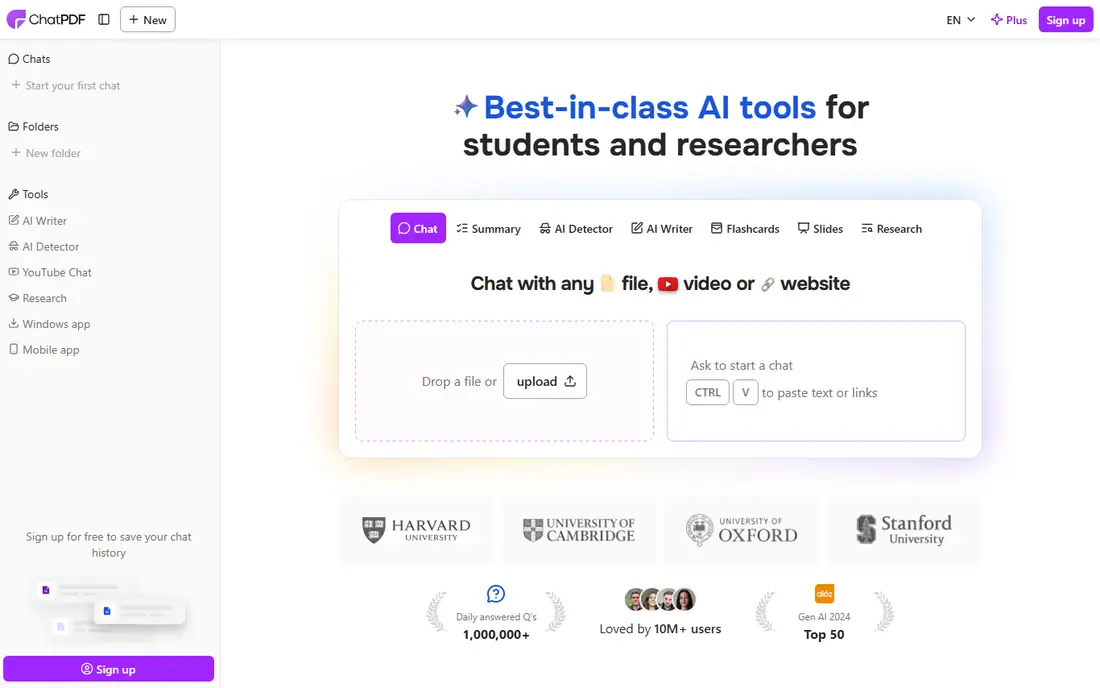
ChatPDF changed how many people read papers, because it turns a static PDF into a conversation. Upload a paper, get a summary, then ask where a claim appears or what a method section means. Page references help users verify answers instead of trusting them blindly.
It works best on well-structured text PDFs. Scanned pages, complex tables, and dense math can reduce accuracy, so users should check critical numbers in the original. For skimming many papers quickly, it remains one of the most practical tools here.
- Ask questions about a PDF
- Page citations
- Multi-document chat on paid plans
- Summary quality varies by document
- Free limits are tight for heavy use
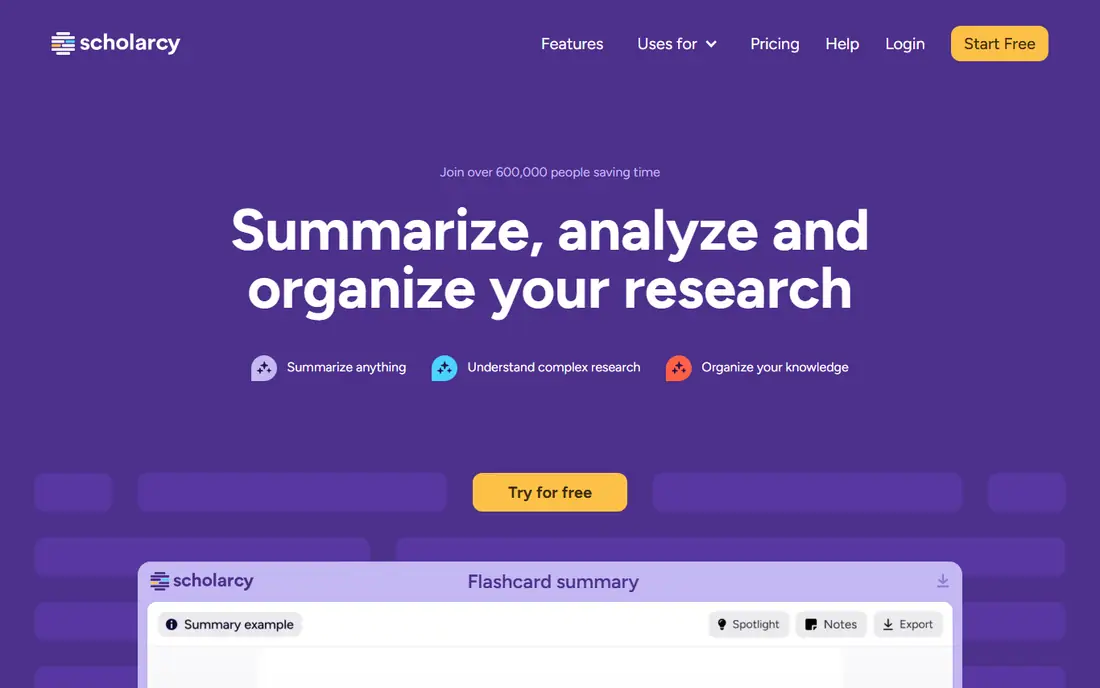
Scholarcy is built for research reading. It breaks papers into sections, extracts key points, figures, and references, and builds summary flashcards that suit revision and literature reviews. That structure helps more than a plain paragraph summary when a user needs to compare methods across papers.
For business reports or legal documents, the academic structure is less useful. Students and researchers will get the most value, especially when working through a reading list rather than a single document.
- Structured flashcards from papers
- Extracts key findings and methods
- Reference handling
- Less suited to non-academic PDFs
- Pricing varies by plan
SciSpace, formerly Typeset, helps readers who find academic language dense. It summarizes papers, explains sections in simpler terms, and links claims to sources where available. Its literature search also helps users find related papers without leaving the tool.
As with all AI summaries, plain-language explanations can smooth over nuance. Use SciSpace to get oriented, then read the abstract, results, and limitations in the original before citing a paper in your own work.
- Explains papers in plain language
- Citation tools
- Literature search included
- Paid features gate deeper analysis
- Some explanations need verification
NoteGPT suits students who want a summary and a study set from the same upload. It generates summaries, notes, and related study aids, which reduces switching between tools during exam prep. Support for PDFs and other content types also helps when course material comes in mixed formats.
Because it is newer than some rivals, users should test it on their own documents before relying on it for a major assignment. Check export options too, since notes locked inside one app are less useful over a full course.
- Summaries plus notes and flashcards
- Handles PDFs and other formats
- Study workflow
- Newer tool with a smaller track record
- Limits vary by plan
SMMRY is the no-frills option. Paste text or a URL, set how many sentences you want, and get a condensed version in seconds. It uses extractive summarization, which pulls key sentences rather than rewriting, so the output stays close to the original wording.
That simplicity is also its limit. There is no chat, no question answering, and no academic extraction. For a quick skim of an article, it is enough. For research, pair it with a deeper tool.
- Free
- Fast
- Simple controls for summary length
- Basic extractive summaries
- No chat or citation features
Resoomer offers a clean, free way to summarize documents and web pages without a complex setup. It is popular with students for short assignments and reading prep, and its interface stays out of the way. That low friction matters when the goal is simply to grasp a document faster.
Advanced features, such as deeper analysis and document handling, sit behind paid options, and output quality is basic compared with AI chat tools. Treat it as a first-pass summarizer, not a research assistant.
- Free tier
- Easy to use
- Handles documents and web text
- Basic features
- Paid tiers add the most useful options
Adobe Acrobat AI Assistant suits professionals who already live in Acrobat. Instead of uploading files to another service, users can summarize, ask questions, and get cited answers inside the PDF reader they already use for contracts, reports, and forms. That keeps sensitive documents in one workflow.
Cost is the barrier. The AI Assistant is an add-on to Acrobat, so casual users who only summarize occasionally will find cheaper standalone tools. For teams already paying for Acrobat, the convenience can justify it.
- Works inside Acrobat
- Summaries with citations
- Question answering on documents
- Requires Acrobat subscription add-on
- Cost adds up for casual users
How we picked these
We compared official feature and pricing pages, plus independent summarizer roundups from 2026. We kept tools that accept PDFs, produce usable summaries, and are available in October 2026. We left out general chatbots with no document workflow, except where a chatbot is commonly used as a PDF tool, and we favored tools with clear free or trial access.
What to check before you buy
Input limits decide real usefulness. A tool that caps at 1,200 words will frustrate anyone summarizing a 30-page report. Check page, word, and file-size limits, plus how many documents a plan allows per month, before paying.
Check accuracy on your documents
Run the same paper through two tools and compare. Look for dropped caveats, wrong numbers, and flattened arguments. A summary that sounds smooth but changes a finding is worse than a rough summary that stays faithful.
Think about privacy
Research drafts, contracts, and medical documents may be sensitive. Check whether uploads are used for training, how long files are kept, and whether a business plan offers stronger controls. For sensitive work, prefer tools with clear data policies.
Keep the original close
Use summaries for triage and orientation, then read key sections yourself before quoting, citing, or deciding. That habit protects against the most common summarizer failure: confident simplification.
For a long report, summarize section by section and keep a short note of the source page for each key claim. That habit makes it easy to trace a summary back to the original when a colleague asks where a number came from. It also shows where a tool skipped a caveat, such as a small sample size or a limitation noted only in a footnote.
If a summary will be shared with a team, add a one-line note about what the tool did and did not cover. For example, note whether it summarized the full document or only the first pages, and whether tables were included. That transparency helps colleagues judge how much to trust the summary and where to read further, and it avoids the common mistake of treating a partial summary as a full review of a paper or report.
Sources
- https://quillbot.com
- https://www.chatpdf.com
- https://www.scholarcy.com
- https://scispace.com
- https://notegpt.io
- https://smmry.com
- https://resoomer.com
- https://www.adobe.com/acrobat.html
- https://cybernews.com/ai-tools/best-ai-summarizer/
- https://pctechmag.com/2026/09/best-ai-summarizer-for-students-and-researchers-in-2026-7-tools-that-actually-understand-papers/