Typeform Alternatives in 2026: 8 Options Compared
By ToolNimba Editorial Team November 9, 2026 11 min read

- Top pick
 Tally
Best free overall form builder
Starting priceFreeCheck out TallyRead our review - Runner-up
 Google Forms
Free surveys in Google Workspace
Starting priceFreeCheck out Google FormsRead our review - Also great
 Jotform
Templates and complex workflows
Starting price$39 per monthCheck out JotformRead our review
How we researched this
We compared official pricing and feature pages, app store listings, privacy policies and public user reviews. Prices change, so check the provider's site before you pay.
Key takeaways
- Tally and Google Forms offer the most generous free plans, with unlimited forms and responses on their free tiers.
- Jotform and Fillout suit teams that need templates, logic and integrations, while Paperform suits design led landing page forms.
- SurveyMonkey suits research surveys with stronger analysis, while Microsoft Forms suits teams already on Microsoft 365.
- Free Typeform alternatives often beat Typeform on response limits, but check branding, uploads and payment limits before you switch.
Quick comparison
| Name | Best for | Starting price | Free plan | |
|---|---|---|---|---|
| Tally | Best free overall form builder | Free | Yes | Visit |
| Google Forms | Free surveys in Google Workspace | Free | Yes | Visit |
| Jotform | Templates and complex workflows | $39 per month | Yes | Visit |
 Fillout | Integrations with Notion and Airtable | $19 per month | Yes | Visit |
 Paperform | Design led landing page forms | $29 per month | Free trial | Visit |
 SurveyMonkey | Research surveys and analysis | $39 per month | Yes | Visit |
 Microsoft Forms | Microsoft 365 teams | Free | Yes | Visit |
 Youform | Typeform look on a budget | $20 per month | Yes | Visit |
The best Typeform alternatives
We compared official feature pages, pricing pages and public reviews for form builders that can replace Typeform. The list below includes free builders, template rich builders and research survey tools, so you can pick by response volume, design needs and whether you need payments, logic or integrations.
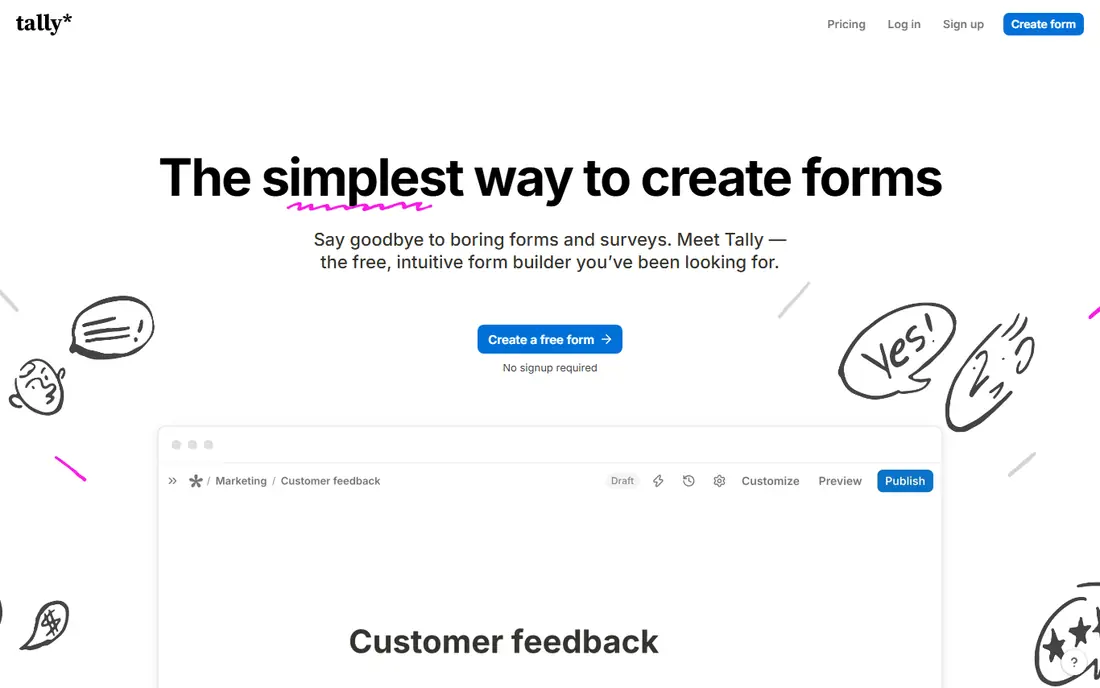
If teams that want a generous free plan is the main job, Tally deserves a close look. It offers unlimited forms and responses with conditional logic, file uploads and Stripe payments on its free plan. That approach suits teams that repeat the same task each week and want fewer manual steps.
In day to day use, Tally works best for teams that want a generous free plan. Free forms with logic and payments is the reason most buyers pick it over a generic editor or a manual process. The value shows up when you repeat the same job often, because saved settings and templates cut repeat work and keep output consistent.
The catch is design led brands may want more visual control. That limit does not rule it out, but it does mean you should test it on a real job before you pay. Check the free plan or trial where one is offered, try a sample that matches your real work, and compare it with one rival before you commit.
- Unlimited forms and responses free
- Logic and payments included
- Simple editor
- Branding removal needs a paid plan
- Design options are simpler than Paperform
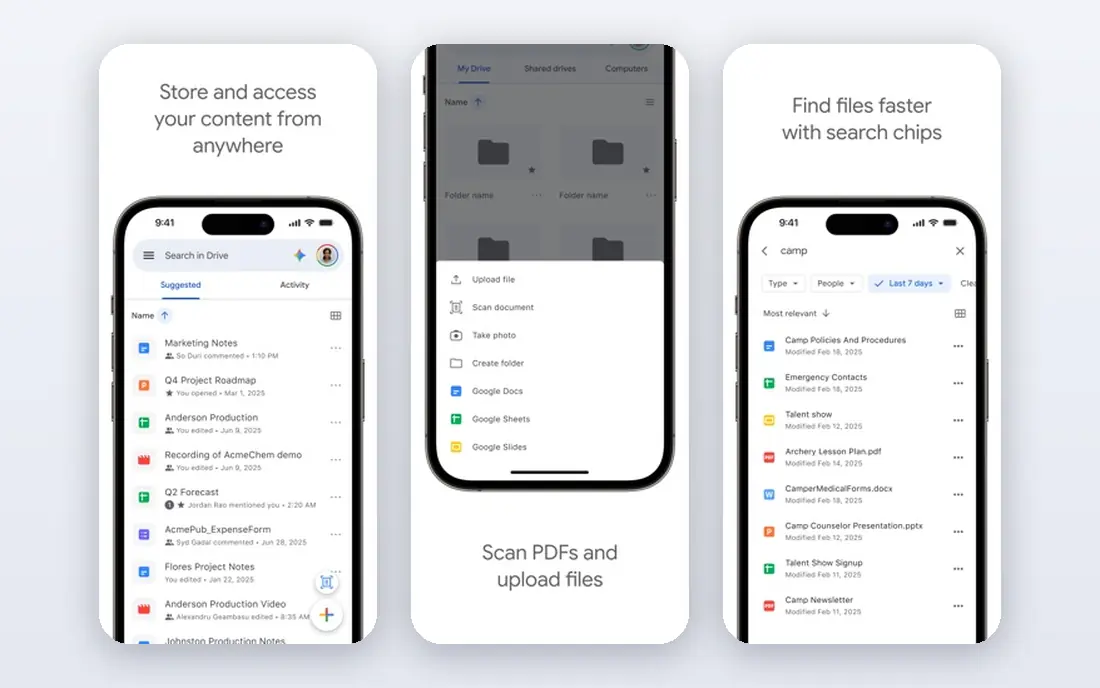
Google Forms stands out for free simple surveys with Sheets sync. It is free with a Google account, syncs responses to Sheets, and supports quizzes and section branching for schools and teams. It also helps when one person handles design, copy and publishing, because less switching is needed.
In day to day use, Google Forms works best for Google Workspace users and simple surveys. Free simple surveys with sheets sync is the reason most buyers pick it over a generic editor or a manual process. The value shows up when you repeat the same job often, because saved settings and templates cut repeat work and keep output consistent.
The catch is branded or payment forms need another tool. That limit does not rule it out, but it does mean you should test it on a real job before you pay. Check the free plan or trial where one is offered, try a sample that matches your real work, and compare it with one rival before you commit.
- Unlimited forms and responses
- Sheets sync
- Quizzes and branching
- Design and branding are basic
- No payments
- Uploads need Google sign in
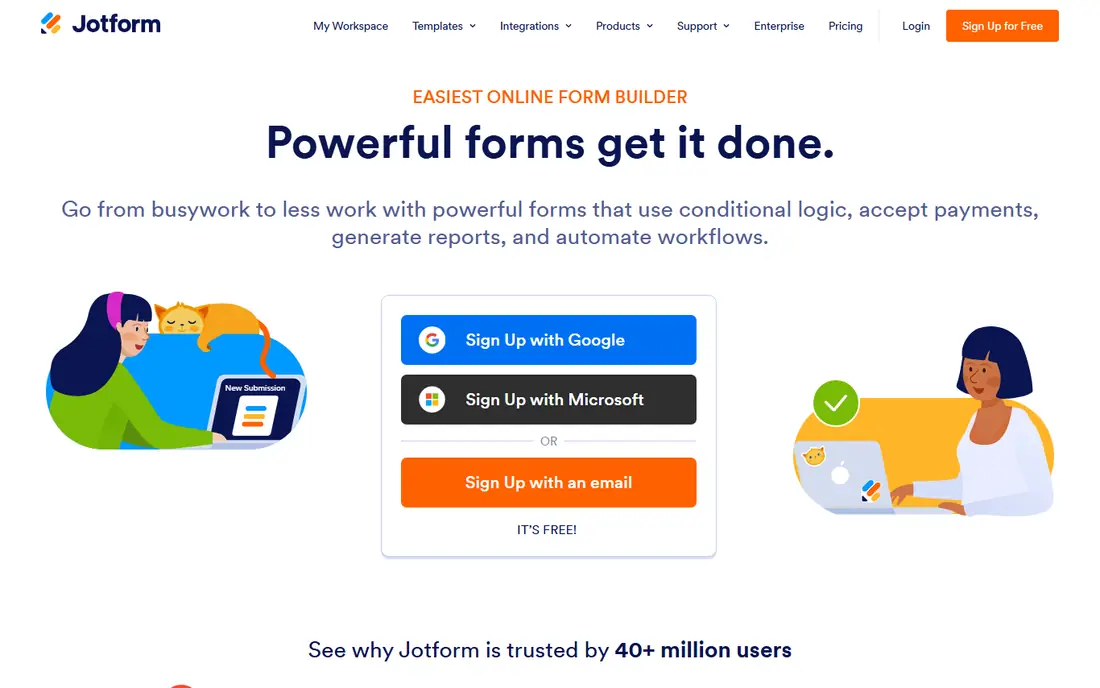
Teams that want template rich forms with workflows without a long setup often land on Jotform. It offers thousands of templates, conditional logic, payment gateways and approval workflows for complex forms. The benefit is clearest on a tight deadline, when a usable first draft beats a blank page.
In day to day use, Jotform works best for teams that need templates and workflows. Template rich forms with workflows is the reason most buyers pick it over a generic editor or a manual process. The value shows up when you repeat the same job often, because saved settings and templates cut repeat work and keep output consistent.
The catch is high volume free use needs a paid plan. That limit does not rule it out, but it does mean you should test it on a real job before you pay. Check the free plan or trial where one is offered, try a sample that matches your real work, and compare it with one rival before you commit.
- Huge template library
- Logic, payments and approvals
- Many integrations
- Free plan allows only 5 forms and 100 responses per month
- Paid plans are pricier
For teams that run workflows in Notion or Airtable, Fillout offers a practical mix of speed and control. It connects forms directly to Notion, Airtable, HubSpot and other tools, with logic and a conversational layout option. For small teams, that kind of focus keeps costs down and keeps the work moving.
In day to day use, Fillout works best for teams that run workflows in Notion or Airtable. Forms linked to notion and airtable is the reason most buyers pick it over a generic editor or a manual process. The value shows up when you repeat the same job often, because saved settings and templates cut repeat work and keep output consistent.
The catch is template heavy users may prefer Jotform. That limit does not rule it out, but it does mean you should test it on a real job before you pay. Check the free plan or trial where one is offered, try a sample that matches your real work, and compare it with one rival before you commit.
- 1,000 free responses per month
- Notion, Airtable and CRM integrations
- Logic included
- Free plan branding and storage limits apply
- Smaller template range than Jotform
Paperform is a good fit when brands that value design and landing pages matters more than having every extra feature. It lets you mix text, images and form fields on one page, which suits branded signup, booking and order forms. It works well as a starting point, and you can refine the result by hand where it matters most.
In day to day use, Paperform works best for brands that value design and landing pages. Branded forms that look like landing pages is the reason most buyers pick it over a generic editor or a manual process. The value shows up when you repeat the same job often, because saved settings and templates cut repeat work and keep output consistent.
The catch is high volume free surveys need another builder. That limit does not rule it out, but it does mean you should test it on a real job before you pay. Check the free plan or trial where one is offered, try a sample that matches your real work, and compare it with one rival before you commit.
- Strong design control
- Landing page style forms
- Payments with no commission on some plans
- Free plan is limited to a trial style tier
- Price rises for higher volume
Start with SurveyMonkey if research teams that need analysis depth is your priority and you want a result quickly. It focuses on survey design, analysis and reporting, with question types and benchmarks for research teams. That balance is useful when quality matters but you cannot wait days for each new version.
In day to day use, SurveyMonkey works best for research teams that need analysis depth. Research grade surveys is the reason most buyers pick it over a generic editor or a manual process. The value shows up when you repeat the same job often, because saved settings and templates cut repeat work and keep output consistent.
The catch is simple contact forms are overbuilt here. That limit does not rule it out, but it does mean you should test it on a real job before you pay. Check the free plan or trial where one is offered, try a sample that matches your real work, and compare it with one rival before you commit.
- Strong survey analysis
- Question bank
- Benchmarking and reporting tools
- Free plan limits questions and responses
- Logic needs a paid plan
What sets Microsoft Forms apart is simple forms inside Microsoft 365, paired with a workflow that stays simple. It offers quick forms, quizzes and polls inside Microsoft 365, with results in Excel for work and school accounts. It keeps the core job in one place, which makes training a new team member simpler.
In day to day use, Microsoft Forms works best for Microsoft 365 schools and offices. Simple forms inside microsoft 365 is the reason most buyers pick it over a generic editor or a manual process. The value shows up when you repeat the same job often, because saved settings and templates cut repeat work and keep output consistent.
The catch is external branded forms need a fuller builder. That limit does not rule it out, but it does mean you should test it on a real job before you pay. Check the free plan or trial where one is offered, try a sample that matches your real work, and compare it with one rival before you commit.
- Free with a Microsoft account
- Branching
- Excel sync for work accounts
- Public respondent features are limited
- Design and payments are basic
When budget and speed both matter, Youform is worth testing for teams that want Typeform style on a budget. It mimics the one question at a time style of Typeform, with unlimited responses, logic and file uploads on its free plan. That simplicity is the point, and it is why many smaller teams prefer it to a larger suite.
In day to day use, Youform works best for teams that want Typeform style on a budget. Conversational forms at a lower price is the reason most buyers pick it over a generic editor or a manual process. The value shows up when you repeat the same job often, because saved settings and templates cut repeat work and keep output consistent.
The catch is complex enterprise workflows may need more depth. That limit does not rule it out, but it does mean you should test it on a real job before you pay. Check the free plan or trial where one is offered, try a sample that matches your real work, and compare it with one rival before you commit.
- Unlimited responses on free plan
- Conversational layout
- Logic and uploads
- Smaller integration range than Jotform
- Branding removal needs a paid plan
How we picked these
We compared official feature pages, pricing pages and public reviews for each builder, and we kept only builders that offer online forms in October 2026. We checked free response limits, form counts, logic, payments, uploads, branding and integrations. We did not claim hands-on testing that did not happen. Prices below are starting prices from vendor pricing pages or, where a price could not be verified, marked as See website.
How to choose a Typeform alternative
Start with response limits, not design
A beautiful form is useless if you hit the response cap mid campaign. Check monthly responses, form counts, upload storage and whether branding removal needs a paid plan. Tally and Google Forms are strong for high volume free use, while Jotform and Fillout suit teams that need more templates and integrations and can pay for volume.
Check logic, payments and integrations
Conditional logic, calculations, payments and integrations decide whether a form fits real work. Check whether logic is free or paid, whether Stripe payments work on your plan, and whether responses sync to Sheets, Notion, Airtable or your CRM. A form that collects data but needs manual copying will cost more time than it saves.
Test the respondent experience
Build a short test form and complete it on a phone, because most respondents use mobile. Check loading speed, question flow, error messages and completion on a slow connection. One question at a time suits short surveys, while a classic multi question layout suits longer applications, so pick the flow that matches your form length.
Sources
Frequently asked questions
What are the best Typeform alternatives?
Tally, Google Forms, Jotform, Fillout, Paperform, SurveyMonkey, Microsoft Forms and Youform are the strongest options. Tally and Google Forms lead on free value, Jotform leads on templates, Fillout leads on integrations, and SurveyMonkey leads on research analysis. Pick by response volume and workflow needs.
What are the best free alternatives to Typeform?
Tally and Google Forms are the best free alternatives to Typeform because they offer unlimited forms and responses on free plans. Fillout is also strong with 1,000 free responses per month, while Jotform offers 5 forms and 100 responses per month free. Check upload and branding limits on each free plan.
Is there a free Typeform alternative with unlimited responses?
Yes, Tally and Google Forms both offer unlimited forms and responses on free plans, subject to fair use and storage rules. Tally also includes logic and payments on its free plan, while Google Forms suits simple surveys inside Google Workspace. For branded forms, a paid plan may still be needed.
Which Typeform alternative looks most like Typeform?
Youform and Fillout offer a conversational, one question at a time layout closest to Typeform, while Jotform offers a card layout option. Tally uses page breaks rather than a true one question flow, so test the respondent view before you choose if that style matters most.
Can I collect payments with a Typeform alternative?
Yes, Tally, Jotform, Fillout and Paperform support payments, usually through Stripe, but free plan payment counts and branding rules vary. Check transaction fees, payment limits and whether a paid plan is needed for your volume. For simple order forms, a payment enabled builder can replace a separate checkout page.