Best Banner Design Apps in 2026: 9 Apps Compared
By ToolNimba Editorial Team November 10, 2026 11 min read

- Top pick
 Canva
Most banner projects
Starting priceFreeCheck out CanvaRead our review - Runner-up
 Adobe Express
Polished banners in the Adobe ecosystem
Starting priceFreeCheck out Adobe ExpressRead our review - Also great
 VistaCreate
Animated banners on a budget
Starting priceFreeCheck out VistaCreateRead our review
How we researched this
We compared official pricing and feature pages, app store listings, privacy policies and public user reviews. Prices change, so check the provider's site before you pay.
Key takeaways
- Canva is our pick for most people because it covers web banners, social headers, and ad sizes in one free-to-start editor.
- Adobe Express is the best choice for teams already using Adobe fonts and assets, with stronger brand controls than most free editors.
- Display advertisers with many sizes should shortlist The Brief and Bannerbear, since resizing and automation save more time than templates alone.
- Free plans are genuinely useful for one-off banners, but background removal, brand kits, and premium stock usually sit behind paid plans.
- Always export at the exact size your platform requires, and keep key text away from edges that may be cropped on mobile.
Quick comparison
| Name | Best for | Starting price | Free plan | |
|---|---|---|---|---|
| Canva | Most banner projects | Free | Yes | Visit |
| Adobe Express | Polished banners in the Adobe ecosystem | Free | Yes | Visit |
| VistaCreate | Animated banners on a budget | Free | Yes | Visit |
 Snappa | Fast, simple banners | Free | Yes | Visit |
 Stencil | Quick social banners | Free | Yes | Visit |
 Placeit | Template banners and mockups | See website | Yes | Visit |
 The Brief | Display advertising at scale | See website | Free trial | Visit |
 Bannerbear | Automated banner generation | See website | Free trial | Visit |
 AdCreative.ai | AI-generated ad variants | See website | Free trial | Visit |
The best banner design apps
We compared official pricing pages, feature pages, and public reviews for the tools below, focusing on banner templates, exact size presets, animation and HTML5 export, brand controls, and price.
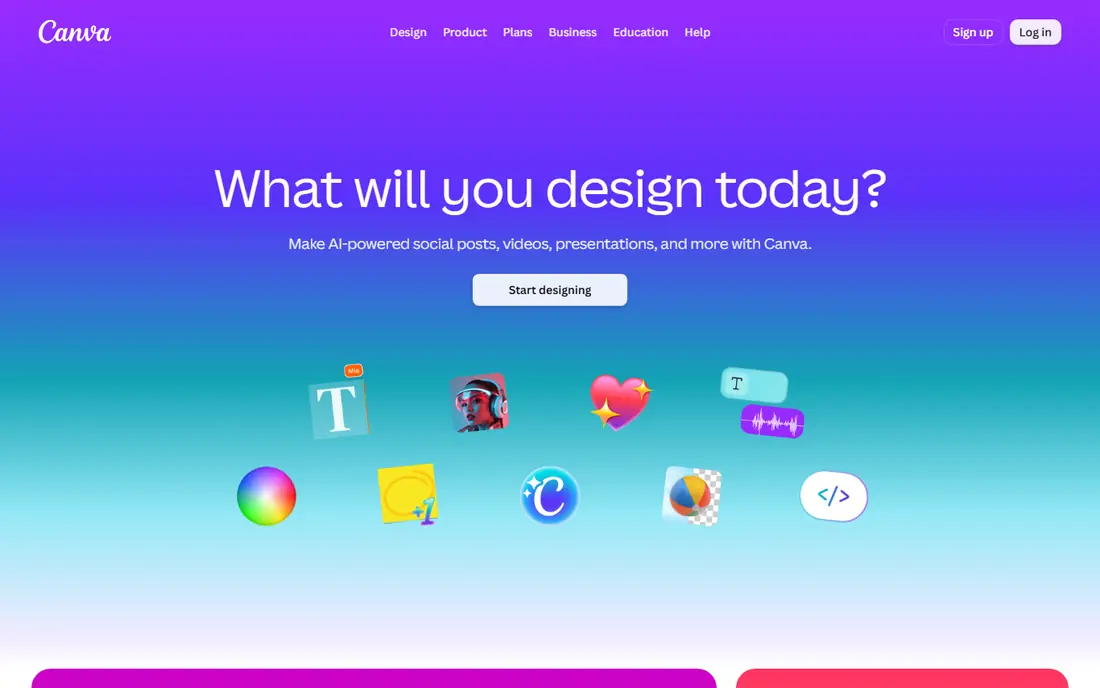
Canva is the default answer to which app is best for banner design, and for good reason. It offers templates for website banners, YouTube headers, social covers, and standard ad sizes, and its drag-and-drop editor needs almost no learning time. A small business owner can make a usable banner in minutes, while a marketer can duplicate it across sizes and platforms. The free plan alone covers many one-off banners.
The paid plan is where Canva gets serious. Pro, listed at $144 per year in the US in recent pricing checks, adds background removal, one-click resize, brand kits, premium stock, and more AI uses. Free users get a limited brand kit and a smaller asset library, and it takes care to avoid premium elements if you want a fully free export. Start free, and upgrade only when resizing or brand control becomes a weekly need.
- Huge template library
- Preset sizes for web, social, and ads
- One-click resize on paid plans
- Best features, including brand kits and background removal, require Pro
- Premium assets are mixed in with free ones
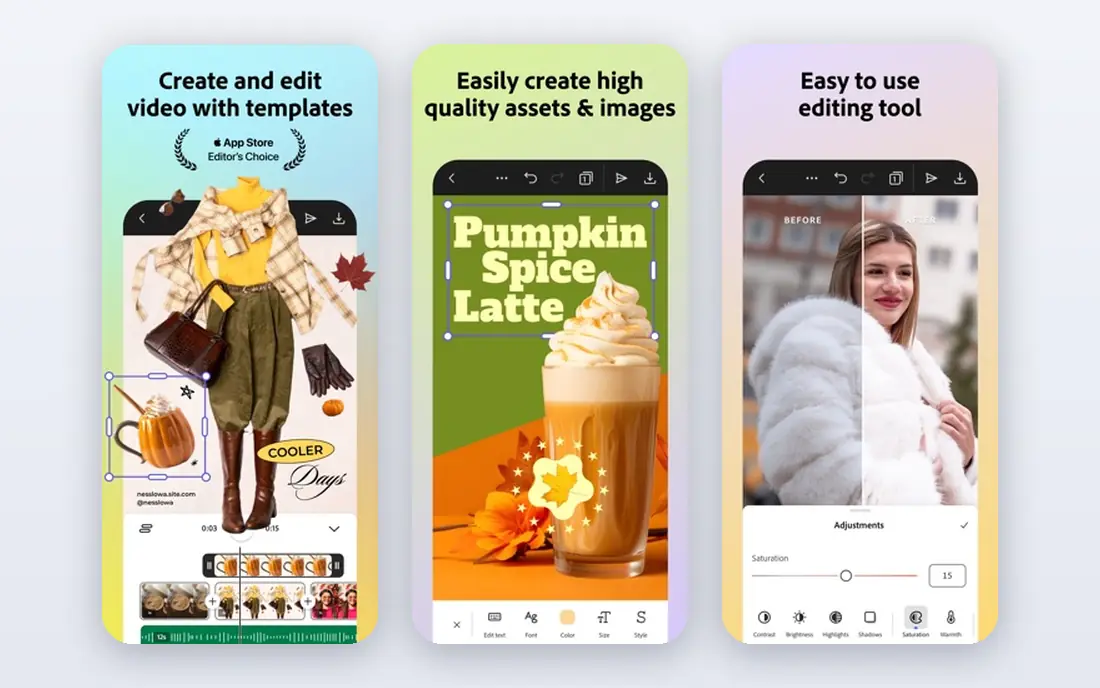
Adobe Express suits people who want banners that look designed rather than assembled. Its templates are polished, its type controls are stronger than most free editors, and its Firefly AI tools can generate backgrounds and text effects. If your team already uses Adobe products, Express fits naturally, since fonts, colors, and assets stay consistent across tools. It also handles quick resizing for common social and ad formats.
It is not a Photoshop replacement. Detailed photo editing, complex layer work, and precise print control still belong in Photoshop or Illustrator. Express also keeps its best brand and AI features behind a premium plan. For a polished banner made fast, though, Express is the strongest rival to Canva, and the choice often comes down to which ecosystem you already use.
- Strong typography and Adobe Fonts access
- Firefly AI generation
- Brand controls for teams
- Less fine control than Photoshop
- Premium plan needed for full brand and AI features
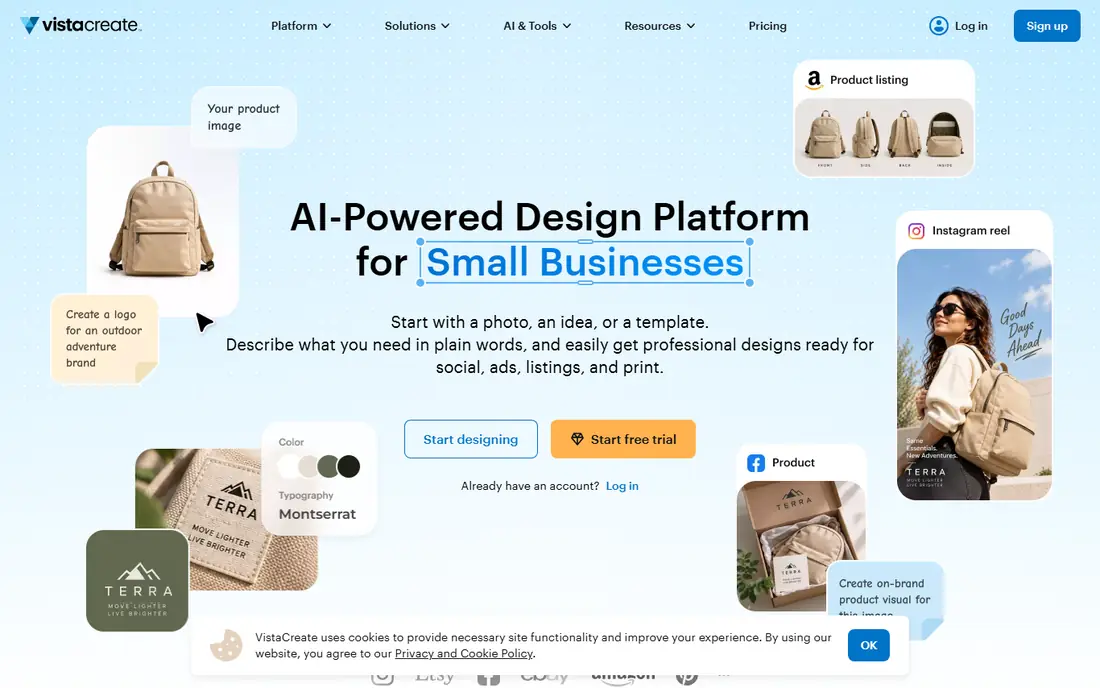
VistaCreate, formerly Crello, is a good pick when your banner needs motion. It offers animated templates that work well for social headers, display ads, and short promo banners, plus a large library of static templates. The editor is simple, the free plan is usable, and the learning curve is low. For a shop, event, or creator who wants movement without learning video software, VistaCreate hits a useful middle ground.
It does not match Canva or Adobe Express on team brand controls or asset depth. If you manage a brand across many people and channels, you may outgrow it. For solo creators and small teams making animated banners week to week, it remains a strong, low-cost option.
- Animated templates and video-style banners
- Large template library
- Free plan covers many projects
- Smaller brand and team feature set than Canva
- Some premium assets require payment
Snappa is built for speed. Pick a size, pick a template or a stock photo, change the text, and export. That focus makes it ideal for blog headers, social banners, and simple promo graphics when you do not want to browse thousands of templates. The free plan is enough for occasional use, and the paid plan removes download limits and adds more features.
The trade-off is depth. Snappa does not offer the huge template library, animation range, or brand system of the bigger editors. If you make banners daily or need strict brand control, Canva or Adobe Express will serve you better. If you make a banner now and then and value speed above all, Snappa is hard to beat.
- Very fast editor
- Preset sizes for social and ads
- Free stock photos included
- Template range is narrower than Canva
- Free plan limits monthly downloads
Stencil keeps banner design deliberately simple. Its editor loads fast, its stock photos and icons are built in, and its preset sizes cover the social banners most people actually make. That makes it a good choice for bloggers, small shops, and social managers who need a header or promo image without opening a heavy design suite. The free plan lets you test the workflow before paying.
Stencil is not the tool for complex ads or animated campaigns. Its template range is smaller, and it lacks the automation and HTML5 export that display advertisers need. Judge it on speed and simplicity. If those matter most, Stencil earns its place. If you need scale, look at the display-focused tools further down this list.
- Fast, lightweight editor
- Built-in stock photos and icons
- Preset social sizes
- Fewer templates than larger rivals
- Limited animation and advanced design tools
Placeit, by Envato, is useful when you want a banner that already looks finished. Its templates cover gaming, product, event, and social banners, and its mockup tools place your design into realistic scenes. Editing is simple: change text, colors, and images, then download. For a streamer, seller, or event organizer who needs a strong header fast, Placeit saves a lot of design time.
Placeit is more template shop than open-ended editor. You work within its designs rather than building from a blank canvas, and download and subscription terms should be checked on the site before you plan a campaign around it. If you like its style and your banner fits a template, it is a fast route to a polished result.
- Large template and mockup library
- Easy text and color changes
- Good for product and gaming banners
- Pricing and download rules need checking before use
- Less of a full design editor than Canva
The Brief, formerly Creatopy, is the pick for marketers who produce display ads in volume. Instead of designing one banner at a time, you design a master creative and resize it across standard ad sizes, including 300x250, 728x90, 300x600, and 160x600. It supports HTML5 and video ads, brand controls, and team workflows, which matter when dozens of variants go live across networks. For a media buyer or ad team, that production system is the whole point.
Casual users will find it heavier than Canva or Snappa. Setup takes longer, and pricing reflects a professional tool rather than a free editor. If you make one banner a month, skip it. If you make banners every week for paid campaigns, The Brief can save more time than any template library.
- Built for display ads
- Auto-resizing across ad sizes
- HTML5 and video ad export
- More complex than a simple banner editor
- Pricing is aimed at teams, not casual users
Bannerbear serves a different buyer from the rest of this list. It is an automation tool: you design a template once, then generate hundreds of banners from data, such as product names, prices, or images fed through an API or a no-code tool. E-commerce stores, listing sites, and marketing teams use it to create personalized or catalog banners without opening an editor for each one. Output stays consistent, which is hard to achieve by hand at scale.
It is not a tool for designing a single banner from scratch. You need a solid template first, and the value only appears when volume is high. Pricing is usage-based, so check the current plans and included generations before committing. For automated banner production, though, few tools match it.
- Generates banners automatically from templates and data
- API and no-code integrations
- Consistent output at scale
- Requires good templates set up first
- Not a freeform design editor
AdCreative.ai fits advertisers who test many banner versions and want data to guide the choice. It generates ad creatives from your brand assets and copy, produces multiple variants, and scores them to suggest which may perform best. That workflow suits performance marketers who run paid social and display campaigns and need fresh creative often. It also covers common ad sizes, so variants are ready for different placements.
Human review still matters. AI variants can look alike, copy can miss the mark, and a score is a prediction, not a result. Use AdCreative.ai to produce options fast, then pick and polish the best ones yourself. If you only need one banner, a standard editor is cheaper and simpler. If you test creative constantly, the volume and scoring justify the subscription.
- Generates many ad variants fast
- Creative scoring to rank options
- Brand assets and templates included
- AI output needs human review
- Results can look similar across variants
- Pricing is subscription-based
How we picked these
We compared official feature pages, pricing pages, and public reviews for each tool. We kept only tools that are live in October 2026 and genuinely make banners, whether for websites, social profiles, or paid display ads. We did not claim hands-on testing we did not do. Instead, we weighed template range, size presets, animation and HTML5 support, brand controls, automation, and price, and we noted where a price could not be verified from the vendor site.
Choosing the right banner app
Start with the job, not the brand name. A one-off social header needs a fast, free editor like Canva, Snappa, or Stencil. A brand banner used across channels needs brand kits and resizing, which points to Canva Pro or Adobe Express. A paid display campaign needs resizing, HTML5 export, or automation, which points to The Brief, Bannerbear, or AdCreative.ai.
Sizes, formats, and brand checks
Before you design, confirm the exact size and format your platform requires, since specs change and cropping varies by device. Keep headlines short, keep key text inside a safe margin, and export a PNG or JPG for static banners and HTML5 or MP4 where animation is required. Save your logo, colors, and fonts in a brand kit if the tool offers one, so the tenth banner matches the first. Finally, preview the banner at phone size, since small text that looks fine on a desktop often fails on mobile.
Sources
- https://www.canva.com/pricing
- https://www.adobe.com/express/pricing
- https://create.vista.com/pricing
- https://snappa.com/pricing
- https://getstencil.com/pricing
- https://placeit.net/pricing
- https://thebrief.com/pricing
- https://www.bannerbear.com/pricing
- https://www.adcreative.ai/pricing
- https://rankite.com/blog/best-banner-design-software
- https://www.guideflow.com/blog/display-ad-design-software
Frequently asked questions
Which app is best for banner design?
For most people, Canva is the best banner design app because it is free to start, offers preset sizes for web, social, and ads, and covers both static and animated banners. Adobe Express is the best alternative if you already use Adobe products and want stronger typography and brand control. Display advertisers should consider The Brief for production at scale.
What is the best banner design software for beginners?
Canva, Snappa, and Stencil are the easiest starting points, with drag-and-drop editors and templates that need little design skill. Canva offers the widest template range, Snappa is the fastest for simple banners, and Stencil is the lightest for social headers. Try the free plan of each, make one real banner in each, and keep the one whose editor feels natural.
What is the best software for banner design for ads?
The Brief is built for display ads, with auto-resizing across standard ad sizes and HTML5 export. Bannerbear suits automated, data-driven ad production, while AdCreative.ai suits teams that test many AI-generated variants. For occasional ads, Canva or Adobe Express are enough, and far cheaper than a specialist ad platform.
Is there a free banner design app?
Yes. Canva, Adobe Express, VistaCreate, Snappa, and Stencil all offer free plans that cover basic banner design. Free plans usually limit premium templates, stock assets, brand kits, and downloads, so check those limits before you start a large project. For a single banner, a free plan is usually enough.
Can I make animated banners without video software?
Yes. VistaCreate and Canva both offer animated templates that export as video or animated files without a separate video editor. The Brief also supports HTML5 and video ads for display campaigns. Keep animation short and simple, since a busy banner can distract from the message and load slowly on mobile.
What size should a website banner be?
It depends on placement. Common display ad sizes include 300x250, 728x90, 300x600, and 160x600, while social headers and website heroes each have their own specs. Always check the current size guide for the platform where the banner will run, and design with key text kept away from edges that may crop on smaller screens.