Which SaaS Tools Have the Best Customer Support in 2026: 8 Tools Compared
By ToolNimba Editorial Team November 1, 2026 8 min read

- Top pick
 Help Scout
Small teams that want friendly support
Starting priceSee websiteCheck out Help ScoutRead our review - Runner-up
 Freshdesk
Budget teams that want fast setup
Starting price$15 per agent per monthCheck out FreshdeskRead our review - Also great
 Zendesk
Large teams that need scale
Starting price$89 per agent per monthCheck out ZendeskRead our review
How we researched this
We compared official pricing and feature pages, app store listings, privacy policies and public user reviews. Prices change, so check the provider's site before you pay.
Key takeaways
- The best-supported SaaS tools offer more than one way to get help, such as live chat, email, phone, and a clear help center.
- Help Scout and Freshdesk stand out for small teams that want fast setup and friendly support without enterprise cost.
- Zendesk and Salesforce Service Cloud suit larger teams that need scale, even though setup takes longer.
- Support quality varies by plan, so check whether 24/7 help and phone support are included at the tier you will actually buy.
Quick comparison
| Name | Best for | Starting price | Free plan | |
|---|---|---|---|---|
| Help Scout | Small teams that want friendly support | See website | Free trial | Visit |
| Freshdesk | Budget teams that want fast setup | $15 per agent per month | Yes | Visit |
| Zendesk | Large teams that need scale | $89 per agent per month | Free trial | Visit |
 Intercom | Product-led teams that prefer chat | $29 per seat per month | Free trial | Visit |
 HubSpot Service Hub | Teams already using HubSpot CRM | See website | Yes | Visit |
 Zoho Desk | Value teams in the Zoho ecosystem | $14 per agent per month | Free trial | Visit |
 Front | Shared inbox teams | See website | Free trial | Visit |
 Gorgias | Ecommerce support teams | $10 per month | Free trial | Visit |
The best SaaS tools with strong customer support
Good customer support from a vendor matters most when something breaks. This list focuses on SaaS support platforms that are widely praised in public reviews for their own help, onboarding, and documentation, not just for the features they sell. We compared official support pages, pricing pages, and public review themes for each tool.
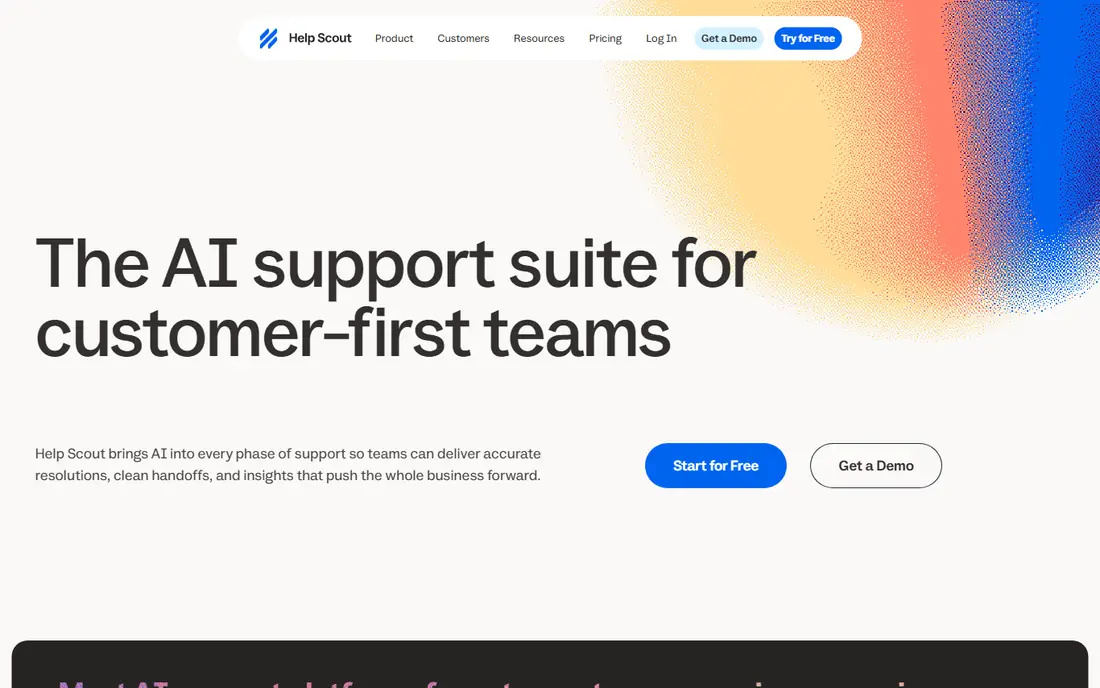
Help Scout is often the first name small teams mention when they talk about vendor support done well. Its own team is known for clear, human replies, and the product reflects that same style, with a simple shared inbox that new agents learn in a day or two. Public reviews repeatedly praise ease of use, which matters because a tool your team avoids will not improve support, however good its feature list looks.
The limit is scale. Very large teams with complex routing, voice queues, and strict compliance needs may outgrow it. For a team of a few to a few dozen agents, that trade is usually worth it.
- Easy to learn
- Shared inbox with a clean design
- Strong help center tools
- Less suited to very large contact centers
- Some advanced automation sits on higher tiers
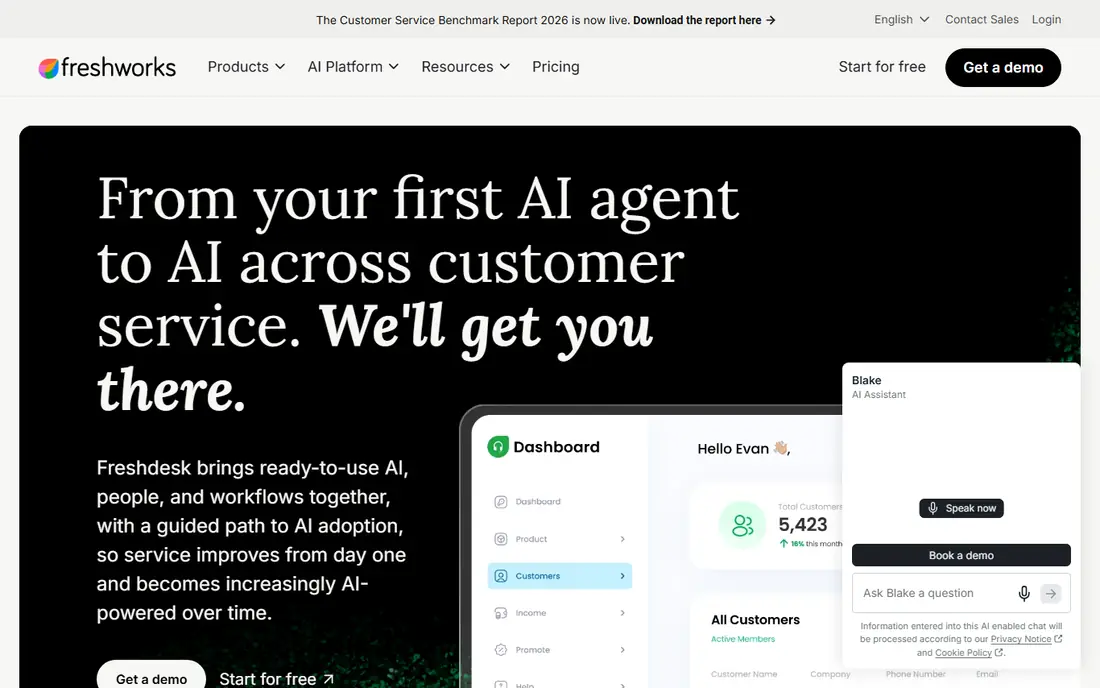
Freshdesk earns its place because it lowers the barrier to good support. A free tier lets tiny teams start with ticketing and a knowledge base, and paid plans add automation, SLAs, and more channels. Reviewers praise its simple interface and value, and its own support resources include a large help center and community.
The honest catch is tiering. Teams that need advanced analytics or round-the-clock vendor help may need a higher plan than the headline price suggests. Check the plan comparison carefully before assuming a feature is included.
- Free tier for small teams
- Quick setup
- Wide channel coverage
- Advanced features are gated on higher tiers
- Reporting is basic on lower plans
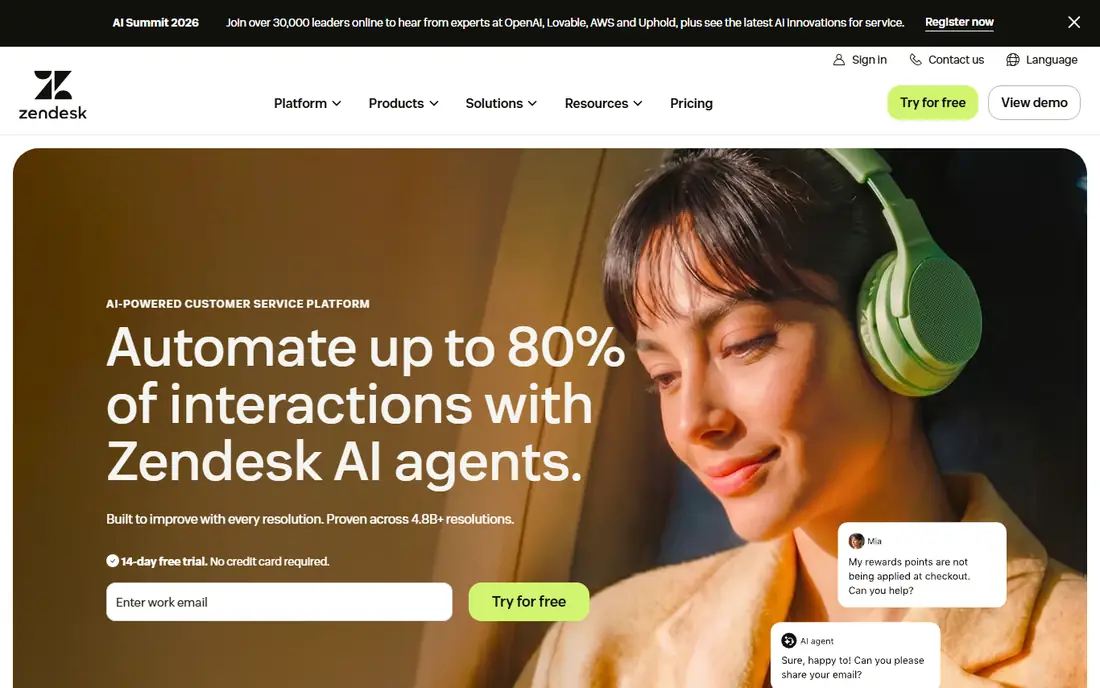
Zendesk is the safe enterprise pick, and its own support operation is built for scale, with extensive documentation, community forums, and dedicated account help on enterprise plans. The platform covers email, chat, voice, and social in one system, and its app marketplace connects to hundreds of other tools. That breadth is why large teams with complex workflows keep choosing it.
Cost and complexity are the downsides. Small teams may pay for power they never use, and admins often need time to configure triggers, macros, and permissions well. If your team is small, start with a trial and a narrow use case rather than turning everything on at once.
- Huge integration marketplace
- Omnichannel coverage
- Enterprise support options
- Higher cost
- Admin learning curve
- Setup takes time
Intercom suits software teams that want to meet users inside the product, not only in an email inbox. Its chat, help center, and AI answers work together, so common questions get resolved without an agent. Public reviews praise its chat experience, and its own support leans on the same in-product tools it sells.
Teams that run a classic ticket queue may find it less natural. Intercom is best when messaging is the main channel, and less ideal when phone and email tickets dominate the workload.
- Strong in-app messaging
- AI chat help
- Good for proactive support
- Pricing can rise with seats and add-ons
- Traditional ticketing is less central
HubSpot Service Hub makes sense when customer data already lives in HubSpot. Agents see purchase history, past tickets, and company details without switching tools, which cuts down on repeated questions. HubSpot also offers broad learning resources, academy courses, and community help, which many small teams value as much as direct support.
If your team does not use HubSpot CRM, much of that advantage fades. The free tools are useful, but the full service features sit on paid plans, so compare the total HubSpot bill, not just the Service Hub price.
- CRM context on every ticket
- Free tools to start
- Good onboarding resources
- Best value only inside HubSpot
- Advanced features need paid tiers
Zoho Desk is the value pick in this list. It offers ticketing, knowledge base, SLA tools, and multi-channel support at a lower entry price than most rivals, and it connects cleanly to other Zoho apps. Reviewers often call it the best value option, and its mobile app helps field teams reply on the go.
The design is functional rather than delightful, and teams used to a more modern interface may need a short adjustment period. For cost-conscious teams, that is a fair trade for the saving.
- Low starting price
- Good mobile app
- Wide Zoho integrations
- Interface feels less polished than some rivals
- Some features need higher tiers
Front is less a traditional help desk and more a shared inbox done well. Teams that live in email will like its assignments, internal notes, and collision warnings that stop two agents replying to the same message. Its own support and onboarding get positive mentions in public reviews, especially for mid-size teams.
It is not the best pick for heavy voice or complex ticket automation. If your support is mostly email and chat with a need for clear ownership, Front fits. If you need a full contact center, look at Zendesk or Salesforce first.
- Clean shared inbox
- Internal comments and assignments
- Good for email-heavy teams
- Less of a full contact center
- Pricing is quote-based on some plans
Gorgias stands out for online stores because support and order data sit together. Agents can edit orders, process refunds, and check shipping without leaving the conversation, which shortens replies and reduces errors. Its AI tools handle common order questions, and public reviews rate it highly for Shopify teams.
Pricing is based on ticket volume on lower plans, so a busy season can raise the bill. Non-ecommerce teams will get less value from its store integrations, and should weigh a more general tool instead.
- Strong Shopify integration
- Agents can act on orders inside tickets
- AI automation
- Ticket-based pricing can grow with volume
- Less suited outside ecommerce
How we picked these
We compared official support and pricing pages, help center resources, and themes from public reviews on sites such as G2. We kept tools that offer more than one support channel, publish clear help resources, and are widely used by small and mid-size teams in October 2026. We did not rank on a single review score, since scores shift and vary by plan.
What to check before you buy
Support quality is not one number. Ask how the vendor helps you, not only how the tool helps your customers. Check support hours, response channels, and whether phone help requires a higher tier. Read the help center for your exact use case, such as migration or a specific integration, before you buy.
Test support during the trial
Open a real ticket during the trial, with a real problem, and time the reply. That single test tells you more than a sales page. Also check community answers and documentation quality, since most day-to-day questions are solved there, not by a live agent.
Match the tool to your channels
A chat-first tool will frustrate a phone-heavy team, and a ticket-heavy tool will slow a product team that lives in-app. List your top three channels by volume, then shortlist only tools that handle all three well at your price tier.
Plan for growth
Per-agent and per-ticket pricing both grow with the team. Model the cost at twice your current size, and check whether automation and self-service can keep ticket volume down as you grow.
Sources
- https://www.helpscout.com
- https://freshdesk.com
- https://www.zendesk.com
- https://www.intercom.com
- https://www.hubspot.com/products/service
- https://www.zoho.com/desk
- https://front.com
- https://www.gorgias.com
- https://www.ringly.io/blog/best-ecommerce-helpdesk-software
- https://saasradarpro.com/customer-support-software-2026.html