Best Wrike Alternatives in 2026: 9 Tools Compared
By ToolNimba Editorial Team November 9, 2026 9 min read

- Top pick
 Asana
Structured cross-team work
Starting price$10.99 per user per monthCheck out AsanaRead our review - Runner-up
 monday.com
Visual boards and workflows
Starting price$9 per seat per monthCheck out monday.comRead our review - Also great
 ClickUp
All-in-one value
Starting price$7 per user per monthCheck out ClickUpRead our review
How we researched this
We compared official pricing and feature pages, app store listings, privacy policies and public user reviews. Prices change, so check the provider's site before you pay.
Key takeaways
- Asana is our pick for most teams leaving Wrike, thanks to its clear structure, timelines and portfolios at $10.99 per user per month on the Starter plan.
- ClickUp gives the most features per dollar, with a usable free plan and paid plans from $7 per user per month.
- Trello and Zoho Projects are the simplest and cheapest routes for small teams, starting at $5 and $4 per user per month.
- Basecamp suits teams that want calm, flat communication and projects in one place, rather than deep reporting.
- Check seat minimums before you buy, since monday.com and Smartsheet pricing changes with team size and plan limits.
Quick comparison
| Name | Best for | Starting price | Free plan | |
|---|---|---|---|---|
| Asana | Structured cross-team work | $10.99 per user per month | Yes | Visit |
| monday.com | Visual boards and workflows | $9 per seat per month | Yes | Visit |
| ClickUp | All-in-one value | $7 per user per month | Yes | Visit |
 Trello | Simple kanban boards | $5 per user per month | Yes | Visit |
 Smartsheet | Spreadsheet-style planning | $9 per member per month | Free trial | Visit |
 Jira | Software and agile teams | $7.91 per user per month | Yes | Visit |
 Notion | Docs plus light projects | $10 per user per month | Yes | Visit |
 Basecamp | Calm team communication | $15 per user per month | Yes | Visit |
 Zoho Projects | Low-cost project tracking | $4 per user per month | Yes | Visit |
The best Wrike alternatives
Wrike is strong for large, complex portfolios, but it can feel heavy and pricey for smaller teams. The tools below cover the same core job in different ways, from visual boards to spreadsheet-style plans. We compared official pricing pages, feature pages and public reviews to build this list.
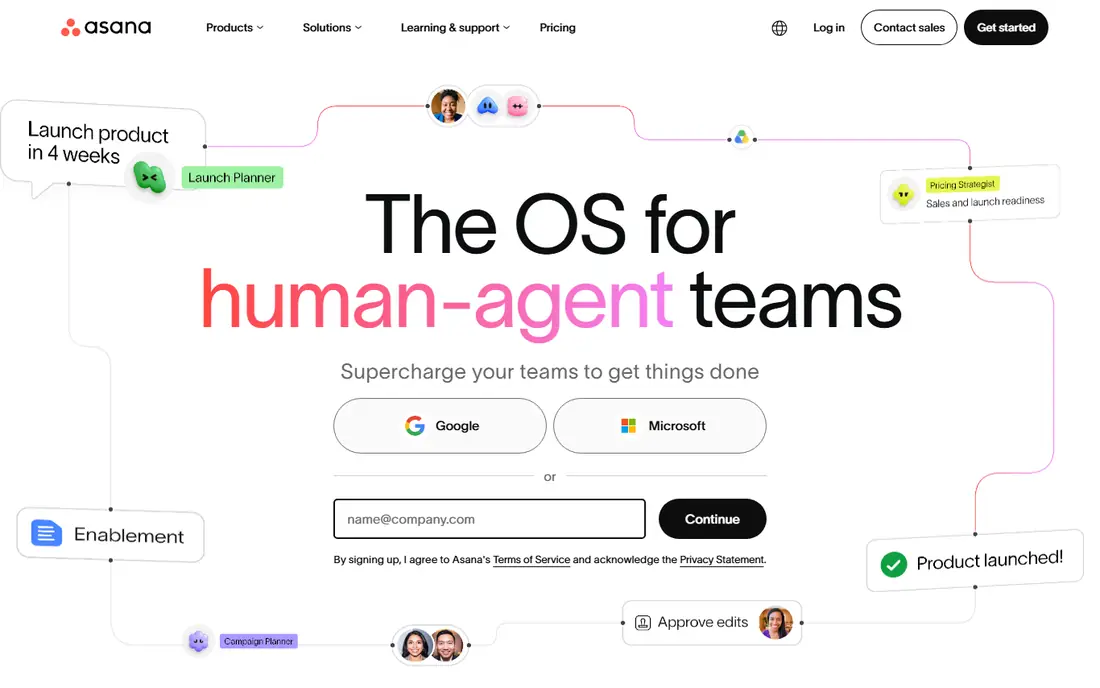
Asana is the easiest switch for most Wrike users, because it keeps the same familiar building blocks: projects, tasks, sections and assignees. Teams can move between list, board, timeline and calendar views without rebuilding their work, and the Starter plan adds timelines, custom fields and advanced search.
The catch is that Asana gets more expensive as you add reporting and portfolio features. Small teams should start on the free plan, test one real project, and only move up when they need portfolios, goals or heavier automation. If your team already works in Asana-style lists, this is our pick for most people.
- Clear lists, boards and timelines
- Portfolios and goals on higher plans
- Wide range of integrations
- Free plan is limited
- Advanced reporting sits on higher plans

monday.com turns projects into colourful boards where each row is an item and each column tracks status, owner or date. That visual style makes it easy for non-technical teams to see progress at a glance, and the template library covers marketing, sales, operations and product work.
The pricing needs care, because paid plans have a three-seat minimum and the cheapest Basic plan lacks timelines and some automation. Teams that want Gantt views and more automation should price the Standard plan, not just the headline Basic figure.
- Highly visual boards
- Many templates
- Strong automations on higher plans
- Three-seat minimum on paid plans
- Costs rise quickly with add-ons
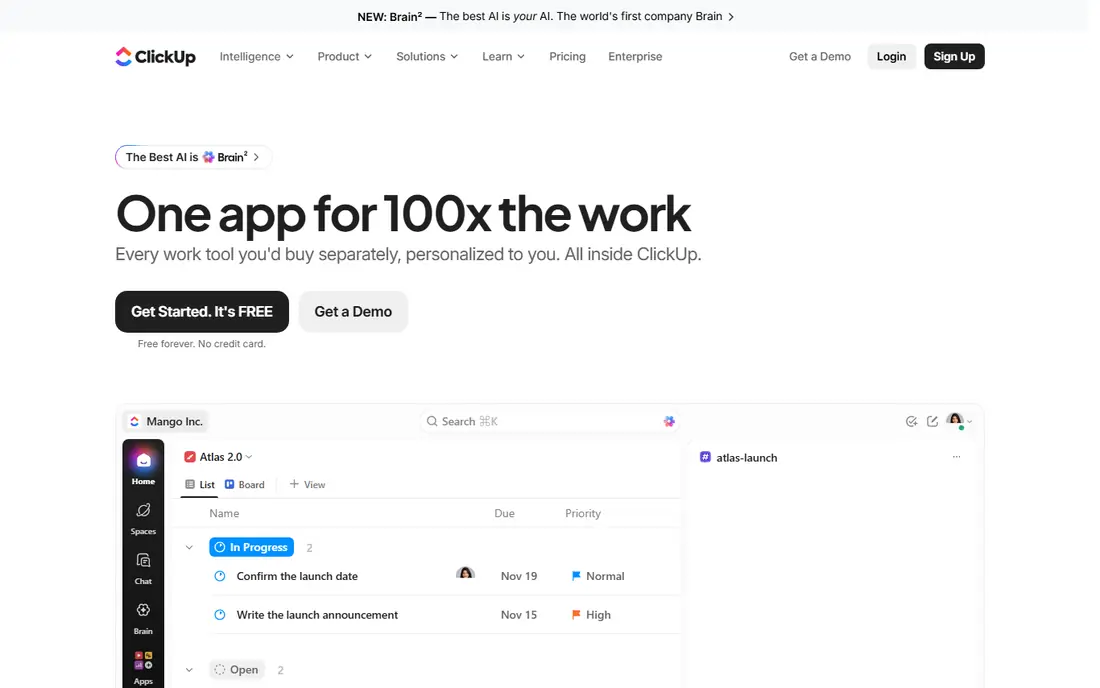
ClickUp tries to replace several tools at once, with tasks, documents, whiteboards, goals and time tracking in a single workspace. For a team leaving Wrike to save money, that breadth matters, because the Unlimited plan at $7 per user per month covers a lot that other tools charge more for.
The trade-off is setup time. ClickUp rewards teams that spend an afternoon choosing views, statuses and permissions, and it can overwhelm teams that just want a simple board. If you have someone willing to own that setup, it is hard to beat on value.
- Tasks, docs, goals and time tracking in one workspace
- Generous free plan
- Low paid starting price
- Can feel busy until you set it up carefully
- Many settings to learn
Trello is the right choice when Wrike felt like too much tool for the job. Boards, lists and cards are all most small teams need, and dragging a card from "Doing" to "Done" stays satisfying long after the novelty wears off. Power-Ups add calendars, custom fields and integrations when you need them.
Trello struggles with large portfolios, heavy dependencies and detailed resource planning. If your projects have many linked tasks and strict deadlines across teams, Asana or Smartsheet will serve you better. For straightforward team work, Trello is fast and cheap.
- Fast to learn
- Clean kanban boards
- Useful free plan
- Limited for complex dependencies
- Reporting is basic
Smartsheet will feel familiar to anyone who plans in spreadsheets but needs shared ownership, deadlines and approvals. The grid view lets you edit many rows at once, while Gantt, calendar and card views give managers a cleaner picture of the same work.
The Pro plan covers the basics, but teams that need proofing, advanced reporting or heavier automation will need the Business plan. Smartsheet also has a learning curve around formulas and sheet permissions, so give it a proper trial with a real project before committing.
- Familiar grid view
- Gantt and card views
- Strong reporting on Business plans
- No permanent free plan
- Interface can feel dated to new users
Jira is the natural Wrike alternative for software teams, because it is built around issues, backlogs, sprints and releases. Development teams can link work to code, track bugs alongside features, and run agile boards without bolting on extra tools.
Non-technical teams may find Jira harder to love, since its language and settings assume software workflows. If your whole company needs one tool, Asana or monday.com will be easier to adopt. If engineering drives the work, Jira is a strong, focused pick.
- Built for scrum and kanban
- Strong issue tracking
- Free for up to 10 users
- Setup can be complex
- Less friendly for non-technical teams
Notion suits teams that already live in documents and want project tracking next to their notes, wikis and meeting pages. You can build a project database, link it to docs, and shape views to match how your team actually works, rather than fitting a fixed template.
That flexibility is also the weakness. Notion does not arrive as a ready-made project manager, and teams without a clear owner can end up with messy pages. It works best for small to mid-size teams that value documentation as much as task tracking.
- Docs, wikis and tasks in one place
- Flexible pages
- Good free plan for individuals
- Needs setup before it feels like a project tool
- Reporting is limited
Basecamp takes the opposite approach to Wrike: fewer features, less noise, and one place for discussion, tasks and files. Each project gets message boards, to-dos, schedules and file storage, which cuts down on scattered chat threads and email chains.
Teams that need Gantt charts, resource planning or detailed dashboards will find Basecamp thin. Teams that mainly need clear communication and simple task lists, especially remote teams, often find it refreshing. The flat-rate unlimited plan can also make budgeting simple for larger groups.
- Projects, messages, to-dos and files in one calm place
- Flat unlimited option available
- Limited visual planning
- Fewer advanced reporting tools
Zoho Projects is the budget pick for teams that still want real project features, including Gantt charts, milestones, timesheets and task automation. At $4 per user per month on the Premium plan, it undercuts most rivals by a wide margin.
The interface is functional rather than beautiful, and teams outside the Zoho ecosystem may miss the polish of Asana or monday.com. If price matters most and you already use Zoho tools for email, CRM or accounting, this is an easy win.
- Low starting price
- Gantt charts and time tracking
- Works well with other Zoho apps
- Interface feels less polished than rivals
- Some features sit on higher plans
How we picked these
We compared official pricing pages, feature pages and app store listings, plus public reviews, to check that each tool is still available, still fits project work, and still offers the plan we list. We favoured tools that cover the core Wrike jobs, which are task tracking, timelines, collaboration and reporting, while keeping a mix of prices and team sizes. We did not claim hands-on testing, and prices can change, so check the vendor pricing page before you buy.
What to check before you switch
Start with the work, not the feature list. Write down the three things your team does every week in Wrike, such as planning a campaign, tracking client work or running sprints, and test each shortlisted tool on one of those jobs. A tool that looks great in a demo can still slow down the daily routine.
Migration and cost
Export a sample project from Wrike and try importing it, or rebuilding it by hand, before you move everything. Watch for lost custom fields, attachments and comments, and check seat minimums, guest access and automation limits on the plan you would actually buy. The cheapest headline price often excludes the features a Wrike team relies on.
Adoption and reporting
Pick the tool your team will actually open each day, even if it has fewer features than the most powerful option. Ask who owns setup, templates and permissions, and confirm that managers can get the reports they need without asking each person for updates. A two-week pilot on one live project tells you more than any feature comparison.
Sources
Frequently asked questions
What is the best alternative to Wrike for most teams?
Asana is our pick for most teams, because it balances structure, timelines and ease of use at a clear price. ClickUp is better if you want the most features for the lowest price, and Trello is better if you want the simplest possible tool.
What are the best free Wrike alternatives?
ClickUp, Trello, Asana, Notion and Zoho Projects all offer free plans, though each limits features, storage or project counts. ClickUp has the most generous free plan for teams, while Trello is the simplest free option for kanban work.
Is monday.com better than Wrike?
monday.com is better for teams that want visual boards, templates and fast setup, while Wrike is better for large portfolios with heavy resource planning. If your team finds Wrike too complex, monday.com is a sensible move, but check its seat minimums first.
Can I migrate my projects from Wrike to Asana or ClickUp?
Both Asana and ClickUp offer import tools and guides for moving tasks from other tools, and many teams also rebuild key projects by hand during a pilot. Expect some cleanup around custom fields, attachments and permissions, and test with one project before moving everything.
Which Wrike alternative is cheapest?
Zoho Projects starts at $4 per user per month on its Premium plan, followed by Trello at $5 and ClickUp at $7. Remember to compare the plan that includes the features you need, since the cheapest plan may lack timelines or reporting.