Best Alternatives to CSS Animations in 2026: 8 Tools Compared
By ToolNimba Editorial Team November 12, 2026 9 min read

- Top pick
 GSAP
Complex timelines and scroll animation
Starting priceFreeCheck out GSAPRead our review - Runner-up
 Motion
React UI, layout, and gesture animation
Starting priceFreeCheck out MotionRead our review - Also great
 Lottie
Designer-made vector animations
Starting priceFreeCheck out LottieRead our review
How we researched this
We compared official pricing and feature pages, app store listings, privacy policies and public user reviews. Prices change, so check the provider's site before you pay.
Key takeaways
- GSAP is the most capable general replacement for hand-written CSS animations, and it is now fully free including all plugins.
- Motion, formerly Framer Motion, is the easiest fit for React apps that need layout, gesture, and exit animations.
- Lottie solves a different problem, playing designer-made vector animations instead of animating CSS properties.
- Most of these libraries are free and open source, so the real cost is learning time and bundle size, not licenses.
- Hand-written CSS still wins for simple fades and hovers, so reach for a library only when timing, sequencing, or scroll linking gets complex.
Quick comparison
| Name | Best for | Starting price | Free plan | |
|---|---|---|---|---|
| GSAP | Complex timelines and scroll animation | Free | Yes | Visit |
| Motion | React UI, layout, and gesture animation | Free | Yes | Visit |
| Lottie | Designer-made vector animations | Free | Yes | Visit |
 Anime.js | Lightweight tweens and timelines | Free | Yes | Visit |
 Popmotion | Low-level motion engine for custom work | Free | Yes | Visit |
 Theatre.js | Visual timeline editing for motion design | Free | Yes | Visit |
 Remotion | Video and animated content from code | Free | Yes | Visit |
 ScrollReveal | Simple scroll-triggered reveals | Free | Yes | Visit |
The best alternatives to CSS animations
CSS animations handle simple transitions well, but they struggle with sequencing, scroll-linked motion, physics, and animations that respond to user input mid-flight. These libraries and tools replace hand-written CSS animations with timelines, springs, and playback controls that are easier to manage as a project grows.
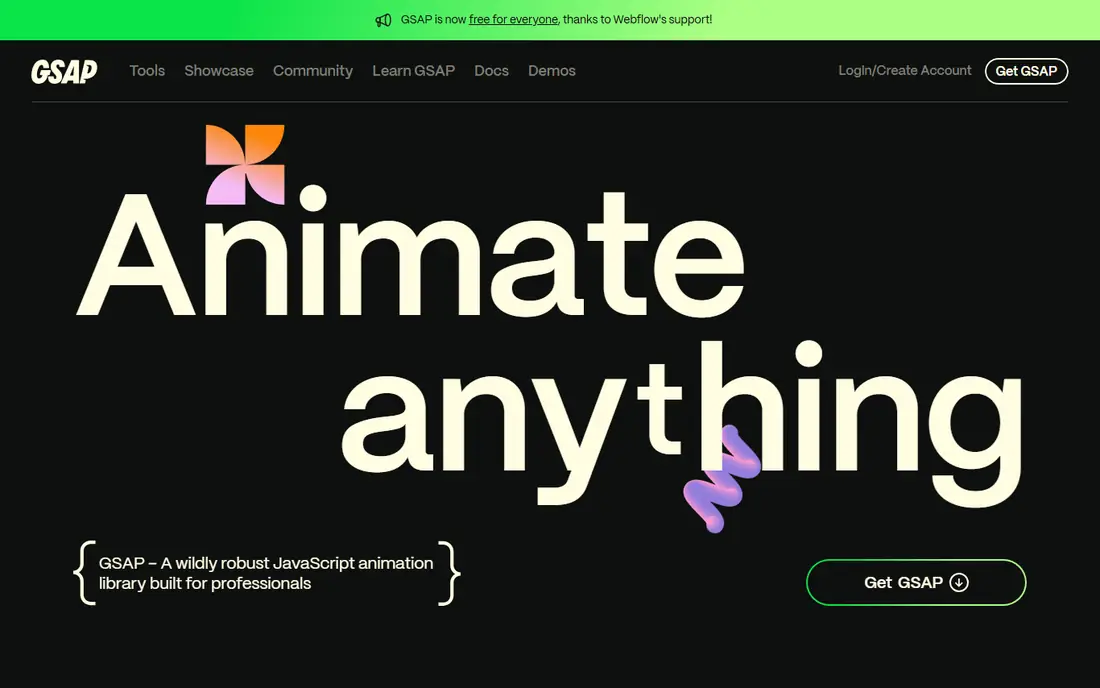
GSAP is our default recommendation when CSS animations start to feel limiting. Its timeline model lets you sequence, stagger, overlap, and scrub animations with precise control, and ScrollTrigger ties motion to scroll position, pinning, and snapping. Since Webflow made the whole library free, including formerly paid plugins such as SplitText and MorphSVG, there is no longer a licensing reason to avoid it.
The honest catch is scope. GSAP can do almost anything, which means there is more API to learn than a minimal library requires. For a simple hover effect, plain CSS remains the better choice. For a scroll story, an animated hero, or a choreographed page transition, GSAP is the tool we would reach for first.
- Fully free including all plugins since 2025
- ScrollTrigger for scroll-linked and pinned motion
- Works with any framework or plain JavaScript
- Larger learning surface than a small tween library
- Imperative style can feel verbose in React
- Overkill for a single fade
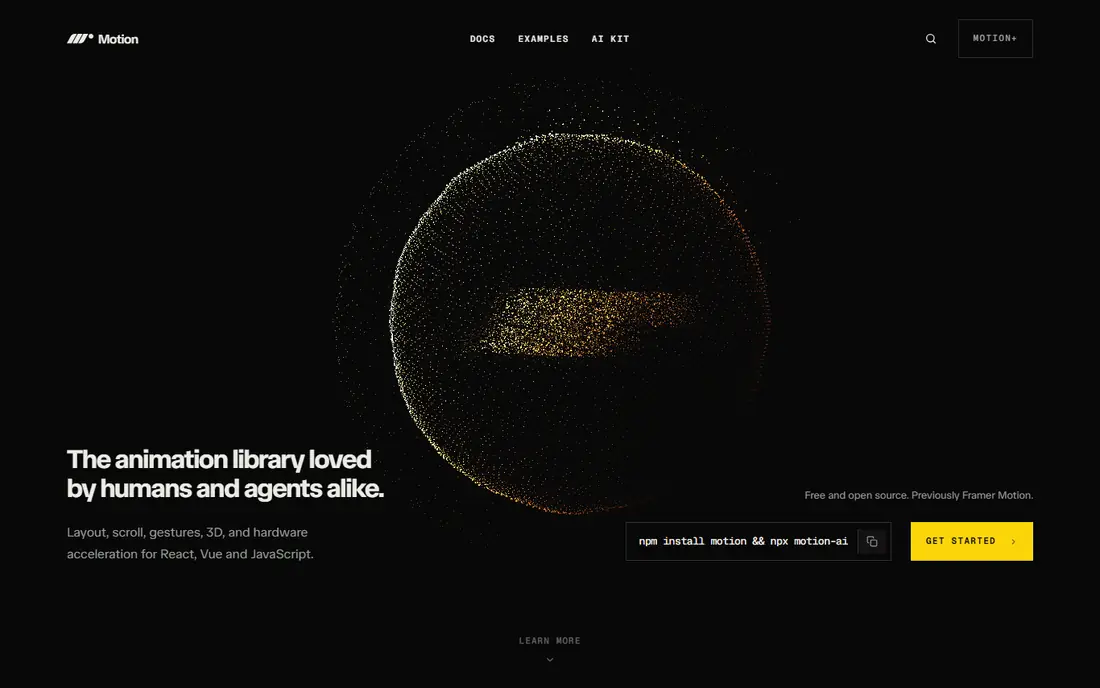
Motion, previously known as Framer Motion, is the most natural CSS animation alternative inside a React app. You animate components with props, handle layout changes when lists reorder, and manage exit animations when components unmount, all without writing keyframes by hand. Gestures such as drag, hover, and tap are built in, which covers most product UI motion.
The trade is depth. Motion handles UI animation beautifully, but for long scroll-driven sequences or heavy timeline choreography, GSAP still has the edge. Many teams use both, with Motion for interface states and GSAP for showcase moments, and that split works well.
- Declarative API that fits React code naturally
- Layout and exit animations out of the box
- Now supports Vue and vanilla JavaScript too
- React-first history means some docs still assume React
- Scroll features are simpler than GSAP ScrollTrigger
- Larger feature sets add bundle size
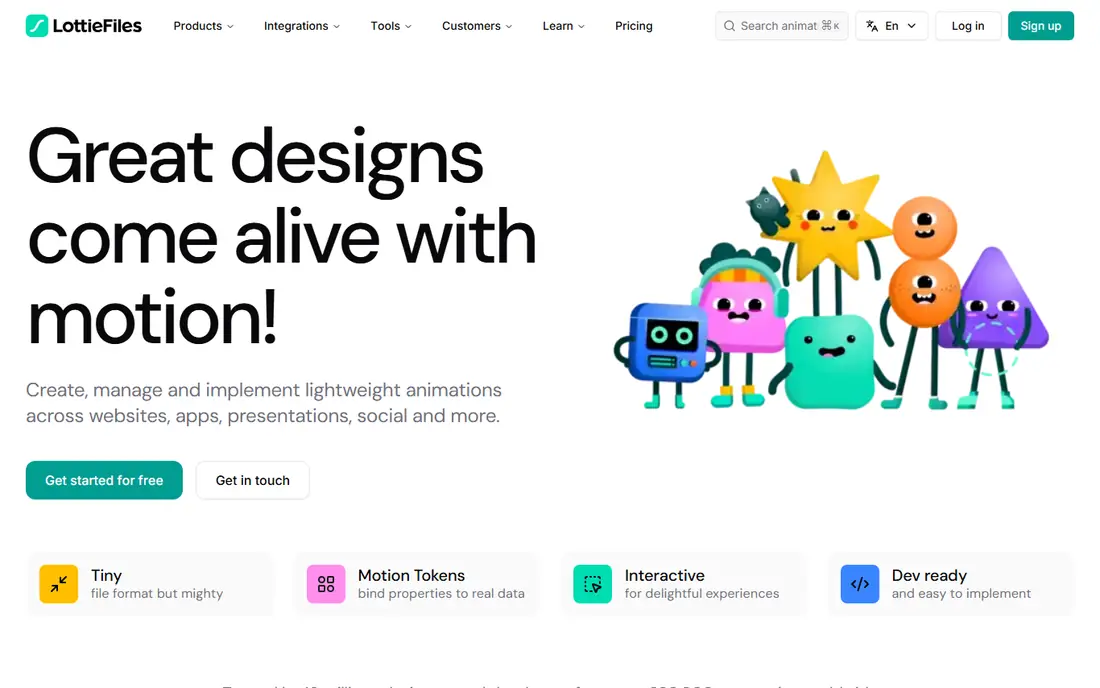
Lottie is less a CSS replacement and more a different workflow. A designer builds an animation in After Effects, exports it as a JSON file, and developers play it back with a small player, controlling speed, direction, and looping in code. That makes it ideal for loaders, illustrations, onboarding graphics, and micro-interactions that would be painful to describe in CSS.
The limit is authorship. If your team does not use After Effects, you will mostly rely on existing animations or simple edits. Lottie also struggles with animations that must react to live data or physics, where a code-driven library fits better.
- Plays rich After Effects animations as small JSON files
- Consistent playback on web, iOS, and Android
- Large library of ready-made animations
- Creating custom animations usually needs After Effects
- Complex files can render inconsistently
- Limited for physics or data-driven motion
Anime.js is the friendly middle ground between CSS and a full animation platform. Its API reads clearly, it handles CSS properties, SVG attributes, and DOM attributes in one call, and its timeline support covers most sequencing needs. For landing pages and small interactive pieces, it is often all you need.
Where it falls short is specialization. It does not match GSAP for scroll-linked work or Motion for React layout animation, and its plugin ecosystem is thinner. Treat it as a general-purpose tween library, and pick a specialist when one job dominates your project.
- Small and approachable API
- Timelines, staggering, and SVG support
- Easy to drop into any page
- Fewer scroll and physics features than GSAP or Motion
- Smaller ecosystem of plugins
- Version changes have caused migration work in the past
Popmotion is the engine behind Motion, offered as a standalone library for developers who want to build their own animation behavior. It gives you values, springs, decay, and keyframes as composable pieces, so you can wire motion to drag input, scroll, or any data stream. It is small and framework agnostic, which suits custom components and creative experiments.
The cost is effort. Popmotion does not hand you ready-made component patterns, so simple UI animations take more code than they would in Motion or Anime.js. It fits developers who enjoy building motion systems, not teams that want a quick drop-in.
- Tiny, composable building blocks for springs, decay, and keyframes
- Framework agnostic
- Powers Motion under the hood
- Lower-level API needs more code for common UI patterns
- No visual tooling
- Documentation assumes comfort with JavaScript motion concepts
Theatre.js takes a different approach by giving motion a visual editor. You define sequences and keyframes in code, then scrub, tune, and refine them in a studio panel that runs alongside your app. That makes it a good fit for animated landing pages, product showcases, and Three.js scenes where timing is best judged by eye.
For everyday UI animation, Theatre.js is heavier than necessary, and its setup takes more effort than dropping in Anime.js. But when a single animated sequence is the centerpiece of a page, visual editing beats guessing numbers in code.
- Visual sequence editor for tuning motion without rewriting code
- Strong for 3D and WebGL scenes
- Open source
- More setup than a simple tween library
- Best for showcase and 3D work rather than everyday UI
- Smaller community than GSAP
Remotion belongs on this list for teams whose "animation" ends up as video. It lets you write animations in React, preview them in the browser, and render finished video files frame by frame. That suits explainers, social clips, and data-driven videos that would be tedious to build in a traditional editor.
It is not a website animation library, so do not use it for hover states or page transitions. Its value appears when the deliverable is a video file, where code-driven motion gives you version control, templates, and automation that timeline editors cannot match.
- Build videos with React, TypeScript, and familiar web code
- Frame-accurate rendering
- Good for automated and data-driven video
- Built for video output, not live website UI
- Rendering takes time and compute
- Learning curve if you only need a web animation
ScrollReveal does one job and does it with minimal code: elements fade, slide, or zoom into view as the visitor scrolls. If your site only needs that effect, it is faster to set up than GSAP ScrollTrigger and easier to reason about than custom IntersectionObserver code. It works with plain HTML, so it fits simple sites and static pages.
The limit is obvious. ScrollReveal will not build timelines, pinned sections, or scrubbed sequences, and its feature set has changed little in recent years. Use it for reveals, and graduate to GSAP when scroll motion becomes a core part of the design.
- Very easy setup for reveal-on-scroll effects
- Small API surface
- Works with plain HTML and CSS
- Narrow scope, mostly entrance reveals
- No timelines or physics
- Less active development than larger libraries
How we picked these
We compared official documentation, licensing pages, and public guides for animation libraries that genuinely replace hand-written CSS animations. We kept only tools that are free or open source and maintained in October 2026, and we favored a mix of general libraries, framework-specific options, and specialist tools for vector animation, visual editing, and video. We did not claim hands-on testing; our comparisons rest on documented features, licenses, and stated use cases.
We excluded pure CSS frameworks and design tools that do not run animation in the browser, since they do not replace CSS animations in a shipped site.
How to choose the right one
Start by naming the hardest animation on your site. If it is a scroll story or a pinned sequence, GSAP is the strongest answer. If it is interface motion inside React, Motion will feel more natural and take less code. If it is a designer-made illustration or loader, Lottie is the right tool regardless of framework.
Next, weigh bundle size against convenience. A small library such as Anime.js or ScrollReveal keeps pages light, while a full platform adds weight that only pays off when you use its features. Check what your project already ships, since adding two animation libraries for overlapping jobs is a common waste.
Finally, think about who will maintain the motion. Code-driven libraries suit developer teams, visual editing suits motion designers working in Theatre.js, and Lottie suits teams where designers own the animation assets. The best library is the one your team will actually keep updating.
Sources
Frequently asked questions
What is the best alternative to CSS animations overall?
GSAP is the strongest general alternative, since it covers timelines, scroll motion, SVG, and sequencing in one free library. Motion is a close second for React apps, where its declarative API fits better. For most teams, the choice comes down to framework rather than raw capability.
Are these alternatives to CSS animations free?
Yes, every library on this list is free and open source, including GSAP, whose full plugin set became free in 2025. Some related services, such as hosted Lottie editing tools, charge for extra features, but the core players and libraries cost nothing. Always check the license on the official site before shipping commercial work.
Should I replace all my CSS animations with a JavaScript library?
No. Simple fades, hovers, and state transitions are best left in CSS, where the browser handles them efficiently with little code. Move to a library when you need sequencing, scroll linking, physics, drag, or playback control that CSS cannot express cleanly. A mixed approach is normal on real sites.
Is Motion the same as Framer Motion?
Yes. Framer Motion was rebranded as Motion in 2025, and the recommended package is now motion, with imports from motion/react for React projects. Older framer-motion code still works for existing projects, but new work should use the Motion name and docs.
Can Lottie replace CSS animations?
Lottie replaces CSS for rich, designer-made animations such as illustrated loaders and onboarding graphics, where CSS would be painful to write. It does not replace CSS for simple UI transitions, layout animation, or data-driven motion. Treat it as a specialist tool alongside a code library, not a full substitute.
Which library is best for scroll animations?
GSAP with ScrollTrigger is the most capable option for pinned sections, scrubbed timelines, and scroll-snapped sequences. Motion covers simpler scroll-linked effects inside React, and ScrollReveal handles basic entrance reveals. Pick based on how central scroll motion is to the page, not on popularity alone.