Alternatives to Skylight Calendar in 2026: 9 Displays Compared
By ToolNimba Editorial Team November 12, 2026 10 min read

- Top pick
 Hearth Display
Routines for kids
Starting price$699Check out Hearth DisplayRead our review - Runner-up
 Cozyla Calendar+
No-subscription display
Starting price$349.99Check out Cozyla Calendar+Read our review - Also great
 DAKboard
Custom dashboards
Starting price$5 per monthCheck out DAKboardRead our review
How we researched this
We compared official pricing and feature pages, app store listings, privacy policies and public user reviews. Prices change, so check the provider's site before you pay.
Key takeaways
- Hearth Display is the strongest pick for families with young children, with routines, rewards and a 27-inch touchscreen.
- Cozyla Calendar+ suits families that want a large display with no required subscription.
- DAKboard suits technical households that want custom layouts on hardware they already own.
- Mango Display is the cheapest way to start, since it runs on a TV or tablet you already have.
- Add up device price plus years of subscription before choosing, since the total cost varies widely.
Quick comparison
| Name | Best for | Starting price | Free plan | |
|---|---|---|---|---|
| Hearth Display | Routines for kids | $699 | No | Visit |
| Cozyla Calendar+ | No-subscription display | $349.99 | No | Visit |
| DAKboard | Custom dashboards | $5 per month | Yes | Visit |
 Mango Display | Screens you already own | Free | Yes | Visit |
 Amazon Echo Show 15 | Alexa smart home display | $349.99 | No | Visit |
 Dragon Touch Digital Calendar | Budget wall calendar | $149.99 | No | Visit |
 Cozi | Free family organizer app | Free | Yes | Visit |
 TimeTree | Free shared calendars | Free | Yes | Visit |
 Honeydew | AI family organizer app | Free | Yes | Visit |
The best alternatives to skylight calendar
Skylight Calendar put the family schedule on a wall display, with shared calendars, chores, lists and meal planning in one place. The products below offer the same idea in different forms: dedicated touchscreens, software for screens you already own, smart displays, and free apps. We compared official product pages and independent display comparisons from 2026, and we focused on device price, subscription cost, calendar sync and family features.
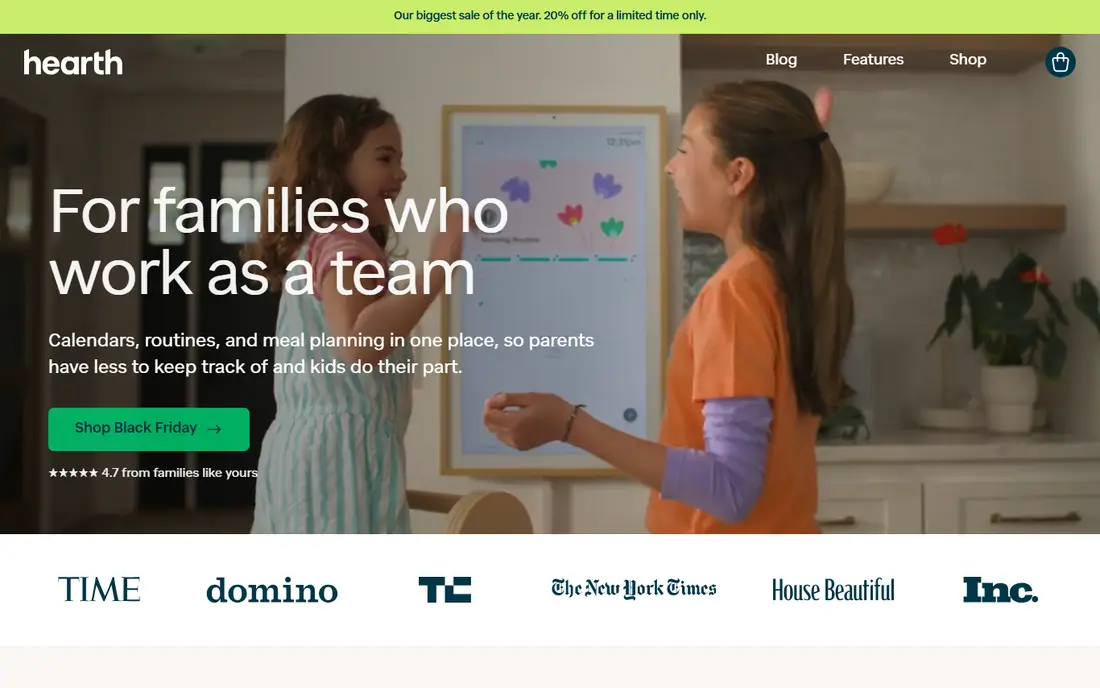
Hearth Display is the premium family display in this list. It is a 27-inch touchscreen that combines synced calendars, routines, to-dos, meal planning and lists, with child profiles that let kids check off their own routines. The Hearth Helper tool can read a photo of a paper schedule and add it to the calendar, which helps families drowning in school flyers.
The cost is the catch. The display costs $699, and a Family Membership is required for setup, at $9 per month or $86.40 per year. That pushes the three-year total above $900. For families with young children who will use routines daily, Hearth goes furthest. For families that only need a shared calendar, a cheaper option will do.
- 27-inch touchscreen built for family routines
- Child profiles, routines, rewards and streaks
- Photo import helper for paper schedules
- Family Membership is required to set up the device, at $9 per month
- Highest device price in this list

Cozyla Calendar+ is a dedicated family display that runs a full Android system, so it can also run streaming apps, a browser and smart home controls. It syncs with Google, Apple and Outlook calendars, supports family profiles with color coding, and covers chores with points and rewards, meal planning and grocery lists. The 15.6-inch model is listed at $349.99, with larger 24-inch and 32-inch models costing more.
There is no required subscription for core features, which keeps the long-term cost predictable. Some advanced features sit on an optional plan, so check what is included before buying. For families that want a polished wall display without a monthly fee, Cozyla is the strongest dedicated alternative here.
- Large touchscreen in several sizes
- Calendar, chores, meals, photos and grocery lists
- Full Android system for extra apps
- No required subscription, but some features sit on an optional plan
- Larger sizes cost far more
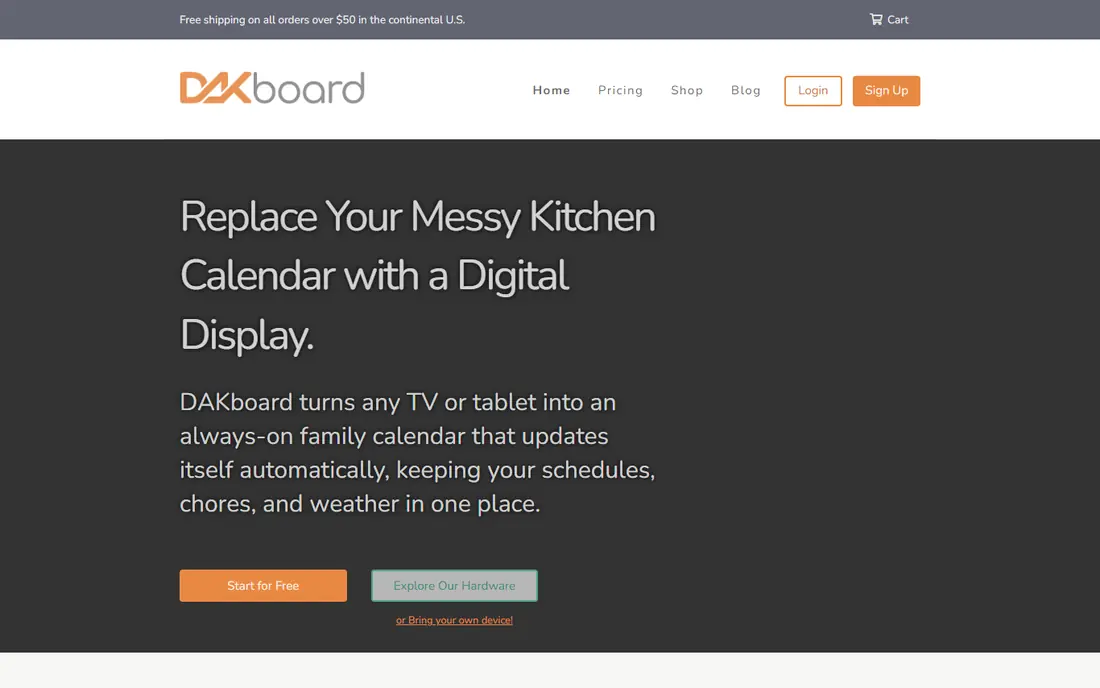
DAKboard is the tinkerer's pick. It turns a screen into a custom dashboard with calendars, photos, weather, news, chores and smart home data, arranged exactly how you want. It runs on DAKboard displays, on a Raspberry Pi, or on a screen you already own, and a limited free plan lets you test layouts before paying. Paid plans start at $5 per month.
The trade-off is effort. DAKboard asks you to design the layout and connect each service, while Hearth and Cozyla work out of the box. For technical households that enjoy that control, DAKboard is unmatched. For families that want an appliance, a dedicated display will be easier.
- Highly customizable layouts
- More than 100 integrations
- Runs on its own displays or hardware you already own
- Setup takes more effort than an appliance display
- Best features need a paid plan
Mango Display is the closest feature match to a wall calendar without buying new hardware. Install it on a smart TV, an old iPad, a Fire TV Stick or an Android tablet, and it shows shared calendars, chores with points and rewards, meal plans, photos and weather in a layout you design. The free plan covers 2 screens with clock, weather, news and layouts, while Pro at $5.99 per month or $59.99 per year adds calendars, tasks, chores, meal plans, photos and a third screen.
The limit is hardware. A TV has no touch, so children cannot tick off chores at the screen unless you use a tablet. For families testing whether a wall calendar will actually get used, Mango Display is the lowest-risk start, since the free plan costs nothing and the hardware is already in the house.
- Runs on TVs, tablets and streaming sticks you already own
- Free plan covers 2 screens
- Pro adds calendars, chores, meals and photos
- No touch hardware included
- Pro costs $5.99 per month for the full family feature set
Amazon Echo Show 15 is a 15.6-inch smart display that doubles as a family hub. It shows calendars, photos and widgets, plays video and music, controls smart home devices, and answers voice commands through Alexa. The list price is $349.99, with no subscription needed for core calendar and display features.
It is not a dedicated family organizer. Chore tracking, routines and rewards are simpler than on Hearth or Cozyla, and the experience assumes an Amazon household. For families already using Alexa, the Echo Show 15 adds a wall calendar to a device that also entertains and controls the home. For pure family organization, a dedicated display will do more.
- Large smart display with Alexa voice control
- Calendar, photos, video and smart home controls
- No subscription for core features
- Calendar and chore features are simpler than dedicated family displays
- Amazon ecosystem lock-in
Dragon Touch Digital Calendar
Best for: Budget wall calendar
Dragon Touch Digital Calendar is the budget pick among dedicated displays. Prices start at $149.99 and run higher by size, with no subscription for core calendar, chore and photo features. It syncs with common calendar services and suits families that want a wall display without paying premium prices.
The software is simpler than Hearth or Cozyla, and the hardware feel varies by model, so read recent reviews for the exact size you plan to buy. For a first wall calendar, or a second screen for a grandparent's home, Dragon Touch offers strong value. For families that need deep routine and reward systems, Hearth remains the better fit.
- Low entry price from $149.99
- No subscription for core features
- Range of sizes for different rooms
- Software is simpler than premium rivals
- Build and polish vary by model
Cozi is the app-first alternative. It offers shared family calendars, to-do lists, shopping lists, meal planning and a family journal, free on phones and the web. Every family member can add events from their own device, and the shared view keeps everyone in sync without buying hardware.
The limit is visibility. Cozi lives on phones, not on a wall, so it will not catch a child's eye in the kitchen. Some families pair Cozi with a cheap tablet on the wall, which gives a display experience at low cost. If your family already lives on phones and you want a free organizer, Cozi is the simplest start.
- Free shared calendars, lists, meals and shopping lists
- Simple app the whole family can use
- Works on phones and the web
- No dedicated wall hardware
- Design is plain next to display-first products
TimeTree focuses on shared calendars done well. You create a calendar, invite family or a group, and everyone sees events, chats about them and adds memos. It is free, simple and popular for families, couples, teams and clubs that need one shared schedule.
It does not try to be a full family command center. Chores, rewards, meal plans and grocery lists are thinner than in Cozi or on a dedicated display. For families whose main problem is conflicting schedules, TimeTree solves it for free. For families that need routines and chores on a wall, a display product will fit better.
- Free shared calendars with chat and memos
- Easy to invite family, teams and clubs
- Works on phones and the web
- No chores, rewards or meal planning depth
- No wall display hardware
Honeydew is a newer family organizer that leans on AI planning. You can add tasks by voice, text or photo, and Honeydew turns them into lists, plans and calendar entries. A wall mode lets you mount a tablet you already own as a family display, which avoids buying dedicated hardware.
The caution is maturity. Honeydew is smaller than Cozi or TimeTree, and AI-generated plans should be checked before they become family commitments. For families that like voice input and fast capture, and that want to test a wall display on an existing tablet, Honeydew is an interesting free start. For a proven, simple shared calendar, TimeTree is the safer pick.
- AI planning with voice, text or photo input
- Lists, plans and calendar handoffs
- Wall mode for a tablet you already own
- Newer and smaller than Cozi and TimeTree
- AI features need checking for accuracy on important events
How we picked these
We compared official product pages and independent family display comparisons from 2026, and we favored products that are still sold, that sync with Google, Apple or Outlook calendars, and that cover the core Skylight jobs of shared calendars, chores or lists. We left Skylight Calendar itself out, since the topic is alternatives, and we left out business signage tools that do not fit a home. Device prices change with promotions, so confirm the current price and subscription terms before buying.
What to check before you buy
Total cost over three years
A $299 display with no subscription can cost less than a $699 display with a $9 monthly fee. Add device price plus three years of subscription to compare fairly, and check what happens to features if you cancel.
Calendar sync
Confirm the display syncs with every calendar your household uses, including Google, Apple, Outlook, school feeds and work calendars. A display that misses one parent's work calendar will cause missed events.
Touch and placement
Touchscreens let children tick off chores and let anyone add an event at the wall. TV-based displays show the schedule but do not take input. Decide where the screen will live, how it will mount, and whether it needs a power outlet nearby.
Who actually uses it
A wall calendar only works if the family looks at it. Try a free app or a tablet-based option for two weeks before buying hardware, and check whether children and grandparents actually engage with it.
Sources
- https://hearthdisplay.com
- https://www.cozyla.com
- https://dakboard.com
- https://mangodisplay.com
- https://www.amazon.com
- https://dragontouch.com
- https://www.cozi.com
- https://timetreeapp.com
- https://www.gethoneydew.app
- https://mangodisplay.com/best-skylight-calendar-alternatives/
- https://cast-hub.com/family-calendar-display/
Frequently asked questions
What is the best Skylight Calendar alternative for most families?
Hearth Display is the strongest dedicated pick for families with young children, while Cozyla Calendar+ suits families that want no required subscription. Mango Display is the best low-cost start, since it runs on screens you already own.
Is there a Skylight alternative with no subscription?
Yes. Cozyla Calendar+ and Dragon Touch Digital Calendar charge no required subscription for core features, and DAKboard and Mango Display offer free plans. Hearth Display requires a Family Membership, so factor that into the total cost.
Can I use a TV as a family calendar display?
Yes. Mango Display and DAKboard run on smart TVs, streaming sticks and tablets, turning a screen you own into a family calendar. A TV shows the schedule well but has no touch, so children cannot tick off chores on it.
What is the cheapest alternative to Skylight Calendar?
Cozi and TimeTree are free apps, and Mango Display has a free plan for screens you already own. Among dedicated hardware displays, Dragon Touch starts at $149.99, which is well below premium displays.
Do these alternatives sync with Google Calendar?
Most do. Hearth, Cozyla, DAKboard, Mango Display, Echo Show, Cozi and TimeTree all sync with Google Calendar, and most also support Apple and Outlook calendars. Confirm your exact calendar mix on the product page before buying.