Best AI Image to Video Tools in 2026: 9 Tools Compared
By ToolNimba Editorial Team October 28, 2026 12 min read

- Top pick
 Runway
Professional image to video and editing
Starting price$15 per monthCheck out RunwayRead our review - Runner-up
 Kling AI
Realistic motion at a low price
Starting price$8.80 per monthCheck out Kling AIRead our review - Also great
 Pika
Fun short social clips and effects
Starting price$10 per monthCheck out PikaRead our review
How we researched this
We compared official pricing and feature pages, app store listings, privacy policies and public user reviews. Prices change, so check the provider's site before you pay.
Key takeaways
- Runway is the strongest all round tool for creators who want image to video plus editing, camera control, and character consistency in one workspace.
- Kling offers the best value for realistic motion, with daily free credits and a low entry price for longer clips.
- Pika and PixVerse suit short social clips and effects, where speed and simple prompts matter more than long, cinematic shots.
- Google Veo through Flow, Luma, and Adobe Firefly serve more specific jobs, from realistic clips with sound to brand safe work inside Adobe apps.
Quick comparison
| Name | Best for | Starting price | Free plan | |
|---|---|---|---|---|
| Runway | Professional image to video and editing | $15 per month | Yes | Visit |
| Kling AI | Realistic motion at a low price | $8.80 per month | Yes | Visit |
| Pika | Fun short social clips and effects | $10 per month | Yes | Visit |
 Luma Dream Machine | Cinematic camera moves | $30 per month | Yes | Visit |
 Adobe Firefly | Brand safe work in Adobe apps | $9.99 per month | Yes | Visit |
 Google Veo | Realistic clips with native audio | $19.99 per month | Yes | Visit |
 Hailuo AI | Multi-reference shots on a budget | $14.99 per month | Yes | Visit |
 PixVerse | Daily free credits for short clips | $8 per month | Yes | Visit |
 Vidu AI | Reference driven clips with a free plan | $8 per month | Yes | Visit |
The best AI image to video tools
We compared official feature pages, pricing pages, app listings, and public reviews, and we kept only tools that offer a real image to video mode and are actively available in October 2026. Prices are US starting prices where published, and credit costs per clip vary by model, length, and resolution, so check the vendor pricing page before you buy credits for a large project.
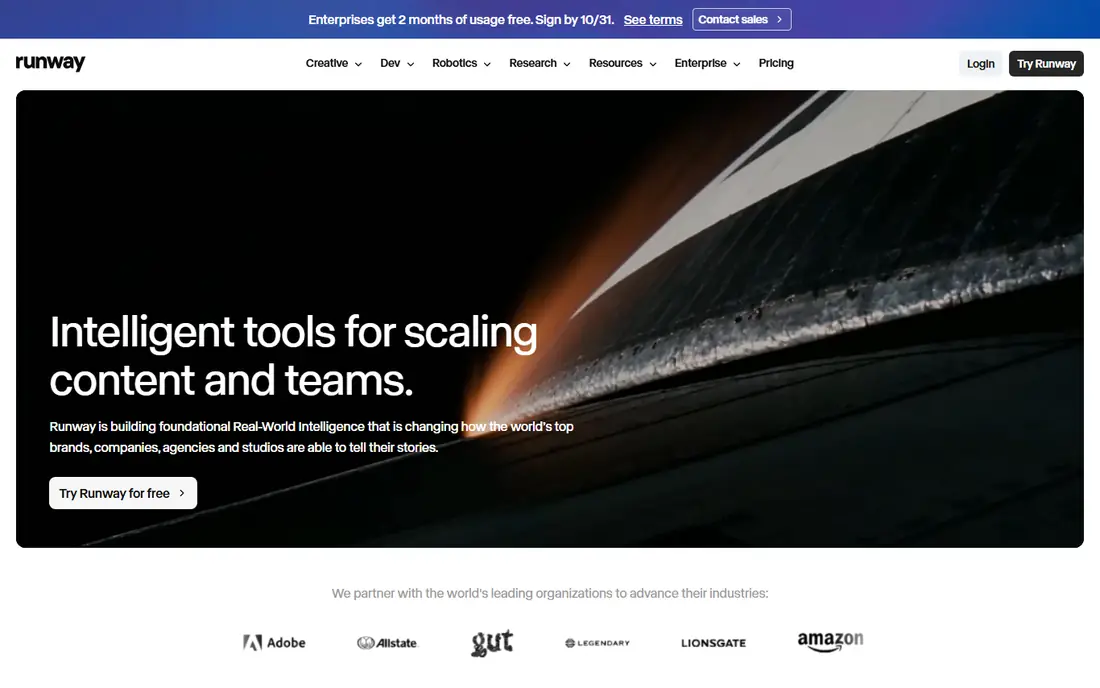
Runway is the tool to pick if you want more than a single clip generator. You can upload a still image, describe the motion, adjust camera movement, and then edit the result in the same workspace, with tools for inpainting, green screen, and upscaling. Character consistency is a particular strength, since a reference image can hold a face, outfit, and proportions across shots in a way that simpler tools struggle to match.
The pricing model needs careful budgeting. The free plan offers 125 one-time credits, Standard is $15 per month or $12 per month billed annually with 625 credits per month, Pro is $35 or $28 annually with 2,250 credits, and Max is $95 or $76 annually with 9,500 credits. At 12 credits per second for Gen-4.5, Standard covers about 52 seconds of that model per month, so regular creators will need Pro or a second tool for volume. For polished, short, client ready shots, Runway still leads.
- Gen-4 family with image to video, camera control, and editing tools
- Character consistency across shots
- 4K upscaling on paid plans
- Credit costs add up fast for longer clips
- Free plan is a one-time credit allowance, not a monthly refill
- Paid plans start higher than some rivals
Kling is the best value pick for realistic image to video work. Upload a photo, add a prompt for movement, and Kling produces motion that holds faces and bodies together better than many cheaper tools, with clips that can extend beyond the short bursts common elsewhere. Daily free credits let you test the tool each day without paying, which is useful when you are learning what prompts work for your images.
Standard pricing is listed at $6.99 for the first month, then $8.80 per month, with 660 credits per month in recent comparisons, while higher plans add more credits and access to newer models such as Kling 4.0 on Pro. The catch is that credit burn depends on model, length, and resolution, so a high resolution clip with audio costs more than a short draft. For creators who want realistic motion on a budget, Kling is the first tool to try.
- Realistic human motion and longer clips
- Daily free credits
- Low entry price compared with Runway and Luma
- Credit costs vary by model and resolution
- Some advanced models need higher plans
- Interface and support can feel less polished than Runway
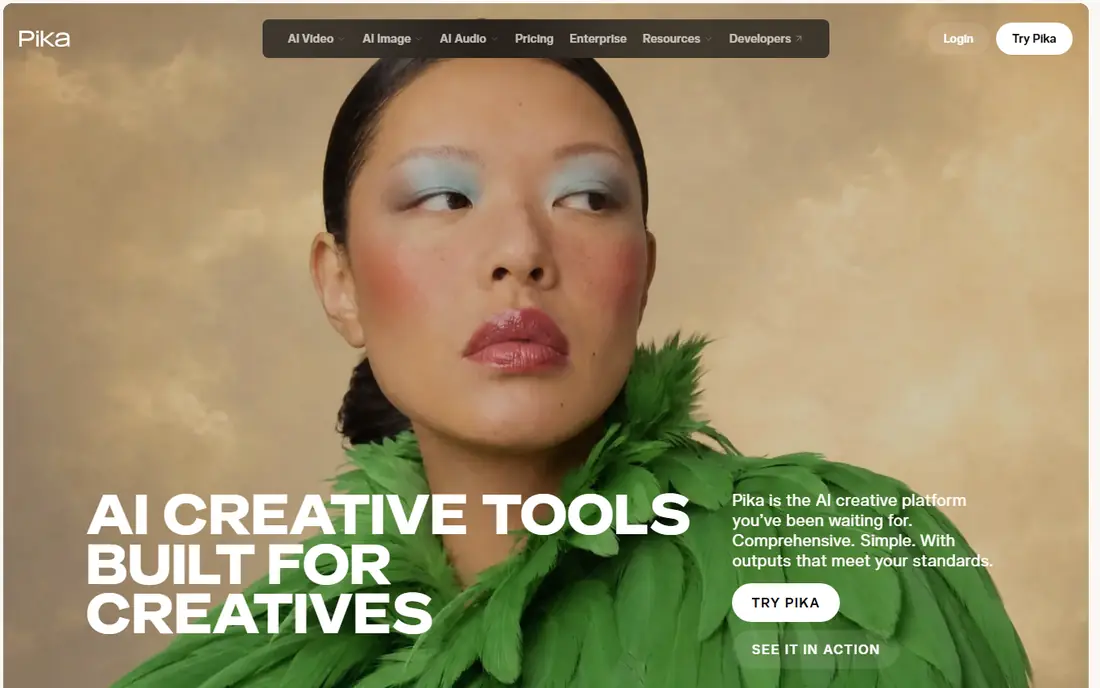
Pika fits social creators who want a photo to move, smile, or react in a few seconds, without learning a full editing suite. The interface is simple, effects are easy to apply, and generations are fast enough to try several takes for a post. Lip sync and stylised effects make it useful for memes, product teasers, and short vertical videos where a polished but playful result is the goal.
Starter is $10 per month, or $8 per month billed annually, with higher plans adding more credits. The free plan is limited and, in recent pricing checks, offers packs rather than a steady monthly credit allowance, so free users should expect to test rather than produce regularly. Pika is not the tool for a long, realistic scene, but for short, shareable clips it is quick and easy to use.
- Fast, simple image animation for social clips
- Effects and lip sync options
- No watermark on generated clips, including free outputs in recent checks
- Free plan offers packs rather than a monthly credit refill in some checks
- Clip length is short
- Less suited to long cinematic scenes
Luma Dream Machine is known for camera work. A still image can become a slow push-in, an orbit, or a tracking shot that feels like it was filmed rather than animated, which suits ads, music videos, and short films. Newer Ray models add HDR handling and restyling of live footage, so Luma can also change the look of a clip after generation.
Plus is $30 per month, which is higher than Runway Standard or Kling Standard, and high resolution generations use more credits, with 1080p clips costing several hundred credits for five seconds in recent checks. Free access is limited, so Luma is best as a paid tool for creators who value camera quality over volume. If your clips need to feel cinematic, Luma earns its price. If you need many cheap drafts, Kling or Pika will stretch further.
- Strong camera movement and cinematic feel
- Fast iteration on image to video prompts
- HDR and restyling options on newer models
- Higher entry price at $30 per month for Plus
- Credit costs for high resolution clips are high
- Free access is limited
Adobe Firefly suits teams that already use Creative Cloud and need video that fits brand guidelines. You can generate a clip from an image, then finish it in Premiere or Photoshop without exporting between unrelated tools, and Adobe positions Firefly as commercially safer for client work because of how its models are trained. That matters for agencies and in-house teams who must answer questions about rights and usage.
Firefly Standard is $9.99 per month and Pro is $19.99 per month in recent checks, with free daily generations on the free tier. The limits are clip length, at around five seconds for many generations, and a shared credit pool across image, video, and audio tools. For quick branded social clips inside Adobe apps, Firefly is convenient. For long, realistic scenes, Runway or Kling will give you more range.
- Video generation inside the Adobe ecosystem
- Commercially safer training approach for brand work
- Integrates with Photoshop, Premiere, and Express
- Clips are short, around five seconds on many plans
- Credit allowances are shared across Firefly tools
- Less realistic motion than Runway or Kling on some prompts
Google Veo, in version 3.1 in recent checks, is the realism leader for short clips with sound. A photo can become a scene with motion, dialogue, and ambient audio that matches lip movement, which is hard for most rivals to match in a single generation. Flow, Google's filmmaking tool, lets you build scenes from images and prompts, extend clips, and manage assets for a short film or ad.
Access comes through Google AI Pro at $19.99 per month, with limited free access inside the Gemini app, and higher plans add more Flow credits. Each generation is around eight seconds, so longer scenes need extensions and careful planning. If you need realistic clips with sound and you already use Google tools, Veo is worth the price. If you need many cheap silent clips, Kling or Pika will cost less.
- Highly realistic motion with synced native audio and lip sync
- Image to video plus text to video in Flow
- Strong camera dynamics
- Access is through Google AI plans and Flow, not a standalone cheap tool
- Clips are short, around eight seconds per generation
- Credit limits apply at peak times
Hailuo AI, also known as MiniMax Hailuo, is a solid mid-price option for creators who want to keep a subject consistent across shots. You can reference multiple images, which helps when a product, character, or location must look the same in each clip. The interface is simple, generations are fast, and the tool suits product demos, social posts, and short stories built from photos.
Standard is listed at $14.99 per month, with a $10.50 discounted rate shown in some October 2026 checks and 1,000 credits per month on that plan. Free generations carry a watermark, so free use is best for testing rather than publishing. Hailuo does not lead on realism or cinematic camera work, but for consistent, affordable clips from reference images, it is a dependable choice.
- Multi-reference image to video for consistent subjects
- Free trial credits to test quality
- Straightforward prompts for social and product clips
- Free output carries a watermark in recent checks
- Standard price is listed at $14.99, with a discounted rate in some checks
- Credit costs vary by model
PixVerse is a good budget tool for daily social content. The free plan resets with daily credits, so you can animate a photo each day without a subscription, and the paid Standard plan is $8 per month billed annually, or $96 per year, with Pro at $24 per month billed annually. That makes PixVerse one of the cheapest paid entry points on this list.
The limits are resolution and consistency. Standard is capped at 720p in recent checks, and results can vary more between prompts than on Runway or Kling. For short clips destined for social feeds, where 720p is often enough, that trade is acceptable. For client work that needs 1080p or higher and tight consistency, a higher tier tool will be safer.
- Daily free credits, around 30 per day in recent checks
- Simple image to video for social clips
- Low paid entry price
- Standard plan caps some outputs at 720p
- Clip quality varies by prompt
- Less depth for professional editing than Runway
Vidu AI focuses on reference driven generation, where you upload one or more images and Vidu keeps the subject, style, or object consistent in the resulting clip. That is useful for product stories, character shorts, and ads where the same item must appear in different scenes. The free plan includes reference uploads each month, so you can test consistency before paying.
Standard is $8 per month billed annually in recent checks, which makes Vidu a low cost way to try reference driven video. The trade-offs are a smaller community and fewer third party integrations than Runway or Kling, and credit and resolution details that vary by plan and region. Check the vendor pricing page for your region, and use the free plan to confirm that Vidu holds your subject well before committing to a paid plan.
- Reference to video for consistent characters and objects
- Free plan with monthly reference uploads
- Low paid entry price
- Paid features and credit allowances vary by region
- Less well known than Runway or Kling, so fewer tutorials and integrations
- Clip length is limited
How we picked these
We compared official pricing pages, feature pages, app store listings, and public reviews, and we kept only services that are actively available in October 2026. We weighed the distinct job each option does best and its entry price.
How to choose an image to video tool
Budget by seconds, not by prompts
Credit systems make headline prices misleading. A plan with 625 credits may cover about 52 seconds of one model and far more of another, and a failed take still costs credits. Estimate finished seconds per week, multiply by two or three for retakes, and compare that total with the credit rate for the model you will use.
Test consistency with your own images
Demo reels use images chosen to flatter the model. Upload your own photos, including faces, products, and busy backgrounds, and generate the same prompt twice. Check whether faces warp or a product changes shape between frames.
Sources
- https://runwayml.com
- https://klingai.com
- https://pika.art
- https://lumalabs.ai
- https://www.adobe.com/products/firefly.html
- https://deepmind.google/models/veo/
- https://hailuoai.video
- https://pixverse.ai
- https://www.vidu.com
- https://www.blutoolboxhq.com/articles/best-ai-video-generators
- https://toolradar.com/guides/best-free-ai-video-generators
- https://saascrmreview.com/best-ai-image-to-video-generators/