Best AI Note Taking App in 2026: 10 Apps Compared
By ToolNimba Editorial Team October 28, 2026 12 min read

- Top pick
 Fathom
Free meeting recording
Starting priceFreeCheck out FathomRead our review - Runner-up
 Otter.ai
Live transcripts and lectures
Starting priceFreeCheck out Otter.aiRead our review - Also great
 Fireflies.ai
Teams and CRM sync
Starting priceFreeCheck out Fireflies.aiRead our review
How we researched this
We compared official pricing and feature pages, app store listings, privacy policies and public user reviews. Prices change, so check the provider's site before you pay.
Key takeaways
- Meeting apps and personal note apps solve different jobs, so the best pick depends on whether you need transcripts or a searchable knowledge base.
- Fathom offers the most generous free meeting recording, while Otter is strongest for live transcripts and in-person recording.
- Granola stands out for owners who do not want a bot joining calls, since it captures audio on your own device.
- Notion AI and NotebookLM are better for turning notes into work, research, and answers across documents you already own.
- Free plans are useful for testing, but summary limits, storage limits, and meeting history limits decide whether a free plan lasts.
Quick comparison
| Name | Best for | Starting price | Free plan | |
|---|---|---|---|---|
| Fathom | Free meeting recording | Free | Yes | Visit |
| Otter.ai | Live transcripts and lectures | Free | Yes | Visit |
| Fireflies.ai | Teams and CRM sync | Free | Yes | Visit |
 Granola | Private, bot-free meeting notes | Free | Yes | Visit |
 Notion AI | All-in-one workspace notes | $10 per month | Yes | Visit |
 NotebookLM | Research from your own sources | Free | Yes | Visit |
 Mem | Auto-organized personal notes | Free | Yes | Visit |
 Reflect | Daily thinking and voice notes | $10 per month | Free trial | Visit |
 MeetGeek | Automated meeting minutes | Free | Yes | Visit |
 Evernote | Personal notes plus AI transcribe | Free | Yes | Visit |
The best ai note taking app apps
AI note taking now splits into two groups. Meeting recorders join or capture calls, transcribe speech, and turn it into summaries and action items. Personal note apps use AI to organize, summarize, and answer questions across notes you write or import. The best choice is rarely both in one app, so this list covers both groups and notes where each one fits.
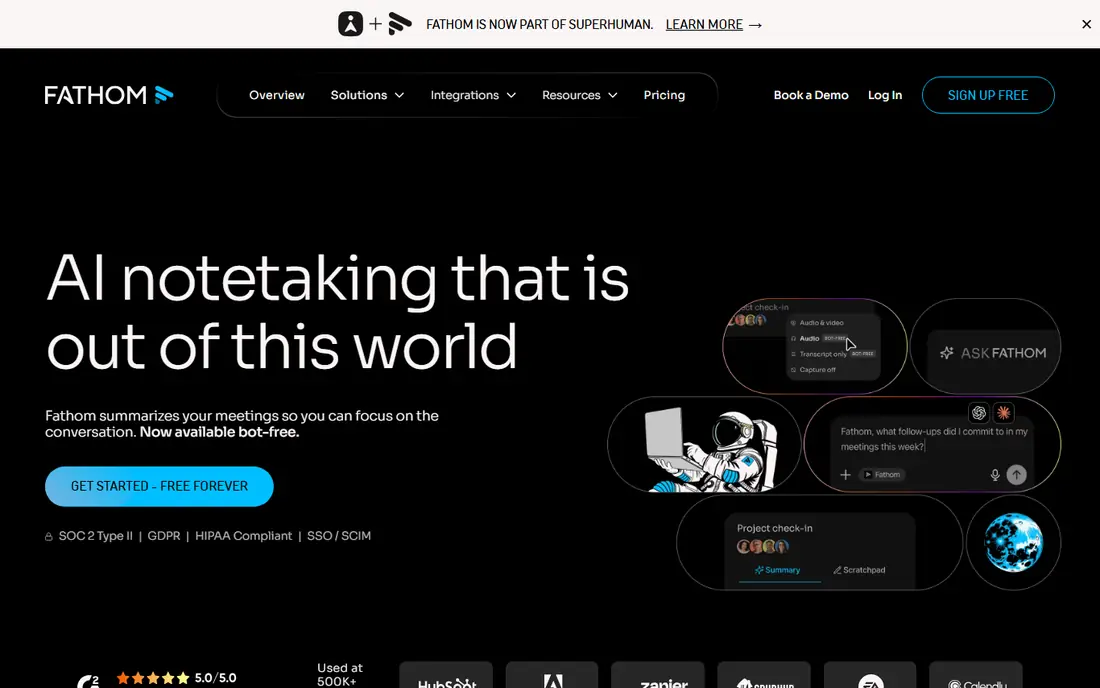
Fathom is the easiest free start for meeting notes. The free plan allows unlimited recordings and transcripts, with advanced AI summaries on a limited number of calls each month. For a solo worker who attends many calls but needs deep summaries only for the important ones, that balance works well in practice.
Paid Premium, at $16 per month billed annually, removes the summary limit and adds more team features. The main trade-off is the bot. Fathom joins calls as a participant unless you use its bot-free option, which is still in beta on Mac. If that visibility matters for client calls, Granola may suit you better.
- Unlimited free recordings and transcripts
- Advanced summaries on 5 calls a month free
- Works with Zoom, Meet, and Teams
- Full AI features need Premium at $16 per month billed annually
- Bot joins calls by default
- Team plan needs two users
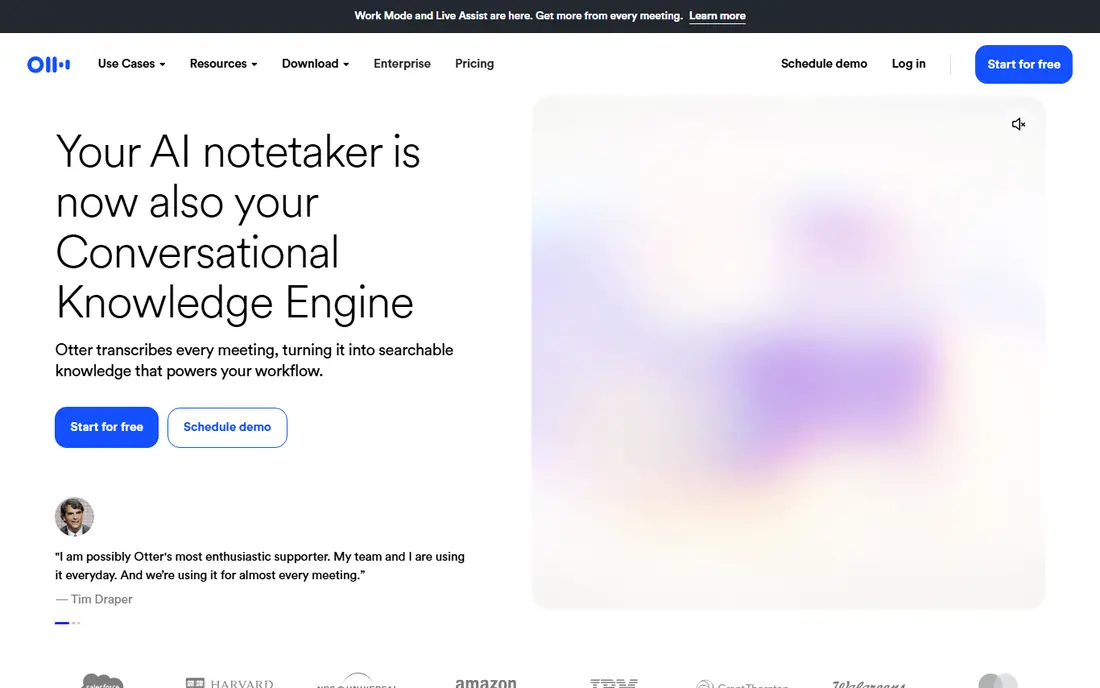
Otter is built for live use. It transcribes as people speak, labels speakers, and lets you search the transcript later for a name, decision, or number. That makes it strong for lectures, interviews, and in-person meetings where no call bot can join. The free plan covers 300 transcription minutes a month, with a 30-minute limit per conversation.
Pro, at $8.33 per user per month billed annually, raises limits and adds more AI summary features. Otter is less of a workspace than Notion, so you will still need a place to turn summaries into tasks. For capture quality and live reading, it remains a top pick.
- Live, searchable transcripts with speaker labels
- Mobile app for in-person recording
- Free plan gives 300 minutes a month
- Free conversations capped at 30 minutes
- Pro is $8.33 per month billed annually
- Summaries improve on paid plans
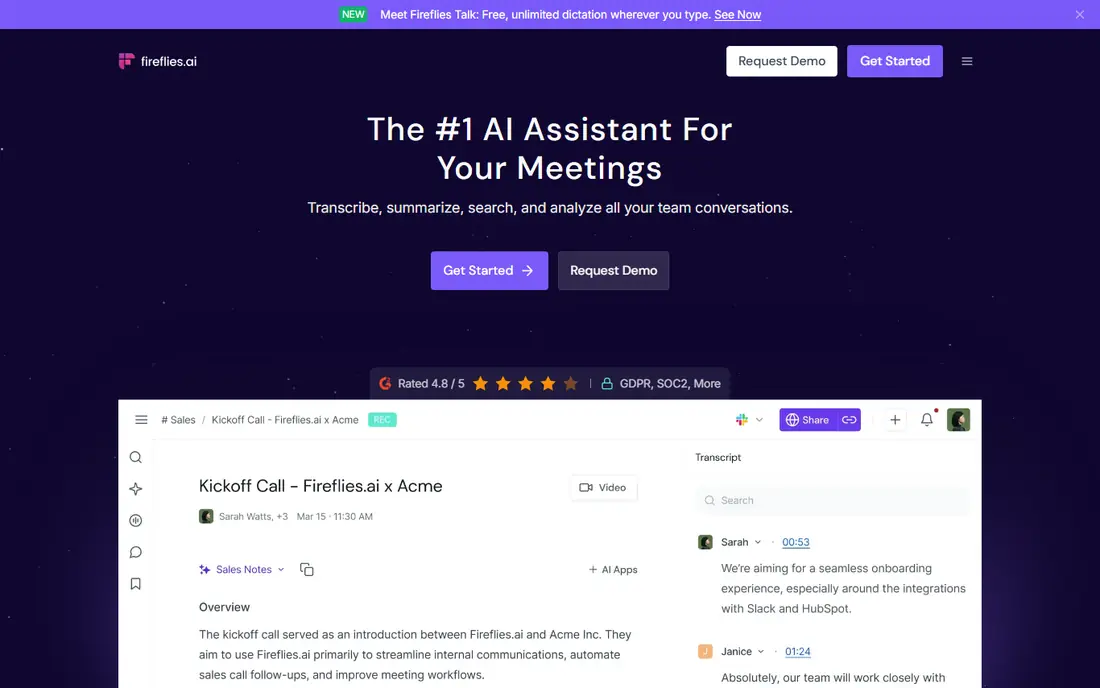
Fireflies suits teams that need a shared, searchable record of sales and operations calls. Transcripts sync to CRMs and other tools, so a follow-up, a quote, or a customer request does not stay locked in one person's notes. The free plan offers unlimited transcription with limited AI summaries and storage limits, which is enough to test the workflow.
Pro, at $10 per seat per month billed annually, adds fuller AI summaries, more storage, and team controls. Fireflies is less private than Granola, since a bot joins the call, and it is heavier than Fathom for a solo user. For a team that lives in a CRM, those integrations justify the choice.
- Unlimited transcription on the free plan
- Strong integrations with CRMs and tools
- Searchable meeting history for teams
- AI summaries limited on free plan
- Pro is $10 per month billed annually
- Bot joins calls
Granola takes a different approach to privacy. Instead of sending a bot into a meeting, it captures audio on your own device and turns it into notes, summaries, and action items. For consultants, lawyers, and sales staff who meet clients on external calls, that lack of a visible bot can make meetings feel more natural and reduce questions about recording.
The free plan is useful, but meeting history is limited, and the Business plan at $14 per user per month adds longer history and team features. Granola is not a full workspace, so you will still export key decisions elsewhere. For private, client-facing notes, it is our top pick in this group.
- No bot joins the call
- Captures audio on your device
- Clean summaries and action items for client work
- Business plan is $14 per month
- Free history limited to 30 days
- Fewer team integrations than Fireflies
Notion AI is best when your notes already live in Notion. It can draft from a prompt, summarize a page, and answer questions across docs, wikis, and databases, which turns scattered meeting notes into usable work. For teams that plan projects in Notion, that link between notes and tasks is the main advantage over a standalone recorder.
Pricing needs care. Plus starts at $10 per user per month billed annually, and full AI is included on Business at $20 per user per month billed annually. AI meeting notes are also offered as a trial on some plans. Notion is heavier than a simple note app, so solo users who only need quick notes may prefer Mem or Reflect.
- AI drafts, summarizes, and answers across your workspace
- Notes, tasks, and wikis in one place
- Strong team templates
- Full AI needs Business at $20 per month billed annually
- Plus starts at $10 per month
- Meeting capture is a trial on some plans
NotebookLM is not a general note app. It is a research tool that reads sources you upload, such as PDFs, docs, and web links, and answers questions with citations back to those sources. For students, researchers, and analysts who need to trust an answer, that grounding matters more than a generic chat reply.
The free tier covers core research use, with higher limits on paid Google plans. It does not record meetings, and it will not organize a daily journal. Pair it with a meeting recorder for capture, then use NotebookLM when you need to turn a set of sources into a summary, outline, or study guide.
- Free tier for source-grounded research
- Answers cite your uploaded docs, PDFs, and links
- Good for study and reports
- Not a meeting recorder
- Needs sources to shine
- Paid limits vary with Google plans
Mem aims to reduce organizing work. You capture notes, links, and voice memos, and Mem groups related material, suggests connections, and helps you find past notes without a perfect folder system. That suits people who take many quick notes and hate filing them, and voice mode makes capture easy on the move.
The free plan limits voice hours and new notes per month, while Mem Plus at about $9 per month raises those limits. Mem is not a project database, and teams that need permissions and templates will prefer Notion. For a personal second brain with less manual sorting, Mem is a strong, low-friction pick.
- AI organizes notes and surfaces related material
- Voice mode for quick capture
- Free plan for basic use
- Paid Mem Plus is about $9 per month
- Less structure than Notion
- Team features are limited
Reflect is built for people who think in daily notes. It offers a fast editor, backlinks between notes, and AI features that help summarize, extend, and connect ideas. Voice notes fit naturally here, since many users capture a thought on the move and expand it later at a desk.
The main limit is price and trial structure. There is no ongoing free plan, only a trial, and the paid plan is $10 per month billed annually. That makes Reflect a commitment, not a casual test. For writers, researchers, and founders who keep a daily practice, the speed and focus justify it. For occasional notes, a free tool is a better start.
- Fast daily notes with backlinks
- Voice notes and AI help for thinking
- Clean, focused editor
- No free plan, trial only
- $10 per month billed annually
- Fewer integrations than Notion
MeetGeek focuses on minutes, not just transcripts. It produces structured summaries, highlights, and action items, and can sync them to tools your team already uses. Capture options include a bot, a desktop app, and a Chrome extension, which gives more choice than a bot-only recorder.
The free plan covers 3 hours a month, with a 2-hour limit per meeting, so heavy users will need the $9.99 per user per month plan. MeetGeek is a solid middle option: less generous free recording than Fathom, but stronger minutes and workflow options for teams that need consistent meeting records.
- Bot or bot-free capture options
- Automated minutes and summaries
- Sync to common work tools
- Free plan gives 3 hours a month
- Paid plan is $9.99 per month
- Per-meeting limit on free plan
Evernote is the familiar choice for personal notes, clips, and scanned material, now with AI Transcribe for browser meetings and microphone input in beta. If your notes already live in Evernote, adding transcription there avoids moving everything to a new app. Search across notes, notebooks, and clips remains a strength.
The free plan is tight, with 50 notes, one device, and no AI Transcribe, so most regular users will need a paid plan from $8.25 per user per month billed annually. Dedicated meeting apps also transcribe better. Evernote fits best as a personal archive with occasional AI transcription, not as a primary meeting recorder.
- Long history as a personal note app
- Web clipping and search
- AI Transcribe for browser meetings and mic input in beta
- Free plan limited to 50 notes and one device
- Paid plan from $8.25 per month
- AI features lag dedicated recorders
How we picked these
We compared official pricing pages, help pages, and public reviews for meeting recorders and personal note apps with AI features in 2026. We checked free limits, paid prices, capture methods, and whether a bot joins calls, since those details decide daily use more than marketing claims. We favored apps that are available now, with a working free plan or trial, and a clear path from capture to summary to tasks.
We also separated meeting capture from knowledge work. A great transcript that never becomes a task is only half a tool, and a great workspace that cannot capture a call leaves a gap. That split explains why this list includes both types, rather than ranking them as if they did the same job.
How to choose the right AI note app
Start with capture, not AI hype
Ask how the app gets audio: a bot, device capture, or manual upload. Bot capture is easy but visible, device capture is private but device-dependent, and manual upload works for files you already own. Choose the method your clients and colleagues will accept, then compare AI quality.
Check the free limit that will hit first
Free plans limit different things: minutes, summaries, storage, history, or notes. A plan with unlimited recording but only five advanced summaries may suit a light user and frustrate a heavy one. Test with your busiest week, not your quietest, before paying.
Decide where summaries should live
A summary in a recorder is useful for a day, but a summary in Notion, a CRM, or a task app becomes work. Check exports and integrations before you commit, and pick one home for decisions and owners. Duplicating notes across three apps creates more work than the AI saves.
Review privacy and consent rules
Recording laws and workplace rules vary, and some calls need consent from all participants. Tell attendees when a bot or recorder is present, check your company policy, and review how long transcripts are kept. Private capture does not remove the need for consent.