Best AI Workflow Automation Tools in 2026: 9 Platforms Compared
By ToolNimba Editorial Team October 28, 2026 11 min read

- Top pick
 Zapier
Fastest setup and widest app coverage
Starting price$19.99 per monthCheck out ZapierRead our review - Runner-up
 Make
Visual multi-step workflows on a budget
Starting price$9 per monthCheck out MakeRead our review - Also great
 n8n
AI agents and self-hosting
Starting price20 euros per monthCheck out n8nRead our review
How we researched this
We compared official pricing and feature pages, app store listings, privacy policies and public user reviews. Prices change, so check the provider's site before you pay.
Key takeaways
- Zapier is the easiest place to start, but it gets expensive fast on long, multi-step workflows.
- Make gives you far more runs per dollar than Zapier, and its visual builder suits semi-technical teams.
- n8n is our pick for technical teams and AI agents, because one run counts as one execution no matter how many steps it has.
- The billing unit matters more than the headline price, so check whether you pay per task, per credit, or per run.
- Start on a free plan, build one real workflow, and only upgrade once you know your monthly volume.
Quick comparison
| Name | Best for | Starting price | Free plan | |
|---|---|---|---|---|
| Zapier | Fastest setup and widest app coverage | $19.99 per month | Yes | Visit |
| Make | Visual multi-step workflows on a budget | $9 per month | Yes | Visit |
| n8n | AI agents and self-hosting | 20 euros per month | Yes | Visit |
 Microsoft Power Automate | Microsoft 365 workplaces | $15 per user per month | Free trial | Visit |
 Gumloop | Simple no-code AI workflows | $30 per month | Yes | Visit |
 Lindy | AI assistants for everyday tasks | $39.99 per month | Yes | Visit |
 Activepieces | Low-cost automation with self-hosting | $16 per month | Yes | Visit |
 Pipedream | Code-friendly workflows and AI agents | $29 per month | Yes | Visit |
 IFTTT | Simple personal automations | $2.99 per month | Yes | Visit |
The best ai workflow automation tools
We compared official pricing pages, feature lists, and public reviews for the platforms below, and we focused on how each one charges, how hard it is to learn, and how well it handles AI steps such as drafting, classifying, and summarizing.
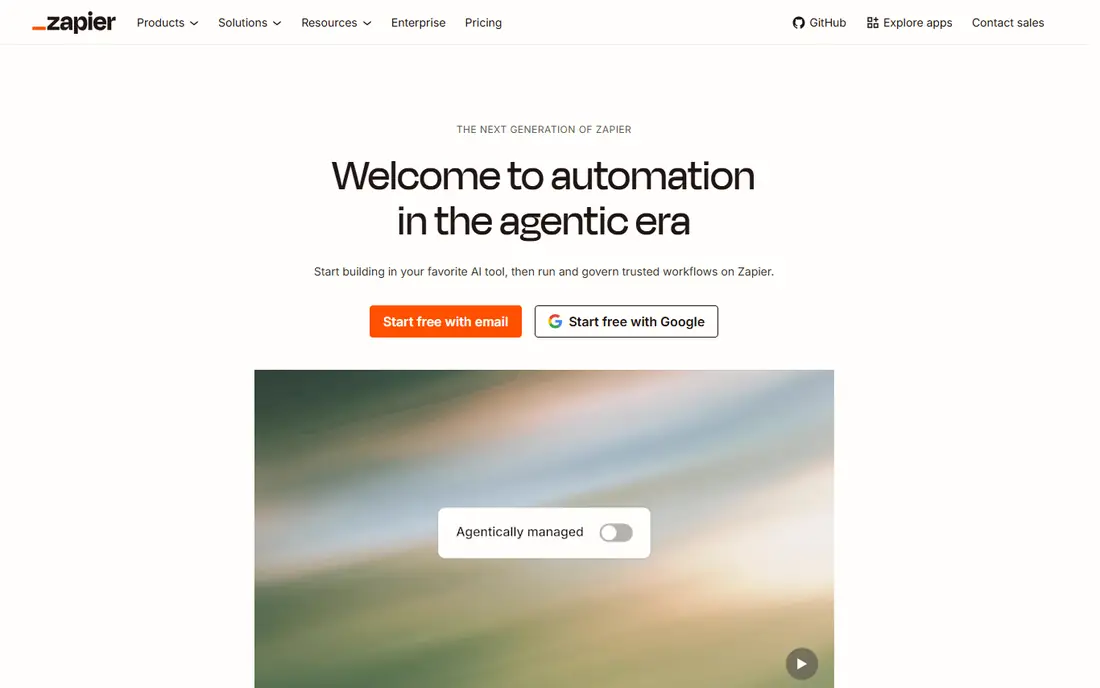
Zapier is still the default choice when you want an automation running today rather than next week. Its builder is plain and guided, its app library is the largest on this list, and most common connections work with little setup. For a small team that links a form, a spreadsheet, and an email tool, that speed is worth a lot.
The catch is the meter. Zapier bills per task, and each successful action step counts, so a five-step workflow that runs often can burn through a plan quickly. The Professional plan starts at $19.99 per month billed annually for 750 tasks, and the free plan covers 100 tasks per month. If your workflows are short and your volume is modest, Zapier is hard to beat. If they are long and frequent, compare Make or n8n before you commit.
- Huge app library
- Very easy builder
- AI Agents and Copilot help on every plan
- Per-task billing adds up on long workflows
- Free plan is limited to two-step Zaps

Make builds workflows as scenarios on a visual canvas, and you can see exactly what data passes through each module. That view helps when a workflow branches, loops, or transforms data, and it makes debugging far less guesswork than a simple list of steps. It also connects to more than 3,000 apps, with HTTP modules for the rest.
Pricing is the main draw. The free plan gives 1,000 credits per month, and Core starts at about $9 per month billed annually for 10,000 credits. Each module action generally costs one credit, so long workflows still add up, but the cost per run is usually much lower than Zapier. Teams that want control without writing code will get the most from Make.
- Generous credit allowance for the price
- Clear visual view of data at each step
- AI agents and an MCP server
- Takes longer to learn than Zapier
- Cloud only, with no self-hosted option
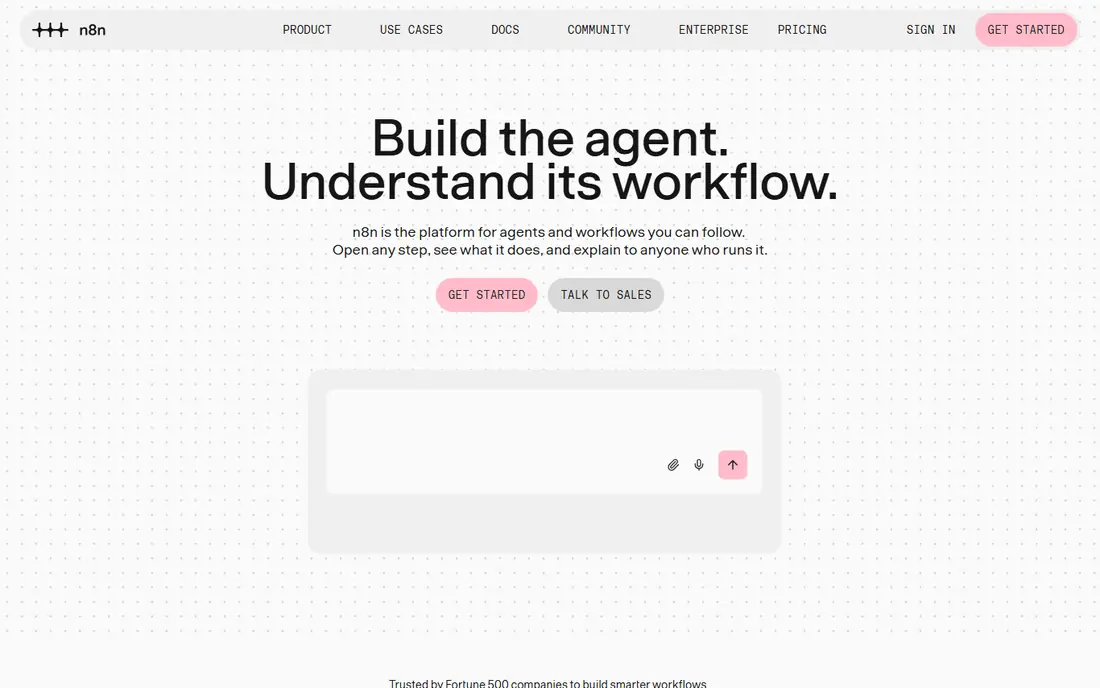
For AI work, n8n is our pick. Its AI agent node can use a chat model plus tools, and it supports long chains, memory, and branching logic that simpler tools struggle with. Because n8n charges per execution, a 30-step workflow costs the same as a two-step one, which changes the math completely for AI-heavy jobs.
The trade-off is effort. Self-hosting is free apart from server costs, but you take on updates, monitoring, and backups. The cloud Starter plan is 20 euros per month billed annually for 2,500 executions, and the Pro plan is 50 euros per month for 10,000 executions. If you have a developer on hand, or you are willing to learn, n8n gives you the most room to grow.
- Charged per execution, not per step
- Strong AI agent and LangChain support
- Free self-hosted edition
- Needs technical skill
- Cloud prices are in euros, so the dollar cost moves with exchange rates
If your team already lives in Microsoft 365, Power Automate is the natural first check. Standard connectors come with many Microsoft 365 plans, and Premium starts at $15 per user per month billed annually for cloud flows, attended desktop automation, and Dataverse access. That per-user model is predictable when headcount is stable.
It is less appealing as a general tool. Building flows outside the Microsoft world can feel clunky, and pricing tiers for bots and hosted processes climb quickly. Still, for approvals, document handling, and Teams notifications, it removes the need for yet another vendor. Check what your current Microsoft plan already includes before you pay extra.
- Deep ties to Outlook, Teams, SharePoint, and Excel
- Per-user pricing suits steady teams
- Desktop flows for older apps
- Best value only inside Microsoft 365
- Outside that world, other tools connect more broadly
Gumloop aims at people who want AI in a workflow without building an agent from parts. Templates cover jobs such as lead research, content drafting, and inbox triage, and you assemble steps on a visual canvas. That makes it a good fit for marketers and founders who want a working result in an afternoon.
The limits show up when logic gets complicated. Gumloop is not the tool for deep branching, custom code, or large enterprise governance. Its Solo plan is listed at $30 per month, with a free tier for trying it out. Use it when the job is a clear, repeatable AI task, and move to n8n or Make if you outgrow templates.
- Template-led setup for common AI jobs
- MCP support
- Gentle learning curve
- Less control than n8n or Make for complex logic
- AI usage can raise costs on heavy plans
Lindy sits between a workflow tool and a virtual assistant. You can set up agents that answer calls, book meetings, follow up on leads, and handle routine email, rather than only moving data between apps. That focus suits small teams that want outcomes, not just connections.
Pricing needs care. The Pro plan is listed at $39.99 per month, with a free tier for testing, but AI steps consume more credits than basic steps, so a busy assistant can use credits faster than expected. Try it with one assistant and one clear job, such as booking or lead follow-up, and watch credit use for a month before adding more.
- Ready-made AI assistants for calls, email, and scheduling
- 4,000 plus integrations
- AI voice support
- AI steps cost more credits than simple steps
- Pricing can climb with heavy AI use
Activepieces is the budget pick that still feels like a real product. Its core is open source and free to self-host, and its cloud Plus plan is listed at about $16 per month billed annually. The builder is straightforward, and it covers the popular apps most small teams use every day.
You will notice the smaller library if you rely on niche tools, and its AI features are less deep than n8n. For straightforward automations, such as syncing a form to a sheet or posting alerts to chat, that gap rarely matters. If low cost and self-hosting matter more than breadth, Activepieces deserves a trial.
- Free self-hosted core
- Low cloud price
- Simple builder for common apps
- Smaller app library than Zapier or Make
- Fewer advanced AI features
Developers tend to like Pipedream because it does not hide the code. You can write steps in Node.js or Python, test API calls directly, and build agents that react to webhooks in real time. That control is useful for data pipelines, internal tools, and custom integrations that no-code builders handle awkwardly.
The flip side is that non-technical teammates may struggle to edit or fix a workflow. Paid plans start at about $29 per month, with a free tier for building and testing. Pick Pipedream when your team writes code anyway, and pick Zapier or Make when the people who maintain workflows do not.
- Code steps in Node.js and Python
- Strong webhook and API handling
- Good for developers
- Less friendly for non-technical users
- Paid plans start higher than Make or Activepieces
IFTTT is not a business automation platform, and it does not try to be one. It links two services with a simple rule, such as saving email attachments to cloud storage or turning on a light at sunset. The free plan covers two applets, and Pro starts at $2.99 per month for 20 applets.
That simplicity is both the appeal and the limit. You cannot build branching logic, complex AI agents, or team workflows here. For personal use and smart home routines, though, IFTTT is cheap, stable, and easy to explain. Keep it for small jobs and use a platform above for anything a business depends on.
- Very cheap
- Simple applets for smart home and personal tasks
- Quick to set up
- Limited to simple triggers and actions
- Weak for multi-step business workflows
How we picked these
We compared official pricing pages, feature lists, app store listings, and public reviews, and we favored tools that are live and supported in October 2026. We checked each vendor homepage to confirm it loads and belongs to the product named. We did not claim hands-on testing, and we left out tools that had shut down or that only offered quote-only enterprise pricing with no usable entry point. Where prices differed between sources, we used the vendor-aligned figure most often reported in October 2026 and noted billing terms so readers can check the live page before buying.
What to check before you pay
Start with the billing unit, because it decides your real cost. Count how many steps your typical workflow has, how often it runs, and whether AI steps cost extra credits. A tool that looks cheap at the starter tier can become the most expensive one once volume grows, and a tool that looks pricey can be the cheapest for long workflows.
Match the tool to the builder
Think about who will fix a workflow at 9 pm when it breaks. Zapier and Gumloop suit non-technical owners, Make suits semi-technical operators, and n8n and Pipedream suit developers. A tool nobody on your team can maintain will cost more in time than it saves in subscription fees.
Test one real workflow first
Build the workflow you actually need, not a demo. Run it for two weeks, check the usage meter, and confirm that error alerts reach someone. Also confirm data handling, especially if workflows touch customer details, and check whether you can export your workflows if you later switch tools.
Sources
- https://blog.n8n.io/best-ai-workflow-automation-tools/
- https://toolradar.com/guides/best-workflow-automation-tools
- https://nimblelancer.com/workflow-automation-tools/
- https://levelui.com/resources/zapier-vs-make-vs-n8n
- https://www.syedfarzamsaadat.com/n8n-vs-zapier-vs-make.html
- https://www.trendix.tech/zapier-vs-make-vs-n8n/
- https://www.blinno.ch/en/blog/die-besten-tools-zur-workflow-automatisierung-zur-forderung-deines-unternehmens