Best AI Writing Tools in 2026: 9 Tools Compared
By ToolNimba Editorial Team October 28, 2026 10 min read

- Top pick
 Jasper
Marketing teams and brand voice
Starting price$69 per monthCheck out JasperRead our review - Runner-up
 Grammarly
Everyday editing everywhere you type
Starting price$30 per monthCheck out GrammarlyRead our review - Also great
 Copy.ai
Short marketing copy and workflows
Starting price$29 per monthCheck out Copy.aiRead our review
How we researched this
We compared official pricing and feature pages, app store listings, privacy policies and public user reviews. Prices change, so check the provider's site before you pay.
Key takeaways
- The best ai writing tool depends on the job: drafting, editing, paraphrasing, and fiction need different strengths.
- Grammarly and Rytr offer the lowest-risk starting points, because both have free plans you can use for real work.
- Jasper and Copy.ai are priced for marketing teams, while Sudowrite and ProWritingAid serve fiction and long-form writers.
- Every tool here still needs human editing, fact checking, and a final read before you publish or submit anything.
Quick comparison
| Name | Best for | Starting price | Free plan | |
|---|---|---|---|---|
| Jasper | Marketing teams and brand voice | $69 per month | Free trial | Visit |
| Grammarly | Everyday editing everywhere you type | $30 per month | Yes | Visit |
| Copy.ai | Short marketing copy and workflows | $29 per month | Free trial | Visit |
 Writesonic | SEO articles and AI search visibility | $99 per month | Free trial | Visit |
 Rytr | Low-cost short-form drafts | $9 per month | Yes | Visit |
 QuillBot | Paraphrasing and summarizing | $19.95 per month | Yes | Visit |
 Sudowrite | Fiction drafting | $19 per month | Free trial | Visit |
 Notion AI | Writing inside a Notion workspace | $20 per member per month | Free trial | Visit |
 ProWritingAid | Deep manuscript editing | $30 per month | Yes | Visit |
The best ai writing tools
We compared official feature pages, pricing pages, app store listings, and public reviews to sort drafting tools from editing tools. The list below covers both, so you can match the tool to the writing you actually do.
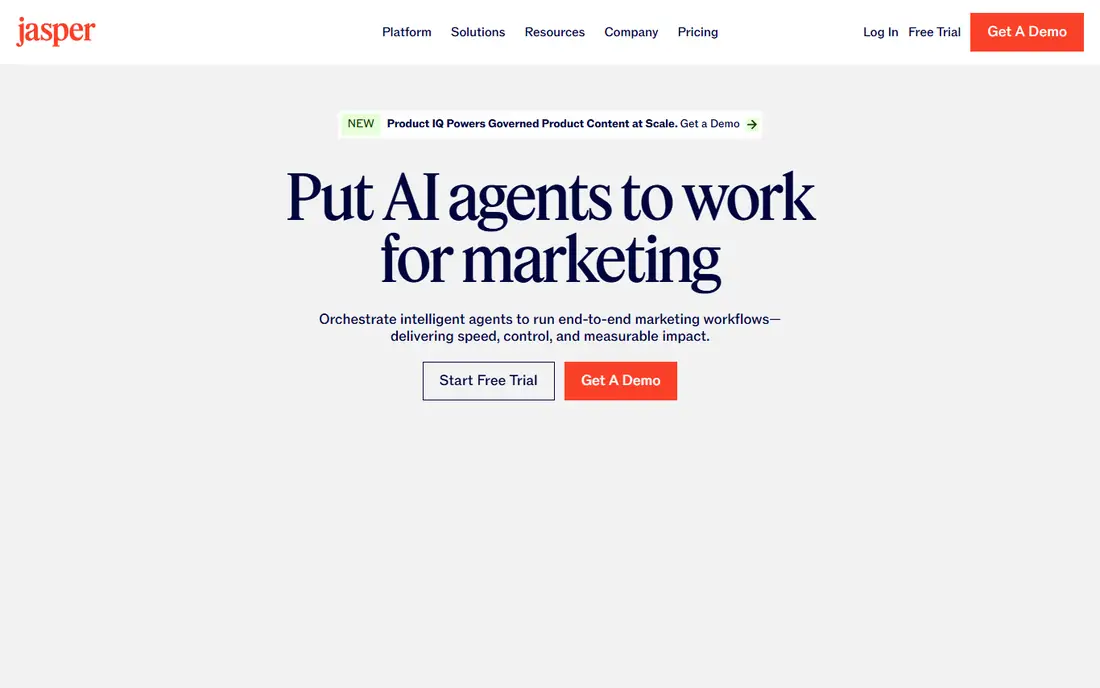
Jasper is built for marketing output at volume. Its brand voice feature helps a team keep product pages, ads, and emails sounding consistent, even when several people write them. Templates for common marketing formats also cut down the time spent setting up each new draft.
The trade-off is price and focus. A solo writer who only needs occasional drafts will find cheaper options in this list, and the seven-day trial is short for a full team test. Jasper makes the most sense when brand consistency and shared workflows matter more than the lowest monthly cost.
- Brand voice controls
- Many marketing templates
- Team workspaces and campaign tools
- No free plan
- Price is high for a single writer
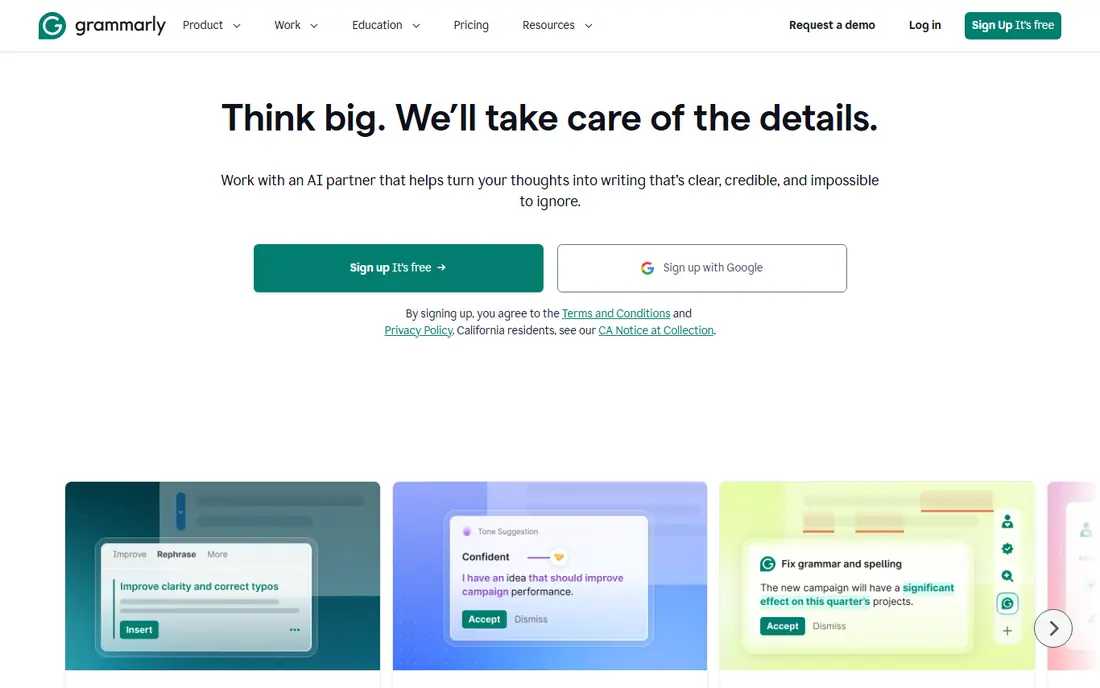
Grammarly is the easiest pick for most people, because it meets you where you already write. It checks spelling, grammar, punctuation, and tone as you type, and Pro adds full-sentence rewrites, plagiarism checks, and a larger AI prompt allowance. The free plan covers basic checks and a limited number of AI prompts each month.
It is not a full drafting studio. If you need a tool to plan a long article from a brief, a dedicated drafting app will help more. For polishing emails, reports, essays, and posts, Grammarly remains our pick for most people.
- Works in browsers, docs, and many apps
- Clear grammar and tone checks
- Useful free plan
- Monthly billing is much higher than annual billing
- Long-form drafting is not its main job
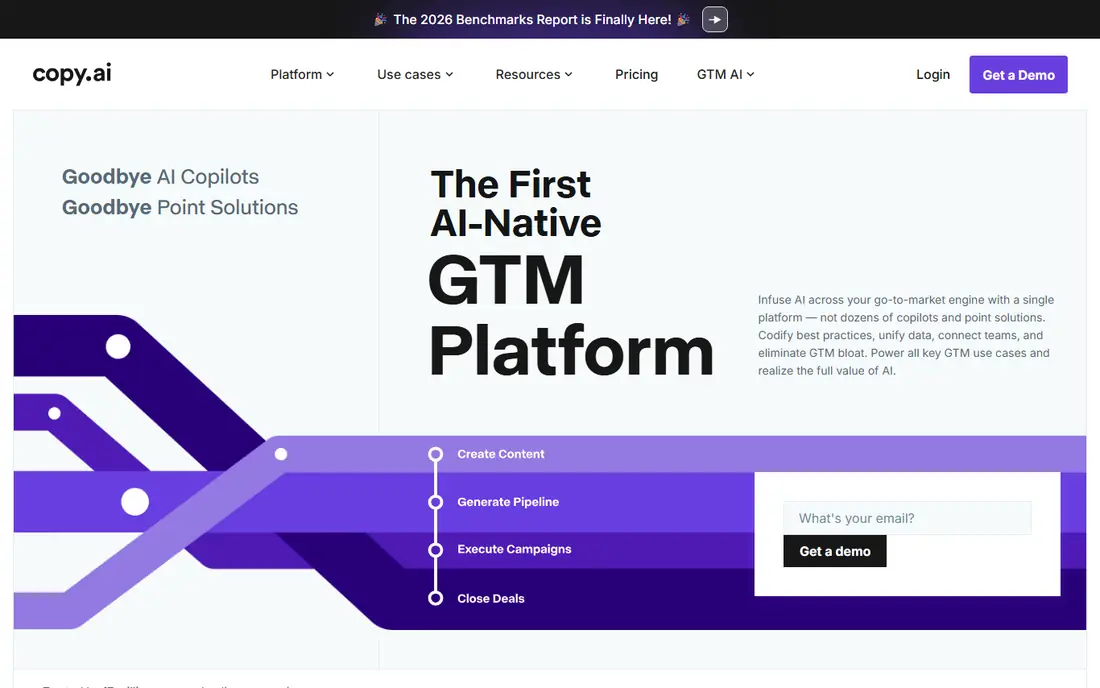
Copy.ai started as a copywriting assistant and now leans toward sales and marketing workflows. Its templates suit ads, emails, social posts, and product descriptions, and workflows can chain steps together for repeatable jobs such as outreach. That structure helps small marketing teams produce many similar pieces without starting from a blank page each time.
The catch is the pricing gap. The entry Chat plan is reasonable for individuals, but the full workflow tiers are priced for larger teams. Check the plan limits before you build a process around it, and keep it for short-form work where it is strongest.
- Strong short-form templates
- Workflow tools for repeatable copy
- Multi-model chat access on paid plans
- Higher workflow tiers jump sharply in price
- Long-form writing needs more editing
Writesonic has moved from a general writing tool toward SEO content and tracking how a brand shows up in AI answers. Its article writer can research a topic and produce a structured draft, which helps content teams that publish on a schedule. Site audits and prompt tracking add value if search visibility is part of your job.
For a casual writer, the price is hard to justify. The monthly article allowance also means heavy publishers need a higher tier. Writesonic fits best when SEO reporting and article output are both part of the same workflow.
- Article writer with web research
- SEO and AI visibility tracking
- Site audits on higher plans
- Entry price is high for casual writers
- Article allowances cap monthly output
Rytr keeps things simple, and that is the point. You pick a use case, choose a tone, add a few details, and get a short draft for an email, caption, ad, or product description. The free plan gives 10,000 characters per month, which is enough to test the tool on real tasks.
Long articles are where Rytr shows its limits. Stitching several short outputs into a coherent guide takes manual work, and it cannot research or verify facts for you. If your main need is fast short-form help on a tight budget, Rytr is hard to beat.
- Very low price
- Simple template workflow
- Free plan for light use
- Long-form output needs heavy editing
- No live research feature
QuillBot answers a different question from most tools here: how do I say this passage another way. Its paraphrasing modes range from standard and fluency to formal and creative, and a slider lets you change how much wording shifts. The summarizer and citation generator also help students and researchers work with source material.
The free plan is useful only for short passages. Premium removes the word limit, adds all modes, and adds plagiarism checking up to a monthly word cap. Buy it for rewriting and summarizing, not as a general article drafter.
- Several paraphrasing modes
- Summarizer and citation tools
- Low annual price
- Free paraphrasing is limited to 125 words at a time
- Plagiarism checking is paid only
Sudowrite is the specialist on this list. Its Story Engine guides novel planning, while Describe adds sensory detail and Rewrite reworks a passage without losing the scene. All paid plans include the same features, so the choice comes down to how many credits you need each month.
That focus is also its limit. Sudowrite will not help much with ads, reports, or SEO articles, and unused credits on the two cheaper plans do not roll over. Fiction writers should start with the trial and watch credit use during a normal drafting week.
- Built for fiction, with story tools
- Describe and Rewrite help at scene level
- All features on every paid plan
- Credit allowances can run out
- Not suited to marketing or business writing
Notion AI is best understood as a writing helper inside a workspace you already use. You can highlight text to shorten, expand, or change its tone, summarize long pages, and ask questions across your notes. For teams that keep briefs, docs, and meeting notes in Notion, that closeness saves copy-and-paste work.
The pricing change matters. New buyers cannot add cheap standalone AI to a basic plan; full AI comes with Business at $20 per member per month on annual billing. If Notion is not your home base, a standalone writing tool will cost less.
- Summaries, rewrites, and Q and A inside your notes
- Useful for docs and meeting notes
- Full AI included on Business
- Full AI requires the Business plan for new buyers
- Less useful if you do not use Notion daily
ProWritingAid suits writers with long documents to revise. Its reports look at pacing, repeated words, sentence variety, dialogue tags, and other patterns that a quick grammar check will miss. Integrations with Scrivener and Word help novelists and academics work on full manuscripts rather than pasted snippets.
The interface can feel busy at first, and the free plan is only a taste. The lifetime license, at $399 for Premium, may suit a writer who plans to use it for years, while annual billing at $120 per year is the lower-risk start.
- Many detailed style and structure reports
- Scrivener and Word integrations
- Lifetime license option
- Free checks are limited to 500 words at a time
- Plagiarism checks cost extra
How we picked these
We compared official feature pages, pricing pages, app store listings, privacy policies, and public reviews for each tool. We kept only tools that exist and work in October 2026 and that clearly fit drafting, editing, paraphrasing, or fiction writing. Prices shown are the monthly-billed entry price unless stated otherwise, and annual billing is usually cheaper. We did not claim hands-on testing; this list reflects published features, plan limits, and reviewer feedback.
What to check before you pay
Start with the job, not the brand. A drafting tool helps you create a first version, an editing tool improves a version you wrote, and a paraphraser rewords existing text. Buying the wrong kind is the most common waste of money in this category.
Free plan or trial first
Use the free plan or trial on two finalists for one real week of work. Write the same kind of piece in each, then compare how much editing each draft needed. A tool that saves time on your actual work is worth more than a longer feature list.
Watch the limits that bite
Word caps, credit allowances, article limits, and prompt limits decide the real cost. A low headline price can turn expensive if you hit a cap mid-month. Check whether unused allowance rolls over, and whether plagiarism checks, images, or team seats cost extra.
Keep a human in charge
AI drafts can sound confident while getting facts, quotes, or dates wrong. Check every claim against a source you trust, keep your own voice in the final version, and do not submit AI text as your own work where your school or employer forbids it. The best ai writing software is the one that speeds up your process without replacing your judgment.