Best App to Buy Crypto in 2026: 9 Apps Compared
By ToolNimba Editorial Team October 28, 2026 12 min read

- Top pick
 Coinbase
Beginners and first buys
Starting priceFreeCheck out CoinbaseRead our review - Runner-up
 Kraken
Low fees and security
Starting priceFreeCheck out KrakenRead our review - Also great
 Binance.US
Low US spot fees
Starting priceFreeCheck out Binance.USRead our review
How we researched this
We compared official pricing and feature pages, app store listings, privacy policies and public user reviews. Prices change, so check the provider's site before you pay.
Key takeaways
- Coinbase is the easiest first buy for beginners, while Kraken offers lower advanced trading fees and a long security record.
- Simple buy screens cost far more than advanced order-book trading on the same app, so learn the advanced view before you trade often.
- Binance.US and Crypto.com can be cheaper for active traders, but coin availability and state access vary, so check your state first.
- No app removes crypto risk, so keep only trading funds on an exchange and move long-term holdings to a wallet you control if you plan to hold.
Quick comparison
| Name | Best for | Starting price | Free plan | |
|---|---|---|---|---|
| Coinbase | Beginners and first buys | Free | Yes | Visit |
| Kraken | Low fees and security | Free | Yes | Visit |
| Binance.US | Low US spot fees | Free | Yes | Visit |
 Gemini | Regulated US custody | Free | Yes | Visit |
 Crypto.com | App and card rewards | Free | Yes | Visit |
 Robinhood Crypto | Commission-free casual buying | Free | Yes | Visit |
 eToro | Copy trading and learning | Free | Yes | Visit |
 Uphold | Multi-asset buying | Free | Yes | Visit |
 OKX | Advanced trading tools | Free | Yes | Visit |
The best app to buy crypto options
A good crypto app should make your first purchase simple, show the full fee before you confirm, and protect your account with strong security. We compared official fee pages, app store listings, coin availability, staking options and public reviews for the apps most US and international buyers actually use.
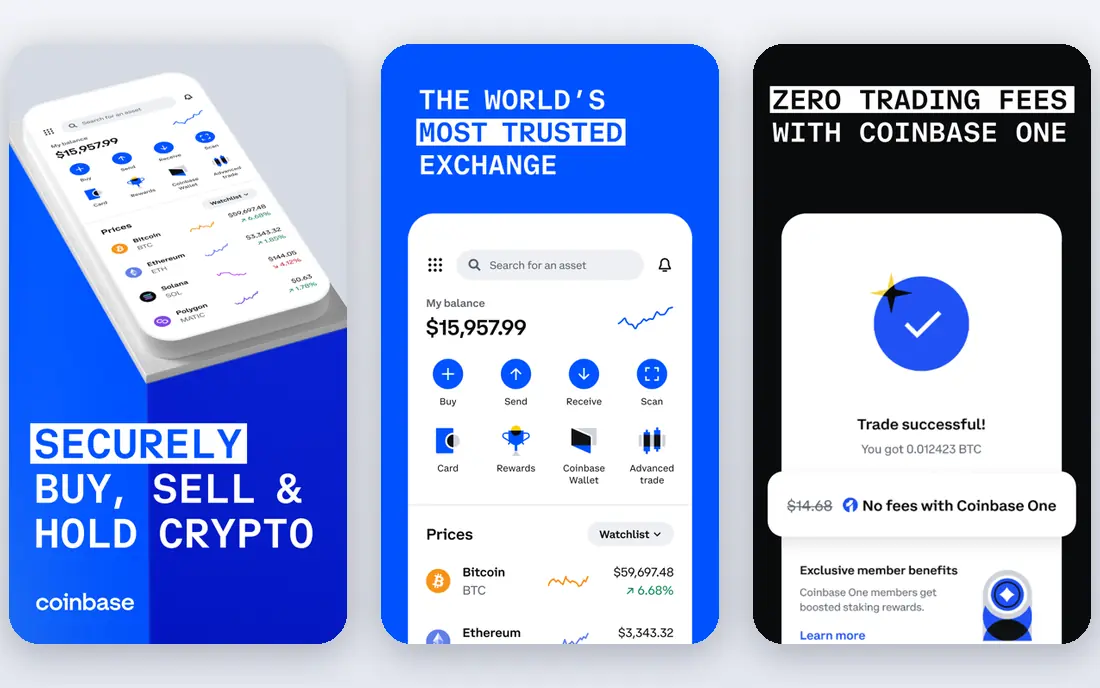
Coinbase remains the default recommendation for a first-time buyer, because the app explains each step, supports bank transfers and cards in many regions, and lists a broad range of major coins. New buyers can start with a small amount, set a recurring purchase and learn the basics without facing a complex trading screen on day one. The company is publicly traded in the US, which adds a layer of financial disclosure that many rivals do not offer.
The catch is price. A simple instant buy adds a spread plus a transaction fee, while Coinbase Advanced uses maker fees from 0.40 percent and taker fees from 0.60 percent at the lowest volume tier, falling as volume rises. That gap matters if you trade more than occasionally, so move to Advanced once you are comfortable placing limit orders. Coinbase One, a paid subscription, can reduce some fees, but check whether your monthly volume justifies it before you subscribe.
- Simple first buy
- Widely available in the US
- Advanced trading view with lower order-book fees
- Simple buy fees are high
- Staking rewards are reduced by a large commission on some assets
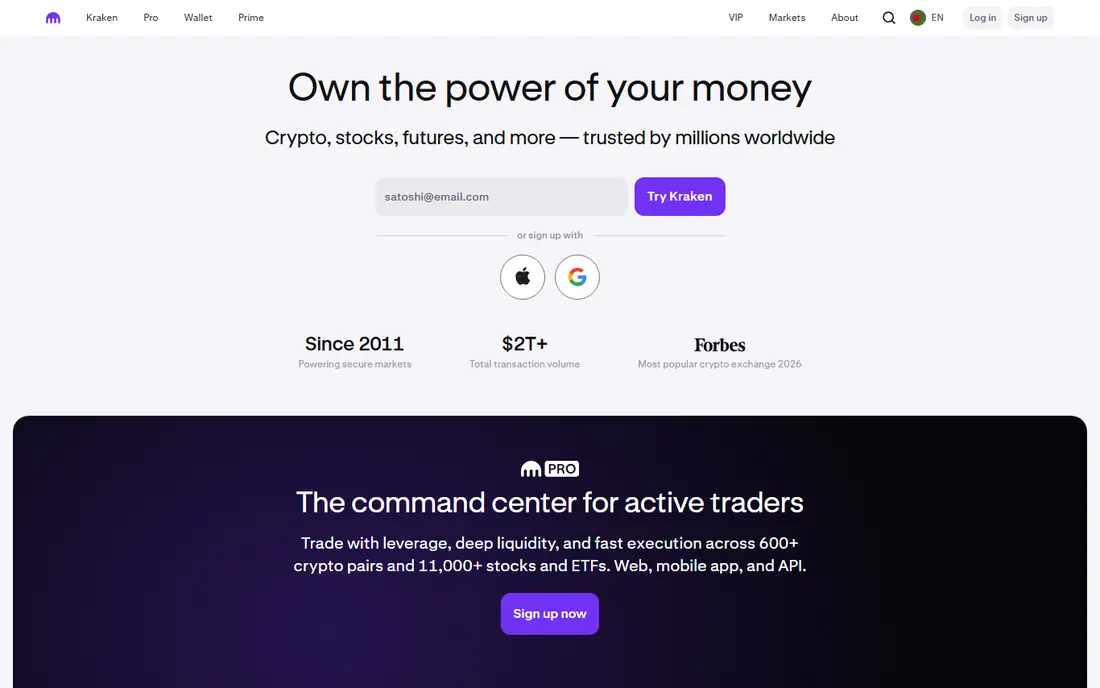
Kraken has built its reputation on security and steady service rather than flashy rewards. The standard app is clear enough for a first buy, and Kraken Pro gives active traders a full order book, charts and lower fees, with Pro maker fees around 0.16 percent and taker fees around 0.26 percent in many published comparisons. That combination makes Kraken a strong second app for buyers who start on Coinbase and later want lower costs without moving to a less regulated platform.
For beginners, the two-app structure can be confusing at first, because Kraken and Kraken Pro feel like separate products. Take time to confirm which view you are using before you place an order, and check coin availability in your state. If security and fee control matter more to you than a rewards card, Kraken is often the better long-term home for regular buying.
- Strong security record
- Kraken Pro with lower fees
- Staking on many assets
- Interface can feel busy for beginners
- Some coins and features vary by state or country
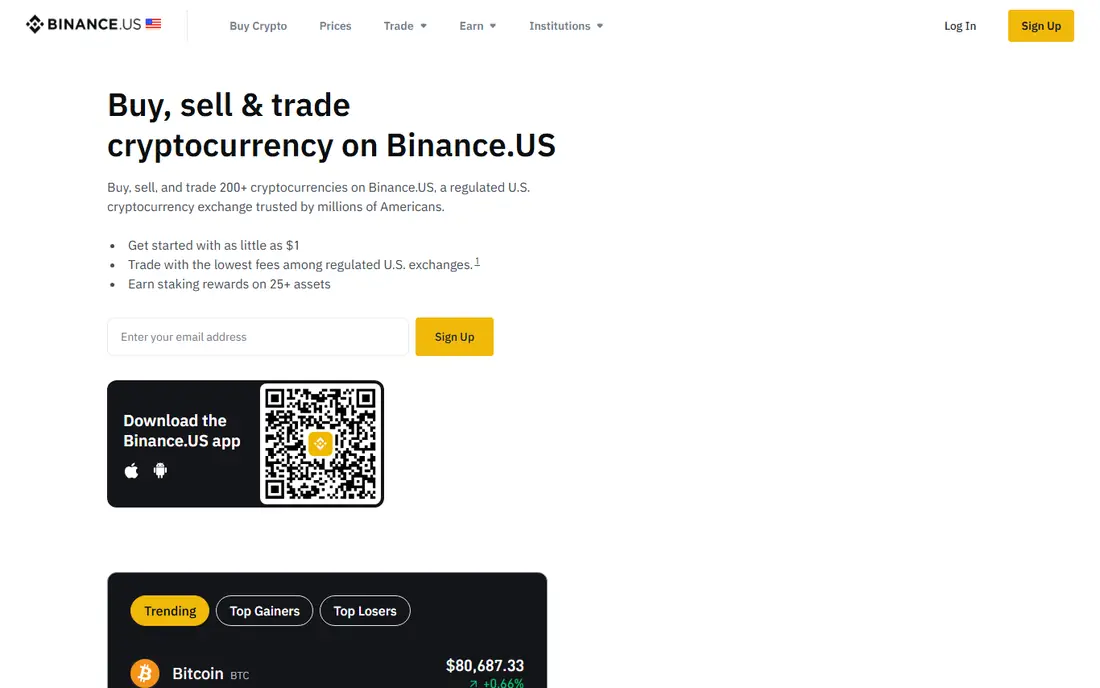
Binance.US is the US arm of Binance, built for US customers with US compliance rules. Its main appeal is price: spot trading from around 0.10 percent undercuts many US rivals, and the app covers a wide range of altcoins beyond Bitcoin and Ether. Active traders who buy weekly will notice the saving quickly compared with a simple buy screen elsewhere.
Availability is the limit. Binance.US does not serve every state, and its coin list is smaller than the global Binance platform, which US residents cannot legally use in the same way. Check your state, check the coin you want, and read the current fee page before you fund an account. If you live in a supported state and you trade often, Binance.US is a strong value choice. If you live elsewhere, Kraken or Coinbase may be simpler.
- Spot fees from around 0.10 percent
- Broad altcoin range for US traders
- Simple and advanced views
- Not available in every US state
- Smaller coin list than global Binance
- Regulatory history needs checking
Gemini appeals to buyers who put regulation and custody first. The exchange is regulated in New York, publishes security practices, and offers custody services used by institutions as well as retail customers. Its standard app is clean and easy to use, while ActiveTrader offers maker fees from 0 percent to 0.20 percent and taker fees from 0.03 percent to 0.40 percent in published schedules, which is far cheaper than a simple buy.
The trade-off is breadth and cost. Gemini lists fewer coins than Binance.US or Crypto.com, and simple buy fees can be high if you never switch to ActiveTrader. For a buyer who holds mainly Bitcoin and Ether, values a regulated US custodian, and wants a straightforward app, Gemini is a reassuring choice. For a buyer chasing many small altcoins, another app may fit better.
- New York regulated exchange
- Strong custody and security controls
- ActiveTrader with lower fees
- Higher fees than low-cost rivals on simple buys
- Fewer coins than some competitors
Crypto.com is built around its mobile app, and it shows. Buying, selling, staking and tracking a portfolio all live in one place, and the optional Visa card offers crypto cashback for users who stake the platform token. For buyers who want one app for spending and holding, and who like to earn rewards on everyday purchases, that bundle is attractive.
Rewards are also the catch. Card tiers, cashback rates and earn rates depend on staking levels and can change, so do not choose Crypto.com for a headline reward alone. Check the current exchange fee schedule too, because the US exchange offers lower fees than the simple app buy screen. If you use the app daily and you understand the staking requirement, Crypto.com is a strong all-round option. If you only buy Bitcoin occasionally, a simpler exchange may cost less.
- Polished mobile app
- Large coin list
- Visa card rewards and earn options
- Fees and card tiers depend on staking a token
- Rewards can change
- Simple buy costs more than exchange trading
Robinhood Crypto suits casual buyers who already use Robinhood for stocks and want crypto in the same app. There is no separate trading commission, although the spread between buy and sell prices is where the cost sits, so a trade is not truly free. The interface is the simplest on this list, which helps a beginner who finds a full exchange screen intimidating.
Serious traders will miss features. Robinhood offers fewer coins than Kraken or Crypto.com, limited staking compared with dedicated exchanges, and less control over order types. Wallet transfers and advanced tools have improved, but check current support for the coin you want before you buy. For a small, occasional Bitcoin or Ether purchase inside a broader investing app, Robinhood is convenient. For active trading, a dedicated exchange is better.
- No trading commissions, with costs in the spread
- Very simple app
- Stocks and crypto in one account
- Fewer coins and crypto tools than dedicated exchanges
- No advanced order book for most users
eToro takes a social approach to investing. You can follow other investors, copy their trades with CopyTrader, and read community discussion alongside market data. That learning layer helps beginners who want to see how more experienced investors build a portfolio, rather than trading alone from a blank chart. The platform also covers stocks and crypto in one account in many regions.
Costs need attention. Crypto trading on eToro uses a spread, often around 1 percent, which is higher than an order-book fee on Kraken or Binance.US. Copy trading also carries risk, because past performance of a copied investor does not guarantee future results. If you value learning and community, eToro is a useful place to start with small amounts. If you trade often, lower-fee exchanges will save you more over time.
- CopyTrader lets you follow other investors
- Social feed and learning tools
- Stocks and crypto in one platform
- Spread around 1 percent on crypto
- Fewer advanced crypto tools
- Availability varies by country and US state
Uphold is a good fit for buyers who want more than crypto in one place. The app lets you trade between crypto, precious metals and other assets without moving funds between platforms, and the interface stays simple even for a first-time buyer. That flexibility appeals to people who treat crypto as one part of a broader portfolio rather than a standalone hobby.
The cost is the spread. Published spreads for crypto often run from around 0.80 percent to 1.20 percent, which is higher than order-book trading on a dedicated exchange. Uphold also offers fewer advanced charting and order tools than Kraken or OKX. If you value multi-asset convenience and you trade in modest amounts, Uphold is easy to live with. If you trade frequently, compare the spread cost against an exchange fee before you commit.
- Buy crypto, metals and other assets in one account
- Simple interface
- Wide asset range
- Spreads from around 0.80 percent to 1.20 percent on crypto
- Fewer advanced trading tools
OKX is aimed at traders who want depth. The platform offers spot trading, derivatives in supported regions, a full order book, and advanced charting, with published spot fees around 0.08 percent for makers and 0.10 percent for takers at the lowest tier. For a trader who already understands limit orders, margin risk and position sizing, those tools and fees are competitive with any app on this list.
Beginners should be careful. The interface packs in many products, and derivatives carry high risk and are not available to all users. US users should check current OKX US availability and feature limits, because the global platform and the US offering differ. If you are an experienced trader outside the US, or a US user who fits the current US offering, OKX is a strong advanced pick. If you are buying your first coin, start with Coinbase or Kraken instead.
- Low advanced fees around 0.08 percent maker and 0.10 percent taker
- Deep trading tools
- Large coin range
- US availability and features are limited compared with global OKX
- Advanced interface can overwhelm beginners
How we picked these
We compared official fee pages, app store listings, coin availability, security practices, staking options and public reviews for major crypto apps. We favored apps that are available to US buyers or clearly state their regional limits, publish fees before checkout, and offer two-factor authentication and withdrawal controls. We did not test with real funds for this guide, and we treated headline rewards and staking yields as changeable, so we checked them against current vendor pages rather than marketing claims.
What to check before you buy crypto
Compare the full fee, not the headline
A simple buy screen, a card purchase and an advanced order book can charge very different amounts for the same coin. Check the spread, the transaction fee and any card or network fee before you confirm, and use the advanced view if you trade regularly.
Check security before you fund an account
Turn on two-factor authentication with an authenticator app where possible, use a strong unique password, and set withdrawal address controls if the app offers them. Keep only funds you plan to trade on an exchange, and consider a self-custody wallet for long-term holdings.
Confirm your state and coin availability
Coin lists, staking and card features vary by state and country. Search for your exact coin and state on the vendor site before you deposit, because a coin listed globally may not be available to you.
Start small and plan an exit
Buy a small amount first, test a withdrawal, and decide in advance how much of your portfolio crypto should represent. Crypto prices can fall sharply, and past gains do not predict future returns.
This is not financial advice and crypto carries risk, including the risk of losing some or all of your investment. Prices are volatile, fees change, and regulation varies by location. Only invest money you can afford to lose, and check the current terms on the vendor site before you trade.
Sources
- https://help.coinbase.com/en/pro/trading-and-funding/trading-rules-and-fees/fees
- https://www.coinbase.com
- https://www.kraken.com
- https://www.binance.us
- https://www.gemini.com
- https://www.crypto.com
- https://www.robinhood.com
- https://www.etoro.com
- https://www.uphold.com
- https://www.okx.com
- https://blockchainreporter.net/best-crypto-exchanges/