Best Apps for Creating Animation Memes in 2026: 8 Apps Compared
By ToolNimba Editorial Team November 12, 2026 8 min read

- Top pick
 CapCut
Fast meme videos
Starting priceFreeCheck out CapCutRead our review - Runner-up
 Alight Motion
Custom keyframe animation
Starting priceFreeCheck out Alight MotionRead our review - Also great
 Canva
Animated templates
Starting priceFreeCheck out CanvaRead our review
How we researched this
We compared official pricing and feature pages, app store listings, privacy policies and public user reviews. Prices change, so check the provider's site before you pay.
Key takeaways
- CapCut suits fast, template-led meme videos for TikTok and Reels, while Alight Motion suits custom keyframe animation with more control.
- Canva and Adobe Express suit beginners who want animated text, stickers, and templates without learning a full video editor.
- Animaker suits template-driven animated characters and explainer-style memes, while Kapwing suits browser-based editing without an install.
- Funimate and PowerDirector suit mobile creators who want effects, transitions, and music in a single phone app.
- Check export quality, watermark rules, and music licensing before posting, because a free export with a watermark can spoil a good meme.
Quick comparison
| Name | Best for | Starting price | Free plan | |
|---|---|---|---|---|
| CapCut | Fast meme videos | Free | Yes | Visit |
| Alight Motion | Custom keyframe animation | Free | Yes | Visit |
| Canva | Animated templates | Free | Yes | Visit |
 Animaker | Animated characters | Free | Yes | Visit |
 Adobe Express | Quick animated posts | Free | Yes | Visit |
 Kapwing | Browser meme editing | Free | Yes | Visit |
 Funimate | Effects-led mobile memes | Free | Yes | Visit |
 PowerDirector | Mobile video memes | Free | Yes | Visit |
The best apps for creating animation memes
Animation memes mix moving text, characters, stickers, and sound into short, shareable clips. We compared official pricing and feature pages, template libraries, animation controls, and export options, then grouped each app by the creator style it serves best.
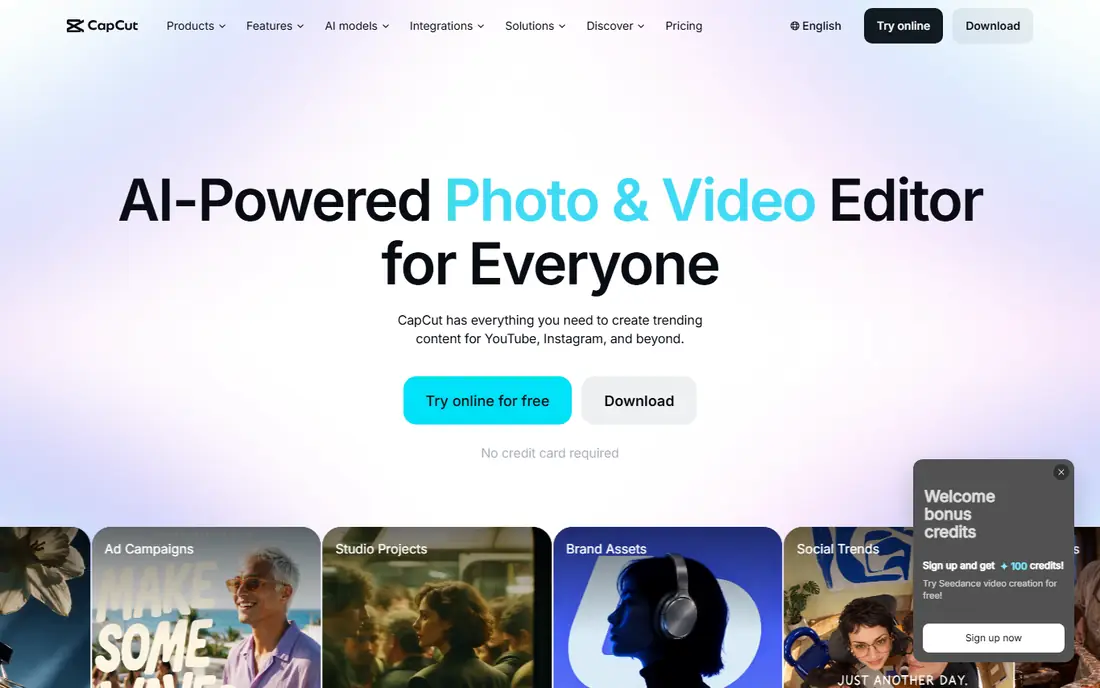
CapCut is our pick for most meme creators because it is fast. Templates, trending effects, auto captions, and music tools help turn an idea into a vertical video in minutes, and the app works on phones, web, and desktop. For TikTok, Reels, and Shorts, that speed matters more than deep animation control.
The trade-off is originality. Template-led memes can look similar to many others, so add your own text, timing, and sound choices to stand out. Check which templates are free and which need CapCut Pro before you build a series around a premium effect.
- Large template and effects library
- Auto captions and music tools
- Mobile, web, and desktop versions
- Some premium templates need a paid plan
- Export and template rules vary by region
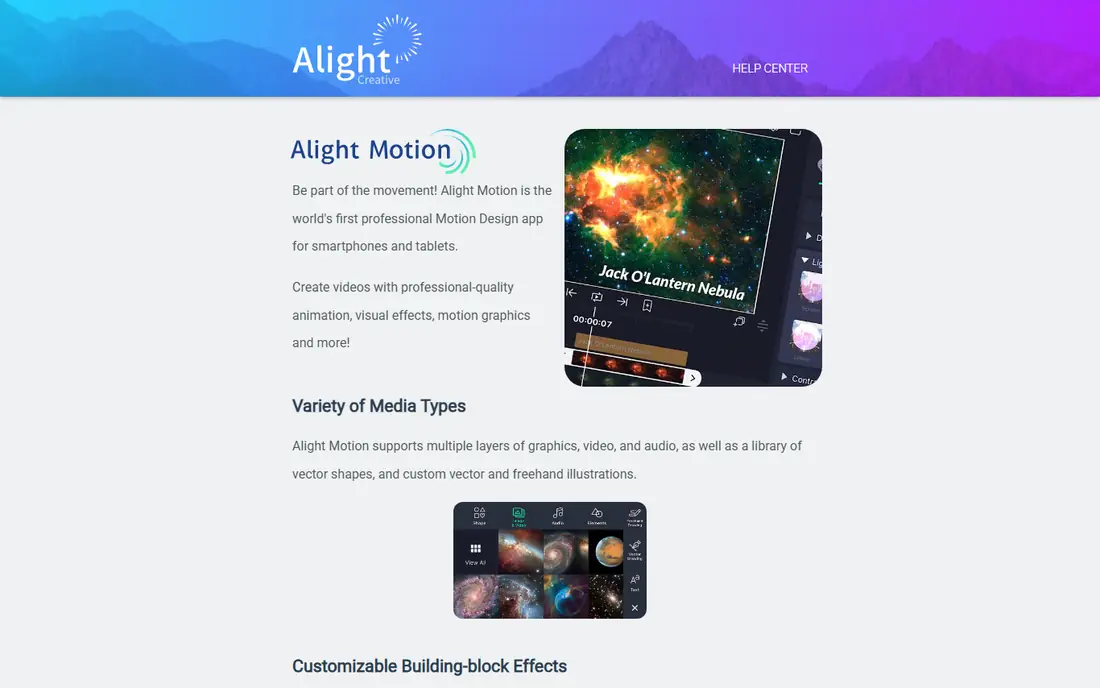
Alight Motion suits creators who want to animate by hand rather than rely on templates. Keyframes, easing curves, vector graphics, masks, and layered effects give precise control over movement, text, and characters. GIF and PNG sequence exports also help creators who share memes as loops or stickers.
That control takes time to learn, and the app is mobile only, which limits larger desktop workflows. If you enjoy building motion from scratch and sharing custom presets, Alight Motion rewards the effort with memes that look distinct.
- Advanced keyframes, easing, and vector tools
- GIF and PNG sequence export
- Custom presets and effects
- Steeper learning curve
- Mobile only
- Some exports and effects need a paid plan
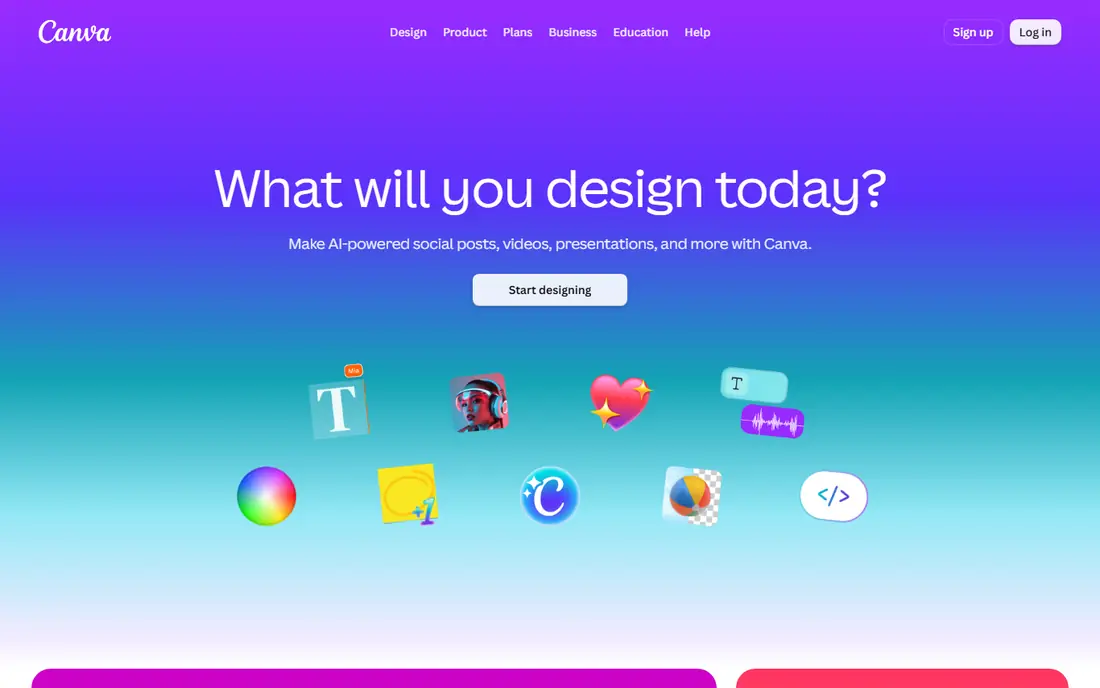
Canva suits beginners and small teams who want polished animated memes without learning video editing. Templates for social posts, stories, and short videos include animated text, stickers, and transitions, and you can resize designs for different platforms. That speed helps creators who post daily.
Canva will not match Alight Motion for custom motion design. Use it when you need a clean, on-brand meme quickly, and use a dedicated video editor when you need complex character animation or precise timing.
- Huge template library
- Easy animated text and stickers
- Brand kits and team sharing on paid plans
- Animation depth is simpler than Alight Motion
- Some assets need a Pro plan
Animaker suits creators who want animated characters and scenes, not just moving text. Its character builder, template scenes, and voice tools help build short explainer-style memes, reaction clips, and story-based jokes. That format works well for educational humor and brand memes.
The free plan limits exports and quality, so check those limits before you rely on Animaker for daily posting. Paid plans open up higher quality and more exports, which suits teams that publish regularly.
- Character builder and template scenes
- Voiceover and music tools
- Good for explainer-style memes
- Free plan has export and quality limits
- Paid plans start higher than mobile-only apps
Adobe Express suits creators who want quick, clean animated posts with good typography and stock assets. You can animate text and images, add music, and resize a design for several platforms without learning a full editor. That simplicity helps small businesses and solo creators who post memes alongside other content.
For complex meme videos with layered effects and custom motion, CapCut or Alight Motion offer more control. Use Adobe Express when speed, clean design, and brand consistency matter most.
- Simple animation for text and images
- Adobe stock and fonts
- Easy resize for social platforms
- Animation controls are simpler than CapCut or Alight Motion
- Some assets need a Premium plan
Kapwing suits creators who work on shared computers or want to edit in a browser without installing an app. Meme templates, subtitle tools, and timeline editing cover most short meme workflows, and sharing links help teams review drafts. That browser access also helps students and office creators.
Check watermark rules on the free plan, because a watermark can spoil a meme meant for public posting. Paid plans remove watermarks and raise export quality, which suits creators who publish often.
- No install needed
- Meme templates, captions, and subtitles
- Good collaboration and sharing links
- Free exports may include a watermark
- Browser performance depends on device and connection
Funimate suits mobile creators who love effects. Transitions, filters, text animations, and music tools help build high-energy meme clips for TikTok and Reels. Its effect library encourages experimentation, which helps creators find a style that fits their humor.
The busy interface takes a little time to learn, and the best effects often sit behind a paid plan. Start with free effects, learn the timing tools, and upgrade only if you use premium effects in most posts.
- Many video effects and transitions
- Music and text tools
- Popular with short-form creators
- Some effects need a paid plan
- Interface can feel busy for new users
PowerDirector suits creators who want a fuller video editor on a phone. Timeline editing, titles, transitions, and effects give more control than a template-only app, while still working well for short meme videos. That balance helps creators who edit both memes and longer clips on mobile.
Free version limits vary, so check watermark, export quality, and ad rules in your region. For serious mobile editing, the paid plan offers a clearer path than juggling several free apps.
- Full timeline editing on mobile
- Effects, transitions, and titles
- 4K export on paid plans in comparisons
- Free version has limits and ads in some regions
- Desktop version is a separate product
How we picked these
We compared official pricing and feature pages, plus third-party app comparisons, and checked that each homepage loads and matches the product. We favored apps that support short vertical video, animated text, stickers or characters, music, and easy export to social platforms. We did not claim hands-on testing, and where prices varied across sources we wrote See website for the starting price in the table notes, though most apps here start free.
How to make a meme that lands
Start with one joke, then animate only what supports it. Over-animated memes often hide the punchline.
Keep it short and readable
Aim for a few seconds of clear action, with large text that stays on screen long enough to read. Test the meme on a phone at normal viewing distance, and cut any effect that distracts from the joke.
Time the punchline
Place the reveal, sound effect, or text change at a clear beat. Keyframe tools in Alight Motion help with precise timing, while templates in CapCut help when speed matters more than precision.
Use music and sound legally
Use music from the app library, licensed tracks, or original audio, and check platform rules before posting. Avoid ripping commercial songs or clips without permission, because platforms may mute or remove the post.
Export for each platform
Export vertical video for TikTok, Reels, and Shorts, and check file size, resolution, and watermark rules. A clean export with no watermark looks more professional and shares better than a high-effort edit with a logo in the corner.
Sources
- https://www.capcut.com
- https://alightmotion.com
- https://www.canva.com
- https://www.animaker.com
- https://www.adobe.com/express/
- https://www.kapwing.com
- https://www.funimate.com
- https://www.cyberlink.com/products/powerdirector-mobile
- https://www.magnific.com/blog/animated-video-maker/
- https://capcutdownloadapk.com/capcut-vs-alight-motion/
Frequently asked questions
What is the best app for animation memes?
CapCut suits most creators for fast meme videos, while Alight Motion suits creators who want custom keyframe animation. Canva suits beginners who want templates, and Animaker suits character-led memes.
Can I make animation memes for free?
Yes. CapCut, Alight Motion, Canva, Animaker, Adobe Express, Kapwing, Funimate, and PowerDirector all offer free plans. Free plans may limit exports, quality, or premium effects, so check watermark rules before posting.
Do I need animation skills to make a meme?
No. Templates in CapCut, Canva, and Animaker let beginners create animated memes without drawing or keyframe skills. Alight Motion and PowerDirector reward more practice, but they are not required for a good meme.
What format should I export a meme in?
Export vertical video for TikTok, Reels, and Shorts, usually in MP4 format, and GIF format for loops and stickers where supported. Check each platform for current size and length limits before posting.
Can I use copyrighted clips in a meme?
Be careful. Short clips may fall under fair use in some cases, but platforms can still remove posts, and rules vary by country and platform. Safer choices are original clips, licensed stock, and app library music and effects.
Which app is best for animated text memes?
Canva and Adobe Express suit animated text memes for beginners, while CapCut suits text memes with trending effects. Alight Motion suits creators who want precise control over text movement, easing, and timing.