Best Apps for Daily Planning in 2026: 9 Planning Apps Compared
By ToolNimba Editorial Team October 28, 2026 11 min read

- Top pick
 Todoist
Fast daily task lists
Starting price$5 per monthCheck out TodoistRead our review - Runner-up
 TickTick
Tasks, calendar, and habits
Starting priceSee websiteCheck out TickTickRead our review - Also great
 Sunsama
Guided daily planning ritual
Starting priceSee websiteCheck out SunsamaRead our review
How we researched this
We compared official pricing and feature pages, app store listings, privacy policies and public user reviews. Prices change, so check the provider's site before you pay.
Key takeaways
- Todoist is the best all-round daily planner for most people, with fast capture, a free plan, and Pro at $5 per month on annual billing.
- TickTick gives the best value in a paid plan, because tasks, calendar, habits, and a focus timer sit in one app.
- Sunsama suits readers who want a guided daily ritual, while Google Calendar and Microsoft To Do suit readers who want a free plan with no new subscription.
- Notion suits planners who want to build a custom system, but it takes more setup than a simple checklist app.
- Structured and Things 3 suit visual and Apple-only planners, but each has a platform limit to check before you commit.
Quick comparison
| Name | Best for | Starting price | Free plan | |
|---|---|---|---|---|
| Todoist | Fast daily task lists | $5 per month | Yes | Visit |
| TickTick | Tasks, calendar, and habits | See website | Yes | Visit |
| Sunsama | Guided daily planning ritual | See website | No | Visit |
 Google Calendar | Free calendar-based planning | Free | Yes | Visit |
 Microsoft To Do | Free simple lists | Free | Yes | Visit |
 Notion | Custom planning workspace | Free | Yes | Visit |
 Structured | Visual timeline planning | Free | Yes | Visit |
 Things 3 | Apple-only one-time purchase | See website | No | Visit |
 Any.do | Simple shared lists | See website | Yes | Visit |
The best apps for daily planning
Daily planning is a small job with a big payoff: pick three to five tasks, put them in time order, and review them at the end of the day. The apps below differ in how much structure they add around that job, from a plain list to a guided ritual with calendar blocking.
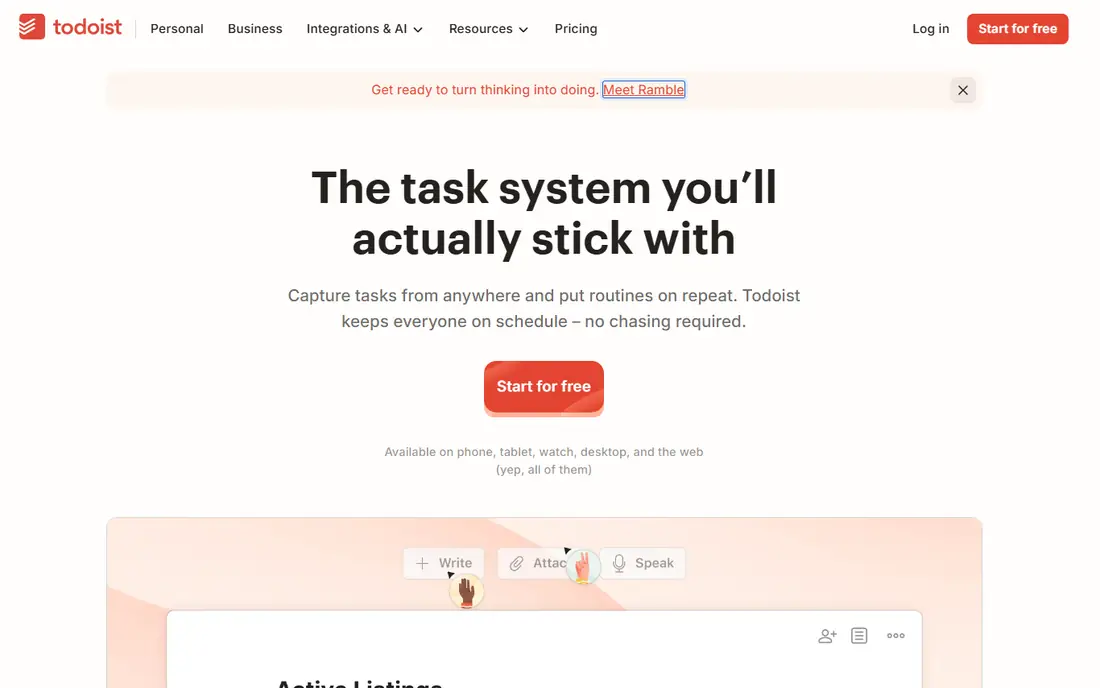
Todoist is the default recommendation for daily planning because capture is so fast. Type a task such as "pay rent on the 1st of every month" and Todoist turns it into a repeating task with the right date, without opening a settings screen. The free Beginner plan covers basic lists, while Pro costs $5 per month on annual billing, or $7 per month on monthly billing, and adds calendar layout, custom reminders, and 300 projects.
The free limit is the catch. Five personal projects fill up quickly if you run work, home, and a side project in one app, and the calendar view that many daily planners want sits behind Pro. If you live inside lists and want speed above all else, Pro is fairly priced. If you want a visual day plan, pair Todoist with a calendar or look at Sunsama or Structured.
- Very fast natural-language capture
- Apps on every major platform
- Projects, labels, priorities, and filters
- Free plan is limited to 5 personal projects
- Calendar layout needs the Pro plan
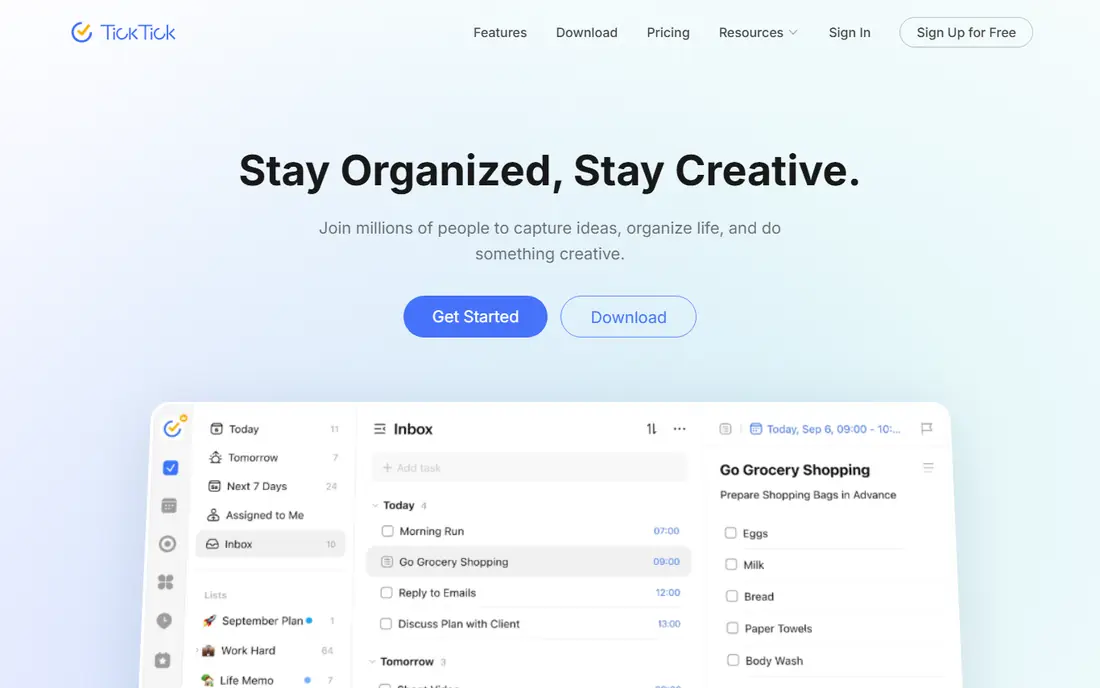
TickTick packs more into one app than Todoist does. Tasks and calendar views sit together, habit tracking covers daily routines, and a built-in Pomodoro timer helps with focus sessions. That combination suits a reader who wants one app for the whole day, rather than a task app plus a habit app plus a timer app.
Pricing has varied in recent comparisons, with annual plans listed from about $36 to $50 per year, so check the current vendor page before paying. The free plan covers core lists and is enough to test the system, but the paid plan is where the calendar and habit features open up fully. If you like an all-in-one tool, TickTick is the best value on this list.
- Tasks, calendar, habits, and Pomodoro timer in one app
- Good value on the paid plan
- Apps on all major platforms
- Interface can feel busy
- Some calendar and habit features need the paid plan
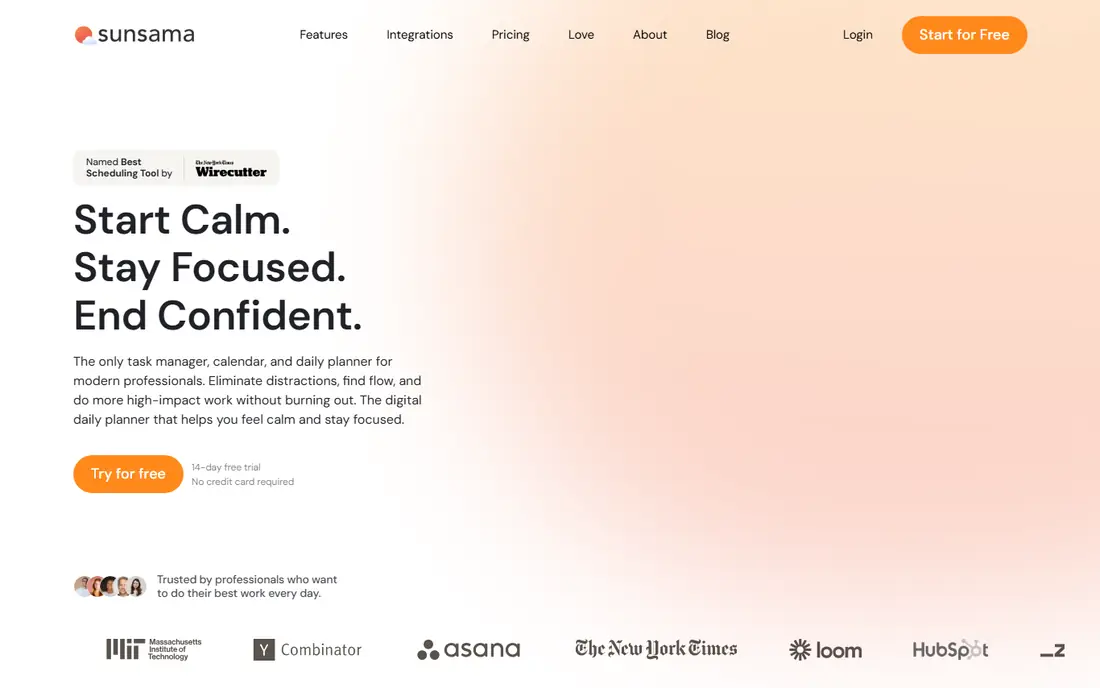
Sunsama is built around a daily ritual: pull in tasks from your tools, choose what fits today, time-block it on your calendar, and review at the end of the day. That guided flow helps people who open a blank list and do not know where to start, and it works well for knowledge workers whose day mixes tasks, meetings, and email. Recent comparisons put Sunsama at about $17 per month on annual billing, but check the vendor page for the current figure.
There is no free plan, only a trial, and the price is several times a simple list app. Sunsama earns that cost only if you use the ritual daily. If you plan on your phone in short bursts, or if your day is mostly errands rather than desk work, a cheaper list app will serve you better.
- Guided daily planning flow
- Pulls tasks from email, calendar, and other tools
- Time blocking in one view
- No free plan
- Price is high compared with simple list apps
- Best for desk-based work days
Google Calendar is free, and for many people it is already the daily planner. Time blocking works directly on the calendar: put a task in a time slot, and the day has a shape. Google Tasks adds simple checklists inside Gmail and Calendar, which covers capture without a new app.
The limit is depth. Google Tasks is a flat list without projects, priorities, or rich filters, so a complex work system will outgrow it. For a reader whose day is mostly meetings and a handful of tasks, though, Calendar plus Tasks is free, reliable, and already on every device. Start here before paying for anything.
- Free
- Time blocking is built in
- Integrates with Gmail and Google Tasks
- No rich task management on its own
- Planning is only as good as the calendar habits behind it
Microsoft To Do is the free list app for people who live in Outlook or Microsoft 365. Lists are clean, due dates and reminders work well, and the My Day view gives a simple daily focus list: add tasks to today, work through them, and start fresh tomorrow. That My Day habit is the closest free equivalent to a guided daily ritual.
It is still a list app, not a planner. There is no built-in time blocking, no habit tracking, and fewer views than paid rivals offer. If your work already runs on Microsoft tools, To Do is a sensible free choice. If you need calendar planning, pair it with Outlook Calendar or move to TickTick or Sunsama.
- Free
- Clean lists with due dates and reminders
- Integrates with Outlook and Microsoft 365
- No calendar time blocking built in
- Fewer views than Todoist or TickTick
Notion is the most flexible planner on this list, and that flexibility is both the appeal and the risk. You can build a daily planner from databases, calendar views, and linked notes, or start from a template and adapt it. For a reader who also keeps notes, project docs, and personal wikis, having planning in the same workspace is a real advantage, and the free personal plan covers a lot.
The cost is time. A custom system takes hours to build and regular care to maintain, and quick capture on mobile is slower than in Todoist or TickTick. If you enjoy building systems, Notion rewards that effort. If you want to plan today in five minutes, pick a simpler list app and keep Notion for notes.
- Free plan for personal use
- Databases, calendars, and notes in one workspace
- Huge template library
- Setup takes time
- Can become a project itself
- Mobile capture is slower than Todoist
Structured turns the day into a visual timeline, with tasks laid out hour by hour in order. That view suits visual planners who think in time blocks rather than in lists, and it makes gaps and overloaded hours obvious at a glance. The free plan covers the core timeline, while Pro, recently listed around $30 per year, adds extra features and sync options.
Long project lists are not Structured's strength. It is a day planner first, so a reader with hundreds of tasks across many projects will still need a task manager alongside it. Use Structured for the day itself, and keep the master list elsewhere if your work is project-heavy.
- Visual timeline of the whole day
- Easy drag-and-drop time planning
- Free plan covers core timeline
- Less suited to long project lists
- Some features need the Pro plan
Things 3 is the best-designed daily planner for Apple users, and its one-time purchase model is a relief for readers tired of subscriptions. The Today view, Upcoming view, and evening review give a calm daily flow, and the design stays out of the way in a way busier apps do not. Prices are per platform, recently listed around $10 for iPhone, $20 for iPad, and $50 for Mac, so check the App Store for current figures.
The limits are platform and price structure. There is no Android, Windows, or web app, and no free plan to test with, so an Apple-only household is the audience. If everyone in the household uses Apple devices and you dislike subscriptions, Things 3 is worth the one-time cost. If anyone uses Android or Windows, pick a cross-platform app instead.
- Beautiful, calm design
- One-time purchase, no subscription
- Strong Today and Upcoming views
- Apple devices only
- No free plan
- Buying each platform separately adds up
Any.do suits readers who want a simple, shared list without learning a system. Capture is quick, lists can be shared with a partner or a small team, and reminders keep errands and household tasks visible. The free plan covers core lists, while Premium, recently listed around $5 per month, adds the calendar view, focus features, and extra sharing options.
Power users will miss the filters, labels, and project depth of Todoist, and the habit and timer features of TickTick. For a household list, a grocery list, and a daily top-five, though, Any.do is enough, and its simplicity is the point. Start free, and upgrade only if the calendar view becomes essential.
- Clean, simple lists
- Shared lists for households and small teams
- Calendar view on paid plans
- Fewer power features than Todoist or TickTick
- Paid plan needed for the full calendar and focus features
How we picked these
We compared official feature pages, pricing pages, and app store listings, along with public reviews, for apps that support a daily planning habit rather than only long-term project management. An app made the list only if it is actively available in the United States, runs on phone and desktop or web, and has a clear free or trial route to test it. We left out enterprise project tools, paper-only planners, and apps that had stopped development.
How to build a daily plan that sticks
Pick the smallest system you will actually use. A daily plan needs three parts: a capture inbox for tasks as they arrive, a short today list of three to five tasks, and a review at the end of the day to move unfinished tasks forward or drop them. Any app on this list can support that loop, and the app matters less than the review habit.
Do a weekly review, not just a daily list
A daily list without a weekly review becomes a dumping ground. Once a week, delete or defer everything that is not happening this week, and move the rest into dated tasks. That one habit prevents the hundred-item list that makes people stop opening the app, and it works in Todoist, TickTick, Google Tasks, or a paper notebook.
Put tasks on the calendar when time is tight
A list tells you what to do, but a calendar tells you when. If your day is meeting-heavy, time-block the top two tasks in Google Calendar, Sunsama, or Structured, and treat those blocks as appointments. If your day is flexible, a simple Today list in Todoist, Microsoft To Do, or Any.do is enough, and adding calendar blocks will only add friction.