Best Apps for Learning in 2026: 9 Learning Apps Compared
By ToolNimba Editorial Team October 28, 2026 12 min read

- Top pick
 Duolingo
Daily language habit
Starting priceFreeCheck out DuolingoRead our review - Runner-up
 Khan Academy
Free school-level learning
Starting priceFreeCheck out Khan AcademyRead our review - Also great
 Coursera
University courses and certificates
Starting price$59 per monthCheck out CourseraRead our review
How we researched this
We compared official pricing and feature pages, app store listings, privacy policies and public user reviews. Prices change, so check the provider's site before you pay.
Key takeaways
- Khan Academy is the strongest free starting point for school-level math, science, and reading, with full lessons at no cost.
- Duolingo is the best free language app for daily habit building, while Babbel suits learners who want clearer grammar and conversation structure.
- Coursera and edX-style university courses suit career credentials, but certificates usually require payment even when lectures can be audited free.
- Udemy suits one specific skill at a time, because you buy a single course and keep access, rather than paying a monthly subscription you may not use.
- MasterClass and Skillshare suit inspiration and creative skills, but neither replaces a structured course when you need a credential or a tested skill.
Quick comparison
| Name | Best for | Starting price | Free plan | |
|---|---|---|---|---|
| Duolingo | Daily language habit | Free | Yes | Visit |
| Khan Academy | Free school-level learning | Free | Yes | Visit |
| Coursera | University courses and certificates | $59 per month | Yes | Visit |
 Udemy | One skill, one course | See website | Yes | Visit |
 MasterClass | Celebrity-led inspiration | $10 per month | No | Visit |
 Skillshare | Creative project classes | $13.99 per month | No | Visit |
 Babbel | Structured language lessons | $15 per month | No | Visit |
 Brilliant | Interactive math and science | See website | Yes | Visit |
 Codecademy | Learning to code by doing | $14.99 per month | Yes | Visit |
The best apps for learning
Learning apps fail in a predictable way: you pay for a year, open the app for two weeks, and then forget it. The apps below cover different goals, from a free daily language habit to a university certificate, and the best pick is the one that matches a goal you can finish. We compared official course catalogs, pricing pages, app store listings, and public reviews, and we favored apps with clear free access, a real course structure, and a way to test progress.
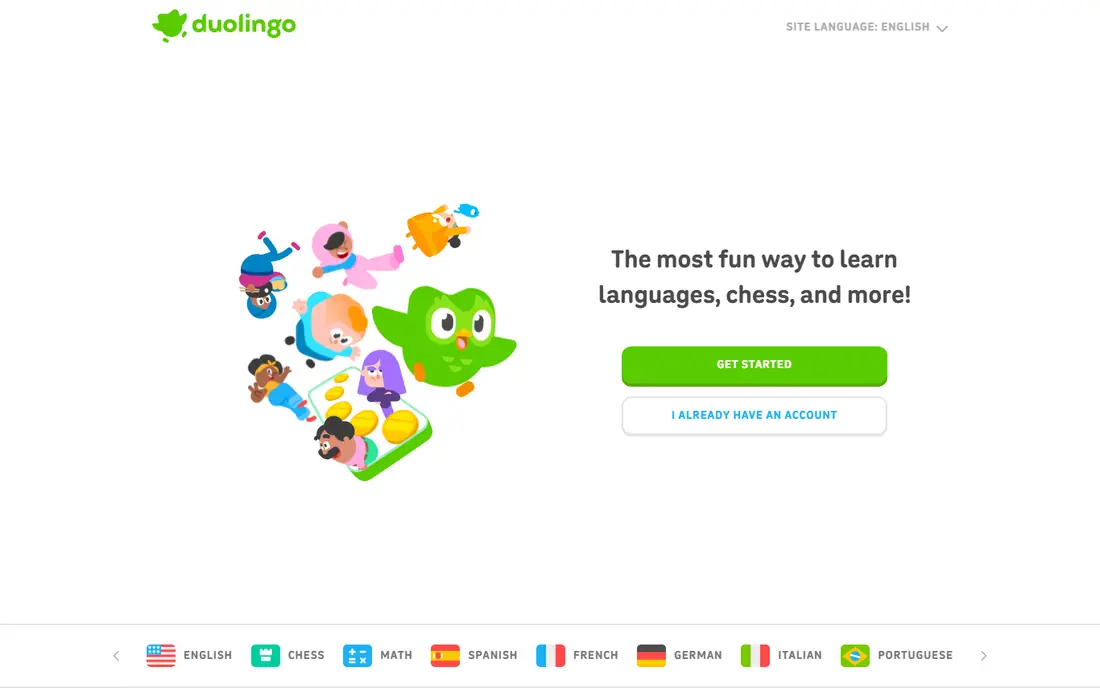
Duolingo works because it lowers the barrier to starting. Lessons take a few minutes, progress is visible, and the free plan covers core language courses without a subscription. For a beginner who wants Spanish for travel, French for family, or a first taste of a new language, that free habit loop is more useful than a large course library you never open.
The catch is depth. Duolingo is strong for vocabulary, basic grammar, and daily practice, but it does not replace conversation with a real person or advanced reading and listening. Paid Super removes ads, adds offline lessons, and removes some limits, with annual pricing working out lower than the monthly rate in the figures we checked. Use Duolingo to build the habit, then add podcasts, books, or conversation practice when you reach intermediate level.
- Full free language courses with ads
- Short gamified lessons
- Streaks, leagues, and reminders that support a daily habit
- Free plan includes ads and limits
- Depth beyond beginner and intermediate levels is thinner
- Speaking practice is limited without live conversation
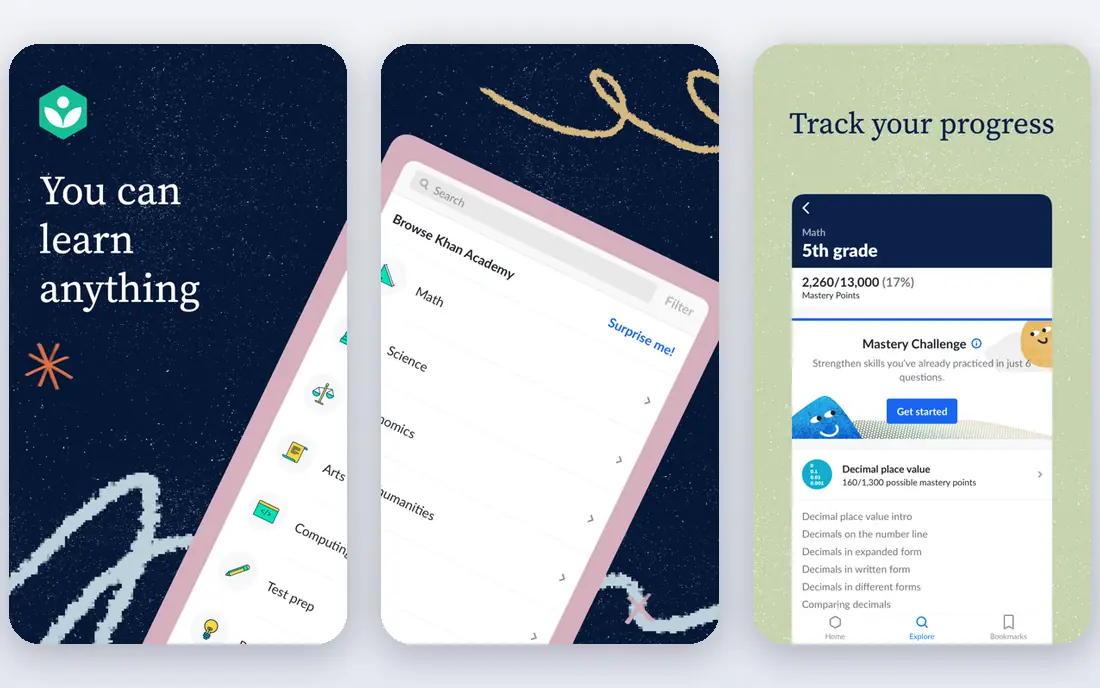
Khan Academy is the rare learning app where free means full access to the core product. Math from early grades through calculus, science, reading, grammar, history, and test preparation are organized into courses with videos, articles, and practice problems. That structure helps parents, students, and adult learners who need to fill a gap, not just watch a single video.
The limits are credentials and professional depth. Khan Academy does not issue the kind of university or industry certificate that Coursera offers, and it does not cover every career skill. Its AI tutor, Khanmigo, is a separate offering in some settings, so check current access before you assume it is included. For foundations, homework help, and self-paced review, Khan Academy remains the best free pick on this list.
- Fully free core lessons
- Structured math, science, reading, and test prep
- Practice exercises with instant feedback
- No formal certificate for most courses
- Advanced professional topics are thinner
- AI tutoring features sit behind separate plans in some cases
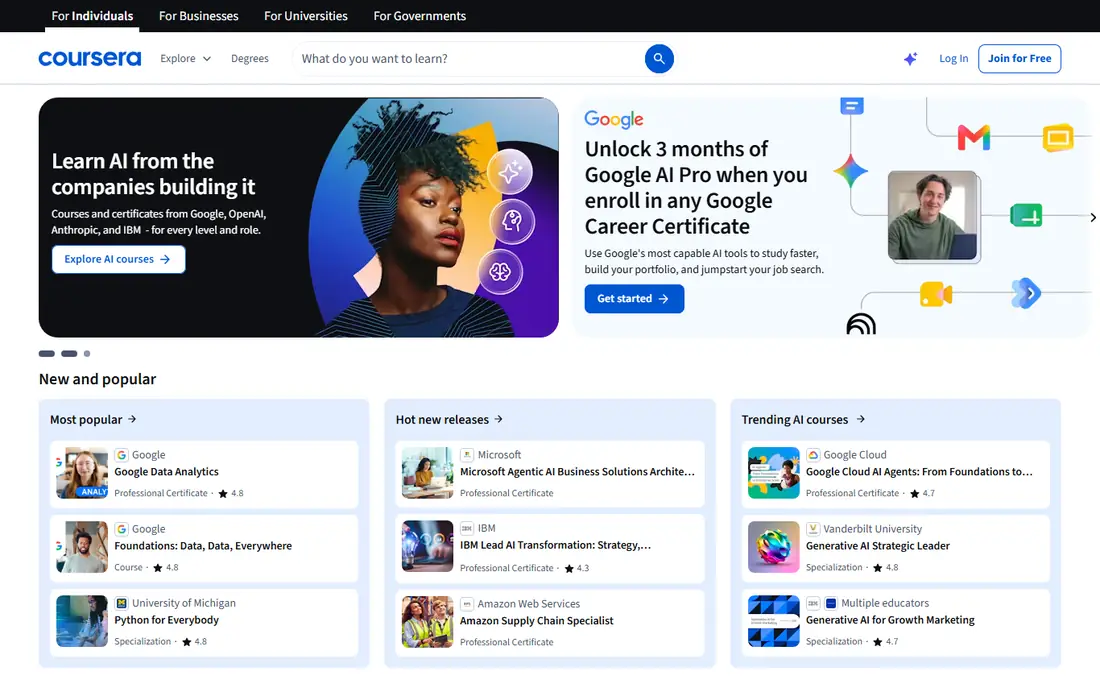
Coursera is the strongest pick when a credential matters. Courses from universities and large companies cover data, business, technology, health, and the arts, with graded assignments, peer work, and certificates on paid tracks. Many courses can be audited free, which lets you watch lectures and test the level before you pay for a certificate.
The cost trap is time. Coursera Plus at $59 per month, or $399 a year in the figures we checked, is good value if you finish a certificate in two months and poor value if a subscription runs for a year while you watch one lecture a month. Check whether a single course certificate costs less than Plus, whether your employer or library offers access, and whether the certificate is recognized in your field before you subscribe.
- Courses from universities and companies
- Free auditing on many courses
- Professional certificates and degree pathways
- Certificates require payment
- Coursera Plus at $59 per month adds up if you learn slowly
- Course quality varies by provider
Udemy suits a narrow, practical goal: learn Excel pivot tables, learn basic Python, learn how to use a camera, or learn a single design tool. You buy one course, keep access, and work at your own pace, which avoids the subscription guilt that comes with a monthly plan you do not use. The catalog is very large, and free courses cover a useful range of introductory topics.
Quality is the catch. Udemy courses are instructor-led, so one Python course can be excellent and another can be thin, outdated, or poorly structured. Check the rating count, not just the star rating, read recent reviews, preview the curriculum, and confirm the last update date before you buy. Sale prices also change often, so we list See website rather than present a sale price as a fixed cost. For a single skill, Udemy is often the cheapest path to a finished course.
- Very large course catalog
- Per-course purchase with lifetime access
- Frequent sales and some free courses
- Quality varies by instructor
- List prices are often discounted, so headline prices mislead
- No university credential on most courses
MasterClass is best understood as inspiration with structure, not as a credential program. Classes are taught by well-known practitioners, production quality is high, and workbooks help you apply a lesson rather than just watch it. For writing, cooking, music, photography, and business storytelling, a famous teacher can make a topic feel approachable in a way a textbook cannot.
The limits are cost structure and outcomes. There is no free tier, and Standard membership is billed annually at $120 a year, which works out to $10 per month in the figures we checked, with Plus and Premium tiers higher. Membership alone does not issue a certificate, and separate certificate programs cost extra. If you want motivation and craft insight, MasterClass fits. If you need a credential for a job application, Coursera or Codecademy fits better.
- High-production video classes from well-known instructors
- Workbooks and community features
- Broad topics from cooking to writing to business
- No free tier
- Membership does not include a formal certificate
- Billed annually, so the upfront cost is $120 a year for Standard
Skillshare suits learners who learn by making something. Classes in illustration, graphic design, photography, video, writing, and crafts are built around a project, so you finish with a portfolio piece rather than just notes. That project focus helps creative learners who stall on theory-heavy courses, and the class community can give useful feedback on early work.
The catch is credential value and price structure. Skillshare at $13.99 per month on annual billing, or $167.88 a year in the figures we checked, does not offer a free plan beyond a trial, and its certificates show completion rather than a university or industry qualification. Check the teacher, the project brief, and recent student work before you subscribe, and use the trial to finish one full class before you commit to a year.
- Project-based creative classes
- Strong design, illustration, video, and writing catalog
- Community projects and class discussions
- No permanent free plan
- Certificates are completion-based, not university credentials
- Class quality varies by teacher
Babbel suits learners who found Duolingo fun but wanted more structure. Lessons are built by linguists around real conversations, with grammar explanations, vocabulary review, and speech recognition for pronunciation. Each lesson runs about 10 to 15 minutes, which fits a commute or a lunch break, and progress builds in a clearer sequence than a game-led app.
Pricing varies by term, with a monthly plan near $15 per month for a short term and lower monthly rates on longer terms in the figures we checked. There is no full free plan, although a trial lets you test the method. Babbel covers 14 languages, so check your target language before you subscribe, and add live conversation practice if speaking fluently is the goal, since app lessons alone rarely produce fluent speech.
- Lessons built by language experts
- Clear grammar and conversation focus
- Short 10 to 15 minute lessons with speech recognition
- No full free plan beyond a trial
- Covers 14 languages, fewer than Duolingo
- Live classes cost extra
Brilliant takes a different approach from video-led platforms: you learn by solving problems, with short explanations between steps. That active style suits math, science, logic, data analysis, and computer science, where doing a problem teaches more than watching someone else solve it. Daily lessons and guided paths help learners who want steady progress without choosing a course each week.
The catch is scope and price clarity. Brilliant is not a language app or a creative arts platform, and its paid pricing varies by billing term and promotion, so we list See website rather than lock in a promotional monthly figure. A free tier lets you sample lessons, but full paths require payment. If you want to rebuild math confidence or learn data skills by practice, Brilliant is a strong specialist pick.
- Interactive problem-solving rather than passive video
- Strong math, science, data, and computer science paths
- Short daily lessons
- Paid pricing varies by term and promotion
- No university certificate
- Less suited to language or creative arts learning
Codecademy suits beginners who want to write code from the first lesson, not just read about it. The browser-based editor lets you try Python, JavaScript, SQL, and other languages without installing tools, and guided paths move from basics to projects in a clear order. A free Basic plan covers introductory material, which makes it easy to test whether coding suits you before you pay.
Paid Plus and Pro plans start near $14.99 per month on longer billing terms in the figures we checked, with monthly billing higher. Certificates show completion, not a university degree, so check whether employers in your target field value a Codecademy path or prefer a portfolio of projects. For many learners, the portfolio matters more: finish two or three projects, publish the code, and use Codecademy as the structure that got you there.
- Interactive coding in the browser
- Free Basic plan for introductory material
- Career paths and projects on paid plans
- Paid plans cost more on monthly billing
- Certificates are completion-based
- Advanced topics may need a second source
How we picked these
We compared official course catalogs, pricing pages, free access terms, app store listings, and public reviews. We kept apps with a current consumer offering, a clear learning path, and a way to test progress, and we favored a mix of free foundations, language learning, university credentials, creative skills, and coding. Where prices varied by billing term or promotion, we used a regular figure or listed See website, and we noted when a certificate requires payment even if lectures can be audited free.
How to choose without wasting a subscription
Start with one goal and one finish line. A goal like learn Spanish for a trip, pass a data analysis certificate, or finish a portfolio project is easier to judge than a goal like learn more. Pick the app that serves that goal, set a weekly time you can actually keep, and use the free tier or trial to finish the first unit before you pay for a year.
Free first, then pay for a reason
Khan Academy, Duolingo, and free course audits let you test level and habit without cost. Pay only when a paid feature solves a real block, such as a certificate, offline lessons, a full path, or graded assignments. If a subscription has run for a month with no completed unit, pause it, switch to a free tier, and return when you have time to finish a course.
Check certificates before you need them
Not all certificates carry the same weight. University and company certificates on Coursera can help a job application, while completion certificates on Udemy, Skillshare, and Codecademy mainly show effort and a finished project. Ask employers, hiring managers, or professional bodies in your field which credentials they recognize, and keep project work and code samples alongside any certificate you earn.