Best Apps for Note Taking in 2026: 9 Apps Compared
By ToolNimba Editorial Team October 28, 2026 12 min read

- Top pick
 Notion
Teams and workspaces
Starting priceFreeCheck out NotionRead our review - Runner-up
 Obsidian
Local Markdown notes
Starting priceFreeCheck out ObsidianRead our review - Also great
 Evernote
Web clipping and search
Starting price$14.99 per monthCheck out EvernoteRead our review
How we researched this
We compared official pricing and feature pages, app store listings, privacy policies and public user reviews. Prices change, so check the provider's site before you pay.
Key takeaways
- Notion is our pick for teams and structured workspaces, while Obsidian is the best free choice for a personal, local-first knowledge base.
- Apple Notes and Google Keep are the best free starting points if you already use Apple or Google devices and want instant capture.
- Evernote still leads for web clipping and search across a large archive, but its free tier is now limited to 50 notes, one notebook, and one device.
- Bear is the cleanest writing app on this list, but it is Apple-only, so Windows and Android users should pick Obsidian, Notion, or Joplin instead.
Quick comparison
| Name | Best for | Starting price | Free plan | |
|---|---|---|---|---|
| Notion | Teams and workspaces | Free | Yes | Visit |
| Obsidian | Local Markdown notes | Free | Yes | Visit |
| Evernote | Web clipping and search | $14.99 per month | Yes | Visit |
 Apple Notes | Apple users | Free | Yes | Visit |
 Microsoft OneNote | Freeform notes | Free | Yes | Visit |
 Bear | Clean Markdown writing | Free | Yes | Visit |
 Google Keep | Quick lists | Free | Yes | Visit |
 Joplin | Private open-source notes | Free | Yes | Visit |
 Logseq | Outliner daily notes | Free | Yes | Visit |
The best apps for note taking
These apps cover the main ways people take notes: quick capture, long-form writing, linked thinking, and team wikis. We compared official pricing pages, sync options, search features, and app store listings to match each app to a real workflow.
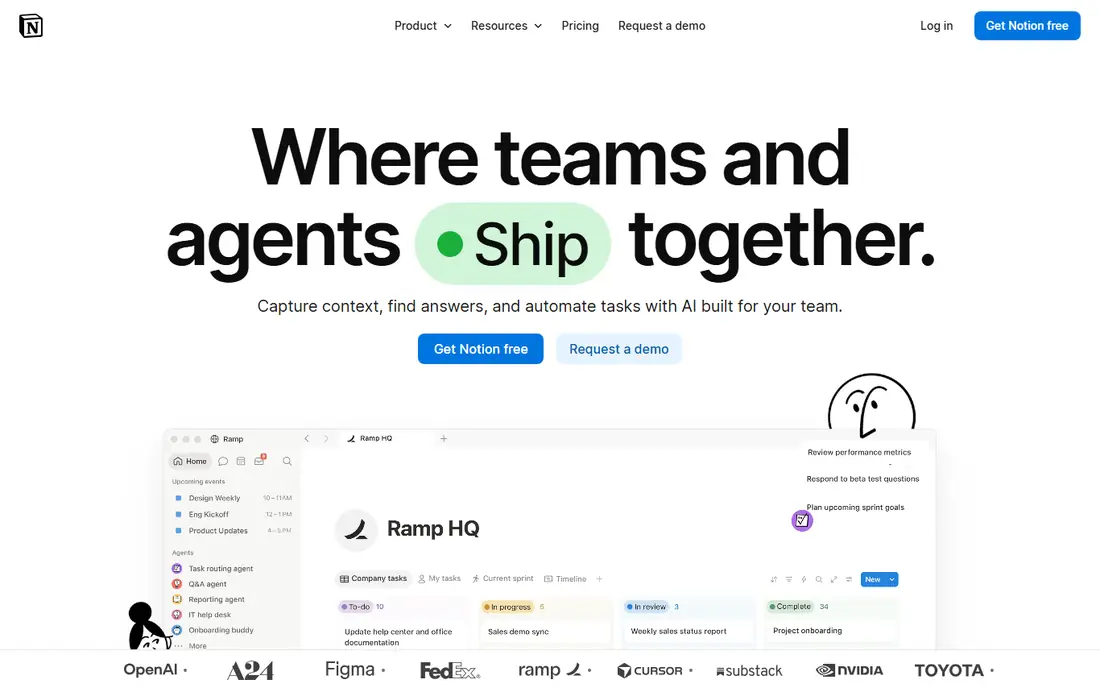
Notion is the best choice if your notes need to grow into a workspace. You can start with a simple page, then add databases for projects, reading lists, or meeting notes, and share the whole system with a team. Templates for class notes, product plans, and personal wikis save setup time, and the web clipper lets you save articles into the same place as your own writing.
The free plan is generous for personal use, while Plus is $10 per member per month billed annually, or $12 billed monthly. Business, at $20 per member per month billed annually, adds broader AI features. The honest catch is that Notion is a hosted, online-first tool, so offline access is partial, and its flexibility can tempt you to spend more time building a system than writing notes. If you want a team wiki, that trade-off is worth it. If you want a private personal archive, Obsidian may fit better.
- Pages, databases, and templates in one workspace
- Real-time collaboration
- Strong web clipper and integrations
- Offline support has limits
- The flexibility can lead to overbuilding a system you do not need
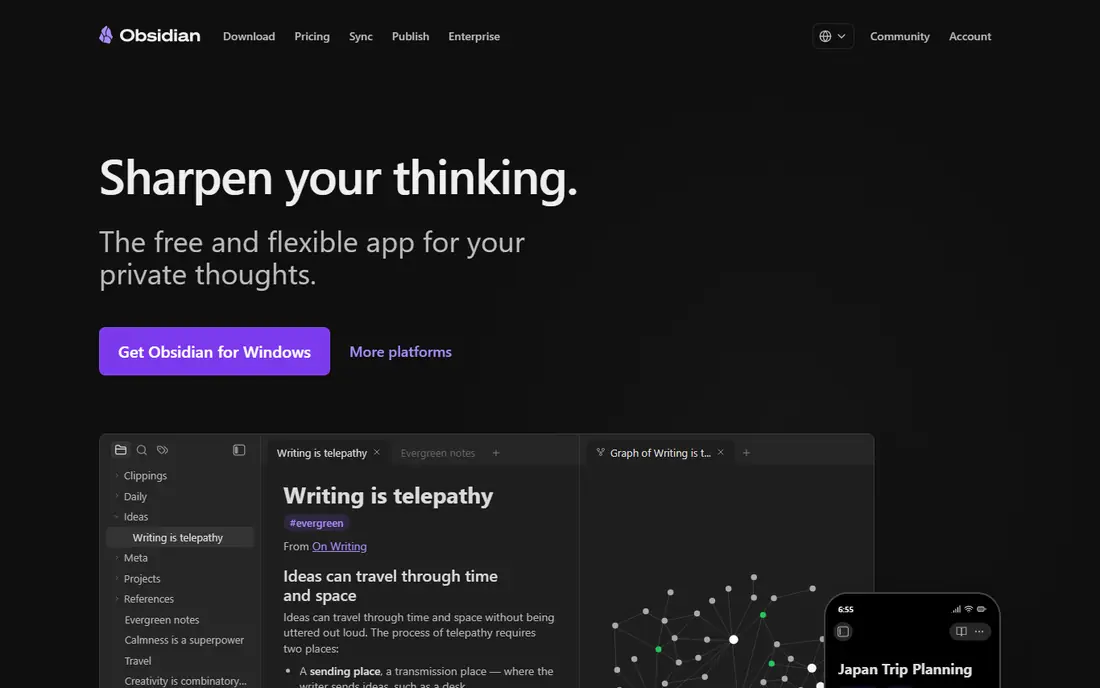
Obsidian is built for people who want to own their notes. Your vault is a folder of plain Markdown files on your own disk, so you can open it in any text editor, back it up yourself, and keep it even if Obsidian disappears. Backlinks link ideas together, the graph view shows how notes connect, and plugins add tasks, calendars, canvases, and many other features.
The core app is free for personal and commercial use. Optional Sync starts at $4 per user per month billed annually, or $5 billed monthly, and Publish starts at $8 per site per month billed annually. You can also sync through iCloud Drive, Dropbox, or another service you already use. The catch is that Obsidian does not offer Notion-style live collaboration, and linking only helps if you build the habit of linking notes as you write them. For a long-term personal knowledge base, it is the strongest pick here.
- Notes are plain Markdown files on your device
- Backlinks and graph view
- Large plugin community
- No built-in collaboration
- Official sync costs extra and setup takes effort
Evernote is the veteran of this list, and it still shines at one job: capturing everything and finding it later. The web clipper saves articles with formatting intact, you can scan documents and handwritten notes, and search finds text inside images as well as note titles and body text. Notebooks, tags, and reminders give a large archive a clear structure.
The change in recent years is price and free limits. The free tier now allows 50 notes, one notebook, and one device, which is enough to test the app but not to run a large archive. Starter is $99 per year, or $14.99 per month billed monthly, while Advanced is $249.99 per year. If you already have years of notes in Evernote, or you clip heavily every day, it may still be worth it. If you are starting fresh, Notion or Obsidian offer more for less.
- Strong web clipper
- Search across text, including text in images
- Mature organisation with notebooks and tags
- Free tier is limited to 50 notes, one notebook, and one device
- Paid plans are higher than many rivals
Apple Notes is the app most Apple users should try first, because it is already installed and it costs nothing extra. You can type a quick note, scan a document, add a checklist, lock a private note, and sync everything through iCloud to your other Apple devices. It opens fast, it works offline, and it handles everyday lists, meeting notes, and research snippets without any setup.
The limits appear when you leave the Apple ecosystem. There is no native Windows or Android app, and collaboration is simpler than in Notion. Export is possible, but it is not as clean as moving a folder of Markdown files from Obsidian. If everyone in your household or team uses Apple devices, Apple Notes may be all you need. If you mix platforms, pick a cross-platform app instead.
- Free on iPhone, iPad, and Mac
- Fast capture and iCloud sync
- Folders, tags, and document scanning
- Apple devices only
- Sharing and export are less flexible than in Notion or Obsidian
OneNote works like a digital binder with freeform pages. You can type anywhere on a page, draw with a stylus, paste images and PDFs, record audio beside your notes, and organise pages into sections and notebooks. That flexibility suits students who annotate slides, and teams who share a meeting notebook in Microsoft 365. It is free with a Microsoft account, and it runs on Windows, Mac, iOS, Android, and the web.
The downside is that freedom can turn into clutter. Large notebooks need regular tidying, and the best experience depends on OneDrive sync and a Microsoft account. OneNote also lacks Obsidian's backlinks and graph view, and its export options are less portable than plain Markdown. For freeform, handwritten, or shared school notes, OneNote is a strong free choice.
- Free with a Microsoft account
- Freeform canvas for handwriting and diagrams
- Strong sharing for school and work
- Organisation can become messy in large notebooks
- Search and sync depend on OneDrive
Bear is the prettiest writing app on this list, and that matters if you write every day. It offers a clean editor, Markdown formatting, hashtags for organisation, and a focus mode that hides distractions. Notes sync through iCloud, search is fast, and export to Markdown, PDF, and other formats is simple. Bear Pro, at $2.99 per month or $29.99 per year, adds sync across devices and per-note encryption.
The main limit is platform. Bear runs on iPhone, iPad, and Mac only, so Windows and Android users cannot use it as a main notes app. It also has no databases, no live collaboration, and no graph view. Bear suits a writer, student, or blogger on Apple devices who wants a calm place to draft and organise prose. For a team workspace or a cross-platform archive, look elsewhere.
- Beautiful, focused writing experience
- Markdown with tags
- Fast search and export
- Apple devices only
- No real-time collaboration or databases
Google Keep is the fastest app on this list for capturing a thought before it disappears. Open it, type a note or checklist, set a reminder, and it syncs to your Google account across phone and web. Colour coding and labels help you sort shopping lists, ideas, and reminders at a glance, and it works well alongside Google Docs for longer writing.
Keep is not a knowledge base. It has no folders, no backlinks, and no database views, and long notes quickly become hard to manage. That is fine if you use it for what it is: a sticky-note app for short, actionable items. Pair Keep with Notion, Obsidian, or Google Docs for longer work, and use Keep for the quick capture that starts most note systems.
- Free with a Google account
- Instant capture on phone and web
- Reminders, labels, and colour coding
- No folders or databases
- Not suited to long documents or linked notes
Joplin is the best open-source alternative to Evernote. It offers notebooks, tags, Markdown editing, a web clipper, and apps for Windows, Mac, Linux, iOS, and Android. You can sync through Dropbox, OneDrive, Nextcloud, or Joplin Cloud, and you can turn on end-to-end encryption for extra privacy. The app itself is free, with Joplin Cloud starting from a low monthly price in euros for hosted sync.
The trade-off is polish. Joplin's interface is functional rather than beautiful, and setting up sync takes more steps than signing into Notion or Apple Notes. It also lacks a graph view as rich as Obsidian's. If privacy, open source, and cross-platform support matter most to you, Joplin is a strong, low-cost choice that does not lock your notes into a single company.
- Free and open-source
- End-to-end encryption option
- Runs on every major platform
- Interface is plainer than Bear or Notion
- Advanced sync through Joplin Cloud costs extra
Logseq is built around a daily journal. Each day gets its own page, you write in bullet outlines, and you link blocks and pages together as ideas connect. That structure suits researchers, students, and journal keepers who think in outlines rather than long documents. Like Obsidian, Logseq keeps your notes as local files, so you own the archive and can back it up yourself.
The learning curve is real. If you are used to writing in paragraphs, the bullet-first style can feel restrictive at first, and the mobile app is less polished than the desktop version. Logseq also offers paid sync, but you can sync the files yourself through a service you already use. For a free, local-first daily notes system with backlinks, Logseq is a worthy alternative to Obsidian, especially if you like outlining.
- Free and open-source
- Daily journal pages with backlinks
- Local Markdown and org-mode files
- Outliner style takes time to learn
- Mobile app is less polished than desktop
How we picked these
We compared official pricing pages, sync options, search features, and app store listings for leading note apps. We looked for a usable free tier, reliable sync, search that works across a large archive, and a clear fit for a real workflow, such as quick capture, writing, linked notes, or team work. We also weighed portability, because notes you keep for years should be easy to export and move.
We did not claim hands-on testing, and we did not invent ratings or feature claims. Our order reflects common reader needs: a team workspace first, then a personal archive, then a veteran capture tool, then free platform apps, then specialist writing and open-source options. Prices change, so check the vendor's own pricing page before you commit to a paid plan.
How to choose the right note taking app
Start with where your notes live and who needs them. If you work in a team, pick Notion or OneNote for sharing and live editing. If your notes are personal and long-term, pick Obsidian, Joplin, or Logseq for local files you control. If you mainly capture quick ideas, pick Apple Notes or Google Keep and move longer work elsewhere when it grows.
Next, test capture, search, and export before you migrate a large archive. Capture a web article, a photo, and a handwritten note if you use those, then search for a word you know is inside them. Export a few notes and check that the result is readable outside the app. A notes app that makes capture easy but export hard will cost you time later.
Finally, keep the system simple at first. One inbox for new notes, a small set of tags or folders, and a weekly review to file or delete what you no longer need will beat a complex template you abandon. Add databases, plugins, or linked maps only after the basic habit works. The best note app is the one you open every day, not the one with the longest feature list.