Best Apps for Reading in 2026: 9 Reading Apps Compared
By ToolNimba Editorial Team October 28, 2026 11 min read

- Top pick
 Libby
Free library books
Starting priceFreeCheck out LibbyRead our review - Runner-up
 Kindle
Largest ebook store
Starting priceFreeCheck out KindleRead our review - Also great
 Apple Books
Apple device readers
Starting priceFreeCheck out Apple BooksRead our review
How we researched this
We compared official pricing and feature pages, app store listings, privacy policies and public user reviews. Prices change, so check the provider's site before you pay.
Key takeaways
- Libby is the best starting point for most readers, because a public library card gives free ebooks, audiobooks, and magazines with no subscription.
- The Kindle app gives access to the largest commercial ebook store, while Apple Books and Google Play Books suit readers who already live in those ecosystems.
- Kobo is a strong choice for EPUB readers, and Hoopla adds comics and instant library borrows that Libby does not always offer.
- Readwise Reader and Instapaper are for articles and documents, not for buying novels, so they work best alongside a book app rather than instead of one.
- Everand rents books by the month, which only pays off if you read from its catalog regularly and track how many titles you actually open.
Quick comparison
| Name | Best for | Starting price | Free plan | |
|---|---|---|---|---|
| Libby | Free library books | Free | Yes | Visit |
| Kindle | Largest ebook store | Free | Yes | Visit |
| Apple Books | Apple device readers | Free | Yes | Visit |
 Google Play Books | Your own EPUB and PDF files | Free | Yes | Visit |
 Kobo | EPUB-friendly store | Free | Yes | Visit |
 Hoopla | Instant library borrows and comics | Free | Yes | Visit |
 Everand | Monthly reading subscription | $11.99 per month | Free trial | Visit |
 Readwise Reader | Articles, PDFs, and highlights | $9.99 per month | Free trial | Visit |
 Instapaper | Simple read-it-later saving | Free | Yes | Visit |
The best apps for reading
Most readers do not need one perfect app. They need an app that matches where their books come from, whether that is a library, a store, or a folder of files. The picks below cover all three, plus two options for long articles.
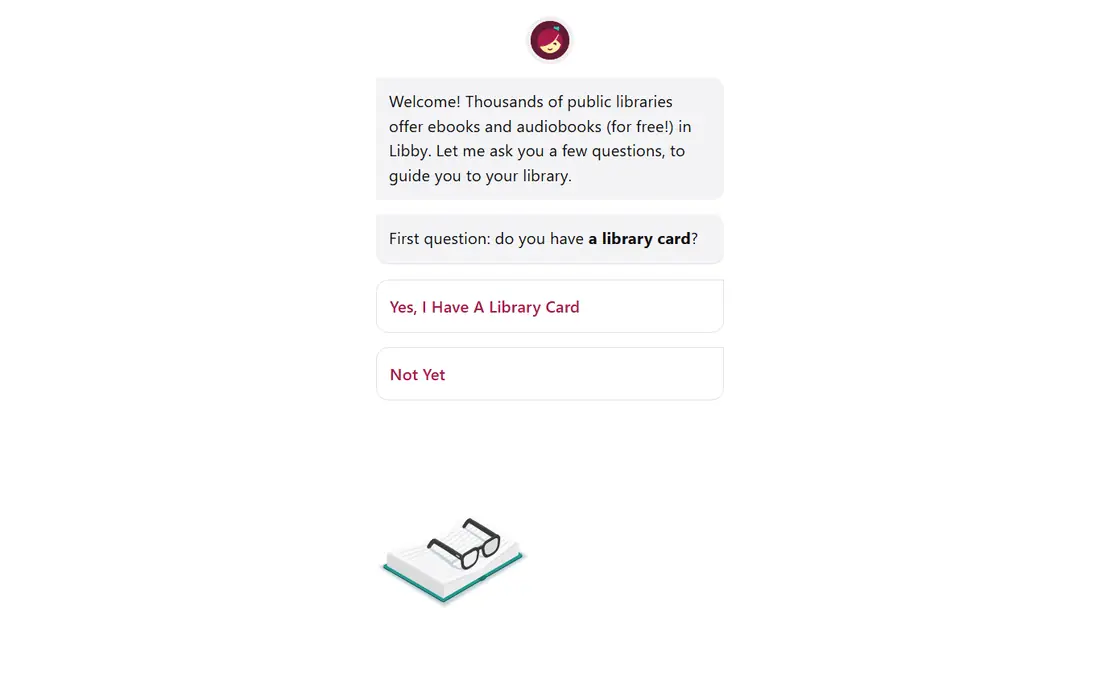
Libby, built by OverDrive, turns a public library card into a full reading app. You borrow titles, place holds, and return books automatically at the end of the loan, so there are no late fees to track. The app also works in a web browser, which helps if you read on a shared computer.
The honest catch is availability. A library catalog is not a store, and a new bestseller may have a wait list of weeks or months. Libby also sends borrowed ebooks to a Kindle only for United States libraries. If you read a lot of new releases the week they come out, you will still want a store app beside Libby.
- Free with a library card
- Ebooks, audiobooks, and magazines in one app
- Offline downloads and sync across devices
- Popular titles can have long waits
- Your library, not Libby, decides what is available
The Kindle app itself is free, and books are priced individually in the Amazon store. That combination suits readers who buy one book at a time and want it on every device they own. Send to Kindle also lets you add your own EPUB and PDF files, which keeps personal documents in the same library.
Kindle+, the subscription formerly called Kindle Unlimited, costs $11.99 per month in the United States and lets you borrow up to 20 titles at a time from a rotating selection. It is a rental, not ownership, so access ends when you cancel. Readers who mainly buy specific titles should skip the subscription and just buy the books they want.
- Very large ebook store
- Sync across phone, tablet, computer, and Kindle devices
- Free samples before you buy
- Purchases stay inside Kindle apps and devices
- The subscription catalog does not include every book
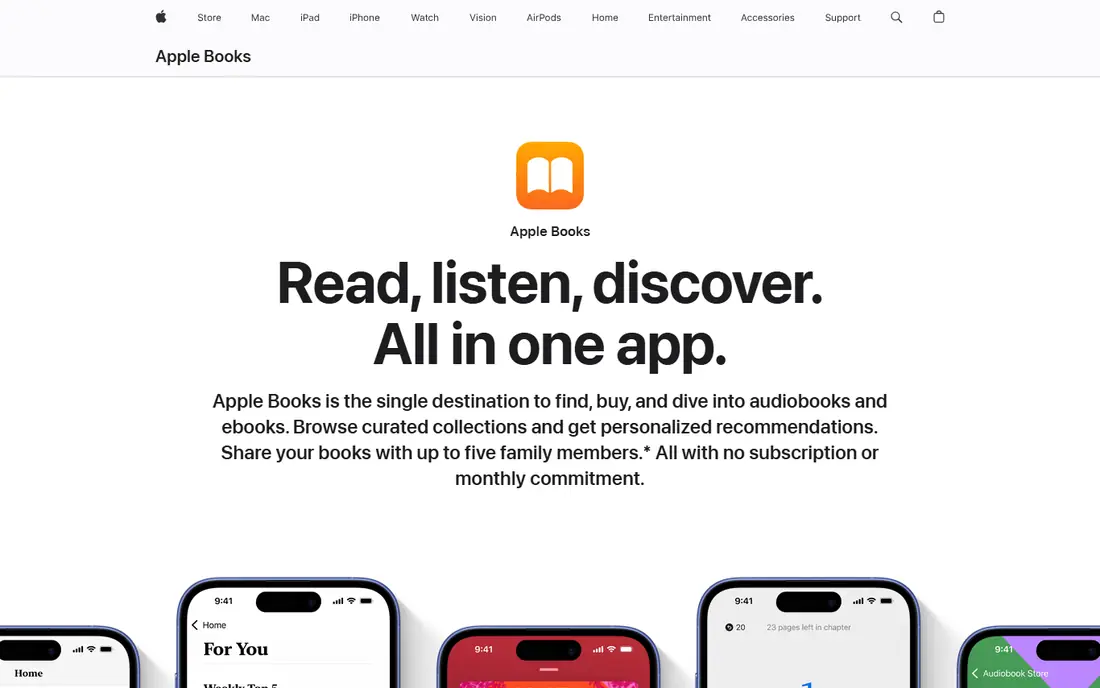
Apple Books is built into Apple devices, so there is nothing extra to install if you already use an iPhone or iPad. You can import PDFs and many EPUB files you got elsewhere, set reading goals, and share purchases with family members through Family Sharing. Audiobooks sit in the same app, which keeps listening and reading in one place.
The limit is obvious and worth stating plainly. If you switch to Android, or if you read on a Windows computer, Apple Books does not follow you. For households that mix Apple and Android devices, a cross-platform app such as Kindle or Google Play Books is a safer home for a paid library.
- Clean reading experience on iPhone, iPad, and Mac
- ICloud sync
- Audiobooks and ebooks in one place
- No Android or Windows app
- Books bought here do not transfer to non-Apple readers
Google Play Books earns its place here for file handling rather than for its store. You can upload EPUB and PDF files from your own collection and read them on any device where you sign in, with bookmarks, highlights, and notes kept in sync. That makes it a practical home for manuals, course readings, and books you bought without digital rights management elsewhere.
As a store, it is solid but not the widest choice for every genre, and books bought here are read in Google Play Books rather than on a Kindle. If most of your reading is your own files, though, the free upload library is hard to beat, and it costs nothing to try.
- Upload your own EPUB and PDF files
- Works on Android, iOS, and the web
- Notes and bookmarks sync
- The store is smaller than the Kindle store for some readers
- Uploads are limited to EPUB and PDF
Kobo pairs a store with a reader that treats EPUB as a first-class format, which matters if you buy from independent sellers or manage your own files. Reading progress, bookmarks, and notes sync across the phone app, the web reader, and Kobo e-readers, so a phone and a dedicated reader can share one library without extra steps.
The catch is format support for protected files. Adobe DRM files in the ACSM format work on Kobo e-readers through Adobe Digital Editions, but they do not open in the Kobo app itself. Check the format of any back catalog before you move it over, and keep that limit in mind if you buy heavily protected titles.
- Strong EPUB support
- Sync with Kobo e-readers
- A store that works outside the Amazon ecosystem
- Adobe DRM files do not open in the app
- Some features vary by device and region
Hoopla is a second library app, and it is worth having next to Libby rather than instead of it. Where Libby often uses holds for popular books, Hoopla offers instant borrows for titles in its catalog, and it covers comics and manga alongside ebooks and audiobooks. Movies, TV, and music are included too, which makes it useful for households that share one library card.
The limit is set by your library, not by Hoopla itself. Monthly borrow allowances vary, so a heavy reader can run out of borrows before the month ends. Check your library's limit first, and use Libby holds for books you can wait for while Hoopla covers the instant picks.
- Instant borrows with no wait lists for many titles
- Comics, manga, movies, TV, and music included
- No subscription
- Your library sets a monthly borrow limit
- Not every library offers Hoopla
Everand, formerly Scribd, is a subscription rather than a store. The Standard plan costs $11.99 per month and lets you open one title, with higher plans opening more titles per month. A curated selection is also available without spending an opening, and books you have opened can be reread while your subscription stays active.
That model only makes sense if you read steadily from the Everand catalog. If your favorite authors are missing, or if you read one book every two months, buying that book outright will cost less. Use the trial to search for the authors you actually read before you commit to a monthly payment.
- Large shared catalog of ebooks and audiobooks
- Reread titles you have already opened while subscribed
- Plans for different reading volumes
- Not all-you-can-read
- Titles are rented, not owned
- Catalog gaps can disappoint fans of specific authors
Readwise Reader is not a bookshop. It is a reading inbox for everything else: web articles, newsletters, RSS feeds, PDFs, and EPUB files you already own. Highlights export to note apps such as Obsidian and Notion, and the app can read articles and documents aloud, which turns a saved backlog into listening time.
The price, $9.99 per month when billed annually, is the main barrier. A reader who saves two articles a week will get little value from it. It earns its cost for researchers, students, and heavy article readers who keep highlights and return to them later, and the trial is the right way to test that habit.
- One library for articles, newsletters, PDFs, and EPUBs
- Highlights export to note apps
- Read-aloud for articles and documents
- No book store
- The price is high if you only save a few articles a week
Instapaper does one job with little fuss. Save an article from the web, open it later in a clean view, and sort it into folders. The free plan covers unlimited saves and sync across web, iOS, and Android, which is enough for many readers who just want to clear a browser tab without losing the article.
Premium costs $5.99 per month and adds full-text search, unlimited notes, and text-to-speech features. Those extras matter if your saved list grows into the hundreds. If your list stays short, the free plan does the work, and Instapaper stays out of the way in a way busier apps do not.
- Free saving of unlimited articles
- Clean, distraction-free reading view
- Folders for organizing saves
- No book store or ebook library
- Full-text search and speech features need the paid plan
How we picked these
We compared official feature pages, pricing pages, and app store listings, along with public reviews and help pages, for apps that cover libraries, stores, personal files, subscriptions, and read-it-later saving. An app made the list only if it is actively available in the United States, fits ordinary readers rather than a narrow professional niche, and has a clear way to get books or articles into it. We left out apps that had closed, apps that only summarize books, and apps that duplicate another pick without a distinct strength.
How to choose without overpaying
Start with where your books come from, because that decides most of the choice. Library readers should set up Libby first, and add Hoopla if their library offers it. Store buyers should pick the store tied to the devices they already own, since purchased ebooks do not move freely between Kindle, Apple, Kobo, and Google. File readers should test Google Play Books or Kobo with their own EPUB and PDF files before buying anything new.
Check formats and devices before you buy a library
A book bought in one store is generally read in that store's apps. That is fine if you stay on one platform, and frustrating if you switch phones or buy a dedicated reader later. If you move between platforms, favor library borrowing and DRM-free files, and keep a list of purchases outside any single app.
Count what you actually read each month
Subscriptions look cheap per month and expensive per book if you read slowly. A reader who finishes one book a month usually spends less buying that book than renting a catalog. A reader who finishes four books a month from one catalog can come out ahead, but only if those books are in the catalog.