Best Apps for Texting Conversations in 2026: 8 Apps Compared
By ToolNimba Editorial Team November 12, 2026 8 min read

- Top pick
 Google Messages
Android conversations
Starting priceFreeCheck out Google MessagesRead our review - Runner-up
 Apple Messages
iPhone conversations
Starting priceFreeCheck out Apple MessagesRead our review - Also great
 WhatsApp
Everyday global conversations
Starting priceFreeCheck out WhatsAppRead our review
How we researched this
We compared official pricing and feature pages, app store listings, privacy policies and public user reviews. Prices change, so check the provider's site before you pay.
Key takeaways
- Google Messages suits Android conversations with RCS, while Apple Messages suits iPhone users who want a built-in, encrypted Apple-to-Apple experience.
- WhatsApp suits everyday conversations with global contacts, while Signal suits private conversations with stronger privacy defaults.
- Telegram suits large group conversations and channels, while Discord suits topic-based conversations in communities.
- Facebook Messenger suits conversations with existing Facebook and Instagram contacts, while TextNow suits a free second number for texting.
- Choose the app your conversation partners already use, then check encryption, group tools, and media sharing for your main chats.
Quick comparison
| Name | Best for | Starting price | Free plan | |
|---|---|---|---|---|
| Google Messages | Android conversations | Free | Yes | Visit |
| Apple Messages | iPhone conversations | Free | Yes | Visit |
| WhatsApp | Everyday global conversations | Free | Yes | Visit |
 Signal | Private conversations | Free | Yes | Visit |
 Telegram | Large group conversations | Free | Yes | Visit |
 Facebook Messenger | Social contacts conversations | Free | Yes | Visit |
 Discord | Community conversations | Free | Yes | Visit |
 TextNow | Free second number texting | Free | Yes | Visit |
The best apps for texting conversations
A good conversation app should make it easy to follow a thread, share media, and pick up where you left off. We compared official feature pages, encryption defaults, group tools, and platform support, then grouped each app by the conversation style it serves best.
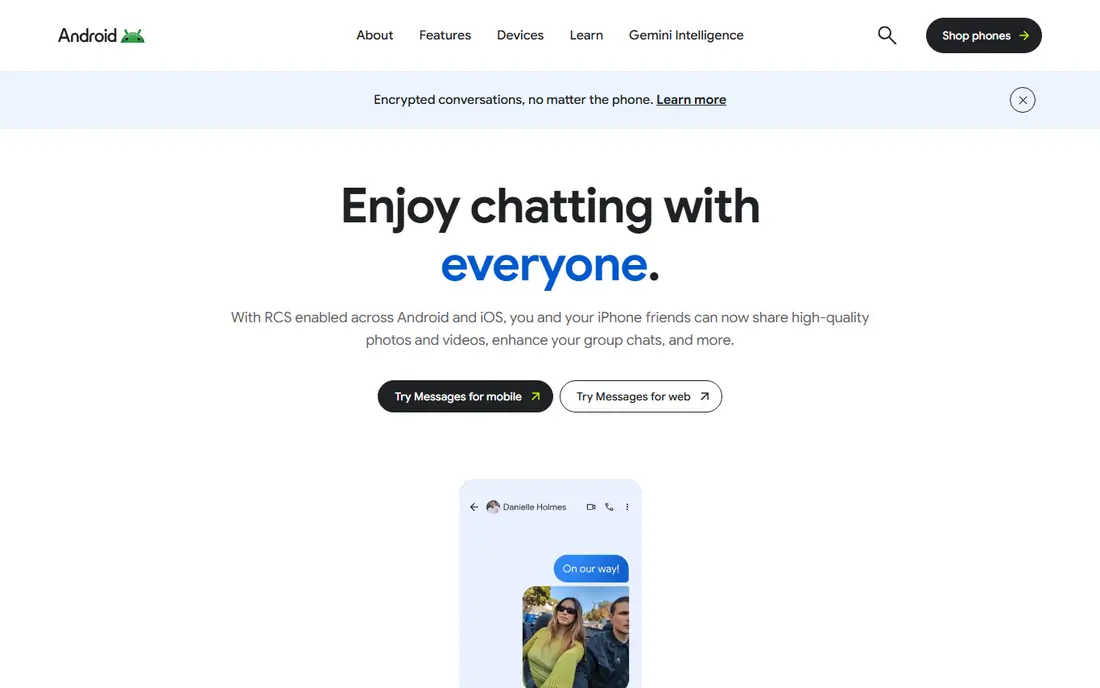
Google Messages is the default conversation app for many Android users, and RCS makes it feel modern. Typing indicators, read receipts, high-quality photos, and group features improve on basic SMS, while SMS fallback keeps you connected to contacts without RCS. The web version also lets you continue conversations from a computer.
Encryption is the detail to check. RCS encryption depends on carrier, device, and the other person's setup, so a conversation may not always be encrypted. For everyday Android chats, Google Messages is still a clear upgrade, and for sensitive chats, Signal is a safer choice.
- RCS features such as typing indicators and read receipts
- SMS fallback
- Web version for computers
- RCS encryption depends on carrier and device support
- Best experience is on Android
Apple Messages suits iPhone households because it needs no install and no new account. Apple-to-Apple messages use encryption, and group chats, photos, videos, stickers, and reactions work smoothly inside the Apple ecosystem. Most iPhone users already know the app, which lowers friction for family chats.
Cross-platform conversations are the limit. Messages to Android users use SMS or RCS, with different encryption and feature support, so check the conversation type before sharing sensitive details. For mixed-device groups, WhatsApp or Signal often work better.
- Built into every iPhone
- Encrypted Apple-to-Apple messages
- Good group, media, and sticker tools
- Best only when contacts use Apple devices
- Cross-platform messages fall back to SMS or RCS with different protections
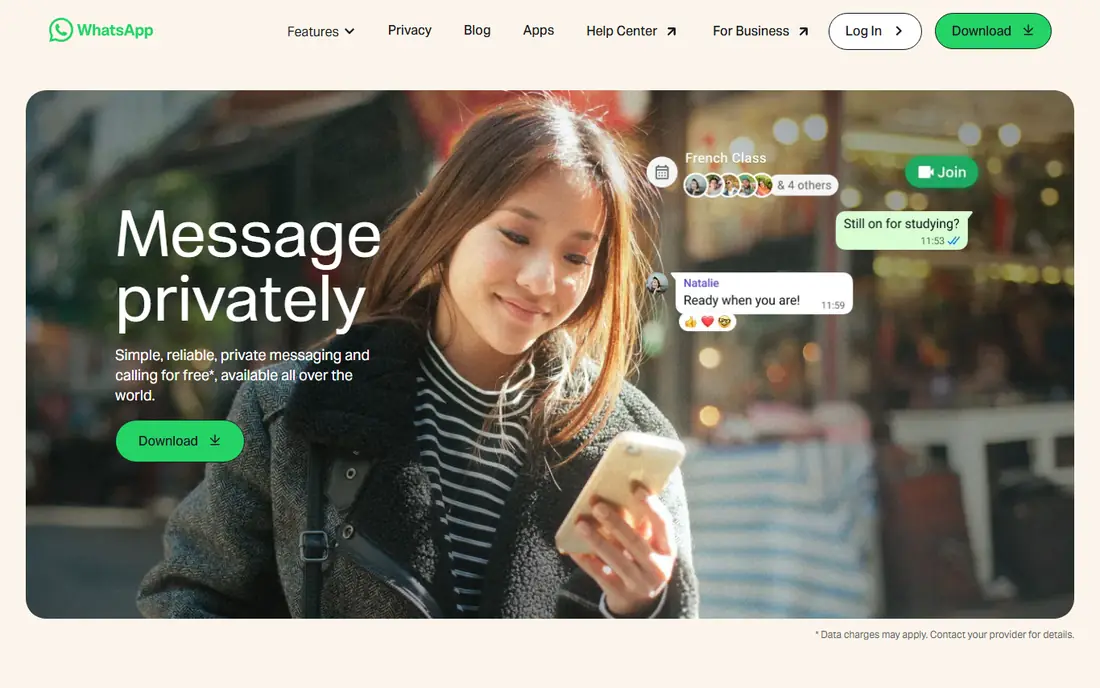
WhatsApp is the most practical conversation app when your contacts span countries and devices. Chats and calls use end-to-end encryption, groups and communities help organize family, work, and social circles, and disappearing messages add control for sensitive threads. Because so many people already use it, starting a conversation rarely needs an invite or tutorial.
Privacy is more mixed than with Signal, because Meta collects metadata and backups need opt-in protection. For everyday conversations, that trade-off is acceptable for many users, while sensitive conversations belong in Signal.
- Huge global reach
- Encrypted chats and calls
- Groups, communities, and disappearing messages
- Meta metadata collection remains a concern
- Backup encryption needs opt-in settings
Signal suits conversations where privacy matters most. Every chat and call is encrypted by default, the nonprofit model means no ads or trackers, and disappearing messages help for sensitive topics. Groups, voice messages, media, and files cover everyday conversation needs well.
The main barrier is adoption. If only part of your circle uses Signal, you will still need another app for the rest. Start with family and close friends, use Signal groups for private planning, and keep WhatsApp for broader reach.
- Encryption by default for all chats and calls
- No ads or trackers
- Disappearing messages and groups
- Smaller user base than WhatsApp
- Fewer large-group features
Telegram suits conversations that grow into communities. Large groups, channels, polls, and bots help organizers run clubs, classes, and fan groups, while fast sync across phones and computers keeps threads accessible anywhere. Username-based contact also helps public groups without sharing phone numbers.
For private one-to-one conversations, check encryption carefully. Standard chats are cloud-based and not end-to-end encrypted by default, while Secret Chats are. Use Secret Chats for sensitive one-to-one talks, and treat large group chats as public by default.
- Very large groups and channels
- Fast sync across devices
- Bots, polls, and file sharing
- Standard chats are not end-to-end encrypted
- Only Secret Chats use that protection
Facebook Messenger suits conversations with people you already know through Facebook or Instagram. It needs no new contact list, supports group chats, voice and video calls, and media sharing, and many users already check it daily. That familiarity helps family groups and social planning.
Encryption coverage varies by conversation type, so check whether a given chat uses end-to-end encryption before sharing sensitive details. For private planning, Signal remains the safer choice, while Messenger works well for casual social conversations.
- Built around existing Facebook contacts
- Good group chats, calls, and media sharing
- No new account needed for Facebook users
- Privacy depends on Meta policies
- Encryption coverage varies by conversation type
Discord suits conversations organized by topic rather than by person. Channels separate announcements, general chat, help, and off-topic talk, while voice rooms add live discussion. Hobby groups, study teams, and creator communities often find this structure easier than a single long group chat.
Private conversations can feel secondary on Discord, and noisy servers need good channel rules. Use Discord for community conversations, and keep private family or work chats in WhatsApp or Signal.
- Topic channels keep conversations organized
- Voice and video rooms
- Roles and moderation tools
- Not ideal for private one-to-one texting
- Servers need setup to avoid noise
TextNow suits people who want a second number for texting without a second phone plan. It offers a free number for calls and texts over Wi-Fi or data, which helps freelancers, sellers, and anyone who wants to keep a personal number private. That separation is useful for side projects and online listings.
Privacy is weaker than with Signal, because TextNow is not end-to-end encrypted. Treat it as a practical second number for everyday contact, not as a private channel for sensitive conversations, and keep the number active to avoid losing it.
- Free second phone number
- Unlimited talk and text in comparisons
- Useful for privacy and side projects
- Not end-to-end encrypted
- Ad-supported free tier
- Number may change if inactive
How we picked these
We compared official feature pages, encryption documentation, and public messaging comparisons, and checked that each homepage loads and matches the product. We favored apps that support one-to-one and group conversations, media sharing, and calls, and we kept a mix of built-in, mainstream, privacy-first, and community tools. We did not claim hands-on testing.
How to pick a conversation app
Start with who you talk to most, then check whether the app keeps those conversations easy to follow.
Follow your contacts
If most contacts use WhatsApp, that app will give you the smoothest conversations, even if another app has stronger privacy. If most contacts use iPhones, Apple Messages may be enough for family chats. Privacy-first apps work best when you can bring your core circle with you.
Check group tools
Small family groups need little more than reliable delivery and media sharing. Larger groups need pinned messages, search, moderation, and topic channels. Discord and Telegram suit larger groups, while Signal and WhatsApp suit smaller private groups.
Test media and calls
Share photos, videos, voice notes, and files, and try a voice and video call with a regular contact. Check quality, file limits, and whether the app compresses media heavily. A conversation app that handles media poorly will push people back to email or SMS.
Protect sensitive threads
Use Signal for sensitive planning, finances, or health topics, and turn on disappearing messages where appropriate. Check backup settings on WhatsApp and Messenger, because an encrypted chat can lose protection if backups are unprotected.
Sources
- https://messages.google.com
- https://www.apple.com/messages/
- https://www.whatsapp.com
- https://signal.org
- https://telegram.org
- https://www.messenger.com
- https://discord.com
- https://www.textnow.com
- https://www.textnow.com/phone-plan/text/best-private-texting-apps
- https://www.whistleout.com/CellPhones/Apps/best-messaging-apps
Frequently asked questions
What is the best app for texting conversations?
It depends on your contacts. WhatsApp suits global everyday conversations, Signal suits private conversations, Google Messages suits Android users, and Apple Messages suits iPhone households. Telegram and Discord suit larger group and community conversations.
Can I use these apps for free?
Yes, all apps on this list offer free messaging and calls, using data or Wi-Fi instead of SMS fees. Some offer paid perks, such as extra storage or premium features, but core texting stays free.
Are these apps safer than SMS?
Yes, in most cases, because many use end-to-end encryption for at least some chats, while SMS does not. Signal encrypts all chats by default, while Telegram and Messenger vary by chat type, so check encryption for each conversation.
Can I text from a computer?
Yes. Google Messages, WhatsApp, Signal, Telegram, Discord, Messenger, and TextNow all offer web or desktop versions. Setup usually involves linking your phone or signing in, and call features vary by platform.
What app is best for group conversations?
WhatsApp and Signal suit small private groups, Telegram suits very large groups and channels, and Discord suits topic-based community groups. Choose based on group size, moderation needs, and whether conversations should stay searchable.
Do I need a phone number for all of these apps?
Most need a phone number for setup, including WhatsApp, Signal, and TextNow. Telegram also uses a phone number for signup, though usernames can hide it in chats. Discord and Messenger can work with email-based accounts, depending on signup route.