Best Apps for Time Management in 2026: 9 Apps Compared
By ToolNimba Editorial Team October 28, 2026 12 min read

- Top pick
 Toggl Track
Simple time tracking for freelancers
Starting price$9 per user per monthCheck out Toggl TrackRead our review - Runner-up
 Clockify
Free time tracking for small teams
Starting price$3.99 per user per monthCheck out ClockifyRead our review - Also great
 Todoist
Daily tasks with natural language input
Starting price$4 per monthCheck out TodoistRead our review
How we researched this
We compared official pricing and feature pages, app store listings, privacy policies and public user reviews. Prices change, so check the provider's site before you pay.
Key takeaways
- Clockify and Toggl Track are the best starting points for time tracking, because both have free plans for small teams and simple one-click timers.
- Todoist and TickTick cover daily tasks and focus in one app, while Google Calendar covers time blocking for free if you already use Google tools.
- RescueTime suits people who want automatic tracking, while Forest suits people who need help staying off their phone during focus sessions.
- Sunsama and Motion cost more, but they suit people who want a guided daily plan or an AI-built schedule rather than a simple timer or list.
Quick comparison
| Name | Best for | Starting price | Free plan | |
|---|---|---|---|---|
| Toggl Track | Simple time tracking for freelancers | $9 per user per month | Yes | Visit |
| Clockify | Free time tracking for small teams | $3.99 per user per month | Yes | Visit |
| Todoist | Daily tasks with natural language input | $4 per month | Yes | Visit |
 TickTick | Tasks, habits, and focus in one app | $35.99 per year | Yes | Visit |
 Google Calendar | Free time blocking and scheduling | Free | Yes | Visit |
 Forest | Gamified focus sessions | $3.99 one-time | Yes | Visit |
 RescueTime | Automatic tracking of digital time | $7 per month | Yes | Visit |
 Sunsama | A calm, guided daily plan | $17 per month | Free trial (14 days) | Visit |
 Motion | AI scheduling for busy calendars | $19 per user per month | Free trial (30 days) | Visit |
The best apps for time management
Time management is not one job, so this list covers four kinds of tools: time trackers, task managers, calendars, and focus apps. We compared official pricing pages, feature pages, app store listings, and public reviews to find apps that solve a specific problem well, rather than apps that try to do everything poorly. Pick the category that matches your biggest leak first, then add a second tool only if you still need it.
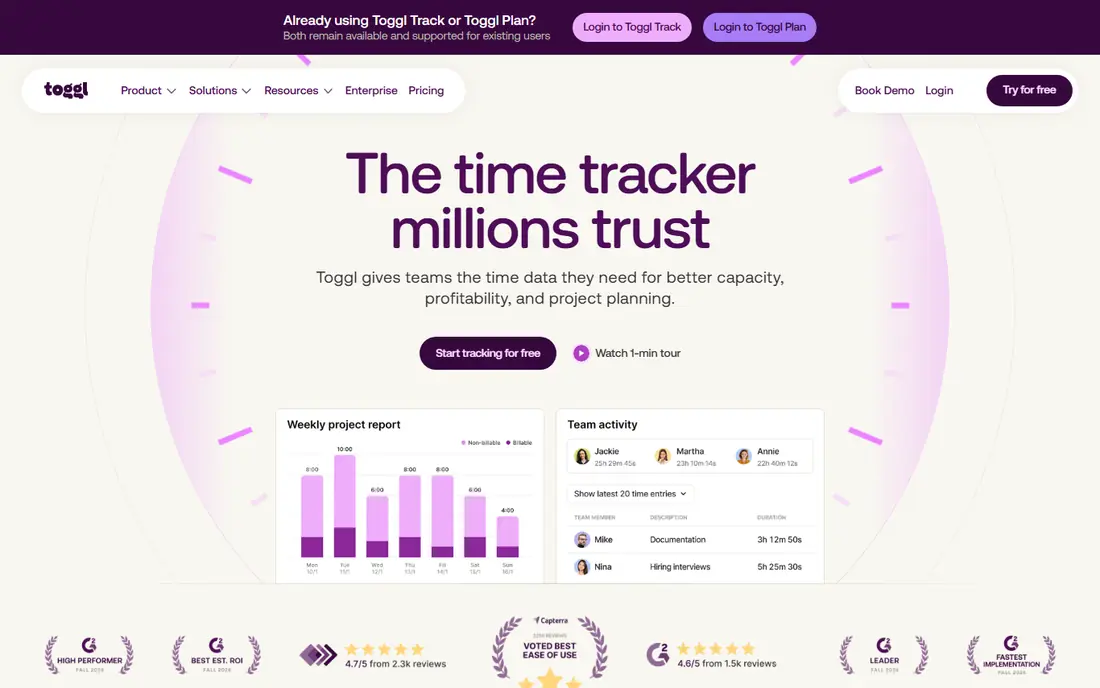
Toggl Track is the easiest time tracker to start with, and that simplicity is why freelancers and small teams keep using it. You press start, work, press stop, and the entry is tagged to a project or client. Browser extensions let you start a timer from inside many web tools, so tracking does not require opening a separate app every time.
Reports are the real payoff. You can see where hours went by week, project, or client, export that data for invoices, and spot which clients take more time than they pay for. The free plan covers up to five users, which is enough for many small teams. Starter at $9 per user per month adds billable rates, time estimates, and more reporting. If you bill by the hour, Toggl Track usually pays for itself in the first accurate invoice.
- One-click timer on web, desktop, and mobile
- Clean reports by project, client, and tag
- Calendar integrations with Google Calendar and Outlook
- Advanced budgets, scheduled reports, and forecasting require paid plans
- Free plan is limited to five users

Clockify is the best free time tracking option for a small business that needs to track a whole team without paying per seat right away. The free plan includes a timer, manual entries, projects, and basic reports, and paid plans from $3.99 per user per month on annual billing add scheduling, approvals, and more detailed reporting. That low paid entry price makes it easy to upgrade only when you need those controls.
The app is less polished than Toggl Track, and setting up projects, clients, and permissions takes a bit more care. For teams that need kiosk time tracking, such as a shop or studio with shared devices, Clockify has a mode Toggl Track does not emphasize. If cost is your main constraint and you need team tracking, start with Clockify and upgrade only for scheduling or approval features.
- Free plan covers unlimited users in many cases
- Timer, timesheet, calendar, and kiosk modes
- Reports and exports for billing
- Interface is more functional than polished
- Some advanced features such as scheduling and forecasting require paid tiers
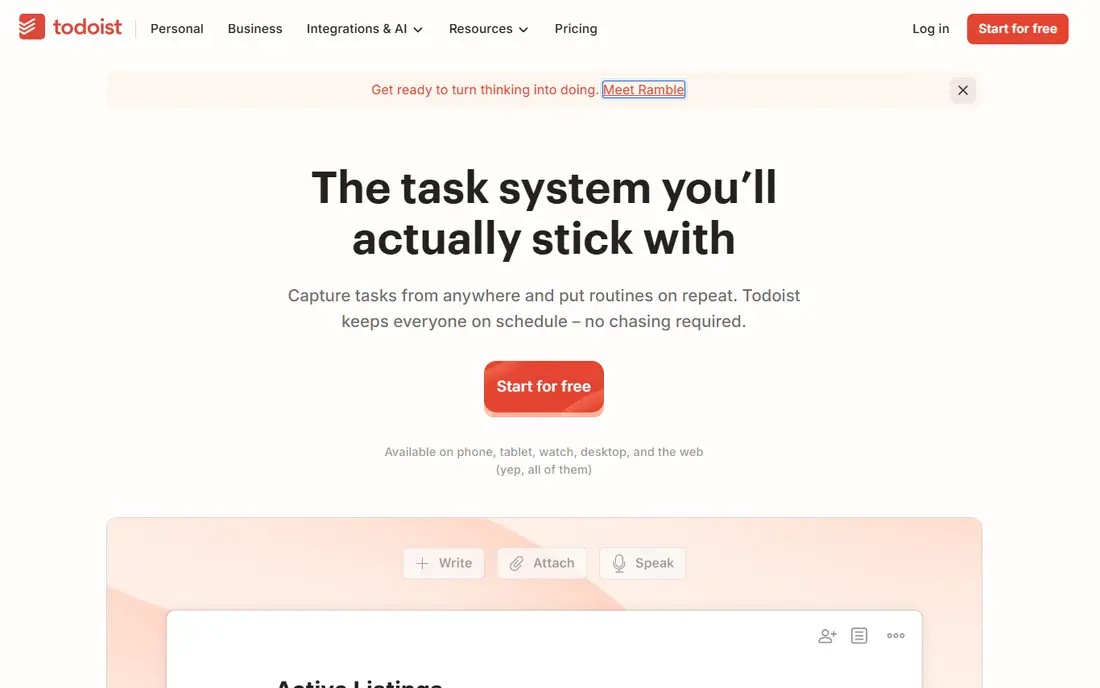
Todoist is our pick for turning a messy list into a system you actually check each morning. You can type a task such as a report due tomorrow at 10am, and Todoist parses the date and time for you. Projects, sections, labels, and priority levels let you separate work, home, and personal tasks without building a complex workspace.
The free plan covers up to five personal projects, which is enough to test the habit. Pro at $4 per month on annual billing adds more projects, filters, reminders, and activity history. Todoist does not track time or build your calendar for you, so pair it with Google Calendar for time blocking or with Toggl Track for billing. For pure task management, few apps are faster to capture and review.
- Natural language input for dates and recurring tasks
- Projects, labels, filters, and priorities
- Fast apps on every major platform
- No native time tracking or calendar time blocking
- Advanced filters and reminders require the paid plan
TickTick suits people who want one app for tasks, habits, and focus sessions, rather than three separate tools. You can plan a day, track a habit streak, set a Pomodoro timer, and check a calendar view without switching apps. That combination helps if your main problem is not tracking time, but staying on a plan once you make it.
Premium at $35.99 per year adds more lists, calendar subscriptions, and detailed statistics, and it costs less per year than many monthly task apps. The trade-off is focus: TickTick does many things well, but it is not a team project manager or a billing tracker. For individuals and small households, it is one of the best all-in-one time management apps in this list.
- Tasks, calendar, habits, and Pomodoro focus timer in one app
- Smart lists and natural language input
- Good value at $35.99 per year for Premium
- Interface can feel busy with many features turned on
- Collaboration features are lighter than Asana or ClickUp
Google Calendar is the most underrated time management tool, because it is free and most people already have it. Time blocking works by treating your plan as appointments: you place deep work, meetings, admin, and personal time on the calendar, and you protect those blocks from new requests. Shared calendars, color coding, and event invites make it useful for families and small teams as well.
The limit is that a calendar is not a task system. Tasks without dates, priorities, and projects can pile up in a separate list, so pair Google Calendar with Todoist or TickTick for capture and review. Use a weekly review to move unfinished blocks, delete stale events, and set the next week plan. For scheduling alone, no paid app in this list beats Google Calendar on value.
- Completely free with a Google account
- Time blocking, shared calendars, and scheduling links
- Works on web, iOS, and Android
- No built-in task priorities or time tracking
- Can become cluttered without a weekly review habit
Forest tackles a specific problem: picking up your phone during work. You plant a virtual tree, set a focus time, and if you leave the app to scroll, the tree dies. That small stake is enough for many students and remote workers to stay on task, and successful sessions build a virtual forest you can review over time. The app also supports real tree planting through its partner program, which adds a tangible reward.
Forest is not a planner or tracker, so do not expect reports, invoices, or task lists. The base app is free with paid extras, and a one-time purchase option on some platforms costs about $3.99, depending on your app store. Use Forest for deep work blocks, and use a task app for what to work on during those blocks. Together, they cover planning and focus better than either alone.
- Simple focus timer that grows a virtual tree
- Real tree planting program through partner organizations
- Multiplayer focus sessions with friends
- Paid extras and full features vary by platform
- Does not track tasks, projects, or billable time
RescueTime answers a question manual timers cannot: where did last week actually go. It runs in the background, categorizes apps and websites as productive or distracting, and shows a daily breakdown of your digital time. That data often surprises people, because perceived work time and measured work time can differ by hours each day.
The Lite free plan covers basic tracking, while paid plans from $7 per month add detailed reports, focus sessions, and distraction blocking. Privacy matters here, so review what RescueTime collects, who can see team data if you use it at work, and how long data is kept. For individuals who want evidence before they change habits, RescueTime is the best diagnostic tool in this list.
- Automatic tracking across apps and websites, with no manual timer
- Productivity scores and focus sessions
- Alerts when you spend too long on distracting sites
- Automatic data can feel intrusive if you do not review privacy settings
- Detailed reports and blocking require paid plans
Sunsama is for people who feel overwhelmed by a long task list and want a calmer way to plan a realistic day. Each morning, the app guides you through pulling tasks from email, calendars, and other tools, placing them into time blocks, and checking whether the total hours fit the day. A shutdown ritual at day end helps you close open loops instead of carrying them into the evening.
That guided process is the value, and also the cost. Sunsama starts at $17 per month on annual billing, with a 14-day trial and no free tier, which is several times the price of Todoist. It does not track billable time or manage large team projects. Choose Sunsama if you have tried simple lists and still overplan, and you want a daily planning habit built into the tool itself.
- Guided daily planning ritual with timeboxing
- Unified inbox for tasks from email and other tools
- Workload warnings when a day is overplanned
- No lasting free plan, only a 14-day trial
- Price is high compared with Todoist or TickTick for similar task lists
Motion is the most automated option here. You enter tasks with deadlines and priorities, connect your calendar, and Motion builds a schedule, placing work into open blocks and moving it when meetings change. For managers and freelancers with packed, shifting calendars, that automation can save the daily replanning that eats up mornings.
The price and the learning curve are real limits. Motion starts at $19 per user per month, with a trial but no free plan, and the AI schedule is only as good as the priorities you set. If your calendar is light or your tasks are simple, Google Calendar plus Todoist will do the same job for far less. Motion earns its price when your week changes constantly and manual planning keeps falling behind.
- AI scheduling that builds a calendar from tasks, priorities, and deadlines
- Automatic rescheduling when meetings move
- Project and team views for small teams
- No free plan, only a trial
- $19 per user per month is high for individuals, and AI plans need accurate priorities to work well
How we picked these
We compared official pricing pages, feature pages, and app store listings, then checked public reviews for recurring complaints about setup, privacy, and paid limits. We kept apps that solve a clear time problem, such as tracking, planning, focus, or scheduling, and we left out general project tools that only mention time in passing. Prices reflect US listings checked in October 2026, with annual billing noted where it changes the monthly figure. Check the vendor site before you buy, because trial lengths and free plan limits change often.
How to build a time system that lasts
Start with one leak, not with five apps. If you do not know where time goes, start with RescueTime or Toggl Track for two weeks. If you know where it goes but cannot plan a day, start with Todoist plus Google Calendar. If you plan well but get distracted, start with Forest. Add a second tool only after the first habit sticks for at least two weeks.
Plan the day in time, not only in tasks
A task list without time blocks often grows longer than the day allows. After you list tasks, assign each one a block on Google Calendar or in Sunsama or Motion, and total the hours. If the plan exceeds your available hours, move tasks to another day before the day starts, rather than during it. That single check prevents most overplanning.
Sources
- https://toggl.com
- https://clockify.me
- https://todoist.com
- https://ticktick.com
- https://calendar.google.com
- https://www.forestapp.cc
- https://www.rescuetime.com
- https://www.sunsama.com
- https://www.usemotion.com
- https://monday.com/blog/productivity/time-saving-apps-efficiency/
- https://www.actitime.com/software-collections/best-time-management-apps