Best Artificial Intelligence App in 2026: 9 Apps Compared
By ToolNimba Editorial Team November 12, 2026 8 min read

- Top pick
 ChatGPT
Best all-round AI assistant
Starting priceFreeCheck out ChatGPTRead our review - Runner-up
 Claude
Careful writing and coding
Starting priceFreeCheck out ClaudeRead our review - Also great
 Gemini
Google ecosystem users
Starting priceFreeCheck out GeminiRead our review
How we researched this
We compared official pricing and feature pages, app store listings, privacy policies and public user reviews. Prices change, so check the provider's site before you pay.
Key takeaways
- ChatGPT is our pick for most people, thanks to the broadest mix of chat, voice, image generation, research and agents in one app.
- Claude is the strongest pick for careful writing, long documents and coding help, with a clean, ad-free feel.
- Gemini is the best value for Google users, with deep Gmail, Docs, Drive and Android integration.
- Perplexity is the best research app when you want answers with cited sources you can check.
- All three flagship apps offer free tiers, so try two before paying for one.
Quick comparison
| Name | Best for | Starting price | Free plan | |
|---|---|---|---|---|
| ChatGPT | Best all-round AI assistant | Free | Yes | Visit |
| Claude | Careful writing and coding | Free | Yes | Visit |
| Gemini | Google ecosystem users | Free | Yes | Visit |
 Perplexity | Research with sources | Free | Yes | Visit |
 Microsoft Copilot | Microsoft 365 users | Free | Yes | Visit |
 Meta AI | Social and WhatsApp users | Free | Yes | Visit |
 Grok | X users and real-time topics | Free | Yes | Visit |
 DeepSeek | Low-cost capable chat | Free | Yes | Visit |
 Pi | Supportive everyday conversations | Free | Yes | Visit |
The best artificial intelligence app
The best AI app in 2026 is less about one model and more about fit. Some apps excel at writing, others at research, images, coding or living inside the tools you already use. These nine cover the main choices, with honest notes on free limits and paid plans.
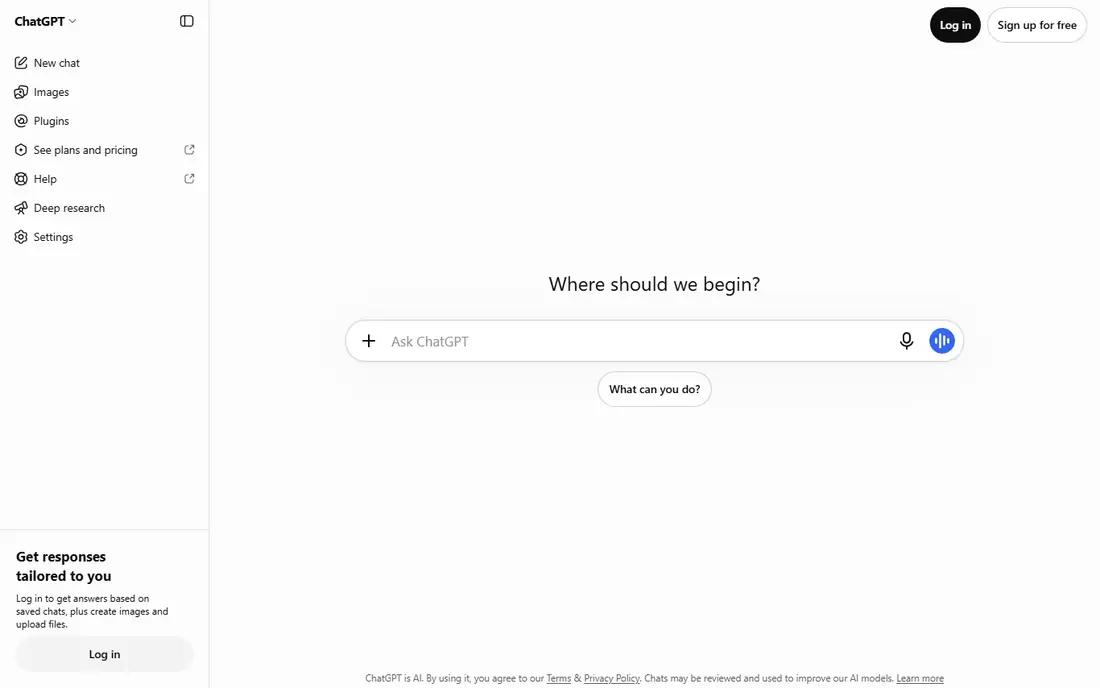
ChatGPT remains the default recommendation for most people because it does the most in one place. Everyday writing, brainstorming, file summaries, image generation, voice chat and web research all live in the same app, and paid plans add stronger models and agent features. If you only want one subscription, this is the safest bet.
The free tier is usable but limited, and heavy users will hit caps. Check the current plan details before subscribing, since model names, limits and ad policies have changed during 2026.
- Broadest feature set in one app
- Voice, image and video tools
- Deep research and agent features on paid plans
- Free tier has usage limits
- Some paid tiers show ads in some markets, per current reports
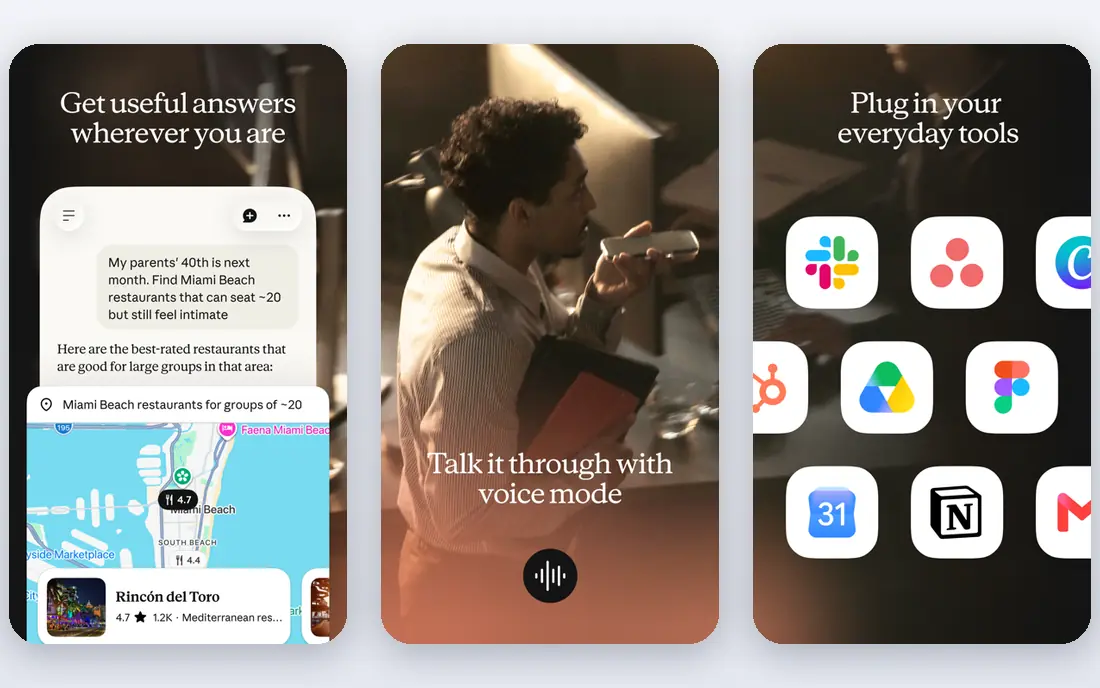
Claude, from Anthropic, is the pick for people who care most about text quality. It handles long documents, careful edits, nuanced instructions and code review with a steadiness that many writers and developers prefer. Its interface stays focused, without the sprawl of a do-everything app.
If images and video matter to you, pair Claude with another tool, since it does not generate them natively. For writing, analysis and coding, though, it is often the best single app.
- Strong long-form writing and reasoning
- Good coding help
- Ad-free experience
- No built-in image or video generation
- Free tier is more limited than some rivals
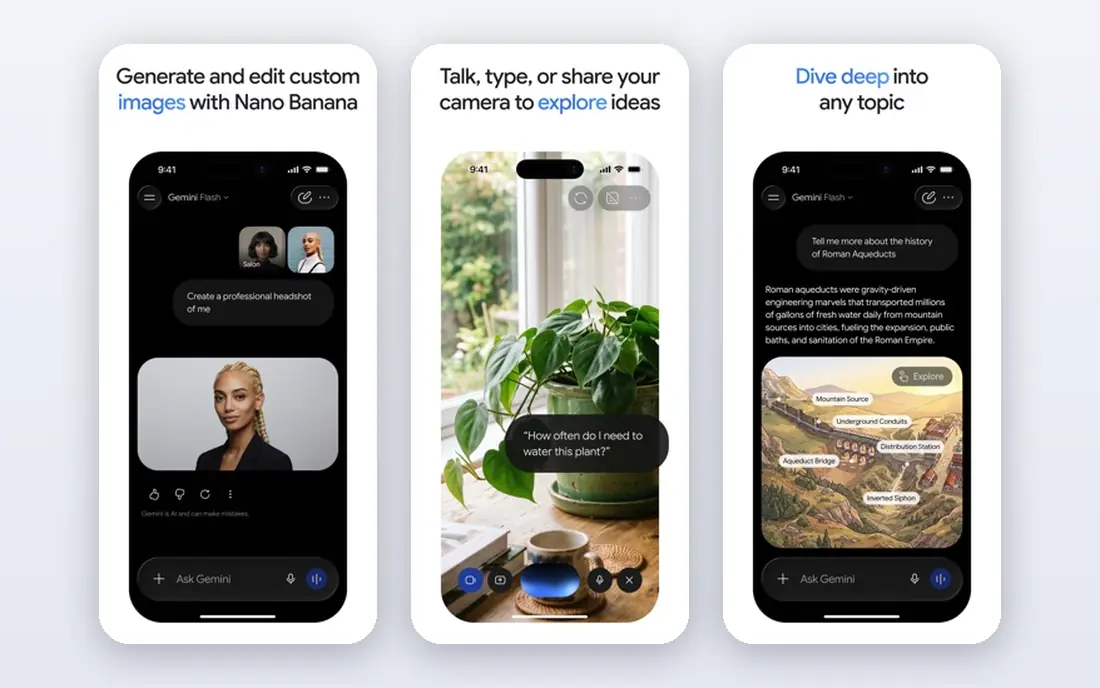
Gemini makes most sense if your life already runs on Google. It can summarise emails and documents, help in Docs, work on Android, and handle large files with long context windows. Its free tier is generous for everyday use, and paid plans bundle extra Google storage in some regions.
It is not always the top pick for pure writing or coding, where Claude and ChatGPT often lead. For Google-centred users who want one assistant everywhere, Gemini is the natural choice.
- Deep Gmail, Docs, Drive and Android integration
- Long context for large files
- Competitive paid pricing
- Quality can vary by task
- Best value sits inside Google plans that differ by region
Perplexity is built for research. Ask a question and you get an answer with sources you can open and check, which is a real advantage over chat apps that answer without citations. It suits news, market research, product comparisons and any task where accuracy matters more than style.
For fiction, long essays or coding projects, the flagship chat apps are stronger. Use Perplexity as your research companion, even if another app is your daily writer.
- Answers with cited sources
- Good for current events and fact-checking
- Pro adds stronger models
- Less suited to long creative writing
- Free searches with top models are limited
Copilot is the AI assistant for people who live in Microsoft tools. On the right licence it drafts documents, summarises emails, analyses spreadsheets and helps build slides without leaving Office. The free web version covers general chat and search-style help.
If you do not use Microsoft 365, there is less reason to pick Copilot over ChatGPT or Gemini. For Office-centred work, though, the in-app help saves real switching time.
- Works inside Word, Excel, PowerPoint and Outlook on paid plans
- Free web chat is useful
- Enterprise controls
- Best features need a Microsoft 365 subscription
- Experience varies by app and licence
Meta AI is the AI most people meet without seeking it out, since it sits inside WhatsApp, Instagram, Facebook and Messenger. You can ask questions, generate images and get quick help without installing a new app or paying. That convenience is its main strength.
For serious writing, coding or research, the flagship apps are stronger and more transparent about sources. Use Meta AI for quick everyday help, and a dedicated app for work that matters.
- Free and built into WhatsApp, Instagram and Facebook
- Voice and image features
- No subscription needed for core use
- Privacy and data-use questions need checking
- Less strong for long work documents and coding
Grok, from xAI, is tied to X and leans into real-time conversation. It can discuss trending topics, generate images and answer with a more casual voice than its rivals. For X users who want AI inside that feed, it is a natural fit.
Treat news answers with care and cross-check important claims, as with any AI app. If you do not use X, ChatGPT, Claude or Gemini will usually be a better daily app.
- Strong on real-time and social topics via X
- Image generation
- Conversational style
- Availability and pricing vary by region and X plan
- Accuracy on news needs cross-checking
DeepSeek gained attention for offering strong chat and reasoning without a high price tag. The free app covers everyday questions, writing help and coding basics, and its API is known for low costs. For budget-conscious users, it is a credible alternative to the big three.
You give up the broad toolset of ChatGPT, the Google integration of Gemini and the polish of Claude. As a second app, or a low-cost main app, DeepSeek is worth trying.
- Capable chat and reasoning at no cost for core use
- Simple web and app experience
- API pricing is low
- Fewer built-in tools than ChatGPT
- Ecosystem and integrations are thinner
Pi, from Inflection, aims to feel like a thoughtful companion rather than a productivity suite. It is good for talking through ideas, planning a day, practising a difficult conversation or getting a clear explanation in plain words. The tone is a big part of the appeal.
It is not the tool for deep research, large documents or coding projects. If you want an AI app that is pleasant to talk to every day, Pi earns a place on your phone alongside a stronger work app.
- Warm, conversational tone
- Good for brainstorming and talking through ideas
- Free to use
- Fewer productivity tools than flagship apps
- Not built for heavy research or coding
How we picked these
We compared official product pages, pricing pages and current comparisons for AI apps that are available as consumer apps in 2026. We favoured apps with a real free tier, an active user base and a distinct strength, and we noted where free limits, ads or regional pricing affect the choice. We did not claim hands-on testing; this reflects published features, pricing and documentation.
How to choose the right AI app
Start with your main job. For one app that does most things, try ChatGPT. For writing and coding, try Claude. For Google tools, try Gemini. For research with sources, add Perplexity. Most people end up with one paid app, if any, plus one or two free apps for specific tasks.
Check privacy before you share sensitive work. Read how each app uses your chats, whether training can be turned off, and what happens to uploaded files. AI answers can be wrong, so verify important facts, prices, medical details and legal claims against a trusted source before acting on them.
Free versus paid
Free tiers suit light daily use, but they cap usage, models and features. Paid plans, usually around $20 per month for flagship apps, raise those caps and add stronger models. Try the free tier for a week with your real tasks before paying, and cancel if the paid features do not change your work.
Sources
Frequently asked questions
What is the best AI app overall in 2026?
ChatGPT is the best all-round pick for most people, thanks to chat, voice, images, research and agents in one app. Claude leads for careful writing and coding, while Gemini leads for Google users.
Which AI app is best for free use?
Gemini, ChatGPT and DeepSeek all offer usable free tiers for everyday questions and writing. Gemini is often the most generous free option, while DeepSeek offers strong capability at no cost for core chat.
Is ChatGPT better than Claude or Gemini?
It depends on the task. ChatGPT is broadest, Claude is strongest for long writing and code review, and Gemini is best inside Google apps. Many users try two free tiers and keep the one that fits their daily work.
Which AI app is best for research?
Perplexity is the best research pick here, since answers include sources you can open and check. ChatGPT deep research is also strong on paid plans, but Perplexity makes source-checking the default.
Are AI apps safe to use for work?
They can be, with care. Avoid pasting passwords, private client data or unreleased business details into a free chat app unless you have checked its privacy terms. Verify important outputs, since AI can present wrong details with confidence.