Best Audiobook Apps in 2026: 9 Apps Compared
By ToolNimba Editorial Team October 28, 2026 12 min read

- Top pick
 Audible
Building a permanent library
Starting price$7.95 per monthCheck out AudibleRead our review - Runner-up
 Libby
Free library borrowing
Starting priceFreeCheck out LibbyRead our review - Also great
 Libro.fm
Supporting independent bookstores
Starting price$14.99 per monthCheck out Libro.fmRead our review
How we researched this
We compared official pricing and feature pages, app store listings, privacy policies and public user reviews. Prices change, so check the provider's site before you pay.
Key takeaways
- Libby and hoopla are the cheapest routes to full audiobooks, because both are free with a library card, although availability depends on your local library.
- Audible and Libro.fm suit listeners who want to keep the books they buy, while Everand and Spotify suit listeners who prefer a monthly allowance or a broad catalog.
- Chirp and Kobo work well for occasional listeners, because you pay per book or for a single monthly credit instead of a large subscription.
- The right choice depends less on catalog size and more on how many hours you listen each month, how often you re-listen, and how much you want to pay per finished book.
Quick comparison
| Name | Best for | Starting price | Free plan | |
|---|---|---|---|---|
| Audible | Building a permanent library | $7.95 per month | Free trial (30 days) | Visit |
| Libby | Free library borrowing | Free | Yes | Visit |
| Libro.fm | Supporting independent bookstores | $14.99 per month | No | Visit |
 Everand | Audiobooks plus ebooks and magazines | $11.99 per month | Free trial | Visit |
 Spotify | Listeners who already pay for music | $12.99 per month | Yes | Visit |
 Chirp | Bargain hunters with no subscription | See website | Yes | Visit |
 Kobo | A lower-cost monthly credit | $9.99 per month | Free trial | Visit |
 Audiobooks.com | A direct Audible alternative | $14.95 per month | Free trial | Visit |
 hoopla | Instant borrows with no waiting list | Free | Yes | Visit |
The best audiobook apps
We compared official feature pages, pricing pages, app store listings, and public reviews to find apps that fit different budgets and listening habits. The list below moves from the largest catalog to free library options, so you can compare ownership, monthly cost, and limits side by side.
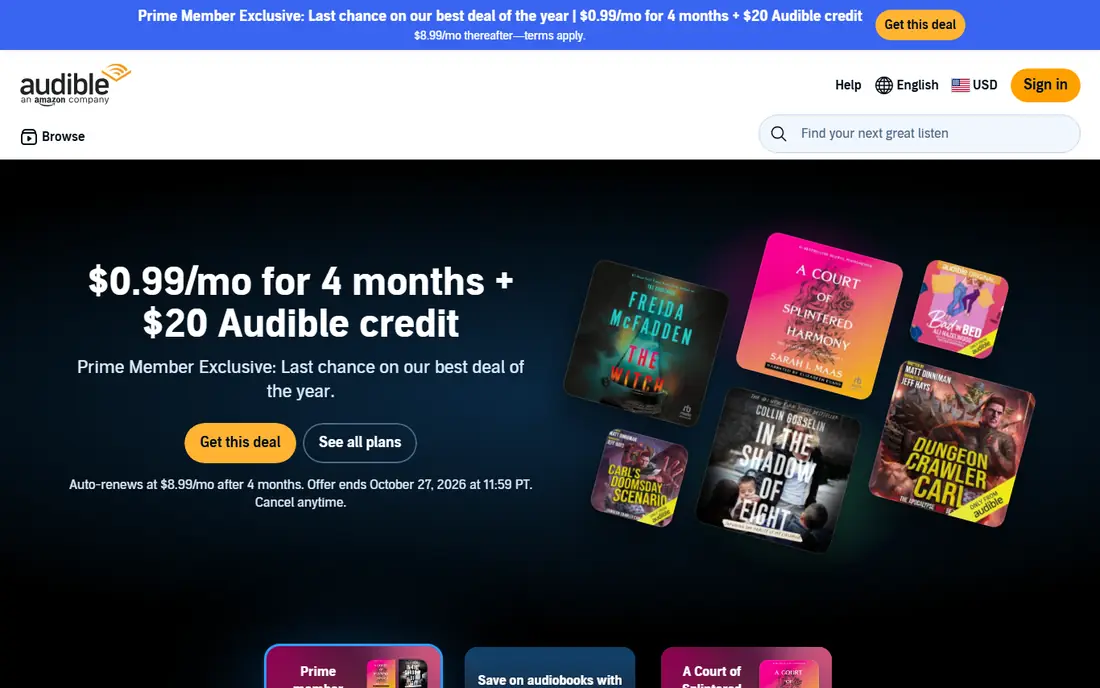
Audible is the default choice for many listeners for a simple reason. It has one of the largest audiobook catalogs in the United States, including new releases, exclusive titles, and originals you will not find in library apps. The app itself is polished, with offline downloads, chapter navigation, a sleep timer, and speed controls that make long commutes and workouts easier to manage.
The plan structure matters more than the headline price. Audible Plus, listed from $7.95 per month after a trial, gives access to a rotating catalog of included titles. Premium Plus, at $14.95 per month, adds one credit each month for any premium title, and that title stays in your library even if you cancel. If you finish one or two books a month and like to re-listen, that ownership model is hard to beat. If you listen less often, the monthly fee can add up fast, so a pay-per-book or library option may fit better.
- Very large catalog with exclusives and originals
- Titles bought with a credit stay yours after you cancel
- Offline listening, sleep timer, and playback speed controls
- The best value plan costs $14.95 per month
- Cheaper plans do not include a monthly credit for any title
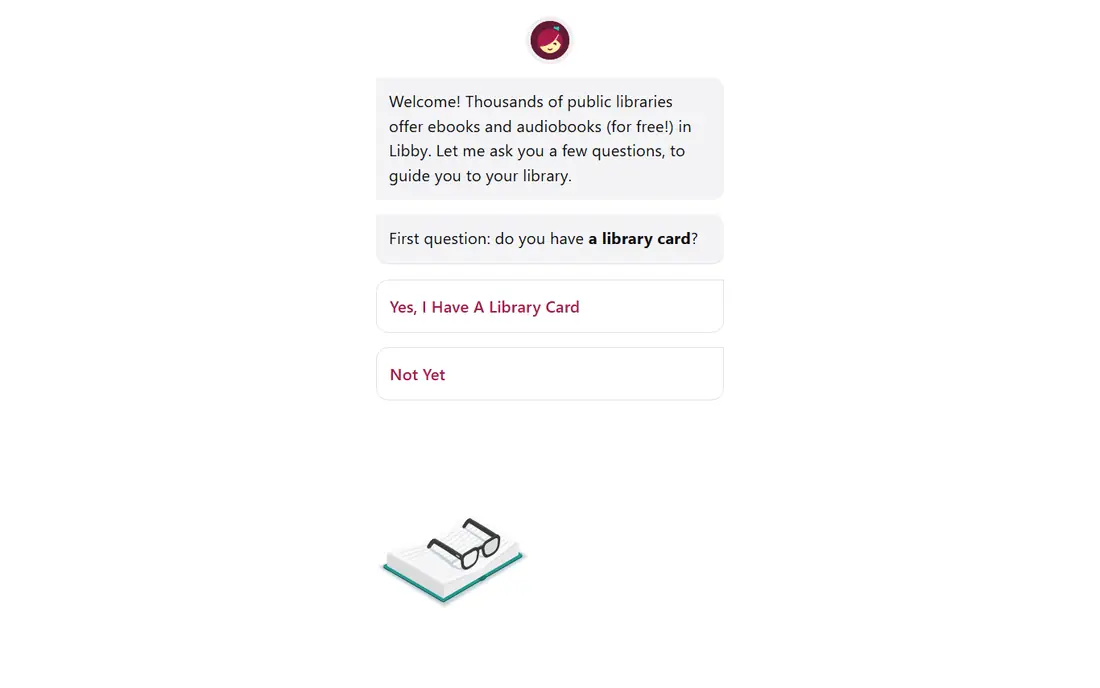
Libby turns a public library card into a full audiobook app, and for many readers it is the first app we suggest trying. You search for your library, sign in with your card, borrow a title, and download it for offline listening. There are no subscription fees, no late fees, and no ads inside the app, according to OverDrive, the company behind Libby.
The catch is availability. Your library buys a limited number of digital copies, so a new bestseller may have a waiting list. Holds, notifications, and the option to borrow a title as soon as it becomes available help, but patience is part of the deal. If you listen to a mix of new and older titles, Libby can cover most of your listening for no cost at all. Pair it with a paid app only for the titles you cannot wait to hear.
- Completely free with a library card
- Ebooks, audiobooks, and magazines in one app
- Offline downloads and progress sync across devices
- Popular titles often have waiting lists
- Loan periods end, so you do not keep borrowed books
Libro.fm works much like Audible on the surface. You pay a monthly fee, you get a credit, and you use that credit on an audiobook you keep. The difference is where the money goes. When you sign up, you pick an independent bookstore, and that store receives a share of your purchase. For listeners who buy from local shops when they can, that model is a clear draw.
The app covers the basics well, with offline listening, bookmarks, progress sync, and a sleep timer. Some titles are DRM-free, which gives you more freedom in how you play them back. The main trade-off is price and scale. At $14.99 per month, it costs about the same as Audible Premium Plus, and its catalog, while large, is not quite as deep for exclusives. Choose Libro.fm if the bookstore connection matters to you and you already listen to at least one paid audiobook a month.
- One credit per month for any audiobook
- Purchases support a local independent bookstore of your choice
- DRM-free downloads on many titles
- Monthly price is at the top of the credit-plan range
- Catalog is smaller than Audible
Everand, formerly Scribd, is a good fit for people who read and listen in equal measure. One subscription covers audiobooks, ebooks, magazines, and other documents, so you are not paying separately for each format. The app includes offline downloads, a sleep timer, and sync across phones and tablets, which covers the day-to-day listening experience well.
The honest catch is ownership. Everand is a streaming-style service, so you do not keep titles when you stop paying. That is fine if you listen once and move on, and the $11.99 monthly price undercuts most credit plans. It is less appealing if you build a reference library you return to often. For mixed readers who finish several titles a month across formats, Everand often delivers more value per dollar than a single-credit plan.
- Audiobooks, ebooks, and magazines in one subscription
- Offline downloads and cross-device sync
- Lower monthly price than most credit plans
- Access ends when you cancel
- Some popular titles may be limited by monthly limits
Spotify makes sense as an audiobook app only in one specific case, and that case is common. If you already pay for Spotify Premium for music, the included audiobook hours are a useful bonus with no extra app to learn. You can search, download, and listen inside the same player you already use, and the catalog includes many bestsellers and new releases.
The limit is the problem for serious listeners. Premium includes 15 hours of audiobook listening per month, which covers roughly one average book, and sometimes less for long nonfiction. Buying extra hours is possible, but the cost adds up if you listen daily. Free Spotify accounts do not get the same audiobook allowance. Treat Spotify as a convenient extra, not as a replacement for a dedicated audiobook plan, unless your listening stays under that monthly cap.
- Music, podcasts, and audiobooks in one app
- 15 hours of audiobook listening per month on Premium
- Familiar player and offline downloads for subscribers
- The 15-hour monthly allowance runs out quickly for heavy listeners
- Audiobook access is tied to an active Premium plan
Chirp is built for listeners who dislike subscriptions. There is no monthly fee, and you buy only the books you want, often at a steep discount compared with list price. Daily deals and limited-time offers are the main attraction, and the app supports offline listening, bookmarking, and a sleep timer for the titles you own.
That deal-driven model cuts both ways. You may find a bestseller for a few dollars one week and pay full price for a new release the next, so total spending is harder to predict. The catalog is also more curated than Audible, which means a specific title may not be available. Chirp works best as a second app: use Libby for free borrows, and use Chirp to buy the deals you want to keep without committing to a monthly plan.
- No monthly subscription required
- Frequent deals, often starting at a few dollars
- Books you buy are yours to keep
- Prices vary by title and deal
- Catalog is smaller than subscription services, and new releases are rarely deeply discounted
Kobo is best known for e-readers, but its audiobook subscription deserves attention for price alone. At $9.99 per month, it undercuts the main credit plans while still giving you a monthly credit for a title you keep. If you listen to about one book a month and do not need Audible exclusives, that saving adds up to about $60 a year compared with a $14.95 plan.
The app itself is straightforward, with offline downloads, playback controls, and sync with Kobo e-readers and apps where supported. The trade-off is depth. Kobo does not match Audible for originals, and availability can vary by country. For budget-conscious listeners who want ownership without the top-tier price, Kobo is a sensible middle ground between free library borrowing and a premium subscription.
- Lower monthly credit price than Audible and Libro.fm
- Audiobooks and ebooks in one ecosystem
- Offline listening on phones and tablets
- Catalog and exclusive titles are smaller than Audible
- Some features vary by region and device
Audiobooks.com is the closest like-for-like alternative to Audible in this list. The main plan costs $14.95 per month, includes a monthly credit, and gives access to a large catalog of popular titles and podcasts. The app covers offline listening, speed controls, and bookmarking, so the day-to-day experience feels familiar to anyone switching from another service.
Why pick it over Audible, then. Some listeners prefer its trial terms, its sales, or simply want a second option with similar pricing. The honest limit is exclusives: Audible originals and some high-profile titles stay with Audible, so Audiobooks.com cannot fully replace it for fans of those programs. If you have never built a large Audible library and you want a credit plan with a clean app, Audiobooks.com is a fair choice, and it is worth comparing its current trial before you commit.
- Large catalog with a monthly credit plan
- Member discounts on additional titles
- Offline listening and a straightforward app
- Price matches Audible without Audible exclusives
- Subscription access ends if you cancel, except for books bought with credits
Hoopla solves the one frustration Libby cannot always avoid: waiting. When your library offers hoopla, you can borrow available titles instantly, with no holds queue. That makes it ideal for a weekend listen or for a title you want right now, rather than in three weeks. The app also bundles movies, music, comics, and TV, so it can replace more than one subscription for casual users.
The limit is set by your library, not by hoopla itself. Most libraries cap the number of titles you can borrow each month, often between a handful and a dozen, and that cap resets monthly. Catalog depth also varies, because each library chooses what to offer. Use hoopla alongside Libby: Libby for depth and bestsellers you can wait for, hoopla for instant picks and for months when you want a second source of free titles.
- Free with a participating library card
- No holds or waiting lists on most titles
- Audiobooks plus movies, music, comics, and TV in one app
- Monthly borrow limits are set by your library
- Catalog depth varies by library, and not every library offers hoopla
How we picked these
We compared official feature pages, pricing pages, and app store listings for each service, then checked public reviews for recurring complaints about limits, catalog gaps, and cancellation. We looked at monthly price, free options, ownership rules, offline listening, and how each service handles popular titles. We did not rank by catalog size alone, because a huge catalog matters little if the monthly allowance or waiting list stops you from hearing the book you want. Prices in this article reflect US listings checked in October 2026, and they can change, so check the vendor site before you sign up.
How to choose without overpaying
Start with your listening hours, not with a brand. Count how many finished books you complete in a typical month, and how many of those you would re-listen to or keep for reference.
If you listen for free first
Get a library card and try Libby and hoopla before paying for anything. Many listeners find that free borrowing covers most of their reading, especially for fiction and backlist titles. Add a paid app only for new releases with long waits, or for books you want to own.
If you want to own your books
Pick a credit plan such as Audible Premium Plus, Libro.fm, or Kobo, and compare the monthly price with the retail price of the books you actually buy. One credit used on a long, expensive title is good value. One credit left unused for months is not, and in that case Chirp or pay-per-book buying may cost less over a year.