Best Bookkeeping Software in 2026: 8 Options Compared
By ToolNimba Editorial Team October 28, 2026 10 min read

- Top pick
 QuickBooks Online
Accountant compatibility
Starting price$38 per monthCheck out QuickBooks OnlineRead our review - Runner-up
 Xero
Small teams
Starting price$27 per monthCheck out XeroRead our review - Also great
 FreshBooks
Service invoicing
Starting price$23 per monthCheck out FreshBooksRead our review
How we researched this
We compared official pricing and feature pages, app store listings, privacy policies and public user reviews. Prices change, so check the provider's site before you pay.
Key takeaways
- QuickBooks Online is the safest choice if your accountant already uses it, but its entry plan now starts at $38 per month for one user.
- Xero gives every plan unlimited users, which makes its $27 per month Early plan and $59 per month Growing plan strong value for small teams.
- Wave and Zoho Books both offer a free starting point, although Wave suits simpler books and Zoho Books suits owners who want fuller accounting at no cost under its revenue limit.
- FreshBooks stands out for service businesses that live on invoices, time tracking, and client payments rather than inventory.
- Payroll, payment processing, and extra users are usually billed separately, so compare the total monthly cost, not only the headline plan price.
Quick comparison
| Name | Best for | Starting price | Free plan | |
|---|---|---|---|---|
| QuickBooks Online | Accountant compatibility | $38 per month | Free trial (30 days) | Visit |
| Xero | Small teams | $27 per month | Free trial (30 days) | Visit |
| FreshBooks | Service invoicing | $23 per month | Free trial (30 days) | Visit |
 Wave | Zero-budget books | Free | Yes | Visit |
 Zoho Books | Low-cost full accounting | Free | Yes | Visit |
 Sage Accounting | Straightforward small business books | See website | Free trial | Visit |
 Bench | Done-for-you bookkeeping | See website | Free trial | Visit |
 Patriot Accounting | Simple US accounting and payroll | $20 per month | Free trial (30 days) | Visit |
The best bookkeeping software
We compared official feature pages, pricing pages, app store listings, and public reviews to find software that covers invoicing, expenses, bank connections, and reports without forcing every owner into the same plan.
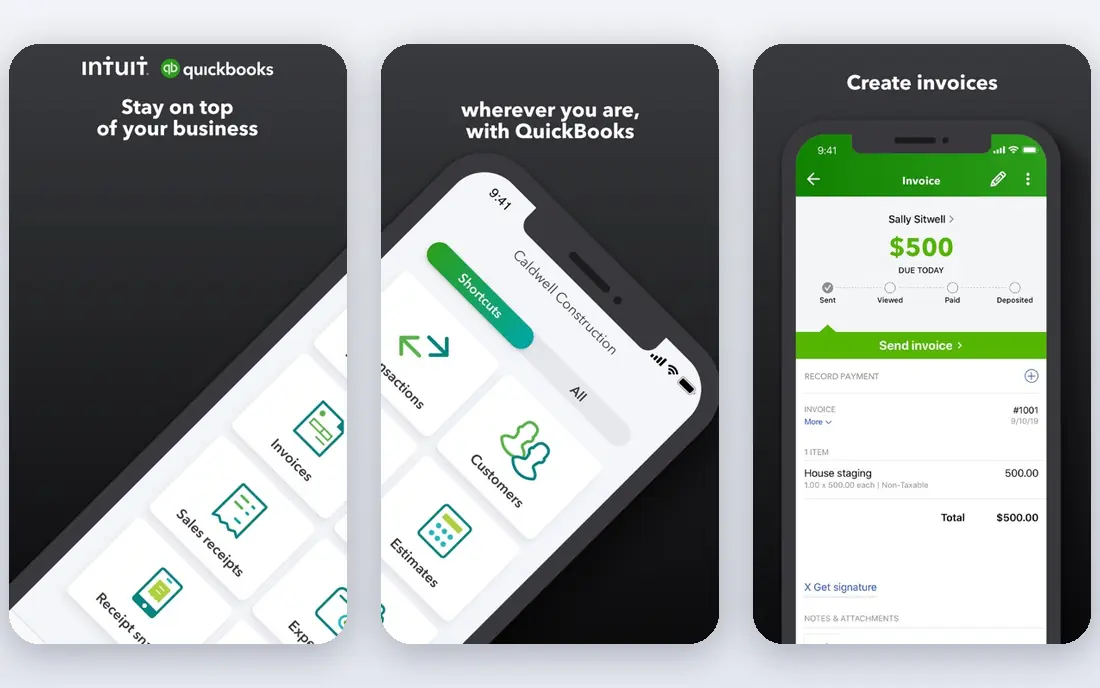
QuickBooks Online is the default choice for many US small businesses for a practical reason: the accountant or bookkeeper you hire probably already knows it. Simple Start starts at $38 per month and covers invoicing, expense tracking, bank feeds, and core reports. Higher plans add bill management, inventory, project tracking, and more users, with Essentials at $85 per month, Plus at $140 per month, and Advanced at $340 per month in the current US list prices we checked.
The honest catch is the way costs stack up. Payroll is separate, card payment fees apply when clients pay online, and moving from one user to a small team can push you into a much higher tier. If your books are simple and no accountant is involved, a cheaper option may do the same job. If you want broad compatibility and room to grow, QuickBooks Online remains hard to beat.
- Widely used by accountants
- Broad bank and app connections
- Inventory and project tools on higher plans
- Entry plan allows only one user
- Payroll and payment fees add to the monthly bill
Xero suits a business where several people need access without paying per seat. Early starts at $27 per month, Growing at $59 per month, and Established at $97 per month, based on the October 2026 US prices shown on its own site. Growing is the sensible middle ground for most owners because it removes the invoice and bill caps found on Early and adds automatic reconciliation and dashboards.
The trade-off is that the cheapest plan is genuinely limited, with 20 invoices and 5 bills per month. Established adds multi-currency, projects, and expense claims, which matter for businesses that bill abroad or track project costs. Xero also works well with a large app marketplace, so payroll, inventory, and payment tools can be added around the core books.
- Unlimited users on every plan
- Clean bank reconciliation
- Multi-currency on the top plan
- Early plan caps invoices and bills
- Payroll is a separate add-on in the US
FreshBooks is built around getting paid, which is why it fits freelancers, consultants, agencies, and other service businesses so well. Lite starts at $23 per month, Plus at $43 per month, and Premium at $70 per month in recent US list prices, with extra users billed separately. You can turn tracked time and expenses into an invoice, send reminders, and let clients pay online without chasing paper.
The limit to watch is client count on the entry plan. If you bill a small, steady set of clients, Lite is enough. If you bill dozens of clients or need inventory and advanced reporting, a fuller accounting platform will fit better. For a service business that values a clean client experience, FreshBooks is a strong, focused pick.
- Polished invoices and client payments
- Time tracking and expense capture
- Easy client view
- Lite plan covers only 5 billable clients
- Full double-entry accounting is less deep than QuickBooks or Xero
Wave is the best starting point when the budget is zero and the books are not complex. The free Starter plan covers invoicing, estimates, bills, and bookkeeping records, and the paid Pro plan was listed at $19 per month in recent pricing coverage. That makes Wave a practical choice for a sole proprietor, side business, or new venture that needs clean records without a monthly subscription.
Wave is less suited to a business with inventory, complex reporting, or a larger team. Bank connections and automation also differ by plan, so check what is included before you rely on automatic imports. If your needs stay simple, Wave lets you start now and upgrade only when the business grows.
- Free core accounting and invoicing
- No revenue cap on the free plan
- Simple setup for sole owners
- Paid Pro plan is needed for some automation
- Payroll is an add-on and is not available in every state
Zoho Books gives small owners more accounting for less money than most rivals. Its free plan is aimed at businesses with annual revenue up to $50,000, and paid plans start at $15 per month when billed annually for Standard, with Professional at $40 per month and Premium at $60 per month on the same annual billing basis shown on its site. That range covers invoicing, bills, banking, inventory, projects, and reports, depending on the tier.
The catch is the free plan limit and the learning curve if you use no other Zoho apps. Owners already using Zoho CRM, Zoho Inventory, or Zoho Payroll will get more value from the shared setup. For a cost-conscious owner who wants real accounting rather than a simple invoice tool, Zoho Books is one of the best values in this list.
- Full double-entry accounting on the free plan for eligible revenue
- Invoicing, banking, and reports included
- Good value on paid plans
- Free plan has a revenue limit
- Some advanced features sit on higher paid tiers
Sage Accounting fits an owner who wants dependable, straightforward books without a long list of extras. It covers invoicing, expenses, bank connections, and core reports, and it can grow with payroll and higher tiers as the business adds staff or complexity. Sage also has a long track record with accountants, which can help if you work with a firm that already uses Sage products.
The main drawback is clarity on US pricing, which varies by plan and region, so we list it as See website rather than guessing a figure. That also means you should compare the exact plan, not only the brand name, before you sign up. If Sage matches your accountant and your workflow, it is a steady, low-drama choice.
- Clear invoicing and cash flow tools
- Long history in small business accounting
- Scalable paid tiers
- US pricing and plan names vary, so the checkout price needs a direct check
- Some features are simpler than QuickBooks
Bench is not just software. It pairs online books with a bookkeeping team that categorizes transactions, reconciles accounts, and prepares monthly financial statements. That service model suits owners who fall behind on books, hate data entry, or want a clean set of records to hand to a tax preparer at year end. Pricing is quoted based on your business and monthly expenses, so check the current Bench site for a plan that fits your volume.
The honest trade-off is price and control. You will pay more than you would for software alone, and you will work through a bookkeeper rather than editing every detail yourself. If your time is better spent on sales, service, or operations, that trade can be worth it. If you enjoy handling the books and want the lowest cost, choose software instead.
- A real bookkeeper handles categorization and monthly reports
- Clear monthly close process
- Good fit for owners who dislike bookkeeping
- Costs more than do-it-yourself software
- Less control for owners who want to edit every transaction themselves
Patriot Accounting is a plain, affordable option for US small businesses that want core accounting without a large monthly bill. Accounting Basic starts at $20 per month and Premium at $30 per month in recent published pricing, with unlimited invoices and bills on Basic and added user permissions and recurring invoices on Premium. Payroll can be added separately, which keeps the accounting price clear for businesses that do not need payroll yet.
Patriot will not match QuickBooks or Xero on integrations or advanced reporting, and that is the point. It is for owners who want to send invoices, pay bills, track income and expenses, and see basic reports without learning a large system. If you need deep inventory, project costing, or multi-currency support, look higher up this list.
- Low entry price
- Unlimited invoices and bills on Basic
- US-based support noted in public reviews
- Smaller app marketplace than QuickBooks or Xero
- Advanced reporting is more limited
How we picked these
We compared official feature pages, current pricing pages, app store listings, privacy policies, and public reviews for each product. We favored software that covers invoicing, expense tracking, bank feeds, and basic financial reports, and we checked the limits that force an upgrade, such as user caps, invoice caps, and client caps. We did not claim hands-on testing, and we did not include products that could not show a clear, current US offering.
This is not financial advice. Compare plan details, tax features, and total costs, including payroll and payment fees, before you buy, and talk to your accountant or tax adviser about the setup that fits your business.
What to check before you pay
Count users, invoices, and clients first
Start with how many people need access, how many invoices you send each month, and how many clients you bill. A low headline price can turn into a higher tier once you pass a cap, so match the plan to your real monthly volume, not to a hopeful future volume.
Check bank feeds and tax reports
Confirm that your bank connects cleanly, that transactions can be categorized and reconciled, and that the reports you need for taxes are included. Profit and loss, balance sheet, sales tax, and expense reports matter more at year end than a polished dashboard.
Price the whole setup
Add payroll, card payment fees, extra users, and any inventory or project add-on to the subscription price. A $20 plan plus payroll and processing can cost more than a $38 plan that already covers part of that work, so compare totals for a typical month.