Best Budget App in 2026: 9 Apps Compared
By ToolNimba Editorial Team October 28, 2026 12 min read

- Top pick
 YNAB
Zero-based budgeting
Starting price$14.99 per monthCheck out YNABRead our review - Runner-up
 Monarch Money
Household dashboard
Starting price$14.99 per monthCheck out Monarch MoneyRead our review - Also great
 Quicken Simplifi
Affordable all-rounder
Starting price$5.99 per monthCheck out Quicken SimplifiRead our review
How we researched this
We compared official pricing and feature pages, app store listings, privacy policies and public user reviews. Prices change, so check the provider's site before you pay.
Key takeaways
- YNAB is our pick for people who want to change spending habits, while Monarch Money is the best all-round dashboard for households that want budgeting, net worth, and investments in one place.
- Quicken Simplifi is the cheapest capable all-rounder with automatic bank sync, while Goodbudget and Rocket Money offer genuinely useful free tiers.
- Copilot Money is the best-designed option for Apple households, but it has no Android app, so Android users should pick Monarch, Simplifi, or YNAB instead.
- Budgeting apps can help you track spending, but they do not replace an emergency fund or professional advice for debt, tax, or retirement planning.
Quick comparison
| Name | Best for | Starting price | Free plan | |
|---|---|---|---|---|
| YNAB | Zero-based budgeting | $14.99 per month | Free trial | Visit |
| Monarch Money | Household dashboard | $14.99 per month | Free trial | Visit |
| Quicken Simplifi | Affordable all-rounder | $5.99 per month | Free trial | Visit |
 Copilot Money | Apple users | $13 per month | Free trial | Visit |
 Rocket Money | Subscription cleanup | Free | Yes | Visit |
 EveryDollar | Simple zero-based budgeting | Free | Yes | Visit |
 Goodbudget | Envelope budgeting | Free | Yes | Visit |
 PocketGuard | Safe-to-spend number | $12.99 per month | Yes | Visit |
 Honeydue | Couples | Free | Yes | Visit |
The best budget apps
These apps cover the main ways people manage money: hands-on budgeting, automatic tracking, envelope planning, and shared household budgets. We compared official pricing pages, bank sync options, and app store listings to match each app to a real household need.
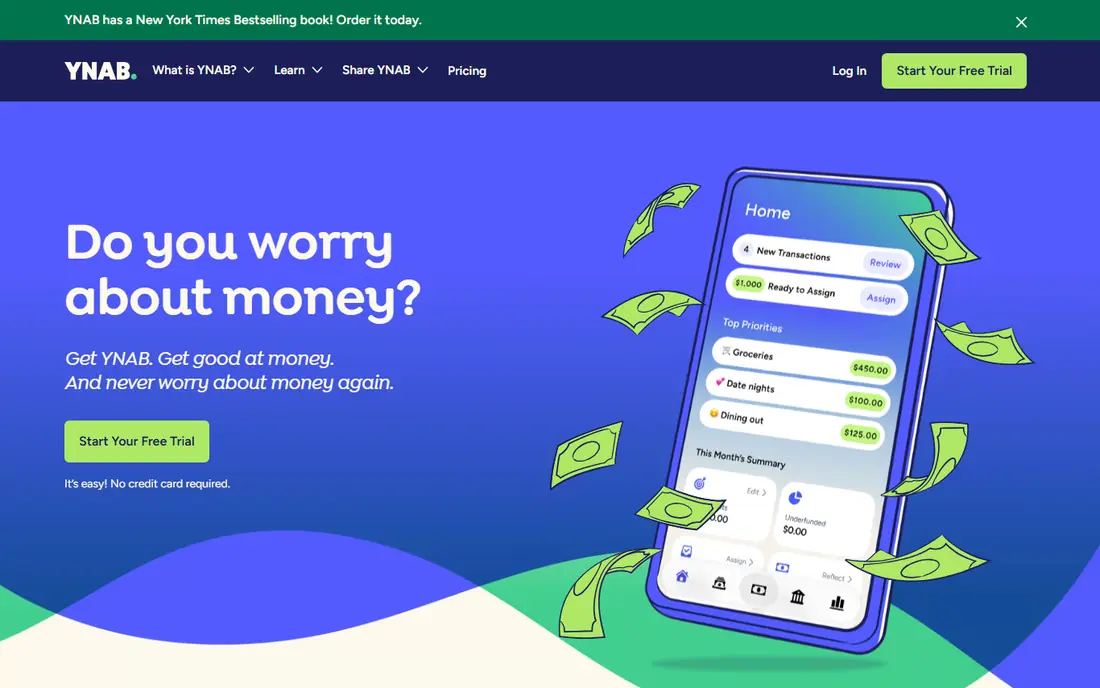
YNAB, short for You Need A Budget, is more than a tracking app. It is a method: give every dollar a job, fund categories before you spend, and adjust when plans change. That structure helps people who overspend in certain categories, because it forces a decision before the money leaves the account. The app offers automatic bank imports, goal tracking, loan planning, and reports that show where spending actually goes.
YNAB costs $14.99 per month or $109 per year, with a 34-day free trial and no permanent free tier. That price is higher than most rivals, and the method only works if you check in regularly, at least a few times a week. If you want a tool that changes habits, not just a dashboard that shows transactions, YNAB is the strongest pick here. If you only want to glance at spending once a month, a cheaper automatic tracker will frustrate you less.
- Clear zero-based method that assigns every dollar a job
- Strong educational material
- Automatic bank sync on paid plans
- No free tier, only a 34-day trial
- The method needs regular attention to work well
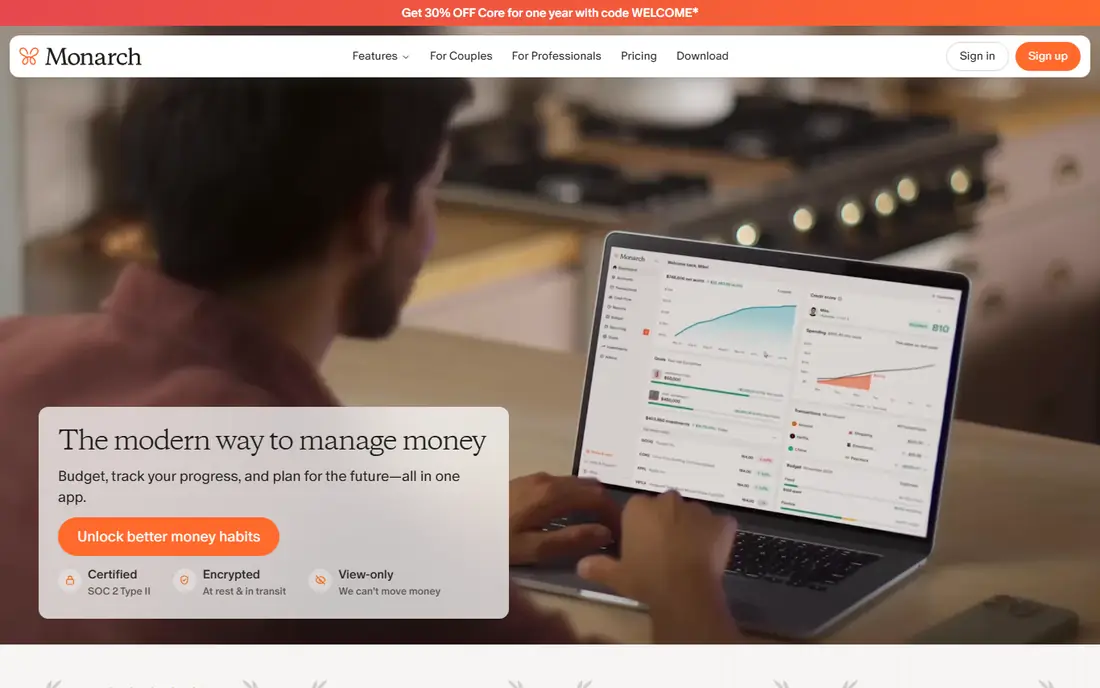
Monarch Money is the best all-round dashboard for a household that wants everything in one place. It connects bank, card, loan, and investment accounts, then shows budgets, cash flow, net worth, and goals on a single screen. Couples can share an account with separate logins, and custom categories and rules help you sort transactions the way your household actually spends.
Monarch costs $14.99 per month or $99.99 per year for its Core plan, with a 7-day trial and no permanent free tier. A higher Plus tier is also offered at a higher annual price, so check the official pricing page for the features included in each plan. Monarch is less of a teaching method than YNAB, and more of a clear, flexible dashboard. If you want a complete money view without learning a strict method, Monarch is our pick.
- Budgeting, net worth, cash flow, and investments in one dashboard
- Good for couples and shared accounts
- Flexible categories and reports
- No free tier, only a 7-day trial
- Annual price is higher than Simplifi
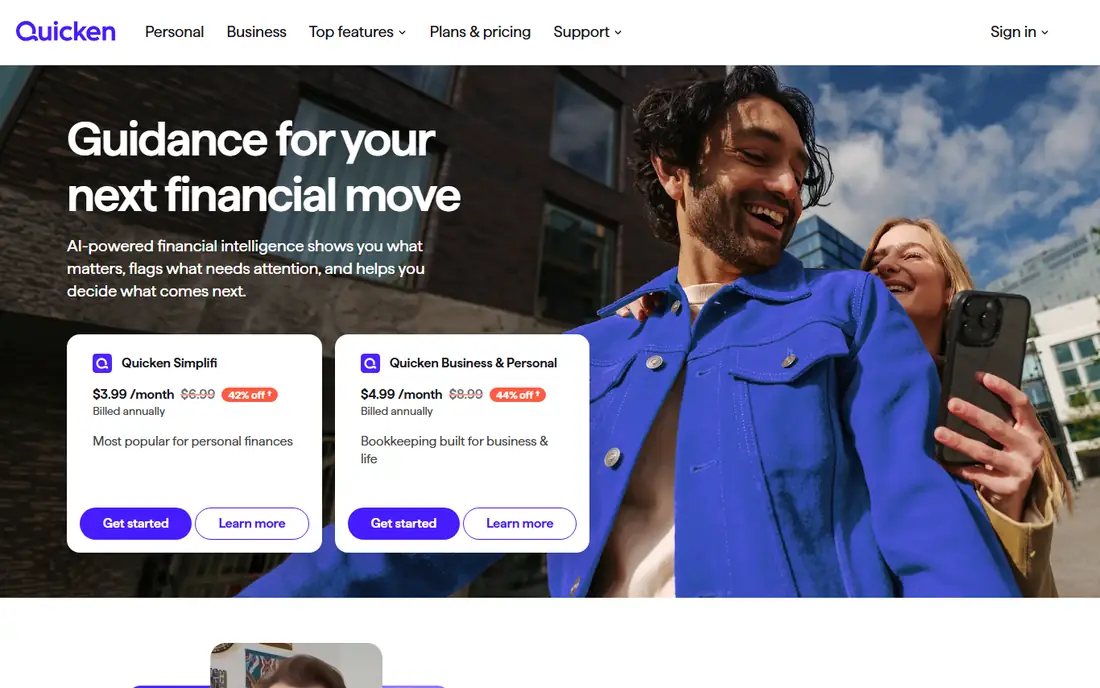
Quicken Simplifi is the best value for people who want automatic bank sync without paying YNAB or Monarch prices. It pulls transactions from bank and card accounts, builds a spending plan, forecasts cash flow, and tracks bills and subscriptions. That forecast is a real help for households with uneven paydays or large monthly bills, because it shows whether a future month is likely to run short.
Simplifi is listed at $5.99 per month billed annually, though first-year offers and renewal prices can differ, so check the checkout page before you subscribe. The interface is functional rather than beautiful, and it lacks YNAB's teaching method. For a low-cost, capable tracker that does the core job well, Simplifi is hard to beat.
- Low annual cost for automatic sync
- Spending plan with cash-flow forecast
- Bill and subscription tracking
- First-year promotional pricing can differ from renewal
- Interface is less polished than Monarch or Copilot
Copilot Money is the app many Apple users end up loving because it makes daily money review feel easy. It imports transactions, categorises them with smart rules, and shows spending, budgets, net worth, and investments in a clean, visual layout. The daily review flow encourages you to check transactions each morning, correct categories, and spot problems early, which is the habit that makes any budget work.
Copilot costs $13 per month or $95 per year, with a one-month free trial and no permanent free tier. The hard limit is platform: Copilot runs on Apple devices and the web, with no Android app. If anyone in your household uses Android, Copilot will not work as a shared tool. For an Apple-only household that values design and daily review, it is a top choice.
- Excellent design and daily review flow
- Smart categorisation
- Net worth and investment tracking
- Apple and web only, with no Android app
- No free tier, only a one-month trial
Rocket Money is the best starting point if your main problem is subscriptions you forgot about. Its free tier connects bank accounts, tracks spending, and lists recurring charges, so you can cancel what you no longer use. Premium adds budgeting tools, custom categories, and bill negotiation, with a pay-what-you-want price range that varies by offer, often listed from about $7 per month.
The catch is that Premium pricing is less fixed than at rivals, so check the current offer before you pay. Bill negotiation can also take a percentage of the savings it finds, which is fair if it saves you money, but not free. Rocket Money suits a person who wants a free tracker first, and a subscription cleanup tool second, rather than a strict budgeting method.
- Useful free tier with bank sync
- Finds subscriptions and recurring charges
- Bill negotiation service available
- Premium price varies by plan chosen
- Negotiation service takes a share of savings in some cases
EveryDollar is the simplest zero-based budgeting app on this list. The free version lets you create a monthly budget, assign every dollar to a category, and track spending by hand. That simplicity suits people who follow a baby-steps debt plan or who want a clear, uncluttered budget without a dashboard full of charts. Premium adds automatic bank sync and faster transaction import.
The trade-off is manual work on the free tier. If you have many transactions, typing them in each day gets old fast, and Premium is not cheap at $17.99 per month or $79.99 per year. EveryDollar fits best as a free starter app for a simple, hands-on budget, or as a paid tool for someone committed to its method. If you want automatic tracking at a lower price, Simplifi is a better fit.
- Free manual budgeting with a simple zero-based layout
- Clear for Dave Ramsey method followers
- Premium adds bank sync
- Free tier needs manual entry
- Premium at $17.99 per month or $79.99 per year is higher than some rivals
Goodbudget turns the old cash envelope method into a digital app. You create envelopes for groceries, rent, transport, and fun, fill them from your income, and spend down each envelope during the month. That visual limit helps people who overspend in one category, because you see the envelope empty before the month ends. The free tier includes 20 envelopes and one account, while Plus, at $10 per month or $80 per year, adds unlimited envelopes and accounts.
Goodbudget does not sync with banks, so you enter transactions manually. That is a feature for some people, because it forces attention, and a deal-breaker for others who want automation. Goodbudget suits couples and families who share a budget and are willing to enter spending by hand, or anyone who wants a free envelope system without linking bank accounts.
- Digital envelopes that mirror cash budgeting
- Free tier with 20 envelopes
- Shared budgets for couples and families
- No automatic bank sync, so you enter transactions by hand
- Plus plan costs $10 per month or $80 per year
PocketGuard answers one question well: after bills, savings goals, and planned spending, how much can you safely spend today? It connects accounts, sorts transactions, tracks bills, and shows that remaining figure at the top of the app. That single number helps people who do not want to manage dozens of categories, but still want a guardrail against overspending.
The free tier is limited, with only a small number of linked accounts, so most users will need Plus at $12.99 per month or $74.99 per year for full sync and features. PocketGuard is less of a full budgeting method than YNAB, and less of a complete dashboard than Monarch. If you want a simple, daily safe-to-spend number, it is a good fit.
- Clear safe-to-spend figure after bills and goals
- Automatic sync on paid plans
- Bill and subscription tracking
- Free tier is limited to a small number of accounts
- Plus at $74.99 per year is needed for full features
Honeydue is built for couples who share money but keep some accounts separate. It is free, it lets both partners see shared accounts, bills, and spending in one place, and it includes chat and reminders for shared expenses. That focus makes it easier to talk about money without sharing every login or merging every account.
Honeydue does not offer the full budgeting method of YNAB or the investment dashboard of Monarch, and its feature set is narrower by design. For a couple who mainly need a shared view, bill reminders, and a way to split expenses, Honeydue is the best free option here. For a household that wants deep budgeting and net worth planning, Monarch or YNAB will serve you better.
- Free for couples
- Shared view of accounts, bills, and spending
- Chat and reminders for shared expenses
- Fewer advanced budgeting and investment tools than Monarch
- Smaller company with a narrower focus
How we picked these
We compared official pricing pages, bank sync options, free tiers, and app store listings for leading budgeting apps. We looked for a clear budgeting method or tracking job, reliable account connections, a usable free option or trial, and honest limits such as manual entry or a missing Android app. We also weighed price against what you actually get, because a cheap app that you abandon costs more in the long run than a pricier app you use weekly.
We did not claim hands-on testing, and we did not invent ratings or savings claims. Our order reflects common household needs: a method-first app, a complete dashboard, a low-cost tracker, a design-led Apple app, then free and specialist options. Prices and trial lengths change, so check the vendor's own pricing page before you subscribe or link a bank account.
How to choose the right budget app
Start with how much work you want to do. If you want to change habits, pick a method app such as YNAB or EveryDollar and commit to checking it several times a week. If you want a clear overview with less effort, pick an automatic tracker such as Monarch, Simplifi, or Copilot. If you want to avoid linking banks, pick Goodbudget and enter spending by hand.
Next, check the practical details before you pay. Confirm that your banks connect, that the app runs on every device your household uses, and that the trial length gives you time to test a full pay cycle. A seven-day trial may not cover a monthly bill cycle, so use the trial to test bank connections and categories, not just the home screen.
Finally, keep the budget simple at first. Track the biggest categories, such as housing, food, transport, and subscriptions, before you add dozens of small ones. Set a weekly review time, even ten minutes, to correct categories and check the safe-to-spend figure. A budget app helps most when it becomes a habit, not when it becomes another subscription you forget to open.
Sources
- https://www.ynab.com
- https://www.monarchmoney.com
- https://www.quicken.com
- https://copilot.money
- https://www.rocketmoney.com
- https://www.everydollar.com
- https://goodbudget.com
- https://pocketguard.com
- https://www.honeydue.com
- https://rankite.com/blog/best-home-accounting-software
- https://financefeeds.com/the-best-budgeting-apps-of-2026/