Best Chat App in 2026: 10 Apps Compared
By ToolNimba Editorial Team October 28, 2026 12 min read

- Top pick
 WhatsApp
Reaching almost anyone
Starting priceFreeCheck out WhatsAppRead our review - Runner-up
 Signal
Private messaging
Starting priceFreeCheck out SignalRead our review - Also great
 Telegram
Large groups and channels
Starting priceFreeCheck out TelegramRead our review
How we researched this
We compared official pricing and feature pages, app store listings, privacy policies and public user reviews. Prices change, so check the provider's site before you pay.
Key takeaways
- WhatsApp is the best chat app for reaching the most people, since it is widely used and encrypted by default for personal chats.
- Signal is the best choice for privacy, with open source code, minimal data collection and no ads.
- Telegram suits large groups, channels and file sharing, but only Secret Chats use end-to-end encryption by default.
- For work, Slack suits teams that use many integrations, while Microsoft Teams suits teams that already pay for Microsoft 365.
- The best app is often the one your contacts already use, so check your family, friends and work groups before switching.
Quick comparison
| Name | Best for | Starting price | Free plan | |
|---|---|---|---|---|
| WhatsApp | Reaching almost anyone | Free | Yes | Visit |
| Signal | Private messaging | Free | Yes | Visit |
| Telegram | Large groups and channels | Free | Yes | Visit |
 Facebook Messenger | Facebook contacts and US users | Free | Yes | Visit |
 Discord | Communities and voice chat | Free | Yes | Visit |
 Slack | Work teams and integrations | Free | Yes | Visit |
 Microsoft Teams | Microsoft 365 workplaces | Free | Yes | Visit |
 Google Messages | Android texting and RCS | Free | Yes | Visit |
 Viber | International calls | Free | Yes | Visit |
 LINE | Japan, Thailand and Taiwan contacts | Free | Yes | Visit |
The best chat apps
Chat apps look similar on the surface, but they split quickly on privacy, group size, file sharing, voice chat and work tools. Some apps encrypt every personal chat by default, some encrypt only in special modes, and some are built for communities or work rather than one-to-one messages. We compared official feature pages, app store listings, privacy policies and public reviews to sort those trade-offs, and we focused on apps that are widely available in October 2026.
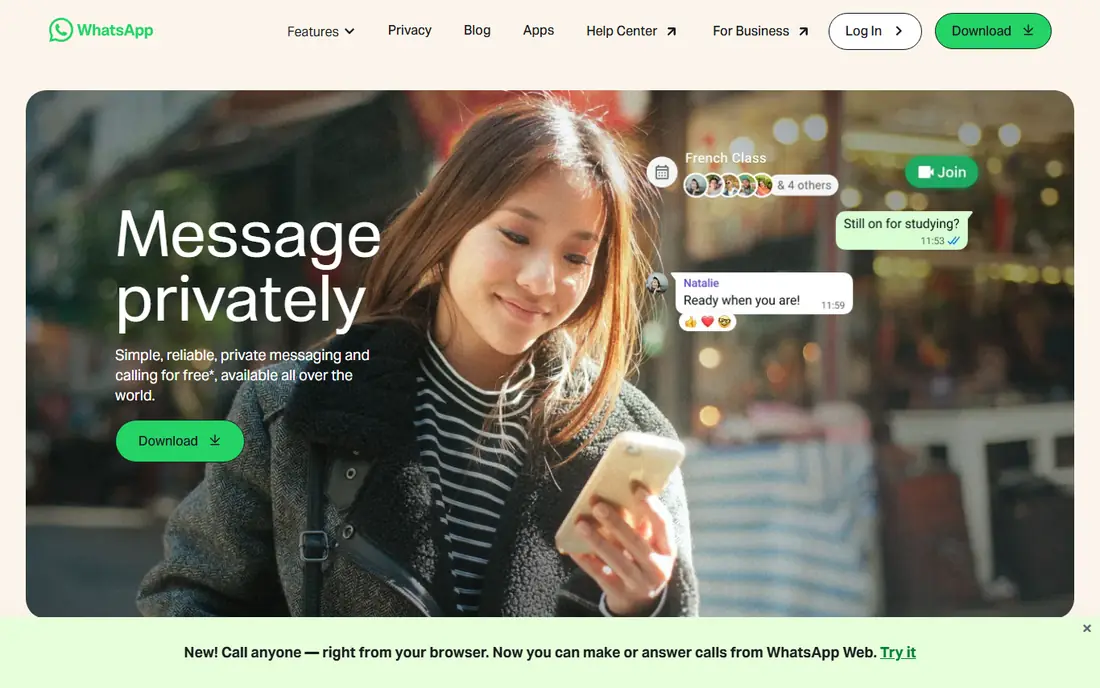
WhatsApp is the default chat app for much of the world, and that reach is its main strength. If you need to message family abroad, a school group or a local business, the other person probably already has WhatsApp, which removes the hardest part of switching apps. Personal chats and calls are end-to-end encrypted by default, and features such as disappearing messages, Chat Lock and Channels cover both private and broadcast use.
The trade-off is ownership and data. WhatsApp is owned by Meta, and while message content in personal chats is encrypted, metadata and business interactions follow Meta policies that privacy-minded users should read. You also need a phone number to sign up, though you can hide it behind other settings in some cases. For everyday messaging at scale, WhatsApp is still the easiest first choice.
- Very large global user base
- End-to-end encryption for personal chats
- Voice, video and group calls
- Owned by Meta, so data policies matter to privacy-minded users
- Needs a phone number
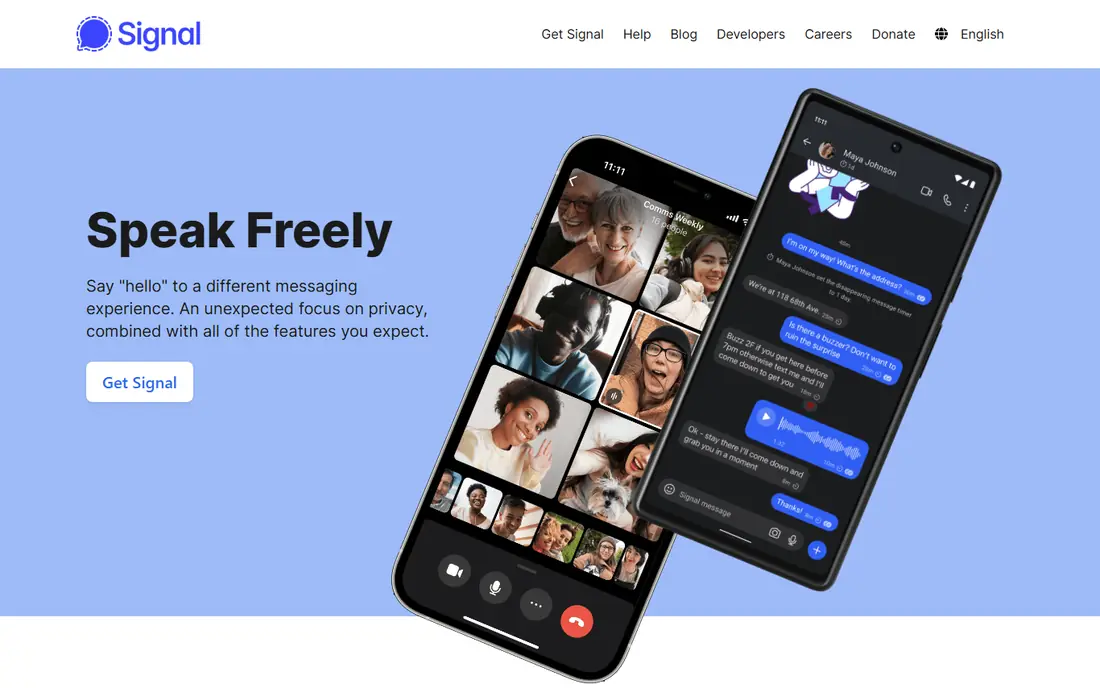
Signal is the app we recommend first when privacy is the priority. It is run by a non-profit, its code is open source, and it collects very little metadata compared with large commercial apps. Messages, calls and group chats are end-to-end encrypted by default, and features such as disappearing messages, safety numbers and registration lock give you clear controls over who can read or access your chats.
The limit is network size. Signal is smaller than WhatsApp or Telegram, so you may need to persuade close contacts to install it for private conversations. Since 2024, usernames let you connect without sharing your phone number directly, which helps for new contacts.
- Open source and non-profit
- End-to-end encryption by default
- No ads or trackers
- Smaller network than WhatsApp
- Needs a phone number for sign-up, though usernames can hide it
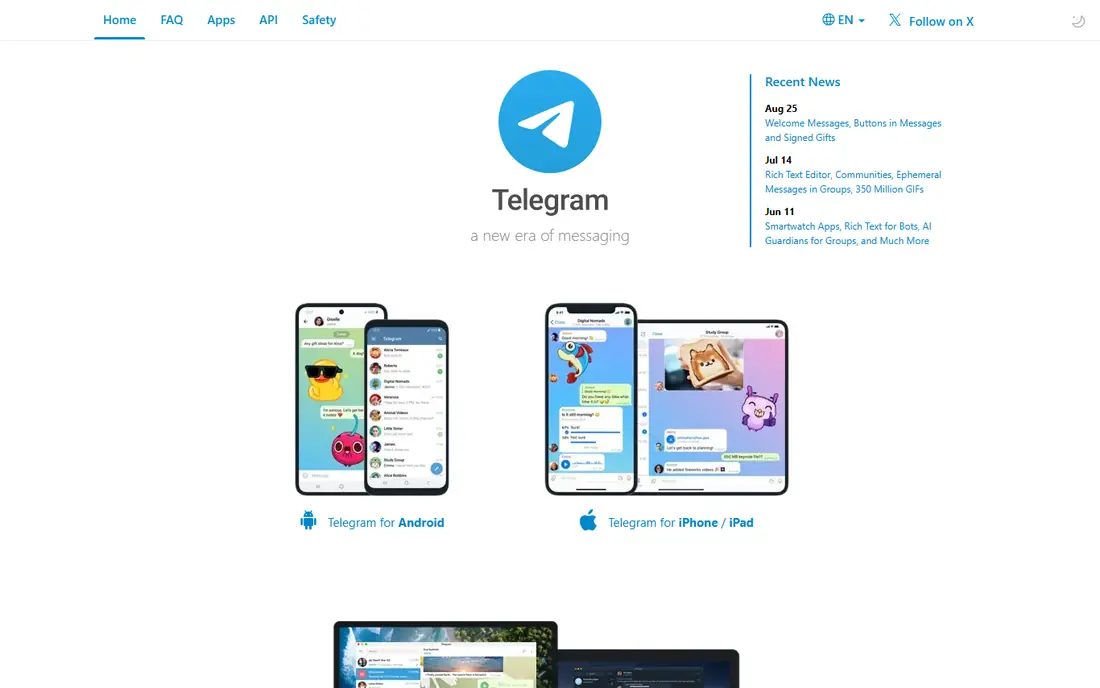
Telegram feels more like a platform than a simple chat app. Groups can hold up to 200,000 members, channels can broadcast to unlimited subscribers, bots can automate tasks, and free file sharing covers files up to 2 GB in published guides. Cloud sync means you can start a chat on a phone and continue on a desktop without a phone connection, which is handy for creators and study groups.
Privacy needs a careful read. Telegram cloud chats use server-client encryption, but they are not end-to-end encrypted by default. Only Secret Chats, which are device-specific, use end-to-end encryption, and they do not sync across devices in the same way. Telegram Premium adds extra features for a monthly fee, but the free app already covers most group and channel needs. Choose Telegram for scale and features, not as a default private messenger.
- Groups up to 200,000 members
- Channels, bots and large file sharing
- Fast cloud sync across devices
- Cloud chats are not end-to-end encrypted by default
- Only Secret Chats use that protection
Messenger is the practical choice if your contacts already live on Facebook. You can message people without exchanging phone numbers, use voice and video calls, join group chats, and reach businesses that use Facebook pages. Personal chats have used end-to-end encryption by default since 2023, which improved its privacy position, though group and business chats follow different rules.
The app can feel busy, with stories, shops and suggested content around the inbox. If you already use Facebook daily, Messenger saves you from installing another app. If you want a quieter, privacy-first inbox, Signal or WhatsApp will feel cleaner.
- Large reach through Facebook
- End-to-end encryption on personal chats by default since 2023
- No phone number needed if you have Facebook
- Tied to Meta data policies
- Ads and commercial features can clutter the app
Discord started for gamers, but it now hosts study groups, creator communities, hobby clubs and work-adjacent servers. Servers organise conversations into text channels and voice rooms, so a community can talk, share files and hang out in voice without starting a call each time. The free plan covers most community needs, while Nitro adds higher upload limits and extra customisation for a monthly fee.
Discord is not a private messenger in the Signal sense. Text chats are not end-to-end encrypted, so it is best for public or semi-public communities rather than sensitive one-to-one conversations.
- Persistent servers with text and voice channels
- Good voice quality
- Free core features
- Text chats are not end-to-end encrypted
- Less suited to simple one-to-one messaging
Slack is the work chat app that many teams already know. Channels keep topics separate, threads keep replies tidy, and integrations connect Slack to calendars, project tools, file storage and support systems. Huddles offer quick voice chats without a formal meeting link, which suits remote teams that need fast answers.
The free plan is useful for small teams, but message history limits mean older messages may become hard to search, so growing teams usually move to a paid plan. Slack also works best when a team agrees on channel rules, since a busy workspace can generate constant notifications. For work that needs integrations and organised channels, Slack remains the strongest general pick.
- Channels for work topics
- Large app integration catalogue
- Searchable history on paid plans
- Free plan limits message history
- Can become noisy in large workplaces
Microsoft Teams suits workplaces that already pay for Microsoft 365. Chat, video meetings, calendars, Word and Excel files and SharePoint storage sit in one app, and IT teams get admin controls for compliance and access. If your company already uses Outlook and OneDrive, Teams removes the need for a separate work chat subscription.
For small teams without Microsoft 365, Teams can feel heavy compared with Slack or Discord. The free version covers basic chat and meetings, but the full value appears when the wider Microsoft suite is in use. Choose Teams when your workplace is already Microsoft-based, and Slack when you want a lighter, integration-first work chat.
- Included with many Microsoft 365 plans
- Chat, meetings and file sharing in one app
- Strong admin controls
- Can feel heavy for small teams
- Best value depends on Microsoft 365
Google Messages is the simplest chat app for many Android users because it is already installed. It handles SMS and, where supported, RCS chats, which add typing indicators, read receipts, high-quality media and, in RCS chats, end-to-end encryption. That makes it a practical upgrade over plain texting without asking contacts to install a new app.
Limits come from carriers and devices. RCS availability and encryption can vary, and chats with iPhone users have improved with RCS support but still depend on both sides. Google Messages is best as a default texting app for Android, with WhatsApp or Signal alongside it for encrypted chats with people who use those apps.
- Default on many Android phones
- RCS chats support encryption and rich media
- No extra account needed
- Features depend on carrier and phone
- IPhone chats may fall back to SMS or RCS with limits
Viber remains a useful pick for international calling and for contacts in Eastern Europe, the Philippines and parts of the Middle East, where it has a strong user base. Chats and calls are end-to-end encrypted, group chats and channels work well, and Viber Out lets you call landlines and mobiles that do not use Viber, for a fee in many cases. That calling feature sets it apart from Signal and WhatsApp for diaspora families.
Outside its strong regions, Viber's network is thinner, so you may still need WhatsApp for most contacts. The app also includes ads and commercial features in some areas, which can clutter the inbox. Use Viber where your contacts already use it, especially for low-cost international calls.
- End-to-end encryption for chats and calls
- Viber Out calls to landlines
- Strong in parts of Europe and the Middle East
- Smaller user base outside its strong regions
- Ad-supported in parts of the app
LINE is essential if you message people in Japan, Thailand or Taiwan, where it is the default chat app for many users. It offers chats, calls, stickers, official accounts for businesses, and local services such as payments and news in some markets. Letter Sealing provides end-to-end encryption for supported chats, though you should check which chat types it covers.
Outside those regions, LINE is a niche app, and many features do not translate to other markets. That makes it a regional pick rather than a global default. If your family, work or study contacts are in its core regions, install LINE alongside WhatsApp, and use LINE as the main app for those contacts.
- Dominant in Japan, Thailand and Taiwan
- Rich stickers and local services
- End-to-end encryption in Letter Sealing chats
- Limited reach outside its core regions
- Many features are region-specific
How we picked these
We compared official feature pages, app store listings and privacy policies for widely used chat apps in October 2026, with a focus on encryption defaults, group limits, file sharing, voice and video calls, and platform coverage. We included personal apps, community apps and work apps because the phrase best chat app covers all three uses, and we noted where encryption, network size or regional reach changes the recommendation. We did not claim hands-on testing of every call quality claim, and we left out niche apps with very small user bases.
How to choose a chat app for your situation
Start with your contacts, not with features. List the five people or groups you message most, and check which app they already open daily. If they are split across apps, keep two apps: one for reach, such as WhatsApp, and one for privacy, such as Signal, rather than forcing everyone onto a single app.
Privacy, groups and work need different tools
For private conversations, choose an app with end-to-end encryption by default and a clear privacy policy. For large groups or public communities, choose an app built for channels, moderation and file sharing, and accept that public chats are not private by design. For work, choose the app your team already pays for or integrates with, since a work chat app only works when the whole team uses it.
What about live chat for an online store
The apps above are for personal and team messaging, not for storefront live chat. If you run an online store, you need a separate live chat tool that sits on your website, routes chats to support staff, and connects to your shop system. Keep that tool separate in your budget and search, since a personal chat app will not give you queue management, canned replies or shop data for support chats.
Check encryption before sensitive chats
Read whether an app encrypts personal chats by default, only in a special mode, or not at all for text. Signal and WhatsApp encrypt personal chats by default, Telegram encrypts only Secret Chats end-to-end, and Discord does not encrypt text end-to-end. That single check matters more than stickers, themes or extra features for sensitive conversations.
Sources
- https://www.flozic.ai/blog/best-chat-apps
- https://top10-best.com/trends/top-10-most-used-messaging-apps-in-the-world-2026/
- https://messengerbot.app/free-messenger-app-guide-every-legit-download-and-alternative-in-2026/
- https://bestappsforandroid.com/top-10-free-messaging-apps-for-android-users/
- https://www.whatsapp.com
- https://signal.org
- https://telegram.org
- https://www.messenger.com
- https://discord.com
- https://slack.com
- https://www.microsoft.com
- https://messages.google.com
- https://www.viber.com
- https://line.me