Best CRM Software for Small Business in 2026: 9 Software Compared
By ToolNimba Editorial Team October 28, 2026 11 min read

- Top pick
 HubSpot CRM
All-in-one sales and marketing
Starting price$20 per seat per monthCheck out HubSpot CRMRead our review - Runner-up
 Zoho CRM
Best value for small teams
Starting price$14 per user per monthCheck out Zoho CRMRead our review - Also great
 Pipedrive
Visual sales pipelines
Starting price$14 per seat per monthCheck out PipedriveRead our review
How we researched this
We compared official pricing and feature pages, app store listings, privacy policies and public user reviews. Prices change, so check the provider's site before you pay.
Key takeaways
- HubSpot is the safest free starting point for most small teams, while Zoho CRM gives you the most paid features for a lower monthly price.
- Pipedrive is the clearest choice if your team lives in a sales pipeline and wants a visual, deal-focused workspace.
- Per-user pricing adds up fast, so price a CRM for your full team, not for one seat, before you commit to a year.
- A free plan is only useful if it covers contacts, deals, and email tools your team will actually use every week.
- The best CRM is the one your team updates daily, so favor simple setup and a mobile app over a long feature list.
Quick comparison
| Name | Best for | Starting price | Free plan | |
|---|---|---|---|---|
| HubSpot CRM | All-in-one sales and marketing | $20 per seat per month | Yes | Visit |
| Zoho CRM | Best value for small teams | $14 per user per month | Yes | Visit |
| Pipedrive | Visual sales pipelines | $14 per seat per month | Free trial | Visit |
 monday CRM | Flexible visual workflows | $12 per seat per month | Free trial | Visit |
 Freshsales | Built-in phone and email | $9 per user per month | Yes | Visit |
 Salesforce Starter | Scaling and customization | $25 per user per month | Free trial | Visit |
 Capsule CRM | Simple contact management | $18 per user per month | Yes | Visit |
 Less Annoying CRM | One flat price, no fuss | $15 per user per month | Free trial | Visit |
 Close CRM | Calling-heavy sales teams | $29 per user per month | Free trial | Visit |
The best crm software for small business apps
A CRM should keep contacts, deals, emails, and follow-ups in one place, so leads stop living in inboxes and spreadsheets. The tools below all do that, but they differ in price, setup time, and how much automation you get before you pay. We compared official pricing pages, feature pages, and public reviews to focus on plans a small business can realistically use.
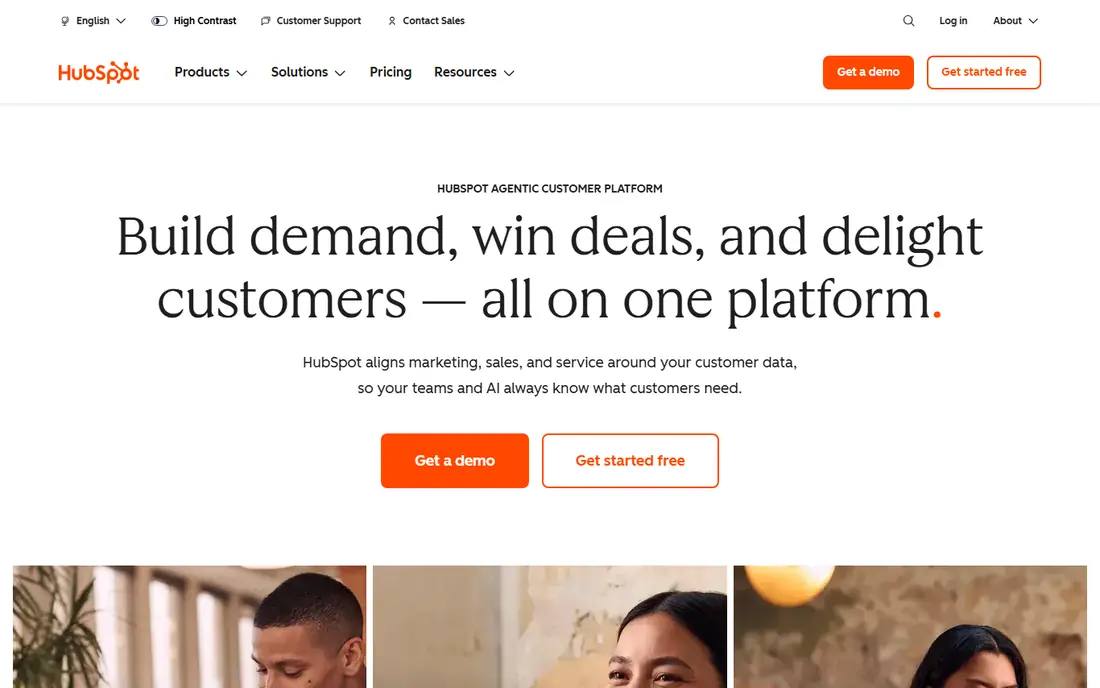
HubSpot is our pick for most small businesses because you can start free and grow without switching tools. The free plan covers contacts, companies, deals, tasks, live chat, and email tracking, which is enough for a small team to run a real pipeline. When you are ready, the Starter tier at $20 per seat per month adds basic automation and removes HubSpot branding, according to recent pricing summaries.
The honest catch is the price jump. Professional tiers cost far more per seat, and Marketing Hub is a separate purchase, so a team that needs advanced automation and marketing together should price the full bundle before signing. Still, if your team is non-technical and needs something people will actually open every day, HubSpot is hard to beat.
- Generous free tools for contacts and deals
- Strong email and meeting tools
- Large integration library
- Costs rise sharply at higher tiers
- Marketing features are priced separately
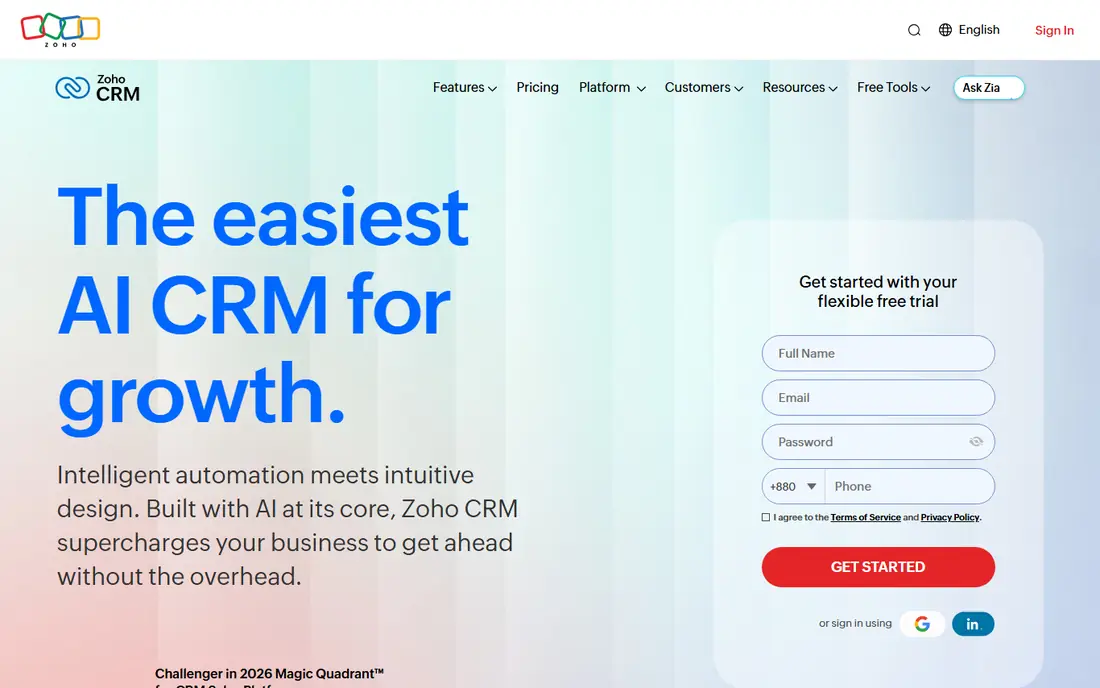
Zoho CRM is the value pick in this list. At $14 per user per month on the entry paid tier, you get workflow automation, customization, and reporting that other vendors reserve for higher plans, and the free plan covers up to 3 users. If you already use Zoho Books, Zoho Mail, or other Zoho apps, the shared data and single billing make the case even stronger.
The trade-off is learning time. Zoho is powerful, but its menus and settings can overwhelm a team that just wants a simple pipeline. Give one person ownership of setup, start with a single pipeline and a few custom fields, and add automation only after the team is updating deals consistently.
- Strong automation at a low price
- Free plan for up to 3 users
- Wide Zoho app ecosystem
- Interface takes time to learn
- Setup can feel complex for very small teams
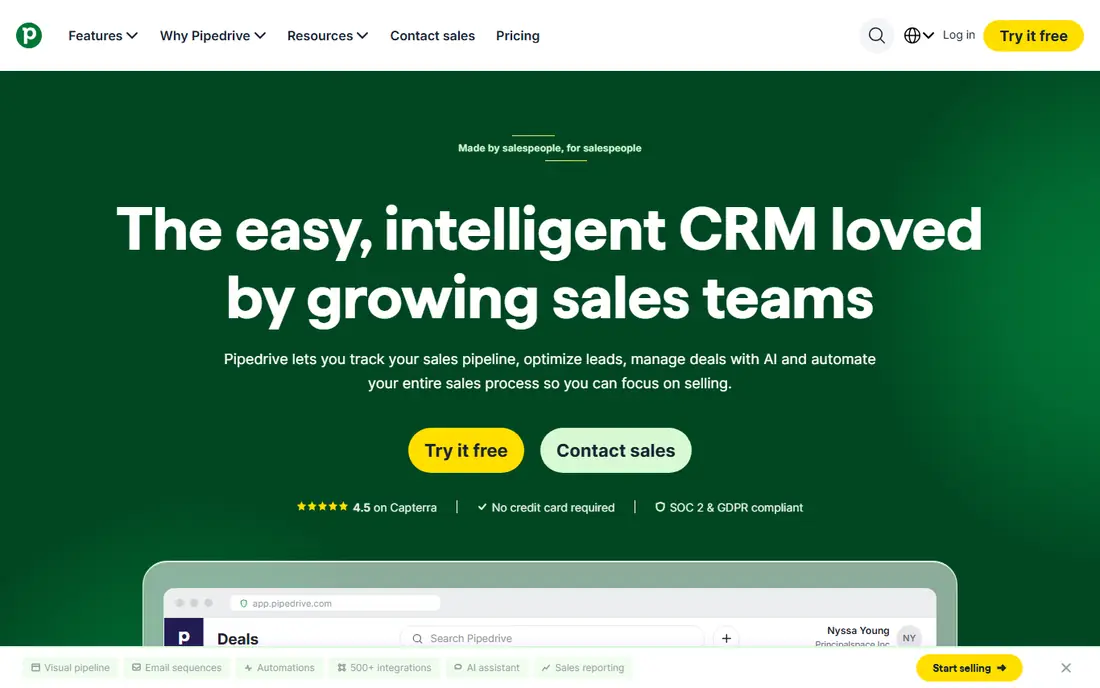
Pipedrive is built for sales teams that think in deals, not in databases. You drag a deal from one stage to the next, see what needs doing today, and get reminders for calls, emails, and follow-ups. That focus keeps the interface clean, and new team members usually understand it within an hour, which matters when you cannot afford a week of training.
What you give up is breadth. Pipedrive is weaker for email marketing and customer service than an all-in-one platform, and there is no permanent free plan, only a 14-day trial in recent summaries. If selling is your main job in the CRM, that trade is worth it. If you need marketing automation too, pair Pipedrive with a separate email tool or choose HubSpot.
- Clearest drag-and-drop pipeline
- Activity reminders keep deals moving
- Easy to learn
- No free plan, only a trial
- Marketing tools are limited compared with HubSpot
monday CRM suits teams that already think in boards, lists, and timelines. You can build a pipeline that matches your exact sales stages, add columns for budget, source, or next step, and automate reminders when a deal stalls. It also works well for teams that blend sales with delivery or project work, because the same board style carries across both.
The catch is the seat minimum and the way costs grow. Recent summaries note a 3-seat minimum, so a solo founder pays for more than one seat, and heavy customization can turn a simple CRM into a project that needs regular upkeep. Start with a template, keep columns few, and review automations monthly so the board stays a tool, not a chore.
- Highly visual boards
- Flexible columns and automations
- Good for sales plus project work
- 3-seat minimum on paid plans in recent summaries
- Can get expensive as you add seats
Freshsales is a practical pick for teams that sell by phone and email all day. Calling, emailing, and chatting from inside the CRM means fewer tabs and less copy-paste, and the Growth tier starting at $9 per user per month in recent summaries keeps the entry cost low. Lead scoring and workflow automation help a small team focus on the deals most likely to close first.
The free plan will not carry a growing team for long, and deeper reports and forecasting require higher tiers. That is a fair trade if you value communication tools over complex customization. Test the built-in phone quality on your own network during the trial, because call quality matters more than any feature list for a calling team.
- Built-in phone, email, and chat
- AI lead scoring on paid tiers
- Quick setup
- Free plan is limited
- Advanced reporting sits on higher tiers
Salesforce Starter, at $25 per user per month in recent summaries, is the entry point to a platform that can grow from a five-person team to a large company without a migration. You get a familiar CRM core, plus access to an enormous ecosystem of apps, integrations, and reporting options. For a business that knows it will need complex processes, approvals, or multiple departments in one system, starting here can save a painful switch later.
For a very small team, though, Salesforce can feel heavy. Setup, permissions, and customization take more time than HubSpot or Pipedrive, and the total bill rises with add-ons. Choose Salesforce if you have a clear scaling plan and someone to own the system. If you just need a pipeline this month, start simpler.
- Deep customization and app ecosystem
- Strong reporting
- Built to scale with a company
- Setup takes longer
- Higher tiers and add-ons raise total cost quickly
Capsule is for teams that want a CRM without a learning curve. Contacts, deals, tasks, and communication history sit in a clean layout, and the free plan covers 2 users and 250 contacts in recent summaries, which is enough for a freelancer or a tiny team to test the habit. Paid tiers from about $18 per user per month add more contacts, customization, and integrations.
Capsule will not match Zoho for automation or Salesforce for customization, and that is the point. If your team has avoided CRMs because they felt bloated, Capsule lowers the barrier. Use it to build the daily habit of logging calls and updating deals, and move up only when you hit a clear limit.
- Clean and easy to learn
- Free plan for small contact lists
- Good Google Workspace links
- Less automation than Zoho or HubSpot
- Not ideal for complex sales processes
Less Annoying CRM does what its name promises: one price, $15 per user per month, with every feature included, and an interface a non-technical team can learn fast. There are no tiers to decode and no key feature locked behind an upgrade, which makes budgeting simple for a small business owner who just wants contacts, pipelines, tasks, and follow-up reminders.
The simplicity has limits. Automation, reporting, and third-party integrations are thinner than in HubSpot or Zoho, so a team that needs complex workflows will outgrow it. For solo founders and small service businesses, though, that simplicity is a feature, not a flaw, because a CRM only helps if the whole team uses it.
- Single flat price with all features
- Very simple interface
- Strong support reputation
- No free plan, only a 30-day trial in recent summaries
- Limited automation and integrations
Close is built for inside sales teams that make many calls a day. Native calling, SMS, and a predictive dialer sit inside the deal view, so reps can work a list without switching to a separate phone tool. That speed matters when follow-up within minutes, not days, decides whether a lead replies.
The starting price near $29 per user per month in recent summaries is higher than Pipedrive or Freshsales, and marketing features are not the focus. If your team sells mainly by email and meetings, you will pay for calling power you do not use. If your day is built around call lists, Close can pay for itself in saved clicks and faster follow-up.
- Native calling and SMS
- Predictive dialer tools
- Fast lead follow-up
- Higher starting price
- Less focus on marketing than all-in-one platforms
How we picked these
We compared official pricing pages, feature pages, app store listings, privacy policies, and public reviews for CRM tools aimed at small businesses in October 2026. We kept only tools with a published small-business price or a clear free plan or trial, active development, and a real pipeline for contacts and deals. We excluded enterprise-only platforms and tools that require a sales quote for a basic plan, so every price here can be checked before you talk to a salesperson.
How to choose without overpaying
Start by listing what your team does every week: number of leads, calls, emails, deals, and follow-ups. Then trial two tools for two weeks each, with real data, not demo data, and measure how many deals get updated daily. A CRM that looks powerful in a demo but sits empty on Friday is more expensive than a simpler tool your team actually uses.
Price it for your whole team
Multiply the per-user price by every person who will log in, then add any required seat minimums, marketing contacts, or add-ons. A $14 seat looks cheap for one person and costs $1,680 a year for ten people before add-ons. Check whether annual billing is required for the quoted price, and whether you can drop seats mid-year if someone leaves.
Test the mobile app and integrations
Check that the CRM works on your phone for logging calls after a meeting, and that it connects to your email, calendar, accounting, and website forms without paid middleware. If a key integration needs a higher tier, that higher tier is your real starting price. Also read the privacy policy for data export, because you should be able to leave with your contacts and deal history intact.
Sources
- https://www.hubspot.com
- https://www.zoho.com/crm
- https://www.pipedrive.com
- https://www.monday.com/crm
- https://www.freshworks.com/crm
- https://www.salesforce.com
- https://www.capsulecrm.com
- https://www.lessannoyingcrm.com
- https://www.close.com
- https://management.org/software/best-crm-software
- https://www.encodedots.com/blog/best-crm-for-small-businesses