Best CRM Software in 2026: 10 Tools Compared
By ToolNimba Editorial Team October 28, 2026 11 min read

- Top pick
 HubSpot CRM
Overall for small and growing teams
Starting priceFreeCheck out HubSpot CRMRead our review - Runner-up
 Salesforce
Scale and customisation
Starting price$25 per user per monthCheck out SalesforceRead our review - Also great
 Zoho CRM
Best value
Starting price$14 per user per monthCheck out Zoho CRMRead our review
How we researched this
We compared official pricing and feature pages, app store listings, privacy policies and public user reviews. Prices change, so check the provider's site before you pay.
Key takeaways
- HubSpot is the best overall starting point for most small teams, because its free plan is generous and its paid tiers scale.
- Zoho CRM gives the most features for the money, while Pipedrive is best for teams that live in their sales pipeline.
- Salesforce is the most customisable option, but it costs more and needs more setup than small-business tools.
- Free plans from HubSpot, Zoho, and Freshsales can cover a solo user or tiny team, but check contact and user limits.
- Per-user pricing multiplies fast, so test a trial with your real team size before you commit to a yearly plan.
Quick comparison
| Name | Best for | Starting price | Free plan | |
|---|---|---|---|---|
| HubSpot CRM | Overall for small and growing teams | Free | Yes | Visit |
| Salesforce | Scale and customisation | $25 per user per month | Free trial | Visit |
| Zoho CRM | Best value | $14 per user per month | Yes | Visit |
 Pipedrive | Visual sales pipeline | $14 per seat per month | Free trial | Visit |
 monday Sales CRM | Custom workflows and boards | $12 per seat per month | Free trial | Visit |
 Freshsales | Built-in phone and email | $9 per user per month | Yes | Visit |
 Capsule | Simple contact management | Free | Yes | Visit |
 Close | Outbound sales and calling | See website | Free trial | Visit |
 Copper | Google Workspace teams | See website | Free trial | Visit |
 Less Annoying CRM | Simple flat pricing | $15 per user per month | Free trial | Visit |
The best CRM software
We compared official pricing pages, feature pages, and public reviews for each tool. We focused on small and mid-size teams, not just enterprise buyers, and on what each tool does well at its starting price.
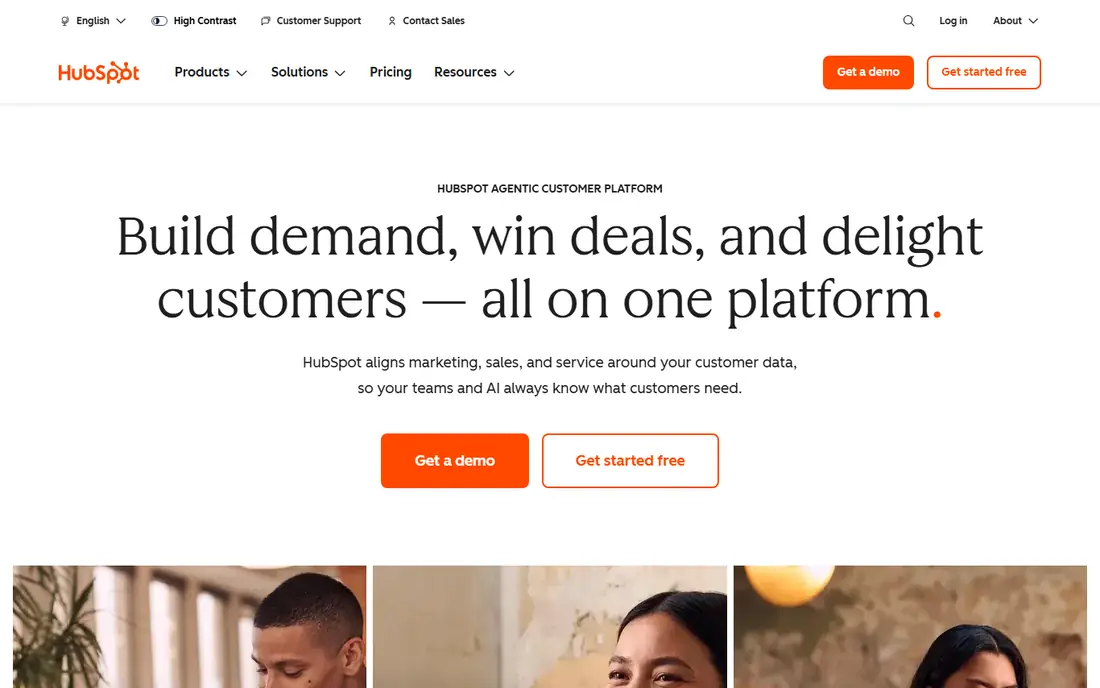
HubSpot is our pick for most small teams because people actually use it. The free plan covers contacts, deals, tasks, and email tracking, which is enough for a solo founder or a tiny team to stop using spreadsheets. When you grow, Starter is listed at $20 per seat per month in recent summaries, with higher tiers for automation and reporting.
The catch is scale. As your contact list and team grow, HubSpot's higher hubs and add-ons can become expensive. Start free, map the features you truly need, and check the current Starter and Professional prices before you move to a yearly plan.
- Generous free plan for contacts, deals, and email tracking
- Easy to learn
- Strong marketing and sales tools in one platform
- Paid costs rise sharply as you scale
- Some advanced features sit in higher tiers
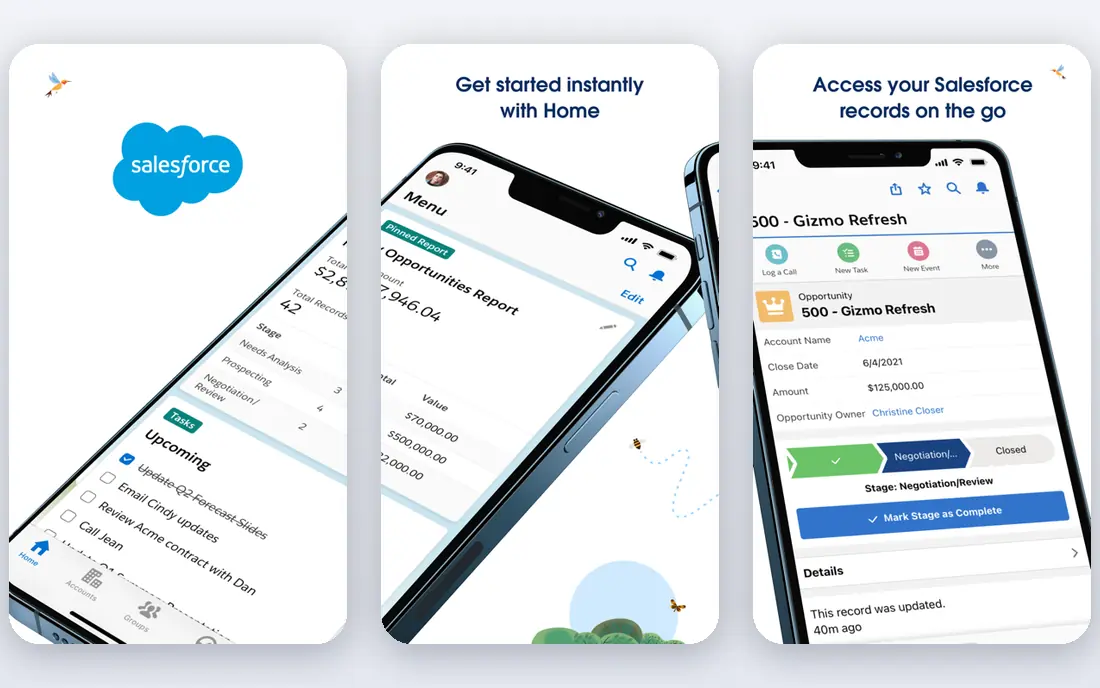
Salesforce is the standard for larger teams with complex sales processes. Its Starter Suite is listed at $25 per user per month in recent summaries, with higher editions for advanced automation, AI, and enterprise controls. If you need custom objects, complex territories, or deep integrations, Salesforce can handle work that simpler tools cannot.
For a team of two or three, that power can be overkill. Setup takes longer, and you may need an admin or consultant to get the most from it. Choose Salesforce when your process is complex and growing, not just because it is the biggest name.
- Deep customisation and automation
- Huge integration and app ecosystem
- Strong reporting for large teams
- Steep learning curve
- Setup and admin time is higher than small-business CRMs
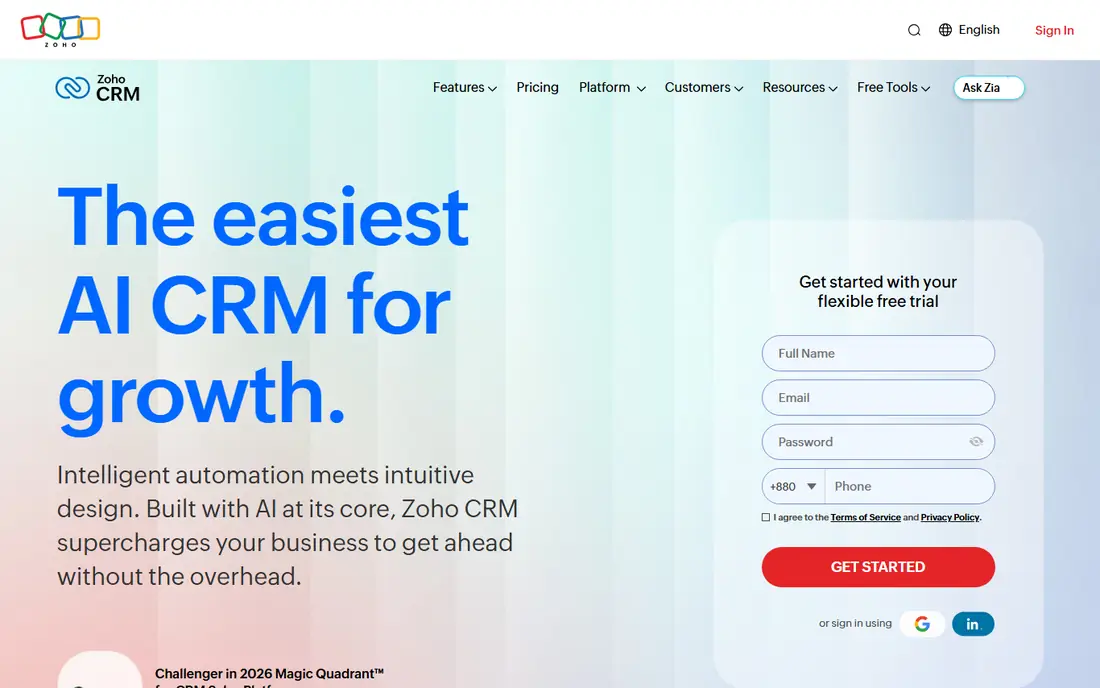
Zoho CRM gives small businesses a lot for the price. Standard is listed at $14 per user per month in recent summaries, with a free plan for up to 3 users. You get lead management, deals, automation, email, and multichannel communication without paying Salesforce prices.
The trade-off is polish. The interface is functional rather than beautiful, and some users report slower support responses. If value matters more than a slick design, and you already use Zoho apps, Zoho CRM is hard to beat on features per dollar.
- Low starting price for the features offered
- Free plan for up to 3 users
- Wide Zoho app ecosystem for email, books, and support
- Interface feels dated in places
- Support quality varies in public reviews
Pipedrive is built for sales teams that think in pipelines. You move deals across stages, set next activities, and see at a glance which deals need attention. That visual clarity helps teams that lose deals in inboxes and spreadsheets, and it needs little training to start.
It is less strong as a full marketing platform. If you need email campaigns, landing pages, and lead scoring in the same tool, HubSpot or Zoho may fit better. For pure pipeline management, Pipedrive's Lite plan, listed at $14 per seat per month in recent summaries, is a strong starting point.
- Clear drag-and-drop pipeline
- Activity reminders keep deals moving
- Easy to learn for salespeople
- No free plan, only a 14-day trial
- Marketing tools are thinner than HubSpot
monday Sales CRM suits teams that already like boards and visual work management. You can build pipelines, track leads, automate follow-ups, and view progress on dashboards that are easy to share. Basic is listed at $12 per seat per month in recent summaries, with a 3-seat minimum.
Because monday started as a work platform, not a CRM, some sales-specific features are less deep than Pipedrive or Salesforce. It works best for teams that want one flexible tool for sales, projects, and collaboration, rather than a pure sales CRM.
- Flexible boards your team can shape to its process
- Strong collaboration and automation
- Visual dashboards
- Not built purely as a CRM, so some sales features feel added on
- 3-seat minimum on paid plans in recent summaries
Freshsales, from Freshworks, is a good fit for teams that call and email a lot. You can make calls, send email, and track conversations without bolting on separate tools. Recent summaries list Growth from $9 per user per month, with a free plan for basic contact and deal management.
Setup is quick, which matters for small teams without an admin. The limit is depth: if you need complex automation or a huge integration library, HubSpot or Salesforce will go further. For a simple, affordable CRM with calling built in, Freshsales is a strong choice.
- Built-in phone, email, and chat in one place
- AI lead scoring on higher tiers
- Fast setup for small teams
- Advanced features need higher tiers
- Integration depth is thinner than Salesforce or HubSpot
Capsule is for teams that want a CRM without the learning curve. You track contacts, deals, tasks, and history in a clean interface, and you can start free with 2 users and 250 contacts. That simplicity suits freelancers, consultants, and small service businesses.
Larger teams may outgrow it. Automation, reporting, and marketing tools are thinner than in HubSpot or Zoho, and paid tiers are listed from about $18 per user per month in recent summaries. Choose Capsule if you want a tidy contact system, not a full sales and marketing platform.
- Simple, clean contact and deal tracking
- Free plan for 2 users and 250 contacts
- Easy to learn
- Fewer automation and marketing features than larger CRMs
- Paid tiers start higher per user in recent summaries
Close is built for inside sales teams that live on the phone. You can call, text, and email from one place, power through lead lists, and log activity without switching apps. That speed matters for outbound teams, where every extra click slows down calling.
It is not the cheapest option, and it is less suited to teams that mainly need contact management or marketing. Check the current pricing on its site, since Close has changed plans over time. If calling is your main sales motion, Close will save more time than a general CRM.
- Native calling, SMS, and email built for outbound teams
- Fast lead workflows
- Clear pipeline and activity tracking
- No free plan
- Price is higher than basic CRMs, so check current plans before you commit
Copper is the natural CRM for teams that live in Gmail and Google Calendar. It pulls email, meetings, and contacts into deal records automatically, so you spend less time copying data. Pipeline views are simple, and setup is fast if your team already uses Google tools.
If your team uses Microsoft 365 or another email system, Copper loses much of its advantage. Check current pricing on its site before you trial it, because recent summaries list higher starting prices than in past years. For Google-first teams, though, the integration is a real time saver.
- Deep Google Workspace integration
- Automatic capture of Gmail and Calendar activity
- Simple pipeline views
- Less useful outside Google Workspace
- Pricing has risen in recent summaries, so confirm current plans
Less Annoying CRM does what its name promises. You pay $15 per user per month, get all features, and avoid tier puzzles where basic tools sit behind higher plans. The interface is plain and easy to learn, which suits small teams that want contacts, pipelines, and follow-up reminders without admin work.
The limit is scale and depth. Advanced automation, custom reporting, and large integrations are thinner than in HubSpot or Salesforce. If your team is small and you value simplicity and predictable pricing, Less Annoying CRM is a refreshing choice.
- One flat price with all features included
- Simple interface for small teams
- Helpful support in public reviews
- Fewer advanced automation and integration options
- Not built for large or complex sales teams
How we picked these
We compared official pricing pages, feature pages, and public reviews for each CRM. We looked for current availability, a clear starting price or free plan, and a distinct strength, such as pipeline design, Google integration, or outbound calling. We left out tools with no clear CRM focus, outdated pricing, or no trial or free option for small teams to test.
We did not claim hands-on testing. Our notes rest on vendor pages and reviewer reports about setup, features, and costs. CRM vendors change tiers and prices often, so confirm the current plan, seat minimum, and annual billing terms on the vendor site before you buy.
How to choose the right CRM for your team
Start with your sales process, not the feature list. If you sell by phone, Close or Freshsales will help more than a board tool. If you sell through a visual pipeline, Pipedrive is the obvious test. If you need marketing and sales in one place, HubSpot is the safer starting point.
Test with real data, not a demo
Use the free plan or trial with your actual contacts, deals, and team members for two weeks. Import a small set of real leads, set up your pipeline stages, and see whether your team updates deals without reminders. A CRM that looks good in a demo but feels like extra work in week two will fail.
Count the full cost per user
A $12 seat sounds cheap until you multiply it by ten users for a year, then add marketing, automation, or calling add-ons. Compare annual totals, not monthly headlines, and check seat minimums. Zoho and Freshsales often win on total cost for small teams, while HubSpot and Salesforce cost more as you add features.
Plan for growth before you switch later
Switching CRMs is painful, so pick a tool that can grow one step beyond your current size. HubSpot and Salesforce scale furthest, while Capsule and Less Annoying CRM suit teams that plan to stay small. If you expect to double your team in a year, choose a tool with automation and reporting you can grow into, even if you do not need it yet.