Best Crypto App in 2026: 9 Apps Compared
By ToolNimba Editorial Team October 28, 2026 10 min read

- Top pick
 Coinbase
Beginners and US retail traders
Starting priceFreeCheck out CoinbaseRead our review - Runner-up
 Kraken
Lower fees and security
Starting priceFreeCheck out KrakenRead our review - Also great
 Gemini
Security-first investors
Starting priceFreeCheck out GeminiRead our review
How we researched this
We compared official pricing and feature pages, app store listings, privacy policies and public user reviews. Prices change, so check the provider's site before you pay.
Key takeaways
- Coinbase is the easiest mainstream app for new buyers, while its Advanced Trade mode cuts fees for regular traders.
- Kraken Pro offers some of the lowest fees among US exchanges, with maker fees from about 0.16 percent at the base tier in recent comparisons.
- Robinhood Crypto charges no commission, but spreads still affect the price you get, so compare the final execution price.
- Gemini and Bitstamp suit security-first users who value regulation and a simpler coin list over the widest altcoin choice.
- Crypto is volatile and not federally insured like a bank deposit. This is not financial advice, and you should only trade money you can afford to lose.
Quick comparison
| Name | Best for | Starting price | Free plan | |
|---|---|---|---|---|
| Coinbase | Beginners and US retail traders | Free | Yes | Visit |
| Kraken | Lower fees and security | Free | Yes | Visit |
| Gemini | Security-first investors | Free | Yes | Visit |
 Crypto.com | Rewards and mobile trading | Free | Yes | Visit |
 Binance.US | Low-fee altcoin trading | Free | Yes | Visit |
 Robinhood Crypto | Simple buying beside stocks | Free | Yes | Visit |
 eToro | Social and copy trading | Free | Yes | Visit |
 Bitstamp | Simple, reliable trading | Free | Yes | Visit |
 Uphold | Multi-asset and cross-asset trades | Free | Yes | Visit |
The best crypto apps
The best crypto platform is not just the cheapest one. Fees, spreads, coin choice, security and support all shape the real cost of trading. We compared official fee pages, coin listings and security pages, plus recent independent comparisons, to rank apps for US users in October 2026. Prices here refer to account access, since trading costs come from fees and spreads on each trade.
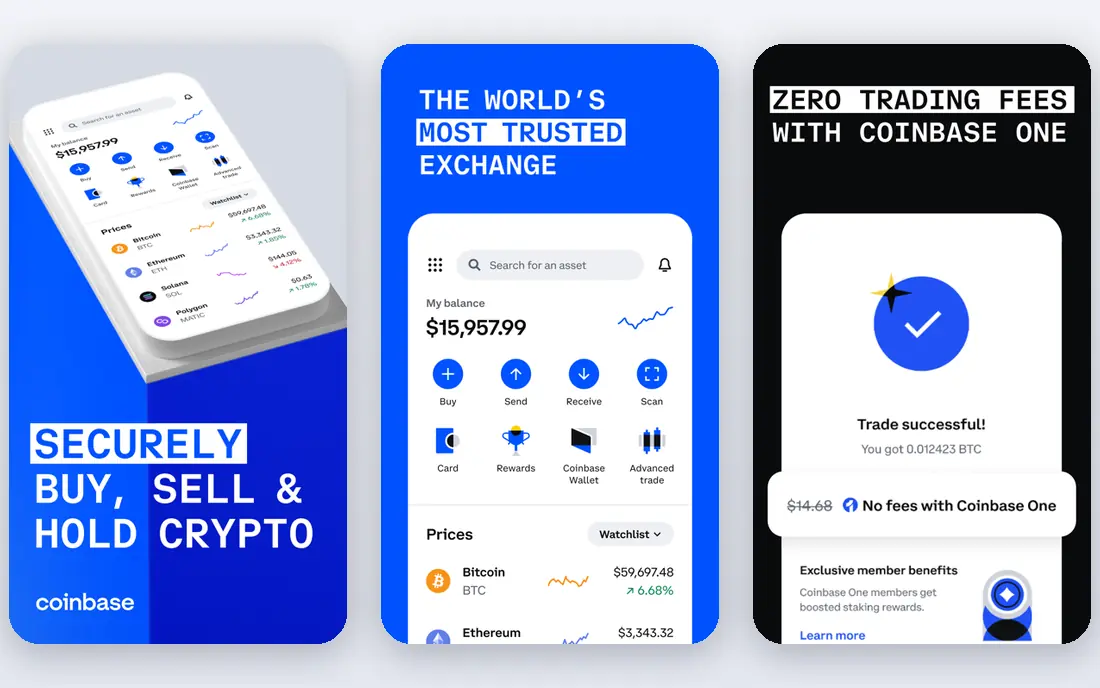
Coinbase is our pick for most first-time buyers. Signing up, linking a bank and making a first purchase takes only a few steps, and the app explains coins in plain language. It is a US public company, which adds disclosure and oversight that private exchanges do not face in the same way.
The catch is the simple buy screen. It is convenient but pricier than Advanced Trade, which uses maker and taker tiers starting around 0.40 percent maker and 0.60 percent taker at retail levels in recent comparisons. Learn Advanced Trade early if you plan to trade often, and check the fee preview before every order.
- Very easy onboarding
- Large coin list
- Advanced Trade cuts fees for active users
- Simple buy fees and spreads are higher
- Support can be slow in busy markets
- Some newer coins are absent
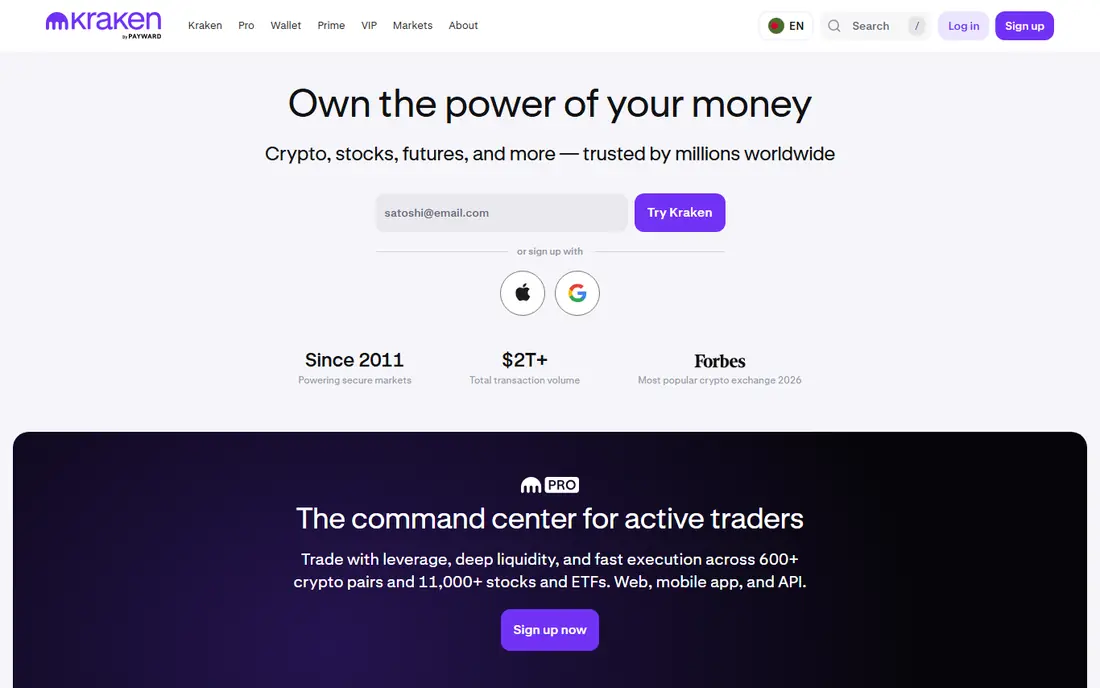
Kraken suits traders who want lower fees without giving up a strong security reputation. Kraken Pro fees in recent comparisons start around 0.16 percent maker and 0.26 percent taker, well below simple buy screens. It also publishes proof of reserves and offers staking on a range of assets.
Beginners should start in the simple interface, then move to Pro once they understand limit orders. Note that Kraken is not available in every state, so check availability before you fund an account. For regular traders, the fee saving over a year can be large.
- Long security record
- Kraken Pro has low fees
- Wide coin and staking options
- Pro interface has a learning curve
- Simple buy fees are higher
- Availability varies by state
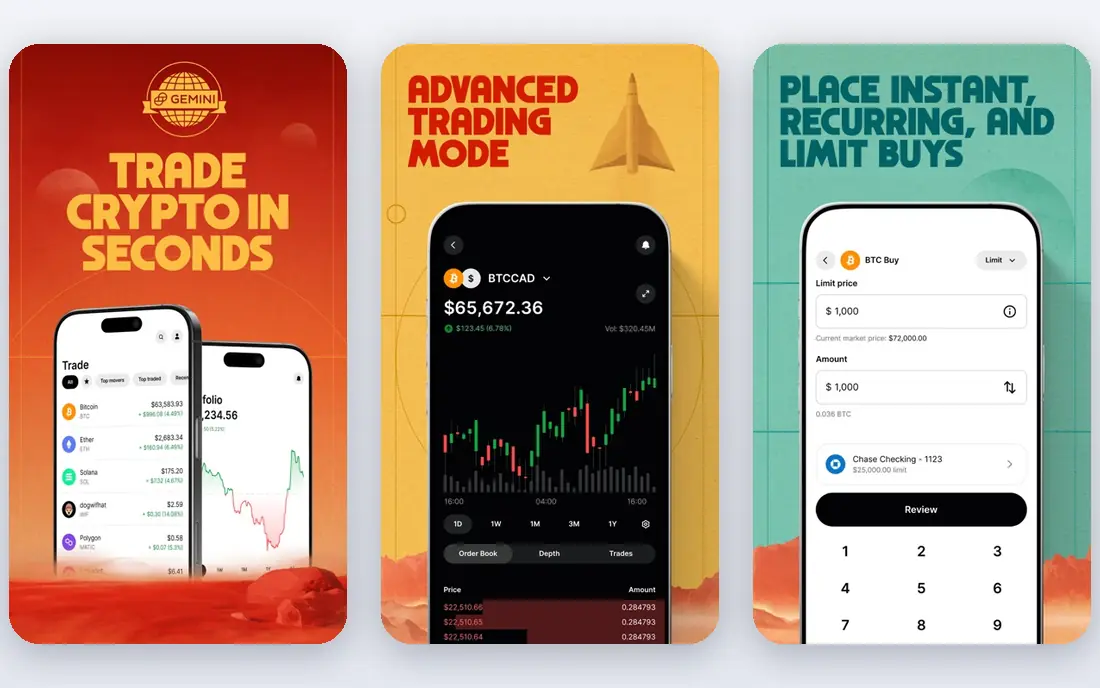
Gemini is the choice for investors who rank regulation and custody above coin count. It is regulated by the New York Department of Financial Services and holds security certifications that appeal to cautious holders. The app is calm and easy to follow, which helps new buyers avoid costly mistakes.
The trade-off is price and choice. Fees on simple buys and ActiveTrader tiers run higher than Kraken or Binance.US in recent comparisons, and the coin list is shorter. If you mainly hold Bitcoin, Ethereum and major coins, Gemini is a solid, low-drama home for them.
- Strong regulation and compliance focus
- Insured hot wallet practices
- Clean interface
- Shorter coin list than rivals
- ActiveTrader fees are higher than Kraken Pro
- Fewer altcoins
Crypto.com appeals to mobile traders who want many coins, staking and rewards in one app. Its exchange tiers start around 0.30 percent maker and 0.40 percent taker at low volume in recent comparisons, dropping with volume and staking. The Visa card and earn features add value for users who stay inside its ecosystem.
Read the tier rules before you judge its price. Simple app purchases cost more than exchange trades, and rewards often require staking its native token, which adds risk. For active mobile traders, it is a strong all-round app. For occasional buyers, compare the simple buy total first.
- Very large coin list
- Mobile-first app
- Rewards and card perks for active users
- Fee tiers depend on volume and staking
- Simple app buys can be costly
- Support quality varies
Binance.US is the low-fee pick for US traders who want altcoins beyond the majors. Spot fees start around 0.10 percent in recent comparisons, and Bitcoin trading promotions have at times lowered that further. The app covers a solid range of US-listed coins with deep order books on popular pairs.
It is not the simplest app for beginners, and its US offering is narrower than the global Binance platform. Traders should also keep an eye on regulatory news and withdrawal rules. If low fees and altcoin access matter most, Binance.US deserves a close look.
- Low spot fees around 0.10 percent
- Good altcoin range
- High liquidity on major pairs
- Smaller US coin list than global Binance
- Regulatory history needs checking
- Support can be slow
Robinhood Crypto suits people who already invest in stocks and want a little crypto beside them. There is no commission line item, and buying takes seconds. For a dabbler who buys Bitcoin or Ethereum occasionally, that simplicity is a real advantage.
No commission does not mean no cost. Robinhood earns from spreads and markups, so the price you get may differ from the market price shown elsewhere. The coin list is also far smaller than Coinbase or Kraken. Treat it as a simple on-ramp, not a full trading platform.
- No commission on crypto trades
- Stocks and crypto in one app
- Very simple interface
- Spreads affect execution price
- Coin list is small
- Fewer advanced trading tools
eToro stands out for social features. You can follow other traders, see their portfolios and copy their trades, which helps beginners learn by watching. The app also blends stocks and crypto, so diversified investors can manage both in one place.
Copy trading carries risk, since past performance does not predict future results, and fees around 1 percent are higher than pro exchange tiers. The US crypto list is also limited. Use eToro to learn and to hold a small position, not as your lowest-cost trading venue.
- Copy trading lets you follow other traders
- Social feed and learning tools
- Simple interface
- Fees around 1 percent on many trades
- Smaller US crypto list
- Not built for pro traders
Bitstamp is one of the oldest exchanges still operating, and that longevity appeals to cautious traders. Fees at the lowest volume band in recent comparisons start around 0.30 percent maker and 0.40 percent taker, dropping with volume. The platform is stable and easy to navigate, with no social or rewards clutter.
The downside is scope. You get fewer coins, less staking and fewer extras than Crypto.com or Kraken. If you want a plain, dependable place to buy and hold major coins, Bitstamp fits. If you chase new altcoins, look elsewhere.
- Long operating history
- Clear fee tiers
- Steady, uncluttered platform
- Coin list is smaller than leaders
- Fewer rewards and staking options
- Interface feels plain
Uphold suits users who want to move between asset types without multiple accounts. You can trade crypto for other crypto, fiat or precious metals in one place, which is handy for rebalancing. The app is simple, and the asset range is broad.
Costs need attention. Spreads in recent comparisons run higher than pro exchange fees, especially for altcoins, so small frequent trades add up. Check the quoted price against another exchange before a large order. For occasional cross-asset moves, Uphold is convenient. For active trading, a pro exchange is cheaper.
- Trade between crypto, metals and fiat in one account
- Large asset list
- Simple interface
- Spreads can be wide, around 0.8 to 1.2 percent in comparisons
- Fewer pro tools
- Fee transparency needs care
How we picked these
We compared official fee schedules, coin listings and security pages, and checked them against recent US comparisons from October 2026. We kept only apps available to US users with real spot trading, account security features and a track record of operating in the US. We mixed beginner apps, low-fee pro platforms and specialists so different traders can find a fit.
We did not claim hands-on testing that did not happen. Fees and spreads change with volume, payment method and market conditions, so the figures here are starting points from recent comparisons, not a quote for your trade. Always read the fee preview and the exchange fee schedule before you confirm an order.
How to choose a crypto app
Start with security, not price. Turn on two-factor authentication, use a unique password, and set withdrawal address whitelisting where offered. For large holdings, consider moving coins to a hardware wallet you control, since exchange accounts can be frozen or hacked even at well-run firms.
Next, compare total trade cost, not just the headline fee. Simple buy screens add spreads, card payments add fees, and network fees apply to withdrawals. Make a small test trade on two apps and compare what you actually received for the same dollars, then pick the cheaper route for your usual trade size.
Finally, check coin availability and state rules. An app that looks cheap is useless if it does not list the coin you want or does not serve your state. Also confirm deposit and withdrawal methods, since bank transfer, debit card and wire costs differ a lot.
Keep risk in proportion
Crypto prices can fall fast, and borrowed-money products can lose money even faster. Avoid trading with borrowed money until you understand margin fully, and be wary of copy trading, staking yields and rewards that promise high returns. Set a position size you can hold through a sharp drop without panic selling.
Check fees before every trade
Fee tiers, spreads and promotions change often. Before a large order, compare the fee preview on your app with a second exchange, and consider a limit order on a pro interface instead of a market order on a simple buy screen. That single habit often saves more than switching apps.
Sources
- https://www.coinbase.com
- https://www.kraken.com
- https://www.gemini.com
- https://www.crypto.com
- https://www.binance.us
- https://www.robinhood.com
- https://www.etoro.com
- https://www.bitstamp.net
- https://www.uphold.com
- https://www.coincompass.co/best/us-traders
- https://money.com/best-crypto-exchanges/?amp=true
- https://coinledger.io/tools/best-us-crypto-exchanges