Best Cryptocurrency App in 2026: 9 Apps Compared
By ToolNimba Editorial Team October 28, 2026 10 min read

- Top pick
 Coinbase
First-time buyers
Starting priceFreeCheck out CoinbaseRead our review - Runner-up
 Gemini
Cautious beginners
Starting priceFreeCheck out GeminiRead our review - Also great
 Kraken
Beginners moving to pro fees
Starting priceFreeCheck out KrakenRead our review
How we researched this
We compared official pricing and feature pages, app store listings, privacy policies and public user reviews. Prices change, so check the provider's site before you pay.
Key takeaways
- Coinbase is the best first app for most beginners, with guided buying, learning content and a large coin list.
- Gemini suits cautious first buyers who want strong regulation and a simple, calm interface.
- Kraken is the best next step once you want lower fees, since Kraken Pro beats simple buy screens on cost.
- Strike is the simplest Bitcoin-only app, with low-cost recurring buys for people who only want Bitcoin.
- Crypto is volatile and not a bank deposit. This is not financial advice, and you should start small and only use money you can afford to lose.
Quick comparison
| Name | Best for | Starting price | Free plan | |
|---|---|---|---|---|
| Coinbase | First-time buyers | Free | Yes | Visit |
| Gemini | Cautious beginners | Free | Yes | Visit |
| Kraken | Beginners moving to pro fees | Free | Yes | Visit |
 Robinhood Crypto | Buying beside stocks | Free | Yes | Visit |
 Crypto.com | Mobile-first beginners | Free | Yes | Visit |
 Strike | Bitcoin-only buyers | Free | Yes | Visit |
 Fidelity Crypto | Existing Fidelity customers | Free | Yes | Visit |
 eToro | Learning by watching traders | Free | Yes | Visit |
 Uphold | Simple multi-asset buying | Free | Yes | Visit |
The best cryptocurrency apps
The best app for crypto for a beginner is not the app with the most coins or the lowest pro fee. It is the app that helps you buy correctly, understand what you own, and avoid expensive mistakes. We compared official fee pages, app store listings and security features, plus recent US comparisons, for apps that serve first-time buyers in October 2026.
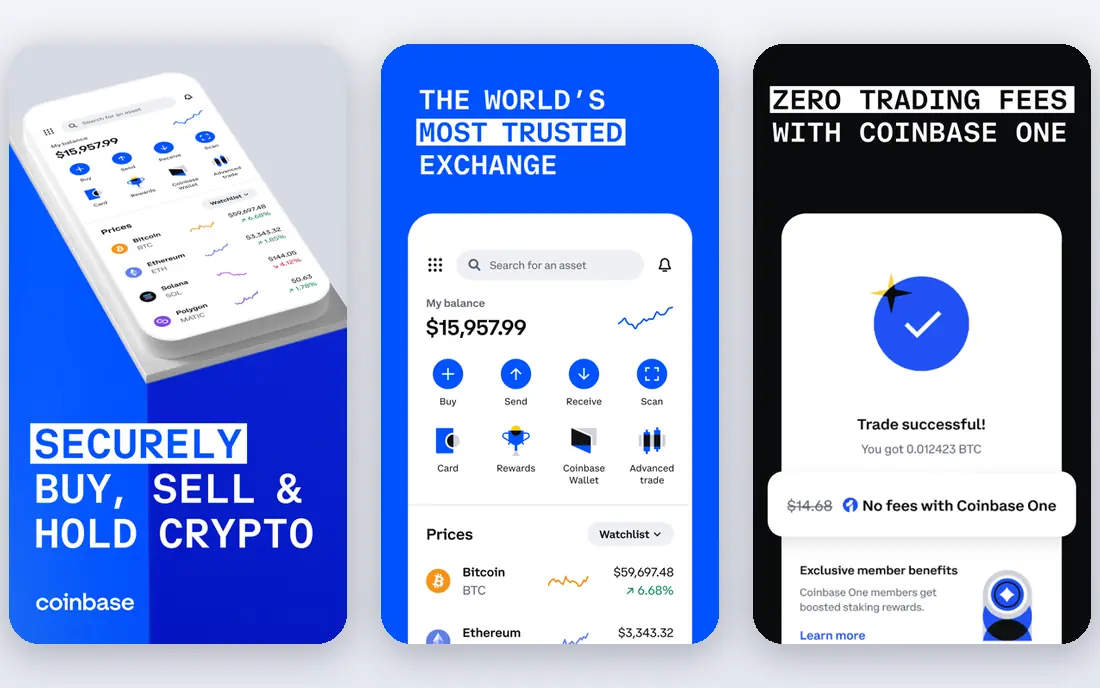
Coinbase wins for beginners because it removes friction at every step. You can verify identity, link a bank, and buy Bitcoin or Ethereum in minutes, with explanations that avoid jargon. Learning content and recurring buy tools help new users build a habit instead of chasing price moves.
The main lesson for new users is to graduate to Advanced Trade. Simple buys carry a spread and fee that add up, while Advanced Trade tiers start around 0.40 percent maker and 0.60 percent taker at retail levels in recent comparisons. Start simple, then switch once you are comfortable with limit orders.
- Easiest onboarding among major exchanges
- Plain-language coin guides
- Large coin list
- Simple buy costs more than Advanced Trade
- Support can be slow at peak times
- Some coins are missing
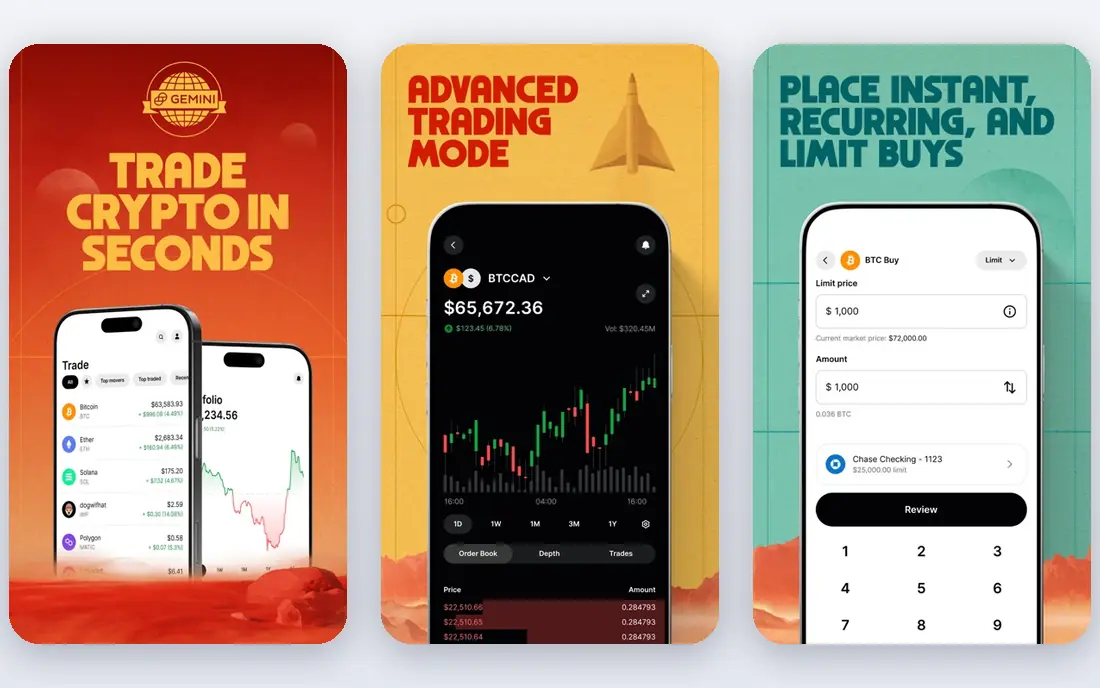
Gemini is the app for a first buyer who worries more about safety than about chasing new coins. Its New York regulation, security certifications and custody approach give cautious users confidence, and the interface does not push risky products at every turn. That restraint is a feature for beginners.
You pay for that calm in coin choice and fees. The list is shorter, and simple buy fees run higher than Kraken Pro. If your plan is to buy and hold Bitcoin, Ethereum and a few majors, Gemini is a fine, low-stress home. If you want every new token, it will feel limited.
- Regulated and security focused
- Calm, clear app
- Good custody practices
- Fewer coins than Coinbase
- Fees are higher than pro exchanges
- Fewer learning extras
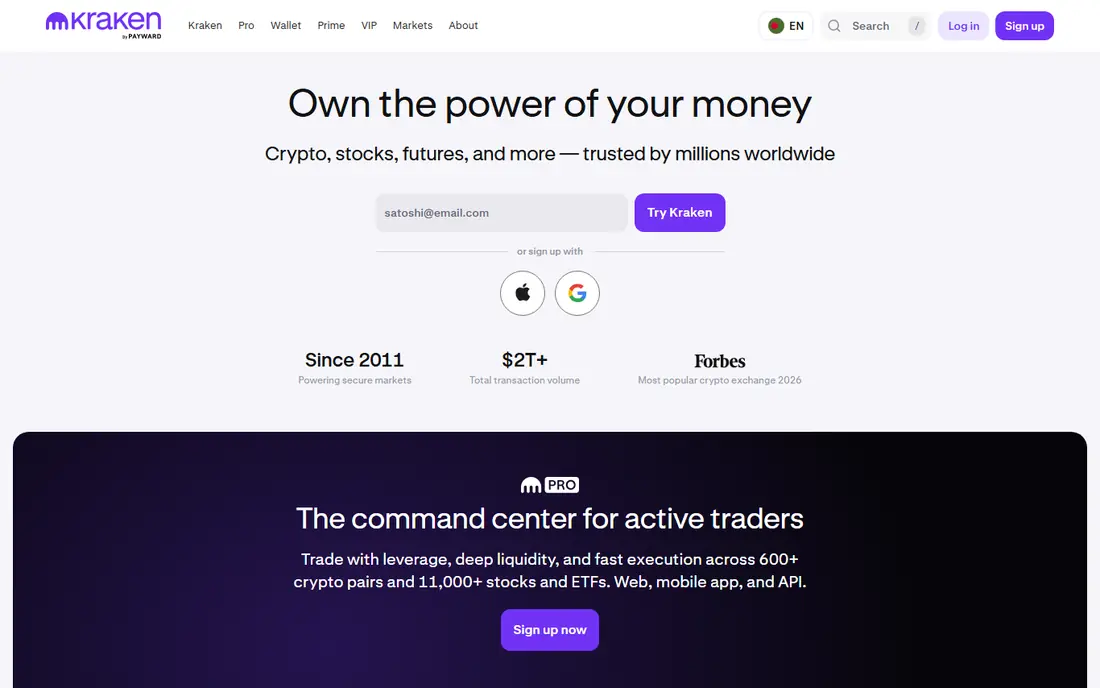
Kraken is the best second app for a beginner who is ready to save on fees. The standard app is straightforward, and Kraken Pro, inside the same account, offers maker and taker fees from about 0.16 and 0.26 percent at base tiers in recent comparisons. That gap matters once you buy monthly.
New users should ignore Pro at first and learn the basics, then switch when trades become routine. Check state availability before funding, since Kraken does not serve every state. For a beginner with a long-term plan, Kraken pairs safety with a cheap upgrade path.
- Strong security history
- Pro fees are low
- Staking and learning resources
- Two interfaces can confuse new users
- Simple buys cost more
- Not in every state
Robinhood Crypto is the least intimidating way to own a little crypto, especially if you already use Robinhood for stocks. There is no commission line, the app is clean, and buying takes seconds. For a first purchase of Bitcoin or Ethereum, it feels effortless.
The limits show up quickly. Spreads affect the price you receive, the coin list is small, and advanced features lag dedicated exchanges. Treat Robinhood as a starter app for major coins, and move to a full exchange if you want more coins, staking or lower spreads.
- No commission
- Stocks, ETFs and crypto in one app
- Fastest setup for existing users
- Spreads still cost money
- Small coin list
- Limited advanced tools and wallet options
Crypto.com suits phone-first buyers who want choice. The app lists hundreds of coins, supports recurring buys, and adds earn features and a card for users who stay in its ecosystem. For a beginner who lives on mobile, it is more complete than Robinhood.
Complexity is the catch. Exchange fees, app fees and rewards tiers all differ, and simple buys cost more than exchange trades. Start with small buys, compare the total before confirming, and avoid staking a token just for a perk you do not understand.
- Large coin list
- Polished mobile app
- Earn and card features for active users
- Simple app buys cost more than exchange trades
- Tier rules are complex
- Rewards need staking
Strike is the purest beginner app if you only want Bitcoin. It strips away altcoins, charts and complex products, leaving buying, recurring purchases and Lightning payments. That focus helps new buyers avoid the most common beginner mistake, which is buying a random token because it is trending.
If you later want Ethereum or other coins, you will need a second app. Strike also offers fewer tools for active traders. For a Bitcoin-only saver who wants a simple dollar-cost averaging habit, though, its clarity is hard to beat.
- Focused on Bitcoin only
- Low-cost recurring buys
- Simple Lightning payments
- No altcoins at all
- Fewer trading tools
- Smaller feature set than exchanges
Fidelity Crypto appeals to investors who already trust Fidelity for retirement and brokerage accounts. Buying Bitcoin and Ethereum inside a familiar app, with Fidelity support and education, feels safer than opening an unknown exchange account. For existing customers, setup is quick.
The scope is narrow. Only major coins are offered, and trading features lag dedicated crypto exchanges. If you want altcoins or pro tools, pair it with another app. If you want a small Bitcoin position inside a trusted brokerage, Fidelity Crypto is a sensible choice.
- Trusted brokerage brand
- Crypto beside stocks in one account
- Clear educational content
- Coin list is limited to majors
- Crypto trading hours and features are narrower
- Not a full exchange
eToro helps beginners learn by watching. You can follow experienced traders, read their reasoning, and copy trades if you choose, which turns a lonely first purchase into a guided experience. The app also covers stocks, so diversified beginners can manage both sides in one place.
Copy trading is not a shortcut to profit, and fees around 1 percent are higher than pro exchange tiers. Use eToro to learn with small amounts, and check the trader history and risk score before copying anyone. Never copy a trader with money you cannot afford to lose.
- Copy trading and social feed
- Beginner guides
- Stocks and crypto together
- Fees around 1 percent on many trades
- US crypto list is limited
- Copy trading can lose money
Uphold is a good fit for a beginner who wants to diversify beyond crypto without juggling accounts. You can hold crypto, precious metals and fiat currencies in one place and move between them easily. The app stays simple, which helps first buyers.
Spreads are the watch item, running around 0.8 to 1.2 percent for major coins in recent comparisons and higher for some altcoins. For occasional buys, that is acceptable. For frequent trading, a pro exchange will be cheaper. Compare the quoted price with another app before large orders.
- Buy crypto, metals and fiat in one app
- Broad asset list
- Simple interface
- Spreads can be wide for altcoins
- Fewer pro features
- Cost needs checking per trade
How we picked these
We compared official fee pages, coin listings, app store listings and security features, and checked them against recent US comparisons from October 2026. We kept only apps open to US beginners with real buying, identity checks and security controls, and we favoured apps that explain coins clearly over apps that push borrowed-money trading or obscure tokens.
We did not claim hands-on testing that did not happen. Fees, spreads and coin lists change often, so treat figures here as recent comparison points and confirm the fee preview before each trade. If an app does not serve your state or list your coin, that fact matters more than any ranking.
How to buy crypto for the first time
Start with a small amount you can afford to lose, and use a bank transfer rather than a credit card where possible, since card fees are higher. Buy a major coin first, learn how orders, wallets and withdrawals work, and only then consider smaller coins. A recurring buy, set weekly or monthly, helps you avoid timing the market badly.
Security comes next. Enable two-factor authentication with an authenticator app, use a unique password, and turn on withdrawal whitelisting if offered. Never share recovery phrases or login codes, and be wary of anyone who contacts you promising guaranteed returns. Those messages are almost always scams.
Finally, keep records from day one. Note what you bought, when, and for how much, since tax reporting for crypto trades can be complex. Many apps offer tax exports, but you remain responsible for accurate filing. If you trade often, use a tracker early rather than sorting it out at tax time.
Avoid the beginner traps
Avoid borrowed-money trading, meme coins and copy trading with large sums until you understand the risks. Avoid keeping all your crypto on one exchange, and avoid buying a coin only because social media is excited about it. A boring plan, executed consistently, beats a thrilling plan that blows up your account.
When to upgrade to a pro app
Move to a pro interface when your monthly trades make the fee saving larger than the learning time. Kraken Pro, Coinbase Advanced Trade and Binance.US all reward that switch. Keep your beginner app for simple buys if you like it, but run regular trades through the cheaper mode.