Best Ecommerce Platform in 2026: 9 Platforms Compared
By ToolNimba Editorial Team October 28, 2026 10 min read

- Top pick
 Shopify
All round selling and growth
Starting price$39 per monthCheck out ShopifyRead our review - Runner-up
 WooCommerce
WordPress stores and full control
Starting priceFreeCheck out WooCommerceRead our review - Also great
 BigCommerce
Larger catalogs and B2B
Starting price$39 per monthCheck out BigCommerceRead our review
How we researched this
We compared official pricing and feature pages, app store listings, privacy policies and public user reviews. Prices change, so check the provider's site before you pay.
Key takeaways
- Shopify is the best all round choice for most sellers, with hosted checkout, a large app store, and multi channel selling.
- WooCommerce gives the most control for WordPress users, but you own hosting, updates, and security.
- BigCommerce suits larger catalogs and B2B selling, with no platform transaction fee on its core plans in many cases.
- Monthly price is only part of the cost, because payment fees, apps, themes, and transaction fees shape the total.
Quick comparison
| Name | Best for | Starting price | Free plan | |
|---|---|---|---|---|
| Shopify | All round selling and growth | $39 per month | Free trial | Visit |
| WooCommerce | WordPress stores and full control | Free | Yes | Visit |
| BigCommerce | Larger catalogs and B2B | $39 per month | Free trial | Visit |
 Wix | Beginners and small shops | $29 per month | No | Visit |
 Squarespace | Design led small stores | See website | Free trial | Visit |
 Square Online | In person plus online selling | Free | Yes | Visit |
 Ecwid | Adding a store to an existing site | $5 per month | Yes | Visit |
 Webflow | Custom design stores | $29 per month | No | Visit |
 Sellfy | Digital products and creators | $29 per month | No | Visit |
The best ecommerce platform platforms
Choosing a platform is a long term decision, because moving a store later takes time. The platforms below cover hosted builders, open source control, design led stores, and creator focused selling, so you can match the tool to your catalog size, skills, and sales channels.

Shopify remains the default recommendation for most sellers because it removes hosting and security work from your week. You can launch a store, connect Shopify Payments, add products, and sell across channels without managing servers. The app store then fills gaps for email, reviews, shipping, and subscriptions.
The honest catch is total cost. The $39 Basic plan is only the start, and paid apps, a paid theme, and payment fees add up. If you sell mainly through social links and do not need a full store yet, the cheaper Starter plan may be enough to test demand first.
- Hosted checkout, payments, and security in one place
- Large app store for shipping, marketing, and inventory
- Multi channel selling across online store, social, and point of sale
- Monthly cost rises with higher tiers and paid apps
- Using an outside payment provider can add a platform fee on lower plans
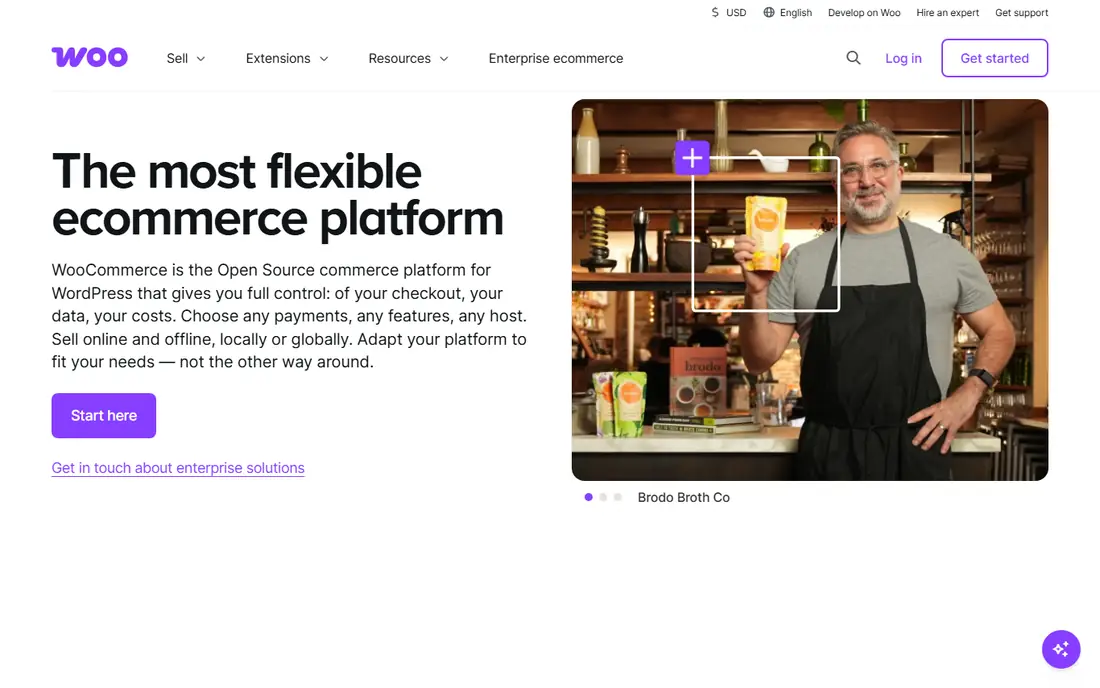
WooCommerce suits sellers who already use WordPress, or who want full control over design, data, and checkout. Because it runs on WordPress, content marketing and SEO work sit in the same system as the store, which helps content driven brands.
The trade off is responsibility. Hosting costs, plugin updates, and security checks fall to you or your developer, and a poorly chosen extension can slow a store. If you have technical help, or you enjoy that control, WooCommerce offers freedom hosted platforms cannot match.
- Free plugin with full code and data ownership
- Strong SEO control through WordPress
- Large library of themes and extensions for almost any store type
- You pay for hosting, and you own updates, backups, and security
- Extension quality varies, so testing matters

BigCommerce fits stores that outgrow a simple builder but do not need enterprise software. Built in tools cover product variants, customer groups, and B2B pricing, which reduces the need for paid apps. Larger catalogs also benefit from native SEO and product management tools.
The catch is ecosystem size. Shopify has more apps and themes, so a very specific integration may be easier there. If your catalog is large, or B2B sales matter, BigCommerce often needs fewer add ons to reach the same result.
- Strong built in features for catalogs, variants, and B2B pricing
- No platform transaction fee when using supported payment options in many plans
- Multi channel selling included
- App ecosystem is smaller than Shopify
- Theme and design options can feel less flexible for some brands
Wix is the easiest full store builder on this list for a small shop. You can pick a template, drag products into place, connect payments, and publish without code. That speed helps side projects, local shops, and creators testing a first product range.
It is less suited to large catalogs, complex variants, or heavy B2B workflows. If your store stays under a few hundred products and design ease matters most, Wix is a strong pick. If you plan rapid catalog growth, start with Shopify or BigCommerce instead.
- Very easy drag and drop builder for small stores
- Hosting and security included
- Good range of templates and built in marketing tools
- Scaling to a large catalog or complex B2B needs is harder
- Advanced customization is more limited than WooCommerce or Shopify
Squarespace suits brands where design and story sell the product. Photographers, makers, consultants, and small lifestyle brands can present work and sell products from one site, without juggling a separate portfolio and store.
The limit is catalog depth. Product variants, inventory workflows, and app choice are thinner than on dedicated commerce platforms. If design leads and your catalog is small, Squarespace gives a clean result fast. If commerce operations lead, a dedicated platform will scale better.
- Polished templates that look strong without design help
- Content, portfolio, and store in one site
- Built in email and scheduling tools for service led brands
- Ecommerce features are lighter than Shopify or BigCommerce for large catalogs
- Transaction fees can apply on lower commerce tiers
Square Online is the natural pick for sellers who already use Square in person. Inventory, orders, and payments sync between the shop floor and the website, which removes double entry and stock mistakes. The free plan also lets a small seller start online without a monthly fee.
The catch is design and depth. Templates are simpler, and some advanced features sit behind paid tiers. For a cafe, market stall, or small retail shop adding online orders, that trade off is often worth it. For a brand led store, a design focused platform may fit better.
- Free plan for a basic online store
- Tight link to Square point of sale for in person selling
- Inventory sync across online and in store sales
- Design flexibility is more limited than Wix or Squarespace
- Advanced ecommerce features often need a paid plan
Ecwid suits sellers who already have a website and do not want to rebuild it. You add a store widget to your existing site, and products, cart, and checkout run through Ecwid. That approach also works for social selling and for testing ecommerce on a content site.
The limit is scale. Free and low tiers cap products and features, and you do not get the full store builder experience of Shopify or Wix. If you already have traffic on a site you like, Ecwid is a fast way to start selling. If you are starting from zero, a full platform gives you more room.
- Free plan for a small catalog
- Store embeds into an existing website, blog, or social page
- Multi channel selling without rebuilding your site
- Catalog and feature limits on free and low tiers
- Design control is tied to the host site, not a full store builder
Webflow fits designers and design led brands that want a store that does not look like a template. You control layout, interactions, and content structure in a visual builder, and you can build a content rich site around the store.
The catch is effort and ecommerce depth. Webflow takes longer to learn, and its commerce app ecosystem is smaller than Shopify. Pick Webflow when custom design is the priority and your catalog is manageable. Pick Shopify when commerce operations and apps matter more than pixel level design.
- Near total visual design control without code for many layouts
- Clean CMS for content rich stores
- Strong fit for design led brands that want a custom look
- Learning curve is steeper than Wix or Squarespace
- Ecommerce features and app choice are narrower than Shopify
Sellfy suits creators selling ebooks, courses, music, art, or print on demand products. Setup is short, digital delivery is built in, and the store stays focused on the product rather than a large catalog system. That focus helps solo creators launch fast.
The limit is physical commerce depth. Inventory, variants, and shipping workflows are lighter than on Shopify or BigCommerce. If digital products drive your sales, Sellfy is a clean fit. If physical products and warehousing drive your sales, a broader platform will serve you better.
- Built for digital downloads, subscriptions, and print on demand
- Simple store setup for creators
- Built in marketing tools for discounts and email
- Less suited to large physical catalogs or complex inventory
- Smaller ecosystem than major commerce platforms
How we picked these
We compared official pricing pages, feature pages, and plan limits, along with public reviews from sellers. We favored platforms that are still sold and supported, that cover checkout and payments clearly, and that fit a distinct seller type, from beginners and creators to large catalogs and WordPress users. We left out enterprise only platforms with quote based pricing, except where they help explain the upper end of the market, so the list stays useful for most sellers.
How to choose the right ecommerce platform
Start with your catalog, channels, and skills, not the template gallery. Count your products, list where you sell, and note whether you need subscriptions, digital delivery, B2B pricing, or in person sales. Those answers narrow the list faster than any feature table.
Add up total cost before you commit
Compare monthly fees, payment processing, platform transaction fees, paid apps, and theme costs for a realistic sales volume. A cheaper monthly plan can cost more once apps and fees are added, while a higher plan can save money if it removes transaction fees or replaces several apps.
Test checkout as a customer
Use a trial or free plan to place a test order, check mobile checkout, and review order emails and shipping options. A store that looks good but frustrates buyers at checkout will lose sales no matter how strong the design is. Test on a phone first, since many buyers shop there.