Best Expense Tracker App in 2026: 8 Apps Compared
By ToolNimba Editorial Team October 28, 2026 9 min read

- Top pick
 Rocket Money
Free spending and subscription tracking
Starting priceFreeCheck out Rocket MoneyRead our review - Runner-up
 YNAB
Strict zero-based budgeting
Starting price$109 per yearCheck out YNABRead our review - Also great
 Monarch Money
Couples and household finances
Starting price$99.99 per yearCheck out Monarch MoneyRead our review
How we researched this
We compared official pricing and feature pages, app store listings, privacy policies and public user reviews. Prices change, so check the provider's site before you pay.
Key takeaways
- Rocket Money is the best free start for most people, since its free tier tracks spending and flags recurring subscriptions.
- YNAB and Monarch Money suit people who want a stricter budget or a shared household view, but both are paid apps after a trial.
- Empower stands out as a free way to see spending next to investments and net worth, though its advisory service costs extra.
- Manual apps such as Goodbudget work well if you prefer not to link bank accounts, while bank-sync apps save time if you trust the connection.
Quick comparison
| Name | Best for | Starting price | Free plan | |
|---|---|---|---|---|
| Rocket Money | Free spending and subscription tracking | Free | Yes | Visit |
| YNAB | Strict zero-based budgeting | $109 per year | Free trial | Visit |
| Monarch Money | Couples and household finances | $99.99 per year | Free trial | Visit |
 Empower | Free net worth and spending view | Free | Yes | Visit |
 Goodbudget | Envelope budgeting without bank linking | Free | Yes | Visit |
 PocketGuard | Simple safe-to-spend number | $74.99 per year | Yes | Visit |
 Copilot Money | Polished Apple-first dashboard | $95 per year | Free trial | Visit |
 Expensify | Receipts and business expenses | Free | Yes | Visit |
The best expense tracker apps
We compared official feature pages, pricing pages, app store listings, and public reviews for apps that are still available in the United States in October 2026. The list covers free trackers, paid budgeting apps, and one receipt-focused tool for work expenses, so you can pick by how much control you want and how much you want to pay.
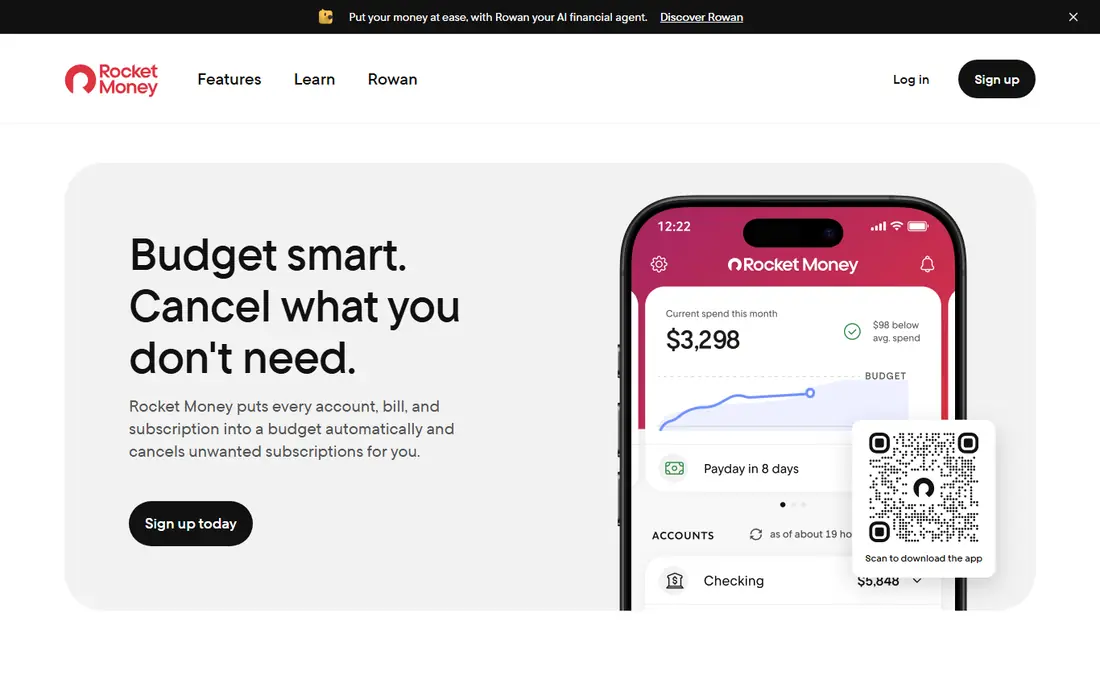
Rocket Money is our pick for most people who want to see where money goes without paying first. Link your accounts once, and the free tier tracks transactions, groups spending into categories, and lists recurring charges. That subscription list alone helps many users spot services they forgot they were paying for.
Premium adds cancellation help, bill negotiation, and unlimited budgets, priced from $7 to $14 per month on a sliding scale. Bill negotiation also carries a share-of-savings fee when it succeeds. If you are happy to cancel services yourself, the free tier already covers the core tracking job well.
- Useful free tier
- Automatic subscription detection
- Spending categories and alerts
- Cancellation help and bill negotiation need Premium
- Premium uses a sliding price scale

YNAB, short for You Need A Budget, is less a passive tracker and more a budgeting system. You assign every dollar a job, plan for true expenses such as car repairs, and adjust as the month changes. That discipline suits people who track spending because they want to change habits, not just watch charts.
The trade-off is effort and cost. YNAB costs $109 per year or $14.99 per month after a 34-day trial, and the method takes a few weeks to feel natural. If you only want a quick spending log, a free app will do. If you want a plan that pushes you to spend with intent, YNAB is the strongest paid pick here.
- Clear zero-based method
- Strong learning resources
- Bank sync or manual entry
- Higher price than most trackers
- Learning curve for new budgeters
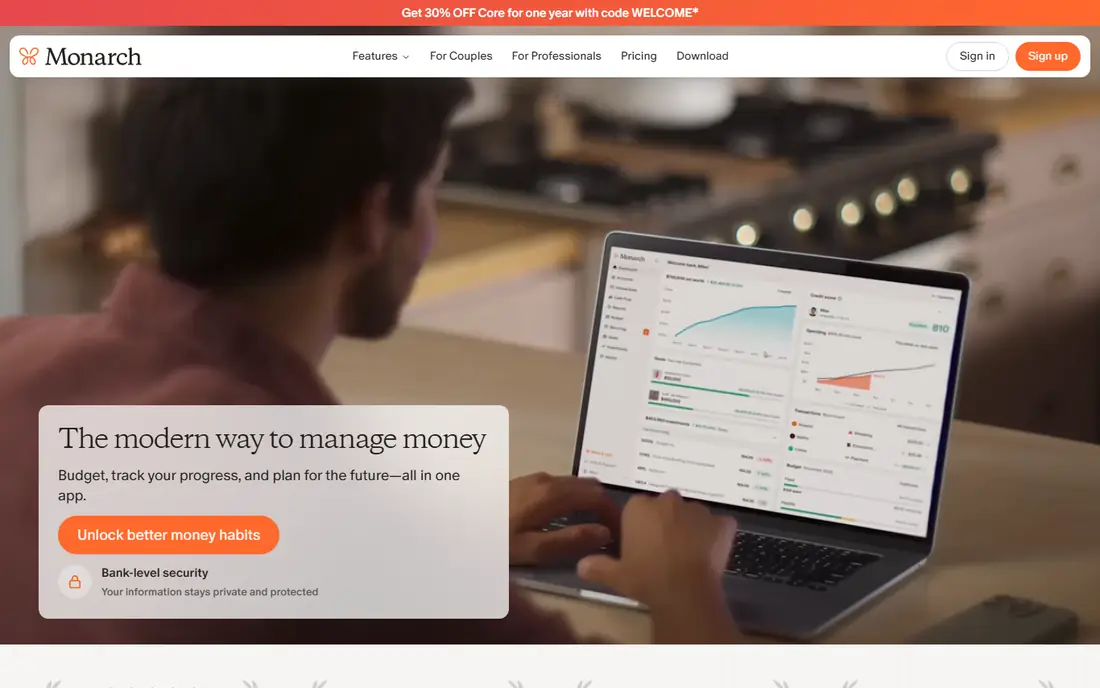
Monarch Money is built for households that want one shared view of money. Partners can link accounts together, track spending, set budgets, and see investments and net worth in the same dashboard. Custom reports and goal tracking make it useful for couples planning a large purchase or retirement savings.
There is no permanent free plan, only a short trial, and the Core plan costs $99.99 per year. That price is fair for a household tool, but it is more than a single user needs for basic tracking. Pick Monarch Money when shared access and a full household picture matter more than a free tier.
- Shared household access
- Net worth and investment views
- Flexible reports
- No permanent free plan
- Price is higher than simple trackers
Empower offers a free dashboard that links bank, card, and investment accounts, tracks spending, and shows net worth over time. For people who want spending context next to investments, that free view is hard to match. Budgeting tools and cash flow views come with the same free account.
Empower also sells a paid wealth management service, so expect prompts about advisory help. You can ignore those prompts and keep using the free tools. Pick Empower if you want a free, broad money view and you are comfortable seeing offers for managed investing.
- Free tracking and budgeting tools
- Investment and net worth views
- No subscription for core tools
- Advisory service costs extra
- Upsells for wealth management
Goodbudget turns the old cash envelope method into an app. You divide money into envelopes for rent, food, transport, and fun, then record spending against each envelope. That manual step slows you down in a useful way, since you see the envelope balance before you spend.
The free plan covers a limited number of envelopes and accounts, and bank import sits on Premium at $10 per month or $80 per year. If you dislike linking bank accounts, Goodbudget is a calm and private option. If you want automatic sync, a bank-linked app will save more time.
- Simple envelope method
- Works without bank linking
- Shared envelopes for households
- Manual entry on the free plan
- Bank import needs Premium
PocketGuard answers one question well: after bills, goals, and savings, how much can you safely spend today. It links accounts, subtracts upcoming bills, and shows a single available figure. That simplicity suits people who find detailed budgets tiring and just want a guardrail.
The free plan covers basic tracking, while the paid plan at $74.99 per year adds more features and removes limits. PocketGuard is weaker than Monarch Money or Empower for investments and net worth. Pick it when a simple daily spending limit matters more than a full financial dashboard.
- Clear safe-to-spend figure
- Bill and subscription tracking
- Simple interface
- Full features need a paid plan
- Less depth for investment tracking
Copilot Money is the most polished app in this list for Apple users. It syncs bank accounts, categorizes spending with smart rules, and presents budgets and trends in a clean dashboard. The design makes it easy to review spending in a few minutes a day, which helps people stick with tracking.
The catch is platform focus and price. Copilot Money is built mainly for Apple devices, and it costs $95 per year after a trial, with no permanent free plan. Android users should pick another app. If you live in the Apple world and value design, Copilot Money is a pleasant daily tool.
- Clean design
- Smart categorization
- Strong Apple device support
- Apple-first focus
- No permanent free plan
Expensify fits a different job from the rest of this list: tracking receipts and work expenses. Snap a photo of a receipt, and SmartScan reads the merchant, date, and amount, then files it into an expense report. Freelancers and employees who claim expenses or prepare tax records will save real time here.
For pure personal budgeting, Expensify is thinner than YNAB or Monarch Money. The free plan suits individuals, while company plans start from $5 per member per month. Pick Expensify when receipts, mileage, and expense reports are the main problem, and pair it with a budgeting app if you also need a household plan.
- Fast receipt scanning
- Automatic categorization
- Useful for work and tax records
- Built for business expenses
- Personal budgeting features are thinner
How we picked these
We compared official feature pages, pricing pages, app store listings, and public reviews for expense apps that are still available in October 2026. We kept apps with a clear official homepage and a current free or paid plan, and we favored a mix of free trackers, paid budgeting systems, and receipt tools. We noted where a price depends on annual billing and where key features sit behind a paid tier.
How to choose an expense tracker
Decide how much automation you want
Bank-sync apps save time by importing and categorizing transactions for you, but they require linking financial accounts. Manual apps take more effort, yet they keep your data separate and force you to notice each purchase. Try a free tier first to see which habit you will keep after the first month.
Check privacy and account security
Read the privacy policy for how the app stores credentials and whether it sells data, and turn on two-factor authentication where offered. Some apps use a secure aggregator to link accounts, while others store less data by design. If you are uneasy about linking accounts, start with a manual app such as Goodbudget.
Match the app to your goal
Pick Rocket Money or Empower for a free overview, PocketGuard for a simple spending limit, YNAB for strict budgeting, and Monarch Money for a shared household view. Expensify is the pick for receipts and work expenses. The best app is the one that matches your goal and that you will still open in three months.
Sources
- https://www.rocketmoney.com
- https://www.ynab.com
- https://www.monarchmoney.com
- https://www.empower.com
- https://goodbudget.com
- https://pocketguard.com
- https://copilot.money
- https://www.expensify.com
- https://www.thepennyhoarder.com/budgeting/best-expense-tracking-app/
- https://rankite.com/blog/best-free-spending-tracker-app